The visibility, control, and governance your design system needs – in one place.
Spot what's drifting, outdated, or missing – before it reaches teams or agents.
Maintain standards without slowing anyone down – control teams and agents can access.
No more digging across tools to understand the state of your system. One view of what’s missing, in progress, and done – so you always know where to focus next.
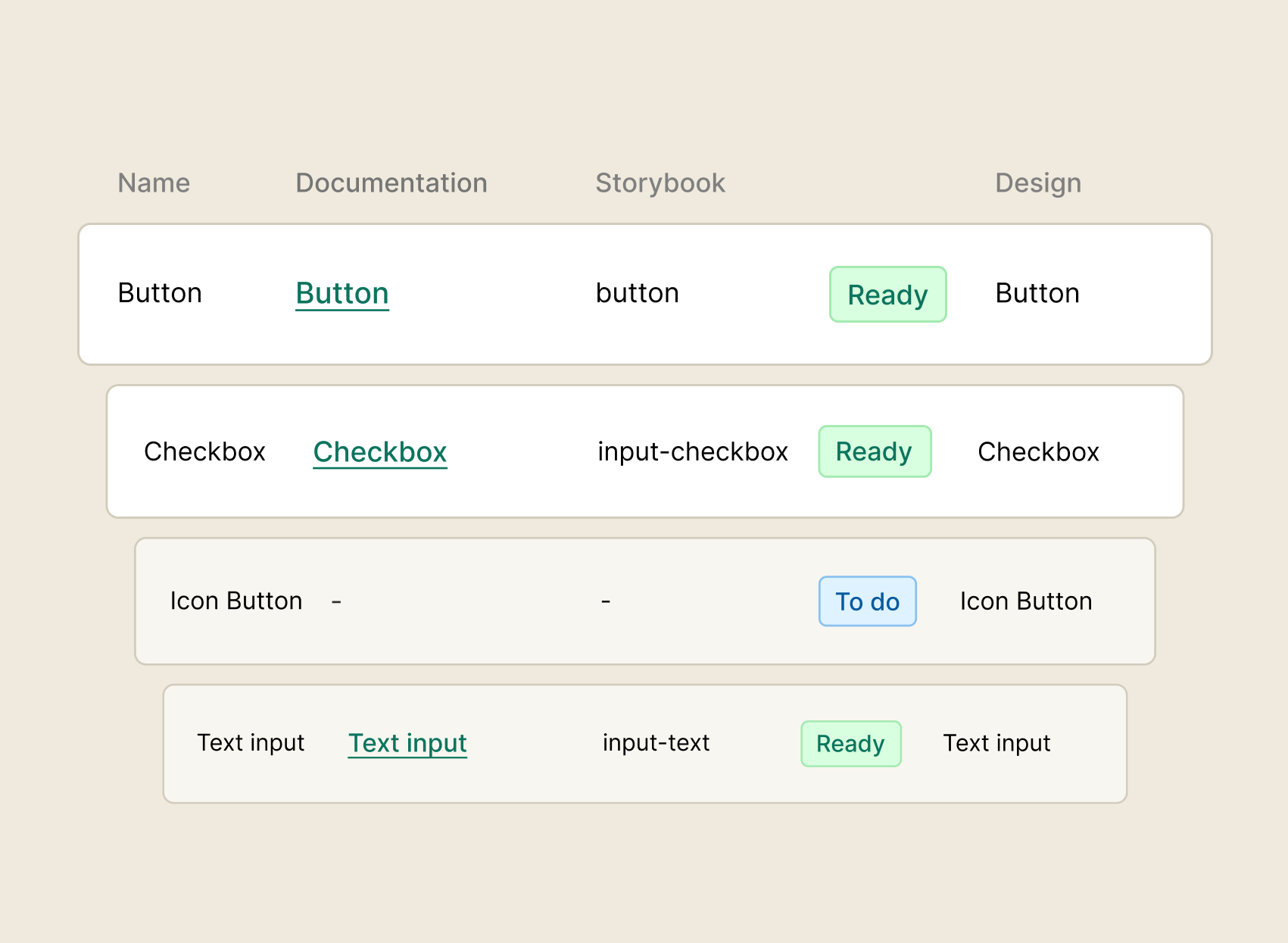
See every component's status across design, code, and documentation –what's in progress, ready, or deprecated. No more guessing what stage something is at.
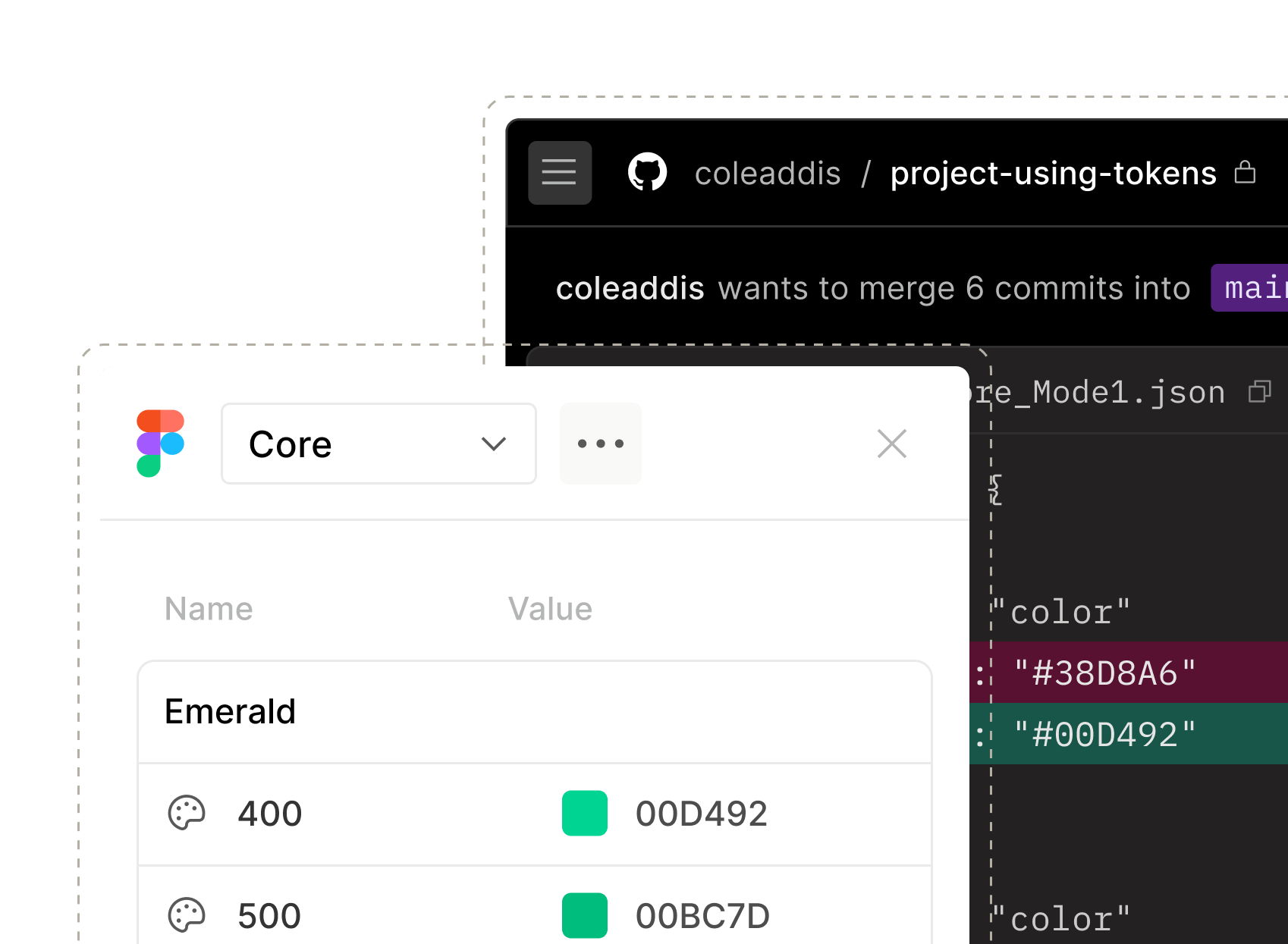
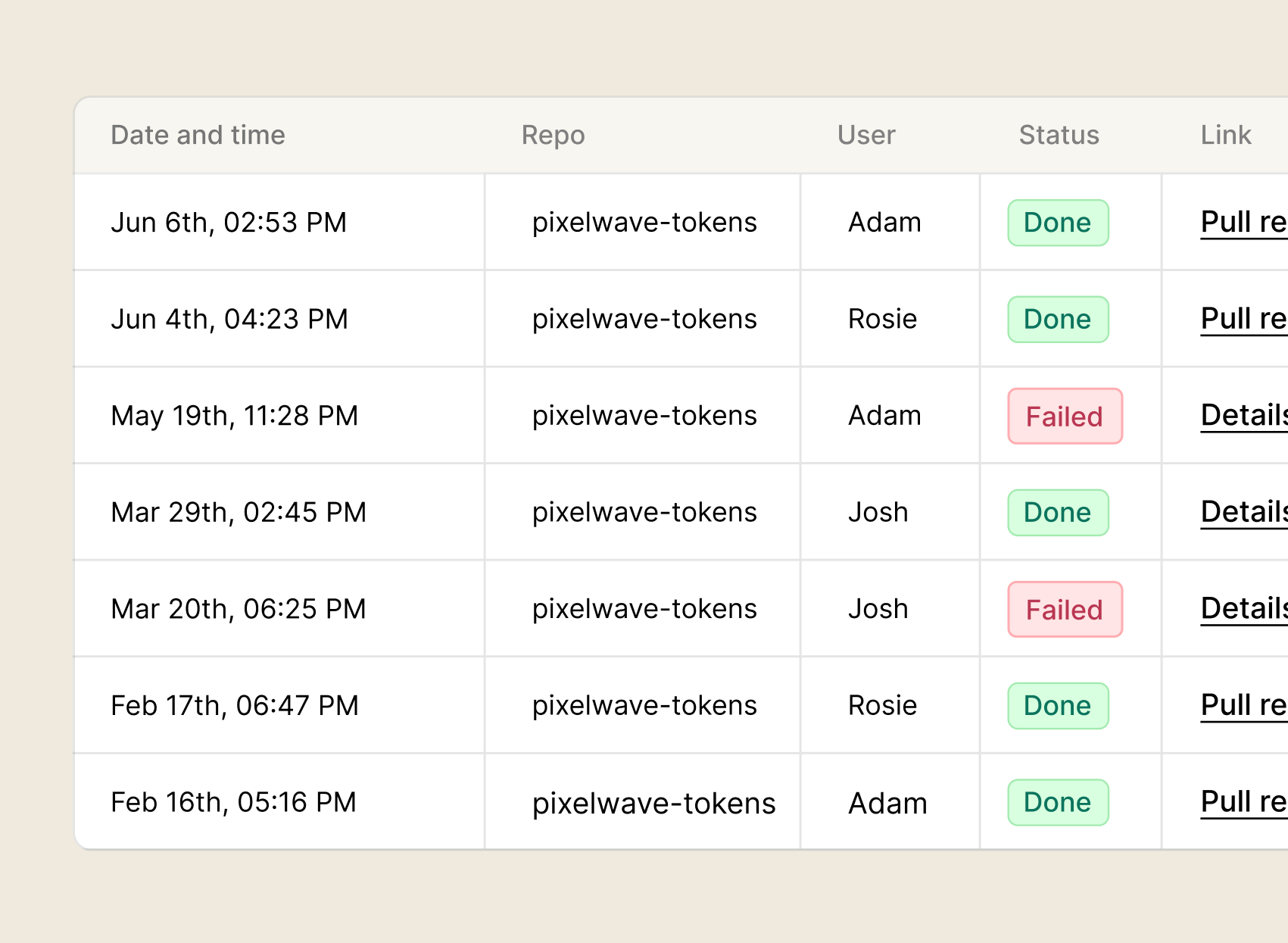
Keep tokens in sync between Figma and code automatically. No more values drifting between tools or manual updates every time something changes
See the state of every page across your styleguides without chasing contributors for updates.
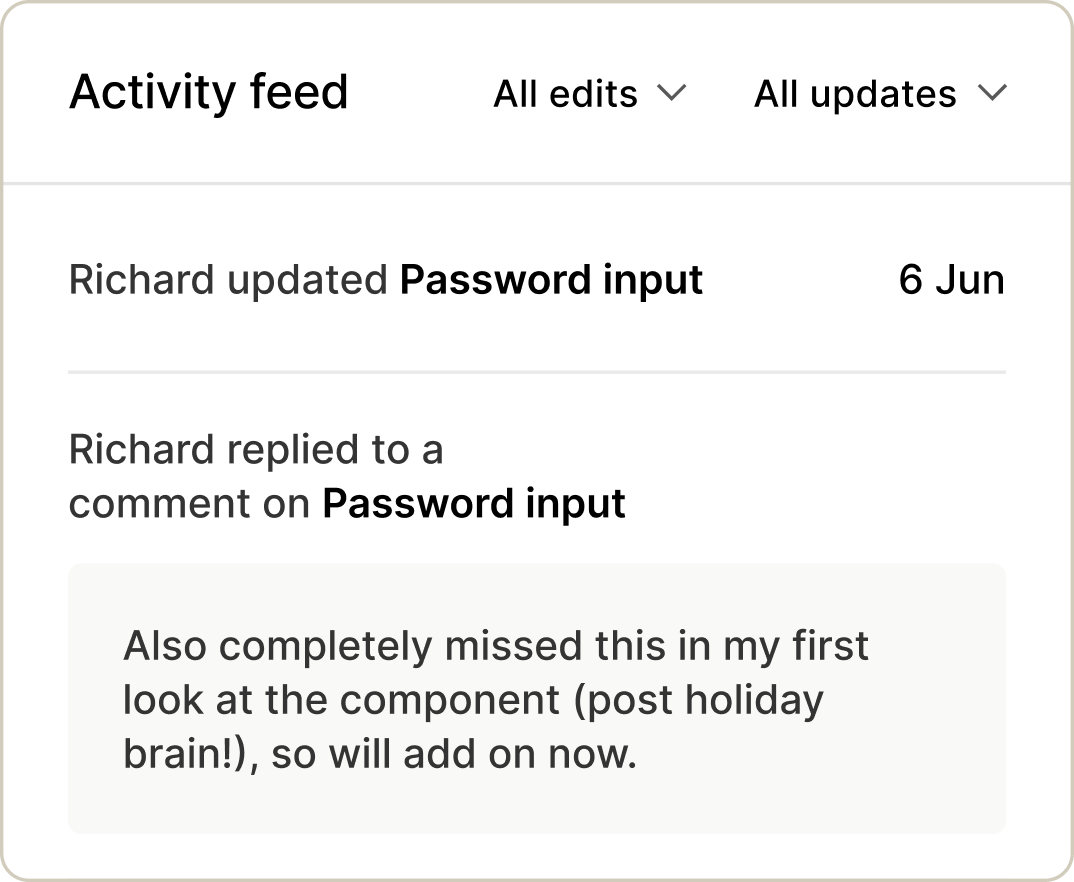
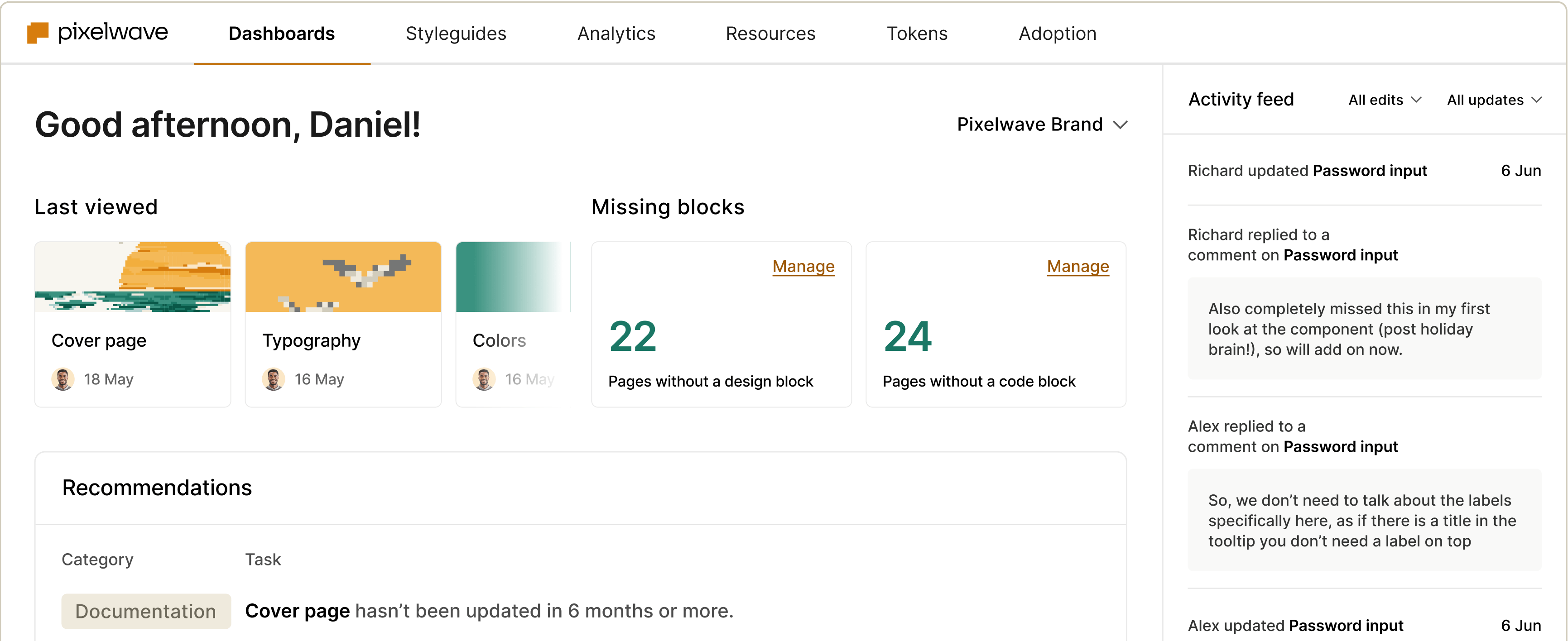
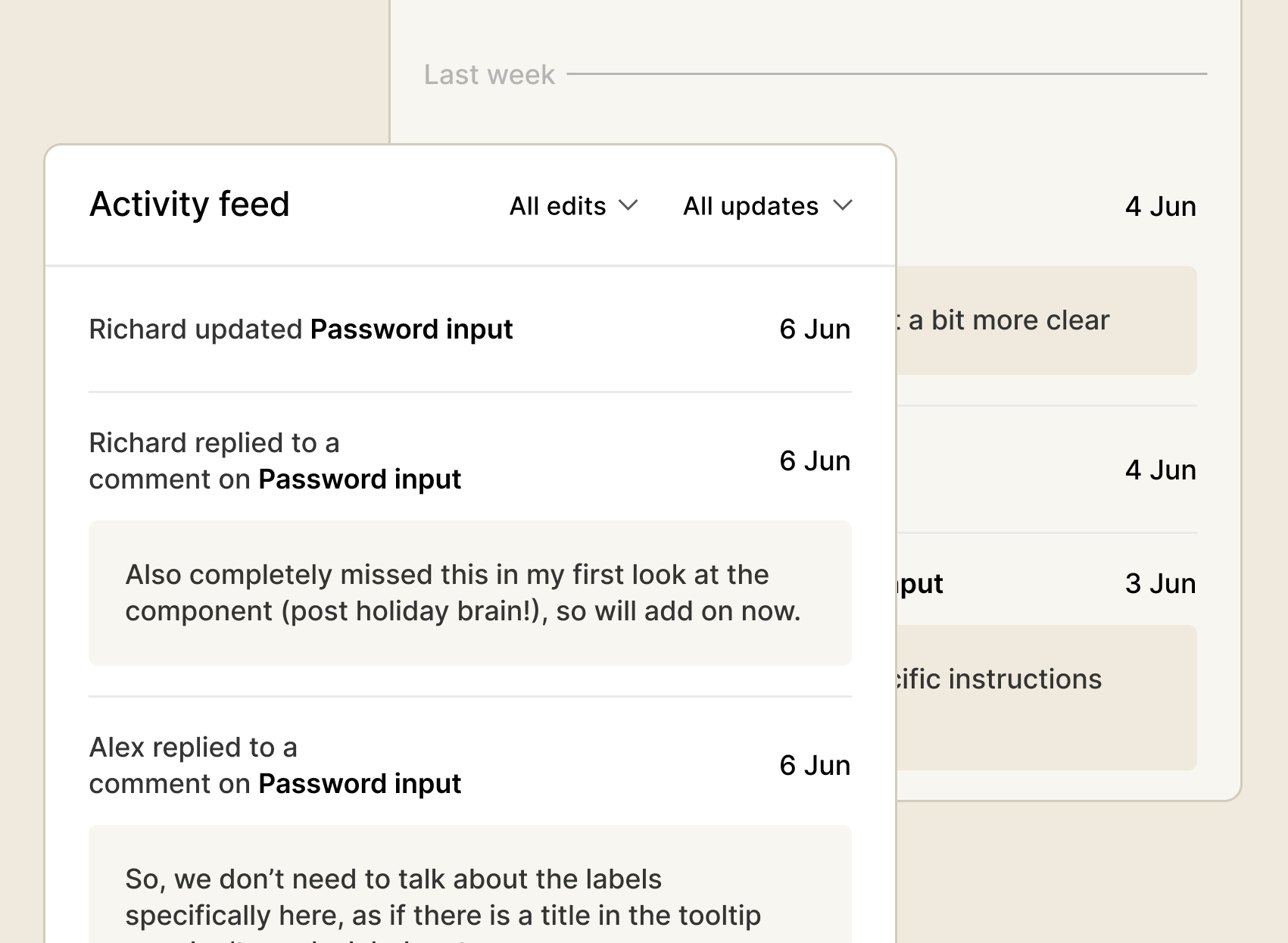
Real-time updates from contributors across your design system. Stay on top of content changes, comments, and releases without digging for them.
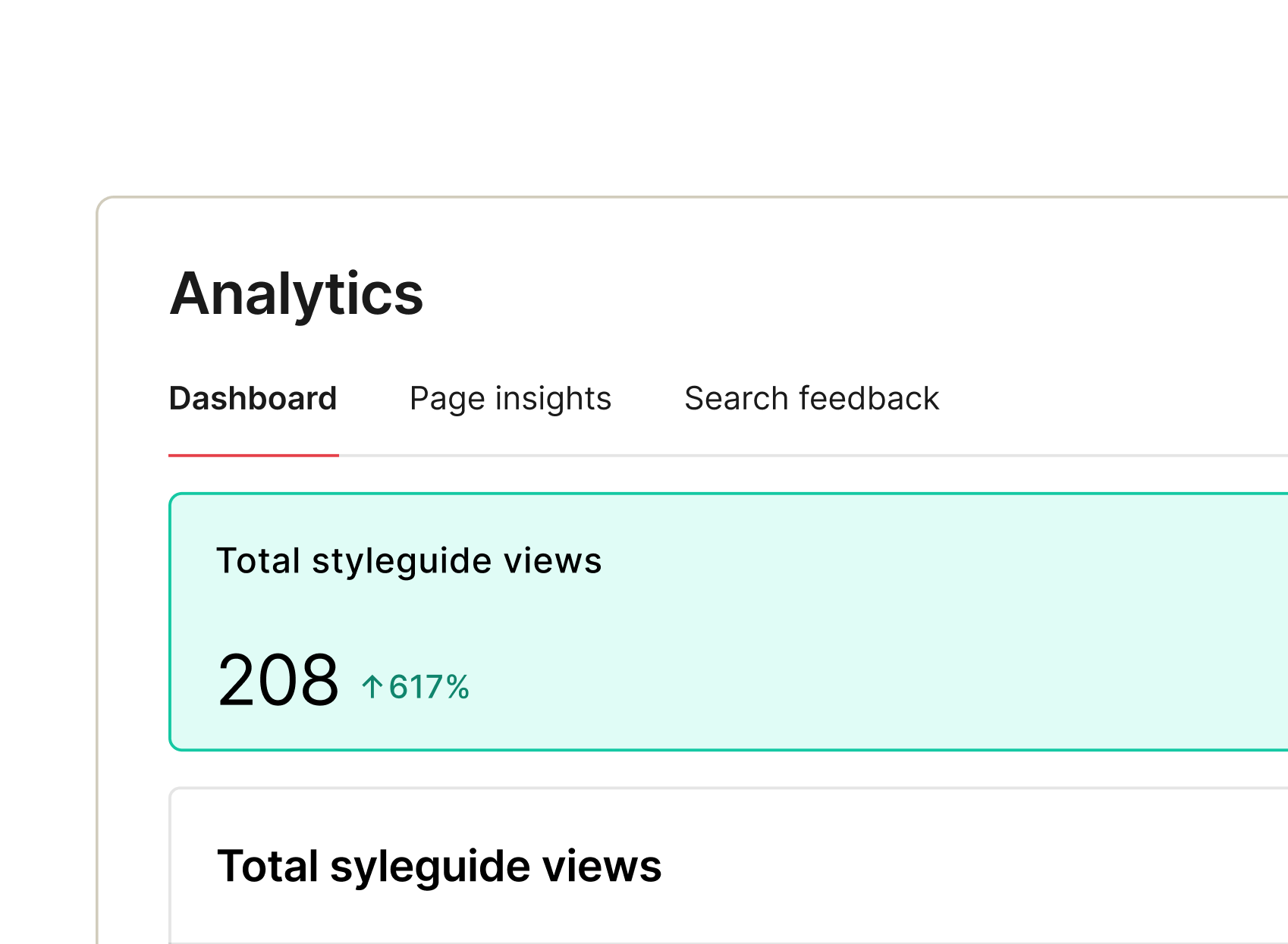
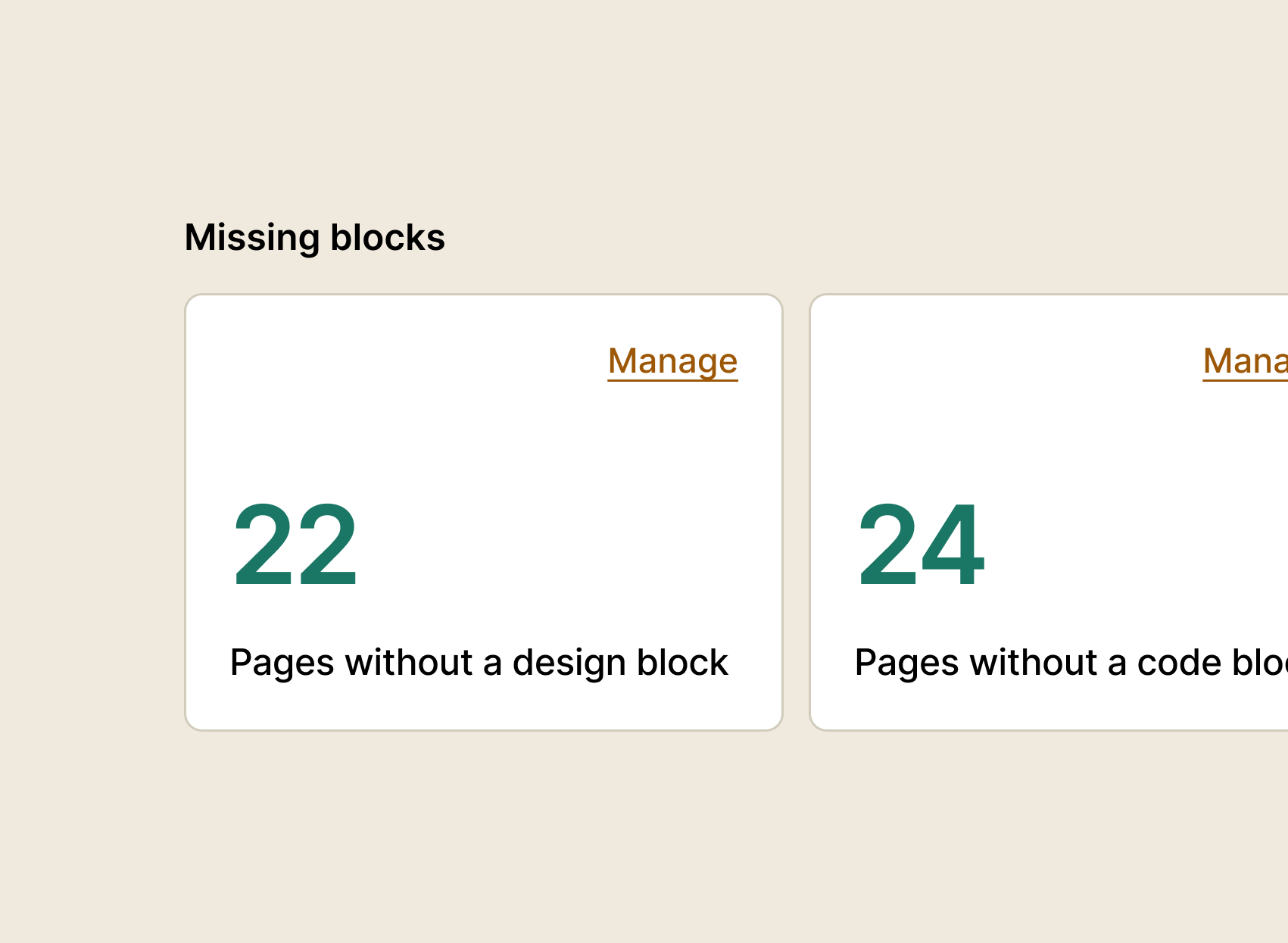
Spot broken pages, missing code blocks, and documentation gaps fast – before they erode team trust or get surfaced to agents.
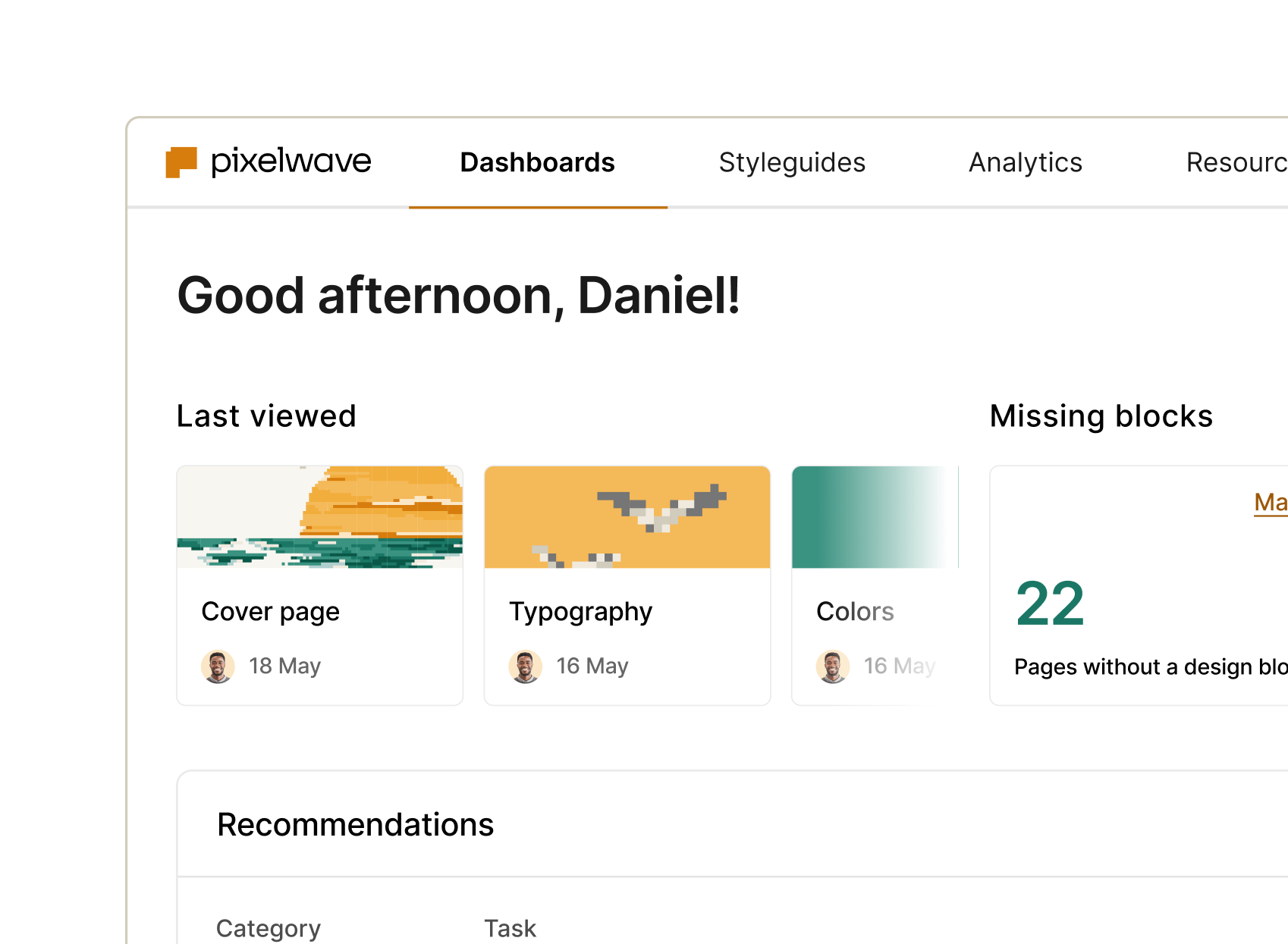
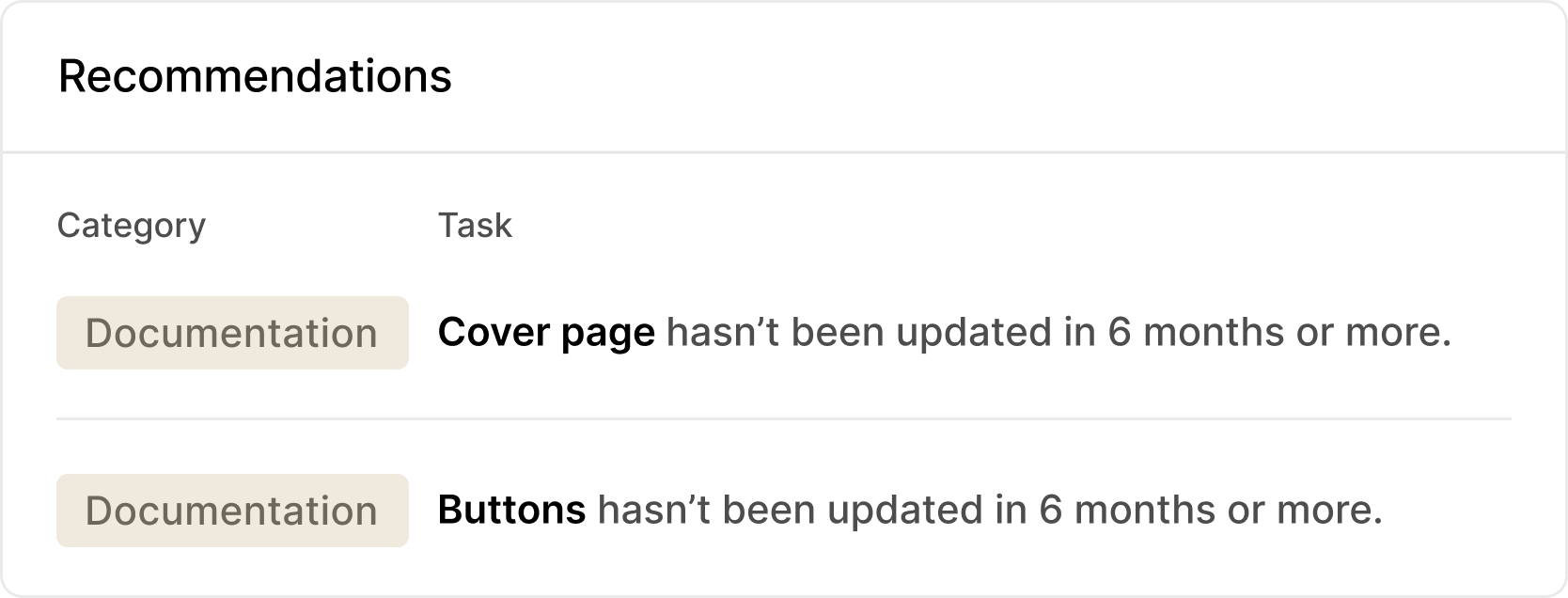
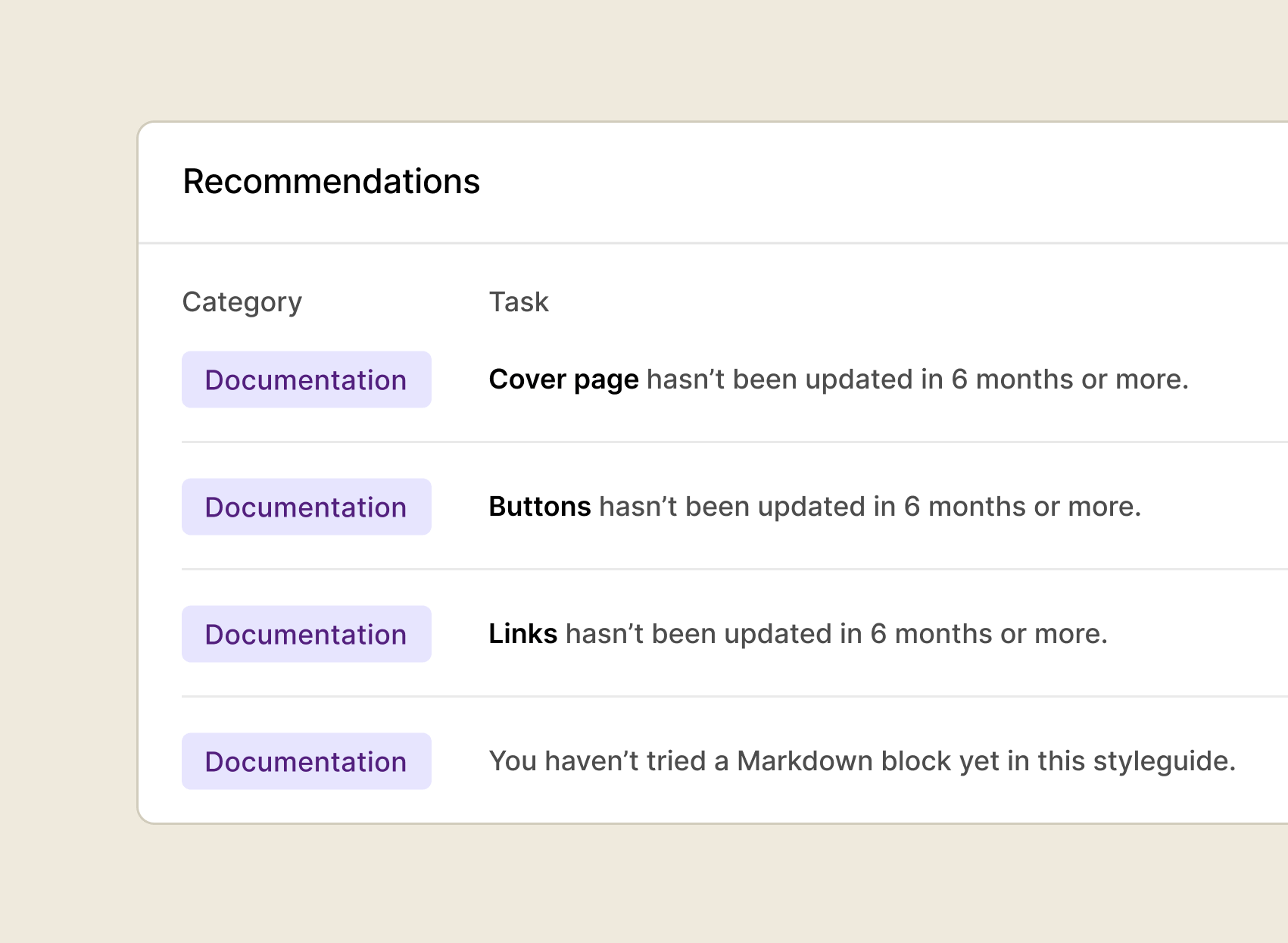
Not sure what to fix first? Data-driven suggestions surface what needs attention – less guesswork, faster progress.
See every component's status across design, code, and documentation –what's in progress, ready, or deprecated. No more guessing what stage something is at.
Keep tokens in sync between Figma and code automatically. No more values drifting between tools or manual updates every time something changes
See the state of every page across your styleguides without chasing contributors for updates.
Real-time updates from contributors across your design system. Stay on top of content changes, comments, and releases without digging for them.
Spot broken pages, missing code blocks, and documentation gaps fast – before they erode team trust or get surfaced to agents.
Not sure what to fix first? Data-driven suggestions surface what needs attention – less guesswork, faster progress.
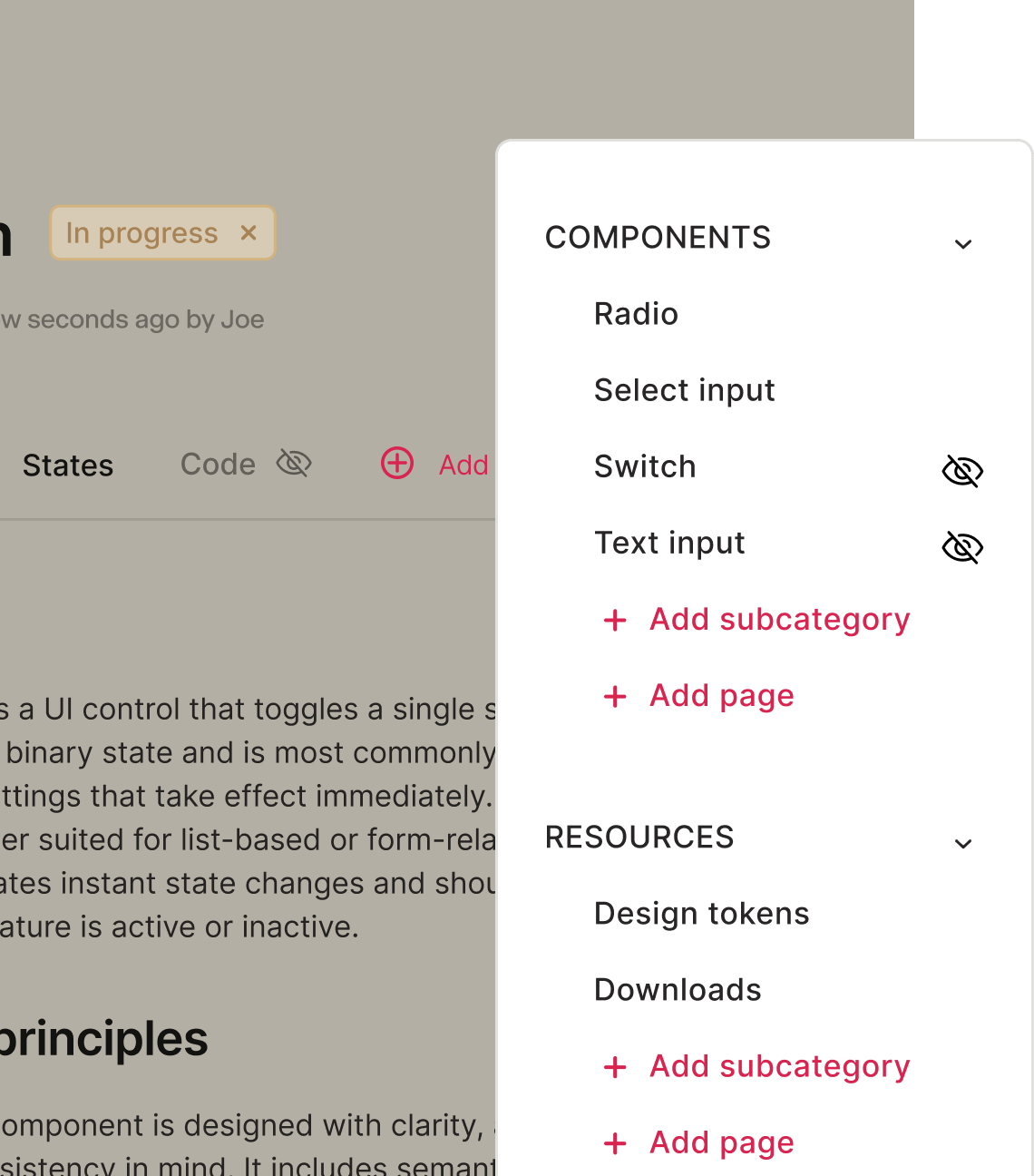
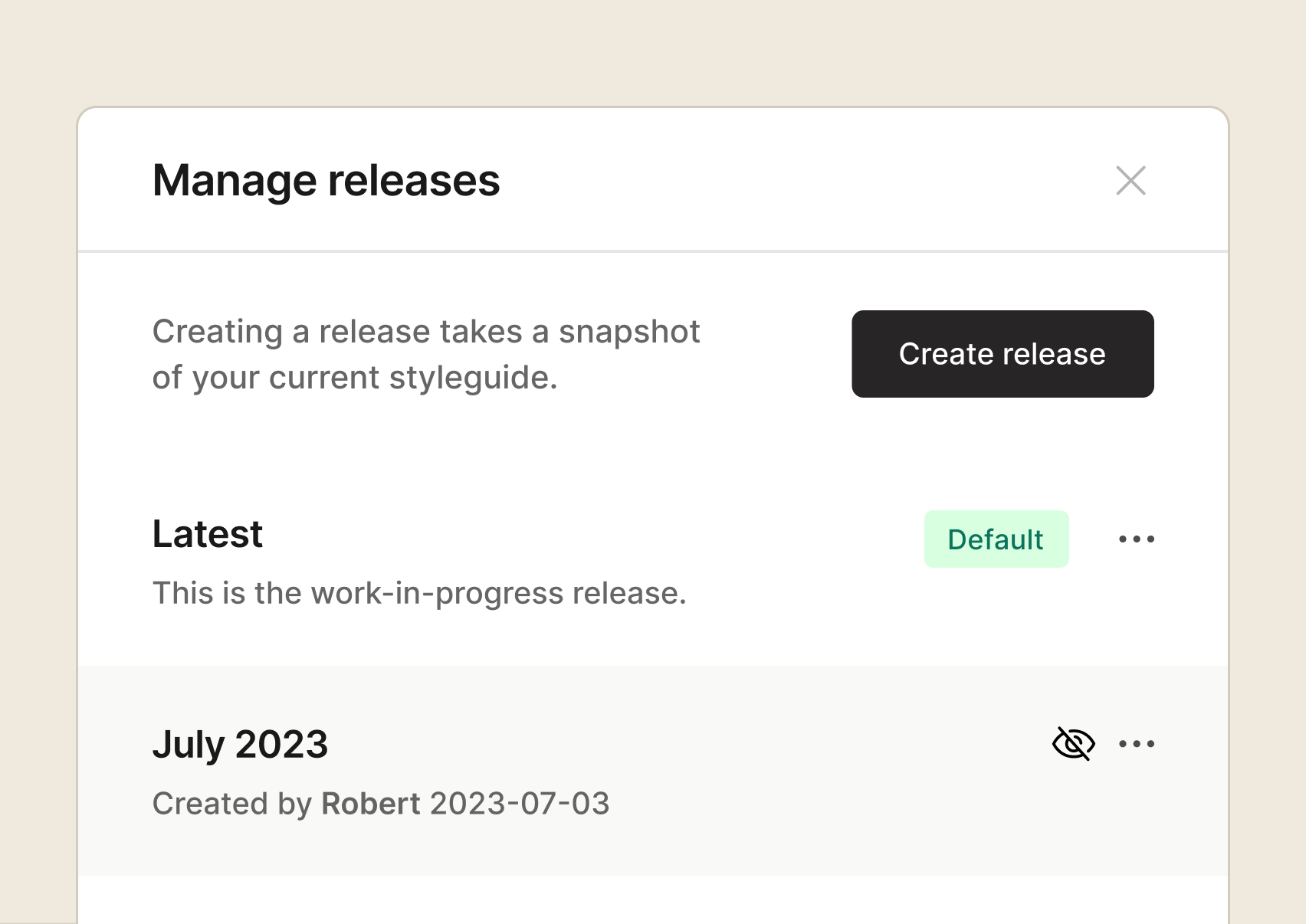
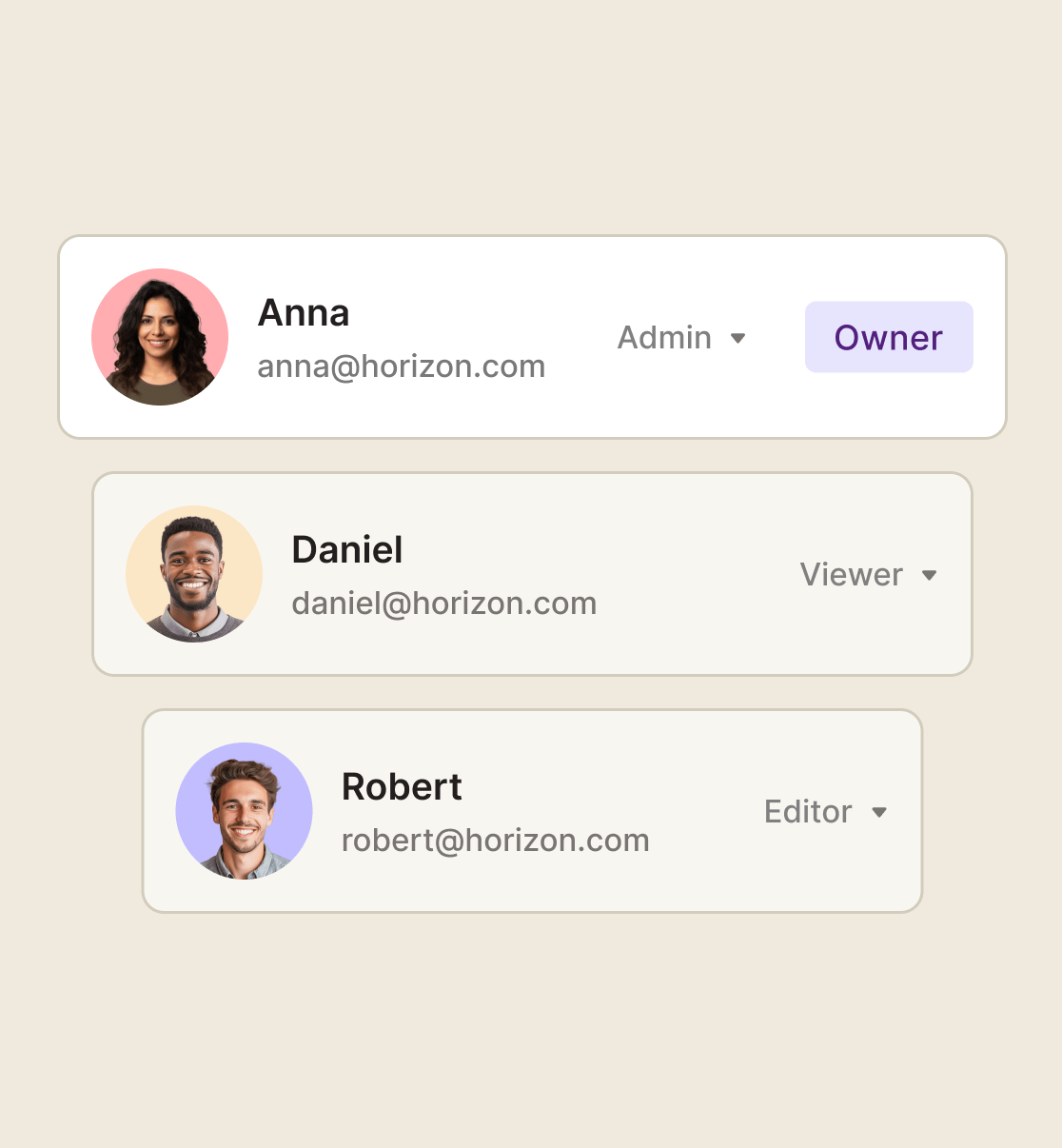
Give the right people the right access – control what’s published, what’s private, and what teams and agents can build from.
Stop using workarounds for draft content. Review and collaborate privately before going live so nothing half-finished reaches teams or agents.
SOC 2 and GDPR compliant, ISO 27001 certified, SSO supported. Security baked in at every step.
From documenting to delivering and measuring, zeroheight gives you full visibility and control — so nothing slips through the cracks and your design system stays smooth, sleek, and synced.
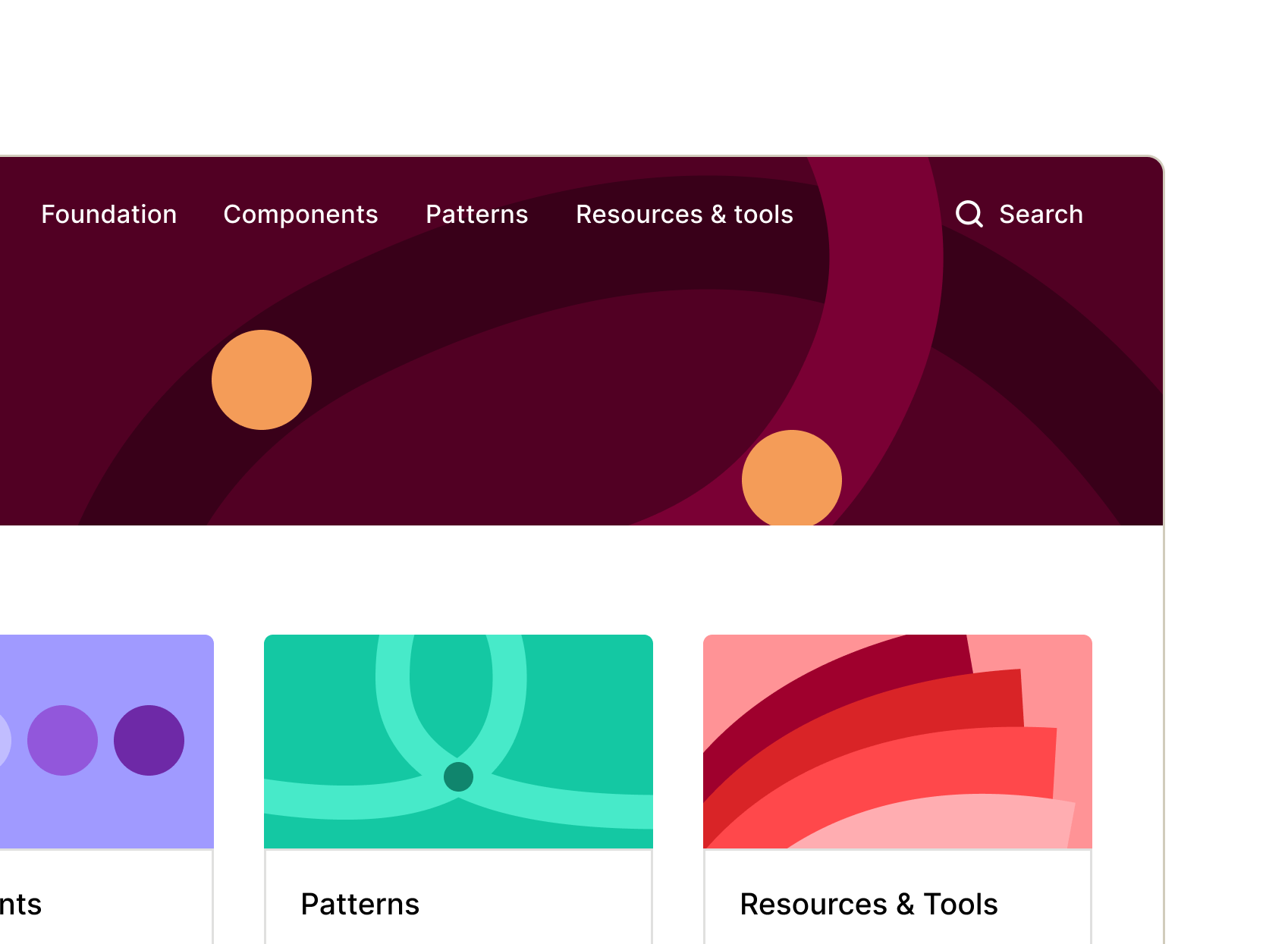
Connect, customize, and launch your doc site into the stratosphere. zeroheight keeps your design system docs organized, up to date, and ready for your whole team to use.
No more silos. Bring product, design, and engineering together with a design system that slots right into everyone’s workflow. zeroheight delivers to where your teams already work – so adoption just happens.
What’s adopted? What’s in progress? Any outdated docs? Are we missing code for this component? These might be just a few of the questions living rent-free in your head! zeroheight gives you answers – and insights you can act on.
zeroheight’s management platform gives design system teams full visibility and control over their system in one place. It tracks component status across design, code, and documentation, surfaces missing elements and pages that need work, manages roles and permissions for contributors and viewers, and provides smart recommendations on what to prioritise next. It’s built for teams that need governance and oversight at scale without the administrative overhead.