Along with a wide variety of speakers, Sonos also offers a slate of home theater soundbars.
While the top-of-the-line Sonos Arc offers true Dolby Atmos sound and much more, it might be out of the price range of many users.
But two other options—the second-generation Sonos Beam and Sonos Ray—offer a great way to upgrade your entertainment. We’ll compare both of the soundbars and help you decide which of the models is best for you.
Sonos Ray and Sonos Beam Design


The Sonos Ray is small, compact, and designed to be tucked away in a TV stand or other location. All of the acoustic elements face forward to minimize interference from other surfaces.
Weighing in at 4.29 pounds, the soundbar is a svelte 2.79 inches high and 3.74 inches deep. It’s 22 inches wide, also making it a perfect companion for smaller TVs without a huge entertainment center.
Like all Sonos soundbars, it can also be wall mounted with optional equipment. LED lights on top of the Ray indicate whether the product is connected and muted. There are also capacitive touch controls on top of the soundbar that allow you to adjust the volume, play, pause, skip, and replay.
The Ray features dual tweeters and two midwoofers. Each of the four amplifiers in the soundbar has been fine-tuned to the architecture of the device.
You’ll connect the Ray to your TV’s optical port and with the included cable. An optical port is found on the vast majority of any modern TV.


While the Sonos Beam is also designed for smaller rooms and entertainment centers, it’s a bit bigger than the Ray. It’s 2.72 inches high, 3.94 inches deep, and 25.63 inches wide. The soundbar weighs 6.2 pounds.
Along with one center tweeter, there are four elliptical midwoofers. Unlike the Ray, the Beam also sports three passive radiators to enhance the low frequencies.
The Beam also has the same touch controls and LEDs like on the Ray.
An included HDMI cable allows you to connect the Beam to your TV's ARC or eARC port. If your TV just has an optical output you can use the included Sonos adapter. An ARC or eARC port is needed to enjoy Dolby Atmos audio.
Sonos Beam Leads With Dolby Atmos Sound


A headlining feature of the Sonos Beam is support for Dolby Atmos sound. If you’ve not heard of Atmos, the surround sound technology is designed to make sound a three-dimensional object.
Instead of sound coming from a specific location, Atmos makes sound seemingly come from every direction, including above you.
One of the best ways to experience Dolby Atmos sound is in movies and TV shows. You’ll need a compatible TV and streaming equipment—like an Apple TV. But when it all comes together, Atmos provides a movie theater-like sound experience.
Another way to experience Dolby Atmos content is with compatible music from Apple Music and Amazon Music Unlimited HD. Just like movies and TV, Dolby Atmos provides an all-encompassing way to enjoy music.
The Beam also does a great job with non-Atmos sound formats.
While the Beam is compatible with Dolby Atmos content, it doesn’t have any upward-firing speakers like more expensive soundbars. In many cases, an upward-firing speaker provides a better Atmos experience.
But since the Beam is designed for smaller rooms, that shouldn’t be a dealbreaker. If you have a larger room, Sonos has you covered with the substantially larger and more expensive Arc that does feature upward-firing speakers.
Because of the Ray’s role as a starter Sonos soundbar, it’s not compatible with Dolby Atmos content.
But it does offer two nice features found also found on the Beam. Speech Enhancement helps provide clearer dialogue. Night Sound reduces the intensity of loud effects when you don’t want to disturb others at home.
Both the Sonos Ray and Sonos Beam Offer Wi-Fi Connectivity


Since both the Beam and Ray are Sonos soundbars, each one features built-in Wi-Fi capability. That allows them to be used as part of a larger Sonos home theater or whole-home audio system.
With the Sonos app, for example, you can play music on a soundbar and other speakers around your home. And for a home theater, you can add on other wireless Sonos products in the future.
The Wi-Fi and Sonos app also help provide a quick and easy setup experience.
The Ray and Beam also offer AirPlay 2 compatibility. That allows you to quickly and easily stream audio from your Apple device including an iPhone. Spotify Connect compatibility also allows quick streaming from that popular service.

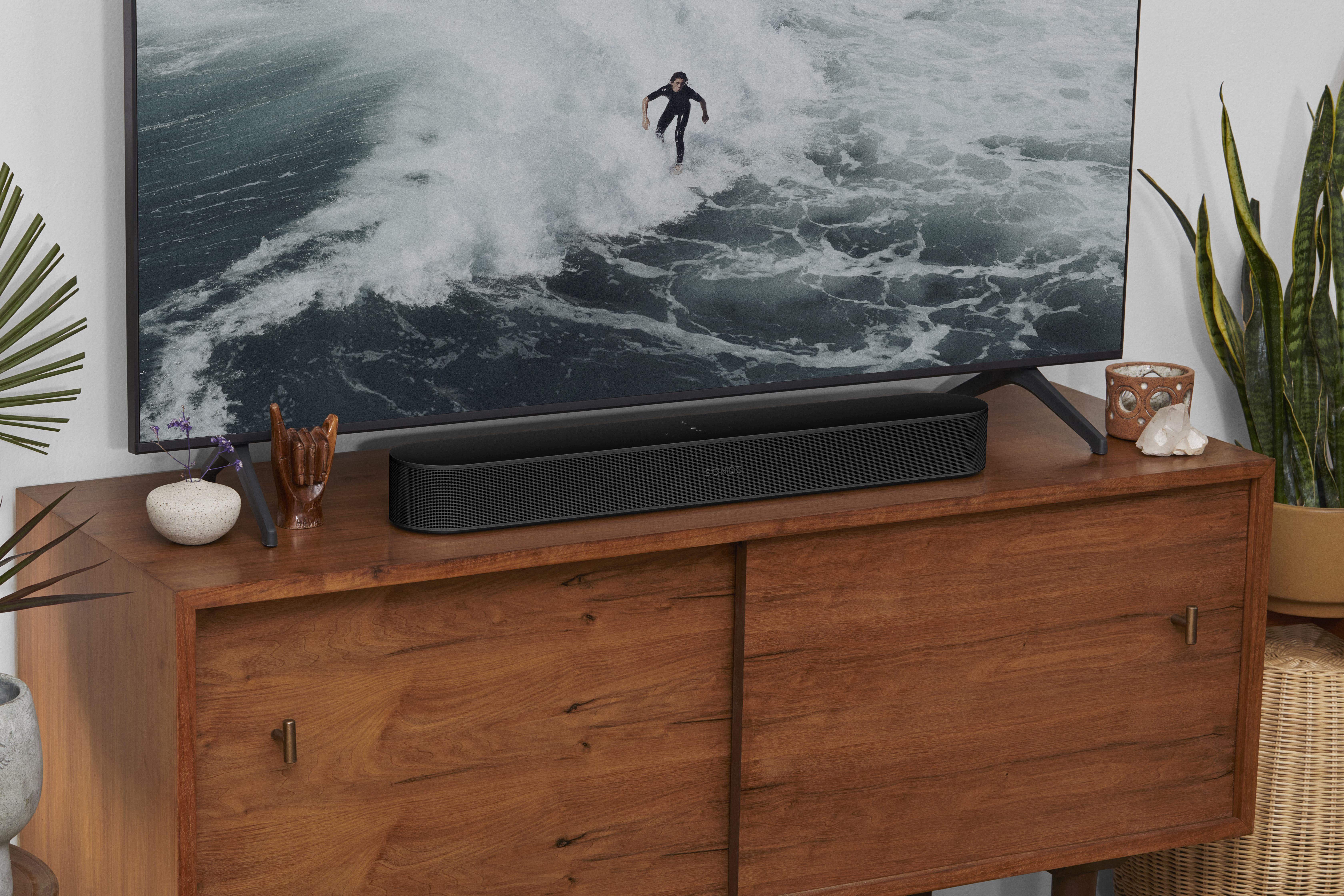
A big plus for Beam users is that the soundbar also offers built-in microphones. With those, you can turn the soundbar into a voice-controllable smart speaker. You can interact with Amazon Alexa or Google Assistant to accomplish tasks like control smart home devices, play music, and much more.
It’s also compatible with the music-oriented Sonos Voice Control that features the voice of well-known actor Giancarlo Esposito.
To fine-tune the sound from both the Ray and Beam, you can make use of the Sonos Trueplay feature. With that, you’ll use a compatible iPhone or iPad to measure the acoustics of the room and adjust the sound accordingly for the best possible experience.
Comparing the Sonos Beam and Sonos Ray Price
The Sonos Ray retails for 279ドル while the second-generation Beam is 499ドル. Both are available in a black or white exterior.
Even though you can find many similar soundbars for less, both the Beam and Ray offer high-quality sound with a number of advantages only found in Sonos speakers.
Sonos Ray vs. Sonos Beam: Upgrading Your Home Entertainment
Both the Sonos Ray and Sonos Beam can provide a huge upgrade to your TVs built-in speakers.
Even though both are small and compact soundbars, the Beam is a great way to enjoy high-quality Dolby Atmos content without spending a bundle. The Ray, on the other hand, is an inexpensive way to upgrade your TV audio with the option to create a bigger system down the road.