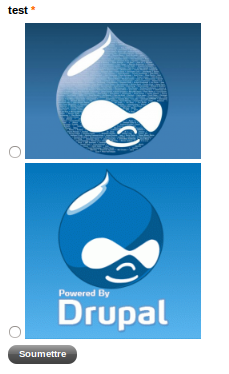
The purpose of this module is to add an images select component for webform (checkboxes or radios buttons).
1. Download and enable this module
2. Go to webform components admin page
3. Choose "Select image"
4. Upload your image, choose image style and other component settings
Project information
- caution Minimally maintained
Maintainers monitor issues, but fast responses are not guaranteed. - chart icon359 sites report using this module
- Created by raphael apard on , updated
- shieldStable releases for this project are covered by the security advisory policy.
There are currently no supported stable releases.