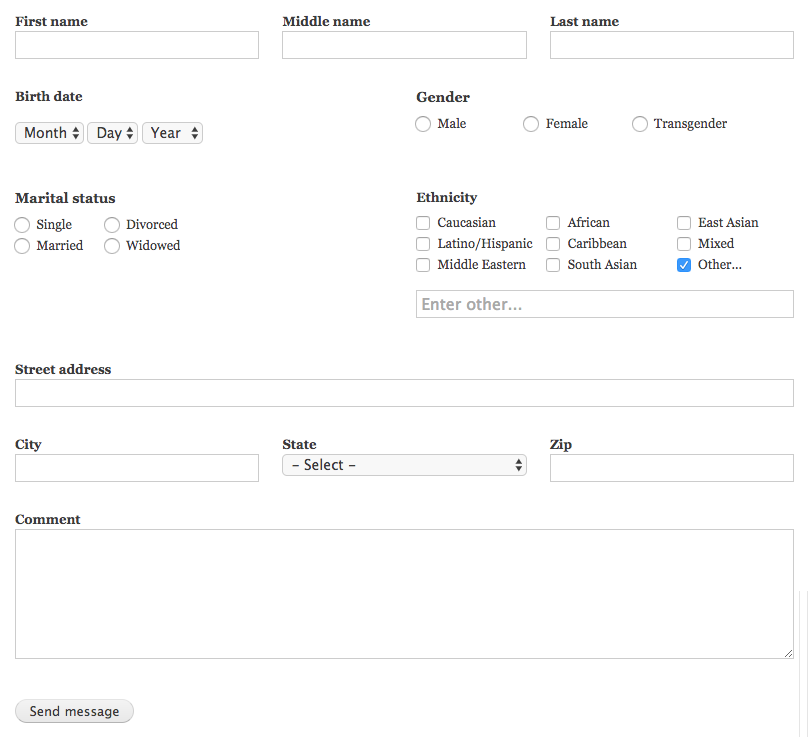
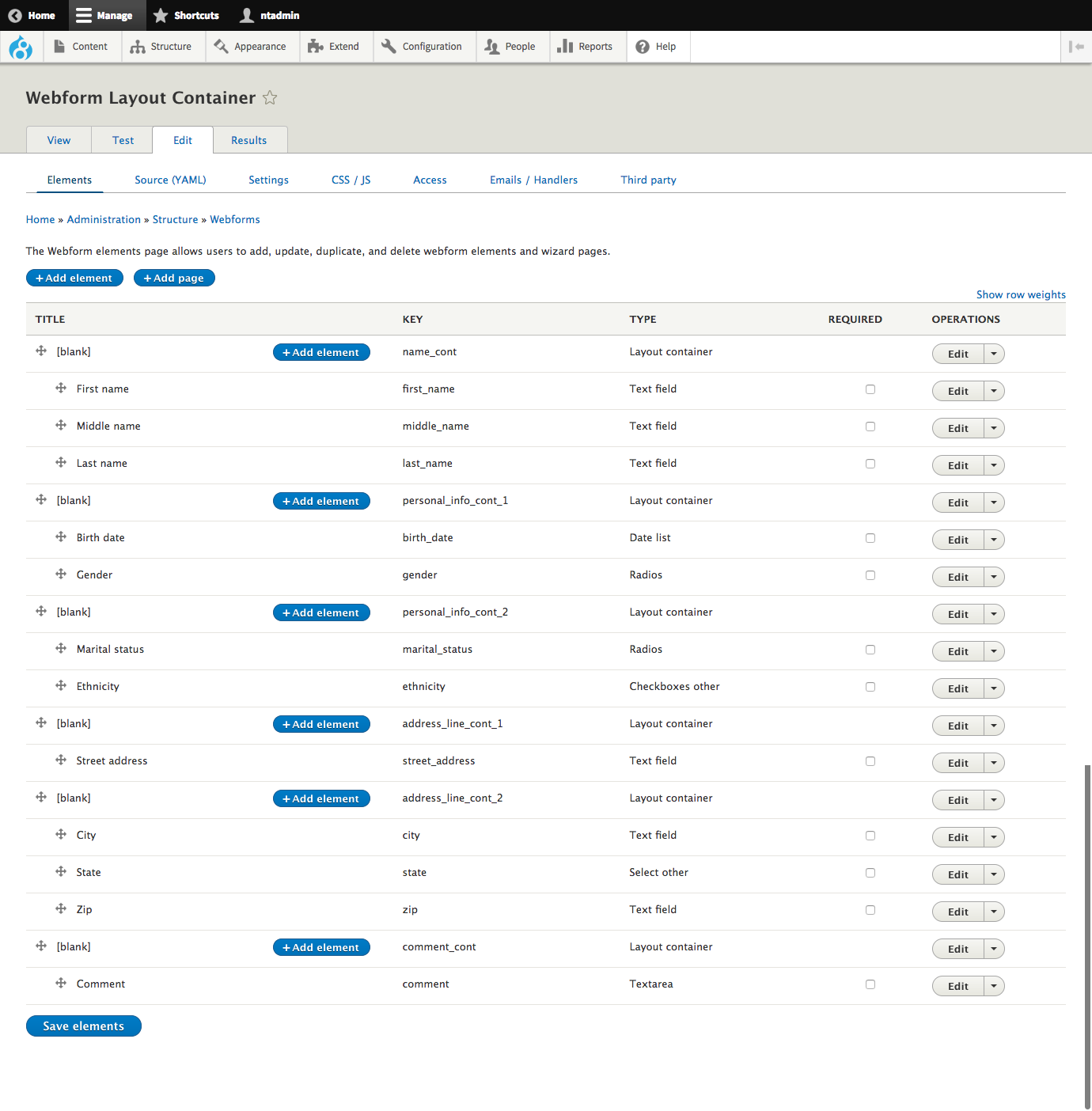
This module adds a new type of Webform element for Drupal 8 Webform 5.x called: the Layout Container. By placing webform elements inside a Layout container, it automatically arranges the elements into rows and columns. It is similar to the Flexbox layout element, but it uses old fashion floats for when you need to support legacy browsers that don't support CSS Flexbox (IE9 and IE10).
Requirements
- Webform
- At least Drupal Core 8.2.4
How to use
- Edit or create a webform.
- Click the "+ Add element" button
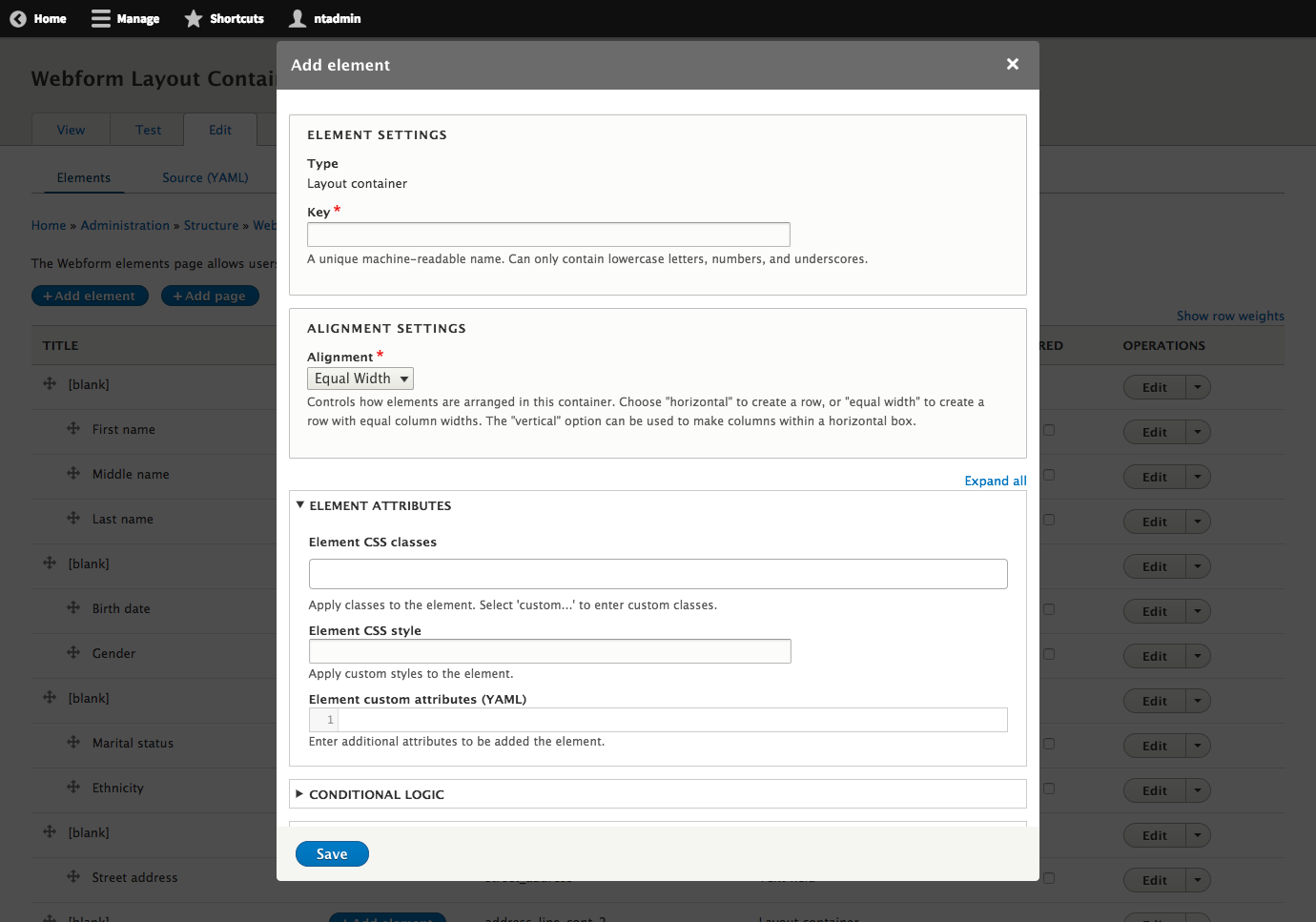
- On the "Select an element" modal, click the "Add element" for the "Layout container" element.
- Fill in the required Key field, with a unique machine-readable name. It can only contain lowercase letters, numbers, and underscores.
- For alignment, choose "Equal Width" to divide the space equally.
- Click the "Save" button.
- Add or drag other fields into the Layout container.
Note: The "Equal Width" feature works up to 9 children.
Supporting organizations:
Initial development and maintenance
Project information
- caution Seeking new maintainer
The current maintainers are looking for new people to take ownership. - chart icon167 sites report using this module
- Created by dpape on , updated
- shieldStable releases for this project are covered by the security advisory policy.
There are currently no supported stable releases.