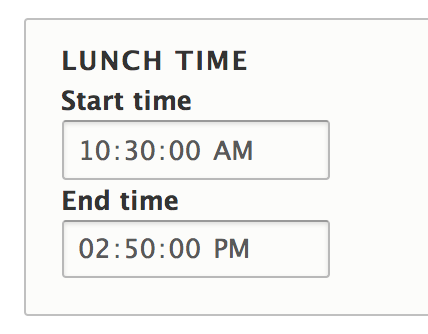
Time Range
Provide the form widget to fill in the time range. This is just a change to the display form, so that the user doesn't need to enter too much content.
This module not store time data. The storage of time is provided by the core.
Installation
Install the module as every other module.
Usage
- Enable the Time Range module.
- Create a Date Range field, select Day and time as field type.
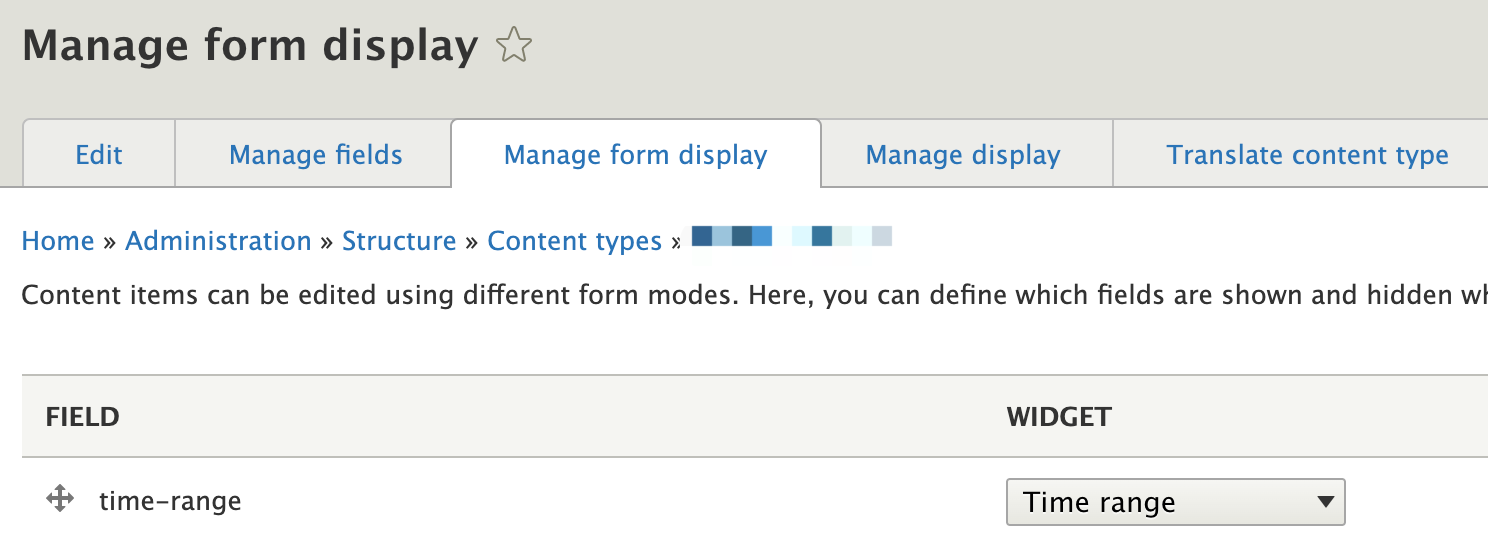
- To select Time range, go to your content type's Form Display Settings(Manage form display) and select Time Range as Date Range filed's WIDGET.
Because it doesn't require you to fill out the date, the default record is the date of the day. Other tips: If you don't want to see the date on the content's display, go to your content type's display settings and change the Date/Time format in your style.
Compatibility
This module is compatible with Drupal core 8.x, 9.x, 10.x.
Supporting organizations:
Project information
- Project categories: Site structure
- chart icon2,925 sites report using this module
- Created by dravenk on , updated
- shieldStable releases for this project are covered by the security advisory policy.
Look for the shield icon below.