Make Every Workday Easier with the Help of AI
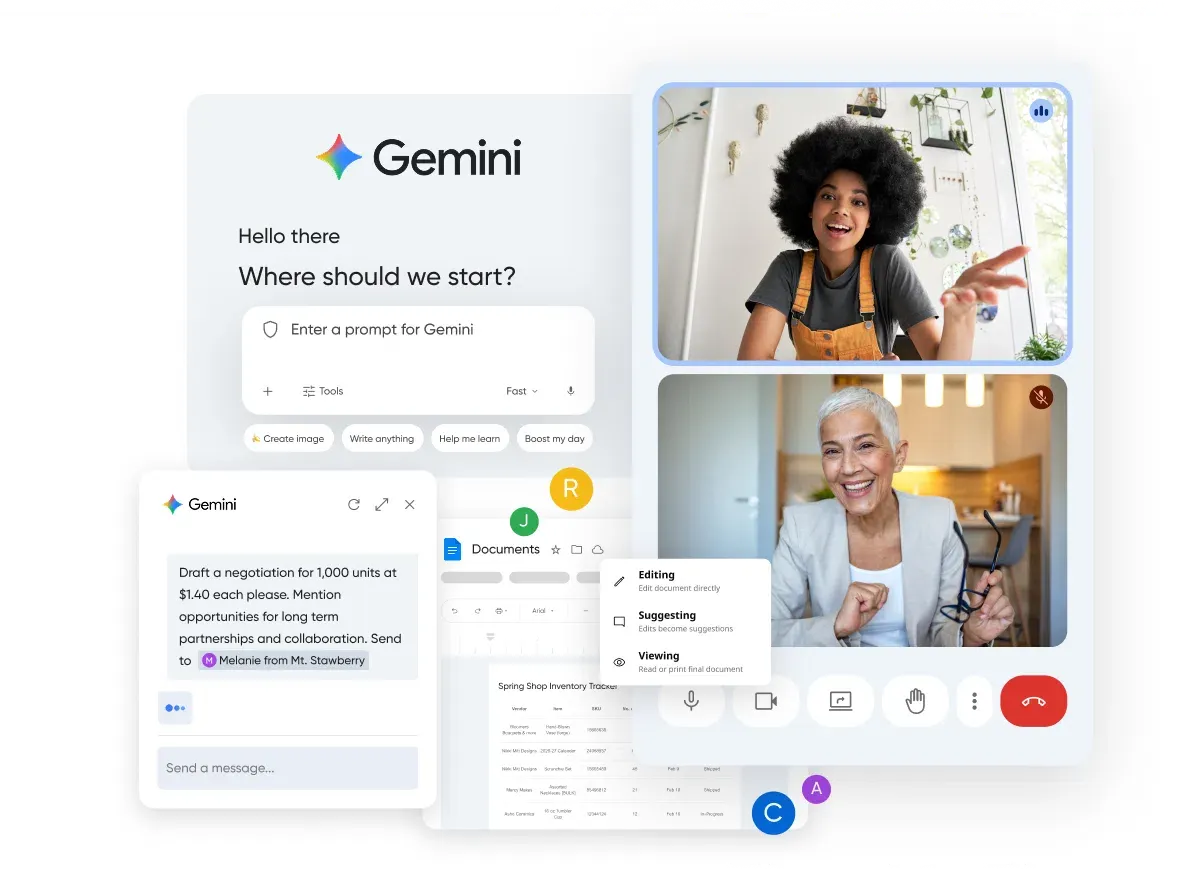
Get a professional business email and work more efficiently with Google Workspace with Gemini, built for faster, smarter teamwork.
Unlock this add-on with a domain registration, or easily add it from your panel if you're already with us.
Google Workspace includes:
Gmail
Drive
Meet
Calendar
Chat
Gemini
Docs
Sheets
Slides
Vids
Keep
Sites
Forms
Tasks
NotebookLM
AppSheet
Find the right plan for you
To get started with Google Workspace, you'll need a domain connected to DreamHost.
Starter
per user/month
Starter includes:
30 GB
pooled storage per person
Custom business email
[email protected]
Gemini AI assistant in Gmail
Chat with AI in the Gemini app
Video meetings, 100 participants
Security and management controls
Standard
per user/month
All of Starter, and:
2 TB
65x more than Starter
Custom business email
+ custom layouts, and mail merge
Gemini AI assistant in Gmail, Docs, Meet, and more
AI research assistant (NotebookLM)
Chat with AI in the Gemini app + create your team of AI experts
Video meetings with recording, noise cancellation, 150 participants
Appointment booking pages
eSignature with Docs and PDFs
Google Workspace Migrate tool for data migration
Plus
per user/month
All of Standard, and:
5 TB
2.5x more than Standard
Custom business email
+ eDiscovery
Video meetings with attendance tracking, 500 participants
Vault to retain, archive, and search data
Secure LDAP
Advanced endpoint management
Enhanced security and management controls
You can get Google Workspace anytime from your DreamHost panel.
If you are not set up yet, you can start by registering a domain and add it later from your panel.
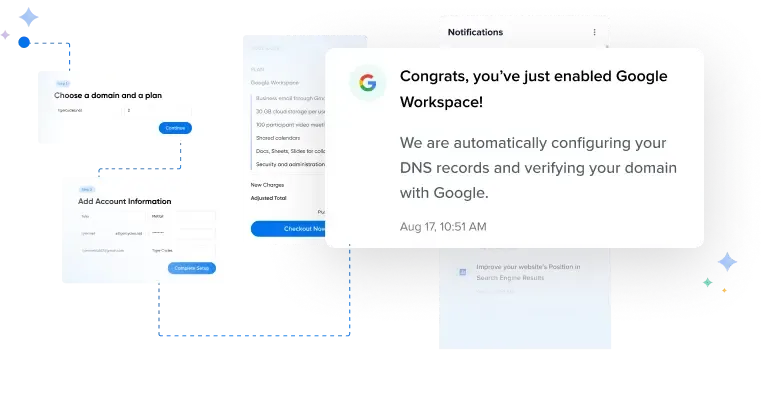
Leave The Setup To Us
We take care of your Google Workspace setup and domain connection so you can ease into it without the extra steps.
Gemini, Inside Google Workspace
AI that works within the tools you already use, helping you get things done without extra effort.
Get help with quick questions or tackle complex projects with the Gemini app.
Summarize threads, find key details, and draft professional emails with Gemini in Gmail.
Let AI take notes so you can focus on the conversation with Gemini in Meet.
Create polished, engaging videos faster through easy-to-use, collaborative video creation with Vids.
Turn complex information into sharable insights, grounded in your sources, with NotebookLM.
Frequently Asked Questions
- Yes, the Gemini app is included with all Google Workspace plans. If you're new to AI, Business Starter includes basic access at an affordable price. If you're an AI power user, Business Standard and Business Plus offer expanded access that include higher limits, and access to more advanced features. Read more about Gemini limits and features here.
Both options provide you with an email address using your own domain name. While Google Workspace offers a business suite that extends beyond email, DreamHost's Professional Email Hosting maximizes simplicity. If you need reliable email without extra productivity apps, our Professional Email is an affordable alternative.
If you're a current DreamHost customer, you can add Google Workspace from within your DreamHost Panel, here.
If you're not a customer yet, register a domain or sign up for hosting to get started!
Yes, Google Workspace has built-in data migration services that extend from a basic IMAP account to Microsoft Exchange Online. We also offer a few different options to migrate from your existing DreamHost email. Check out our help guide for more details: Migrating to Google Workspace.
Google Workspace includes everything in Google's free apps, plus business-grade features your team can rely on, including (but not limited to): a professional email address at your own domain, expanded storage across Gmail and Drive, enhanced security and admin controls, live support when you need it, and access to the Gemini app - Google's AI assistant.
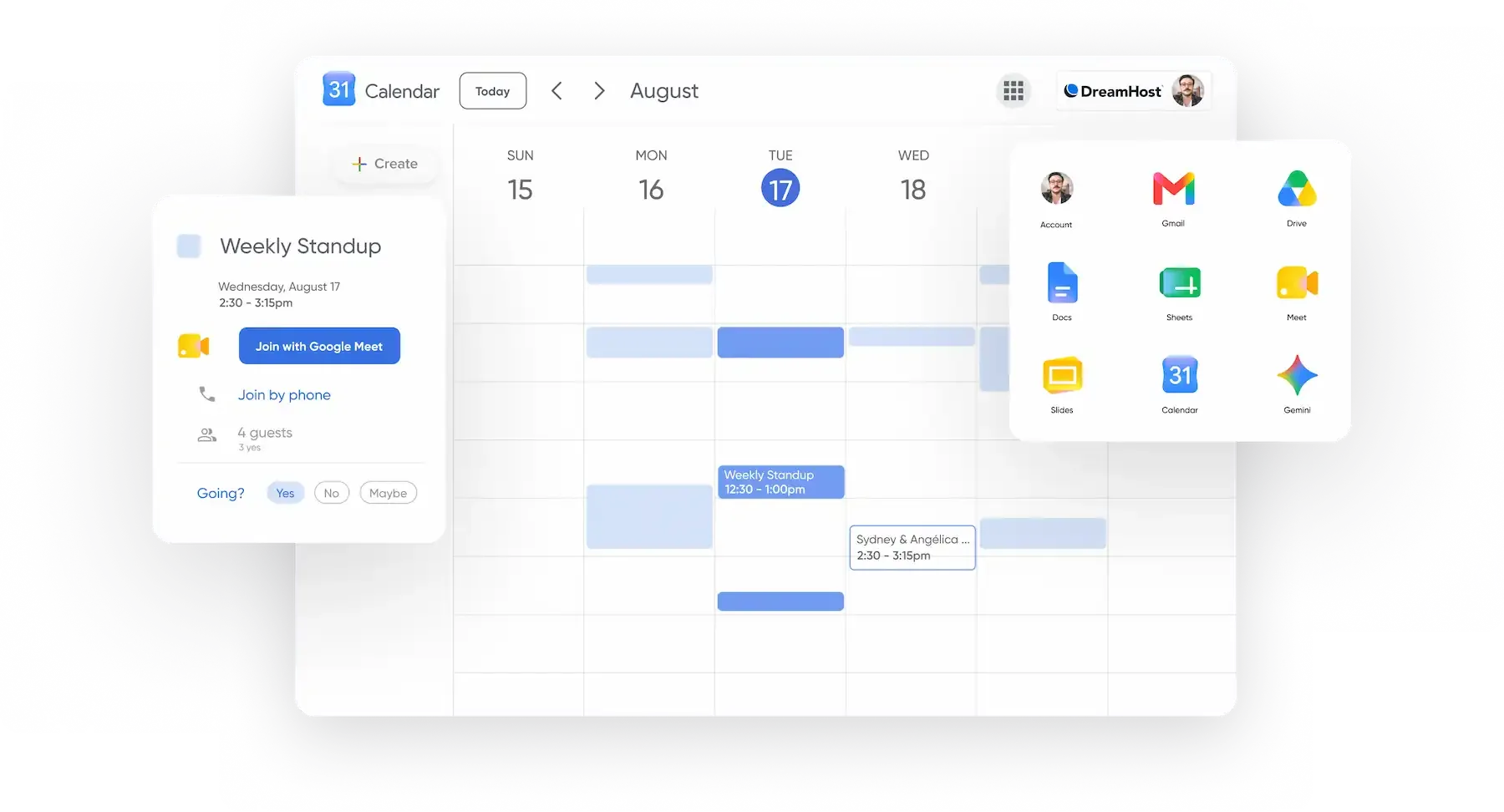
Ready to Work Smarter With AI?
Built-in AI helps you write, capture, and stay organized—so you can focus on what matters most.
Get Google Workspace by registering a domain, or add it from your panel if you're already with us.
Need Some Help?
Whether you're stuck or just want some tips on where to start, hit up our experts anytime. We're here to help!
24/7/365 Through the Chat Widget
24/7/365 Through the Panel
24/7/365 Through the Panel