Ask questions
Ask anything about your database and get tailored answers.
DbVisualizer has everything you need to build, manage and maintain state-of-the-art database technologies.
AI Assistant
With the built-in AI assistant, you can ask questions about your database, get explanations for query errors, and analyze your code
directly in the editor. You’re always in control. DbVisualizer’s AI features are optional and are only enabled when you explicitly opt in.
Ask anything about your database and get tailored answers.
Ask the AI to explain a failed query and suggest a fix.
Get answers about your current query and apply AI suggestions directly.
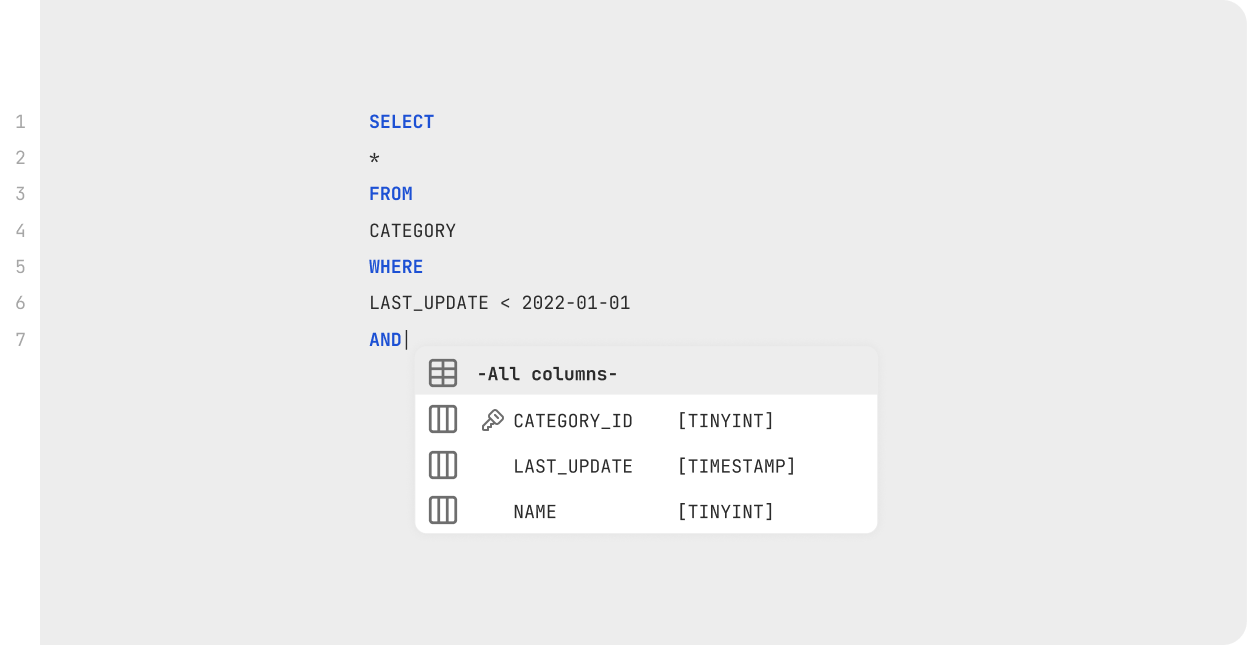
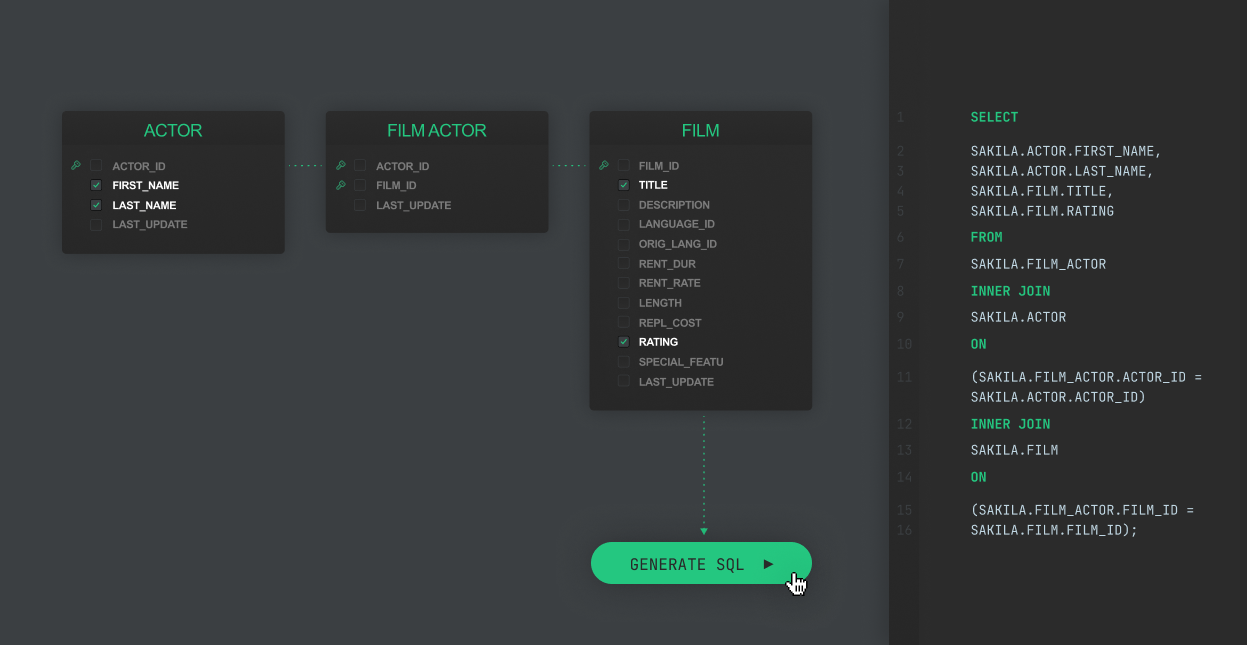
With the help of intelligent autocomplete, visual query builders, variables and much more, we are able to let users spend less time on mundane coding tasks, and more time on actual problem solving.
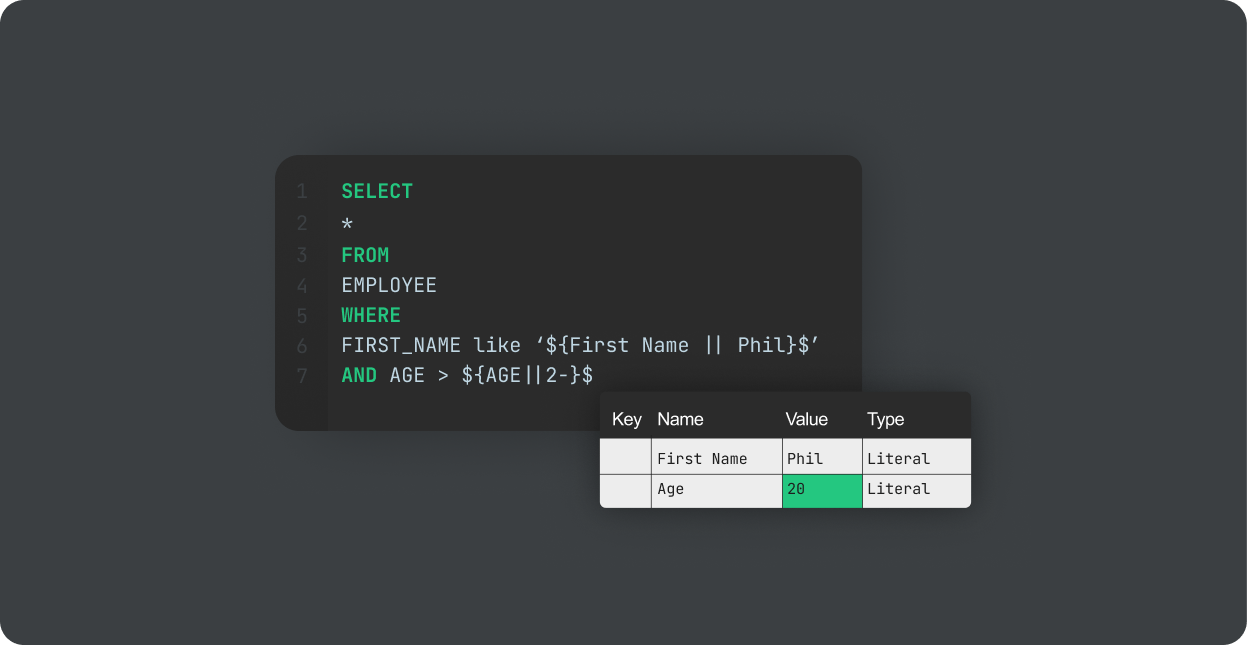
Variables and boomarks let you re-use and modify queries as you need.
Read moreYou’ll be able to connect to most popular data sources and work with their custom object types directly in the client.
DbVisualizer lets you visualize, manage and edit data with the power of SQL and simplicity of a spreadsheet.
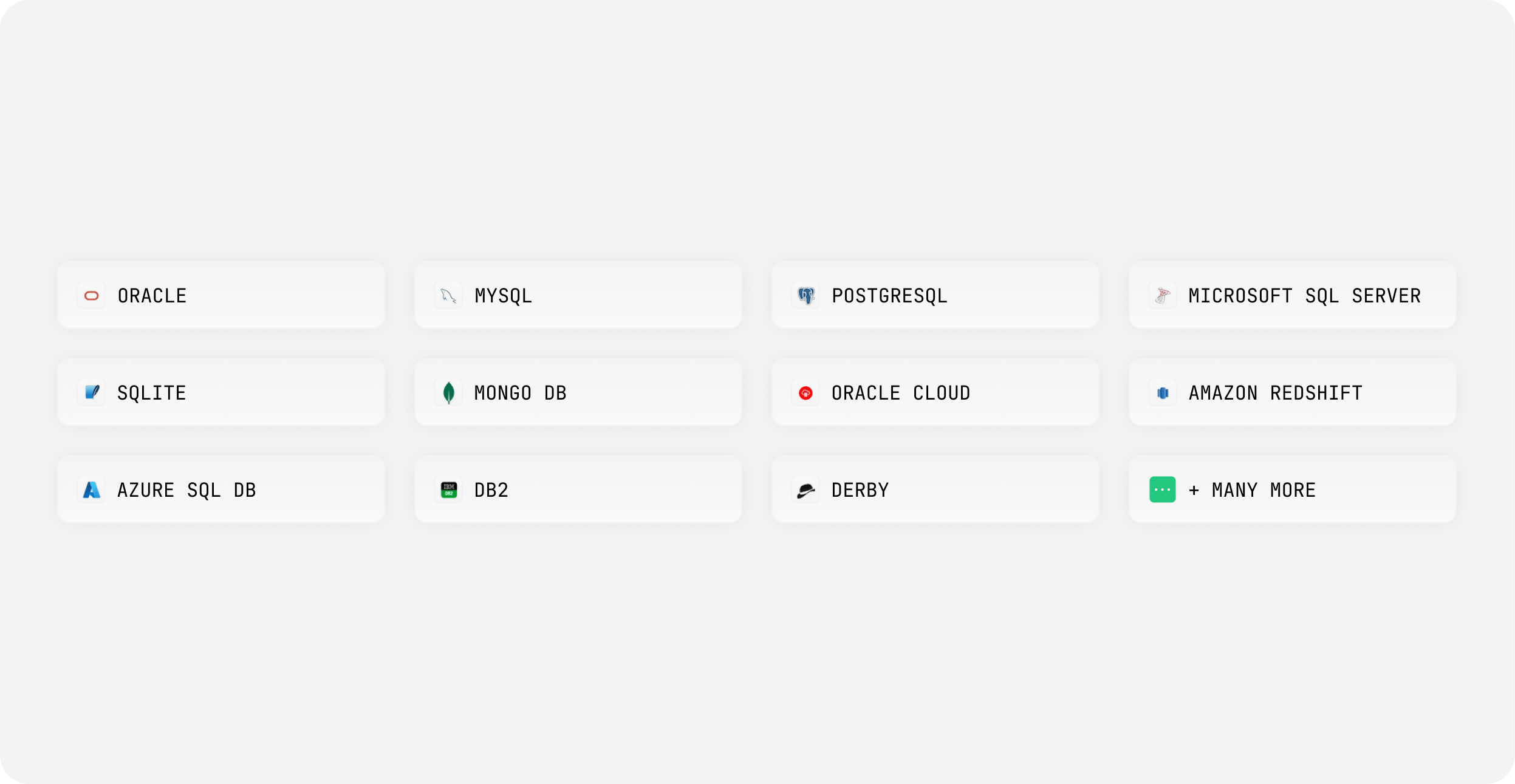
You’ll be able to connect to most popular data sources and work with their custom object types directly in the client.
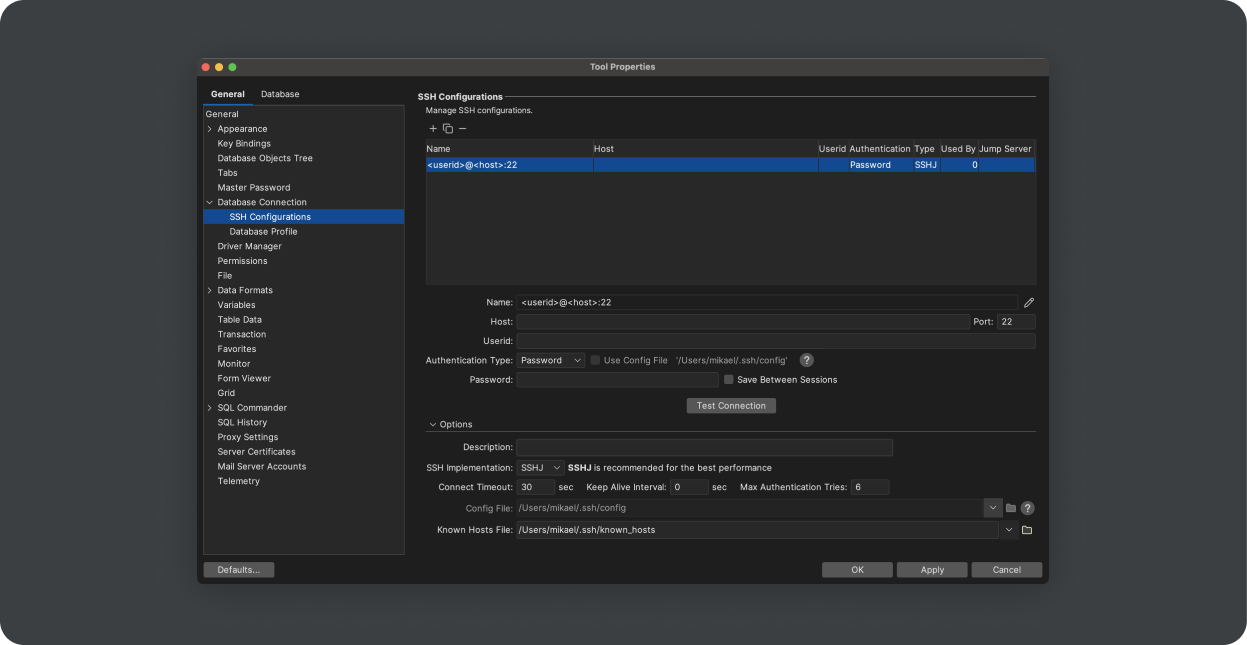
DbVisualizer is set up to meet the toughest security standards. Encrypt data, restrict access, and more.
FREE TRIAL
When starting the application, you have the option to start a 21 day free trial to unlock all the Pro Features. No sign up or credit card required.