Hello everyone,
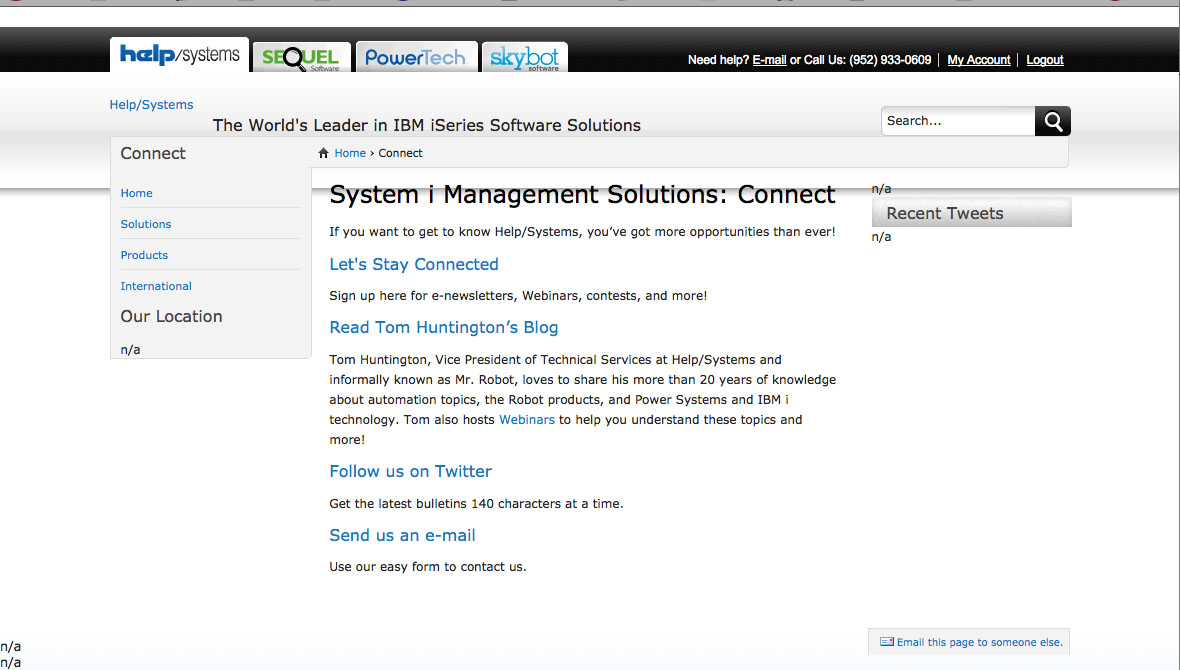
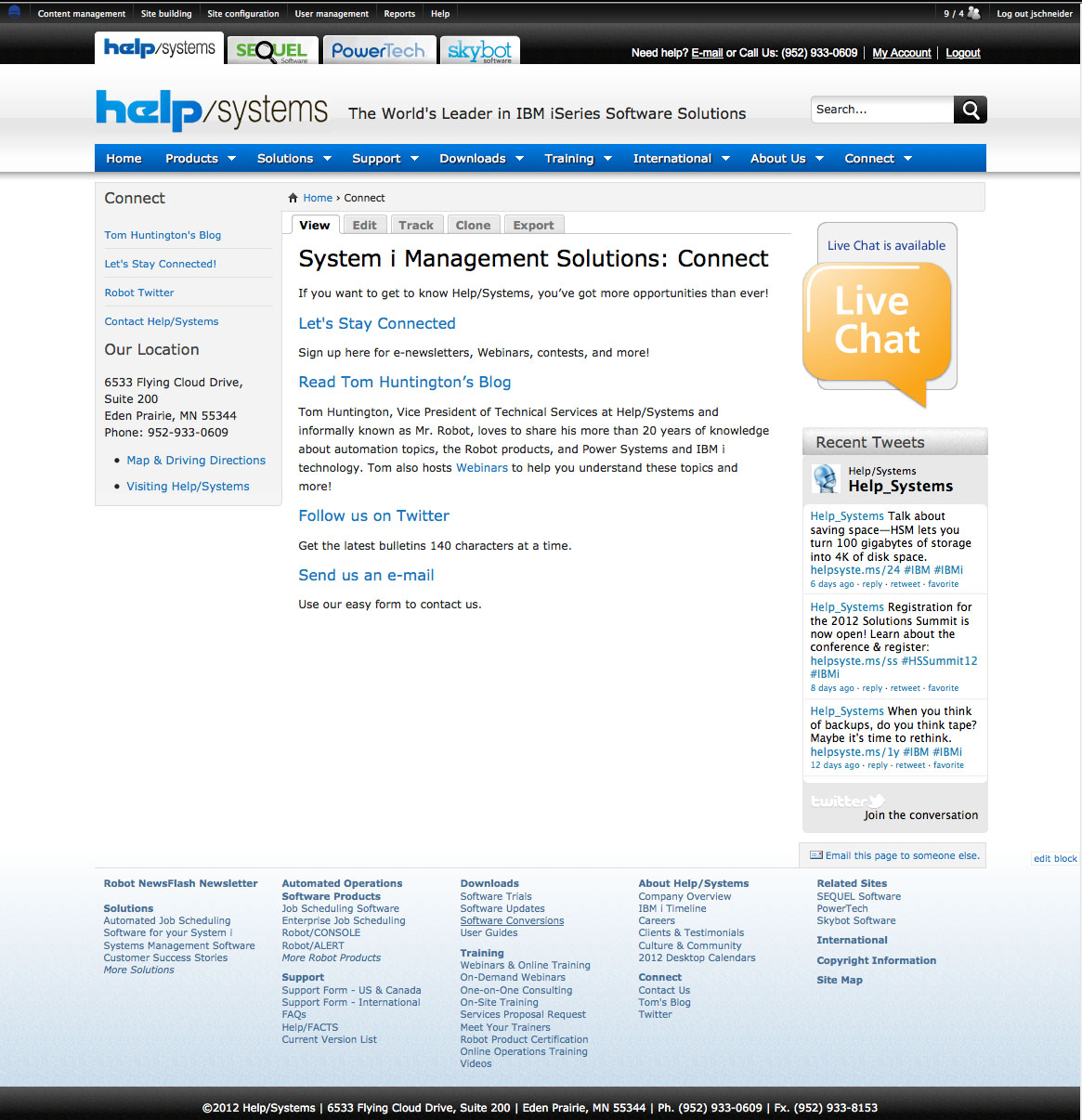
I have a local install of Drupal 6.22 on my MAC (running MAMP) and I've noticed that when I try to administer/edit a content page my Administrator Menu disappears, blocks display as 'n/a', and my footer goes missing. This makes it beyond difficult to make edits to the pages when they aren't displaying correctly.
I don't have this problem with the live version of the site. I currently use git to keep track of any file changes (like css or node-homepage.tpl.php) between my local and production website.
I have copied the production database to my computer and imported the file via command line (/Applications/MAMP/Library/bin/mysql --host=localhost -uroot -proot --default-character-set=utf8 DATABASENAME < SQLFILE) and via phpMyAdmin. The import never displays any errors and I have verified the block tables have the same number of records in my local and production versions. I do have MAMP setup to use a virtual host for my local copy (mywebsite.local) and I have had the "network guys" check to make sure my computer isn't getting blocked "from the outside world". I am using the Zen theme with a sub theme.
I have attached a screen shot of one page on both my local computer and the production environment.
Any ideas on what could be possible causing this would be very much appreciated.
| Attachment | Size |
|---|---|
| local.jpg | 154.56 KB |
| production.jpg | 354.42 KB |
| Screen Shot 2012年05月03日 at 9.10.14 AM.png | 83.61 KB |
| Screen Shot 2012年05月03日 at 9.07.20 AM.png | 288.41 KB |
| Screen Shot 2012年05月03日 at 9.07.51 AM.png | 168.95 KB |
| Screen Shot 2012年05月03日 at 9.08.11 AM.png | 157.98 KB |
| Screen Shot 2012年05月03日 at 9.08.32 AM.png | 144.2 KB |
| Screen Shot 2012年05月03日 at 9.09.02 AM.png | 173.94 KB |


Comments
This is a new one
I'd poke around with FireBug and see if you can find out what is missing.
I will venture a guess to look into file permissions. Sometimes in loading a site from a remote server you get wonky file permissions. If the webserver does not have permission to see the files generating the content, it may not display.
Let us know if that helps.
FireBug
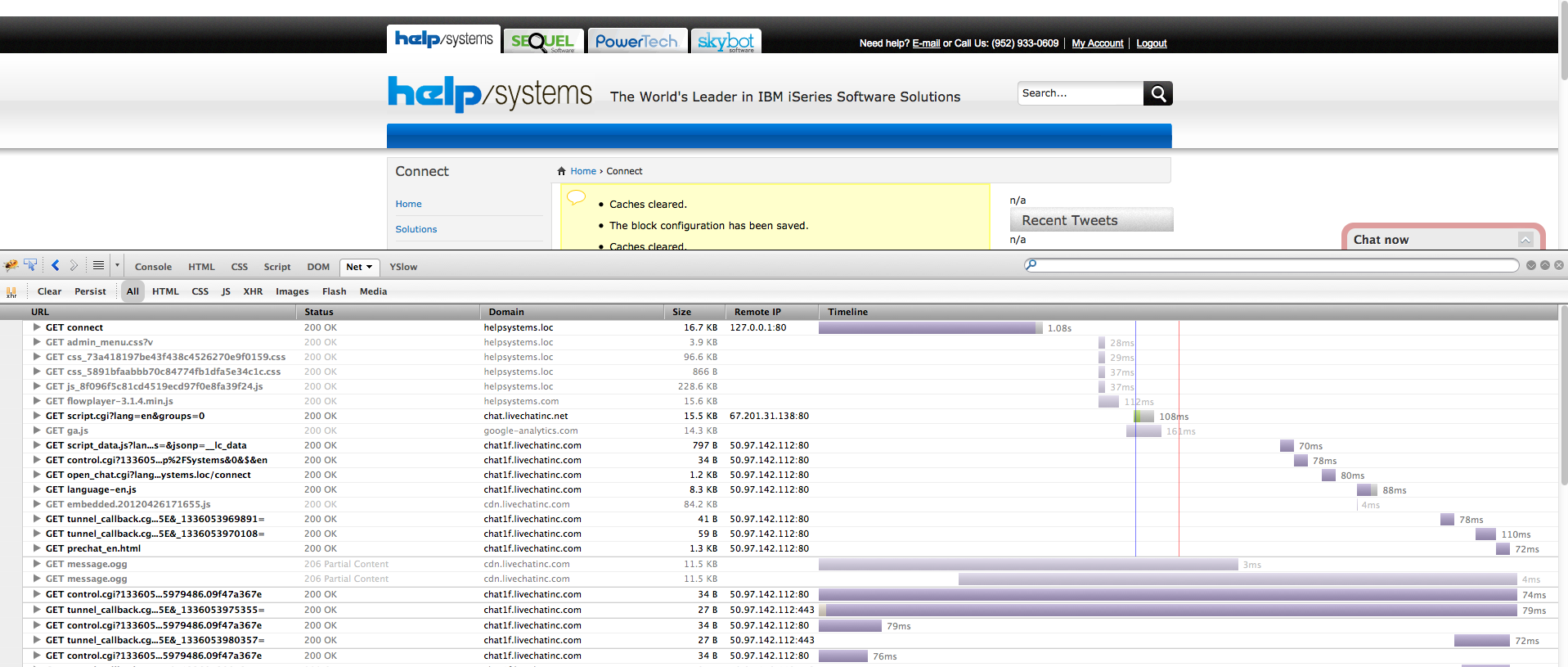
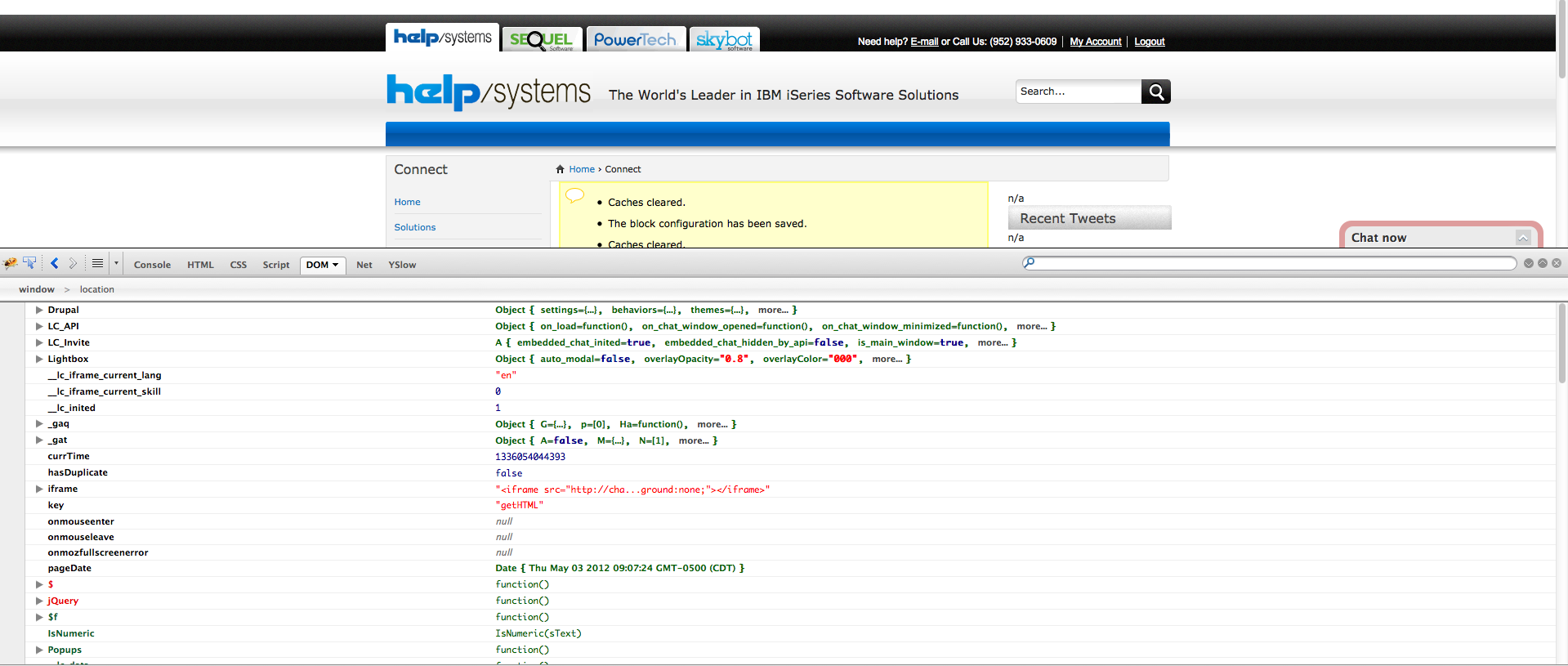
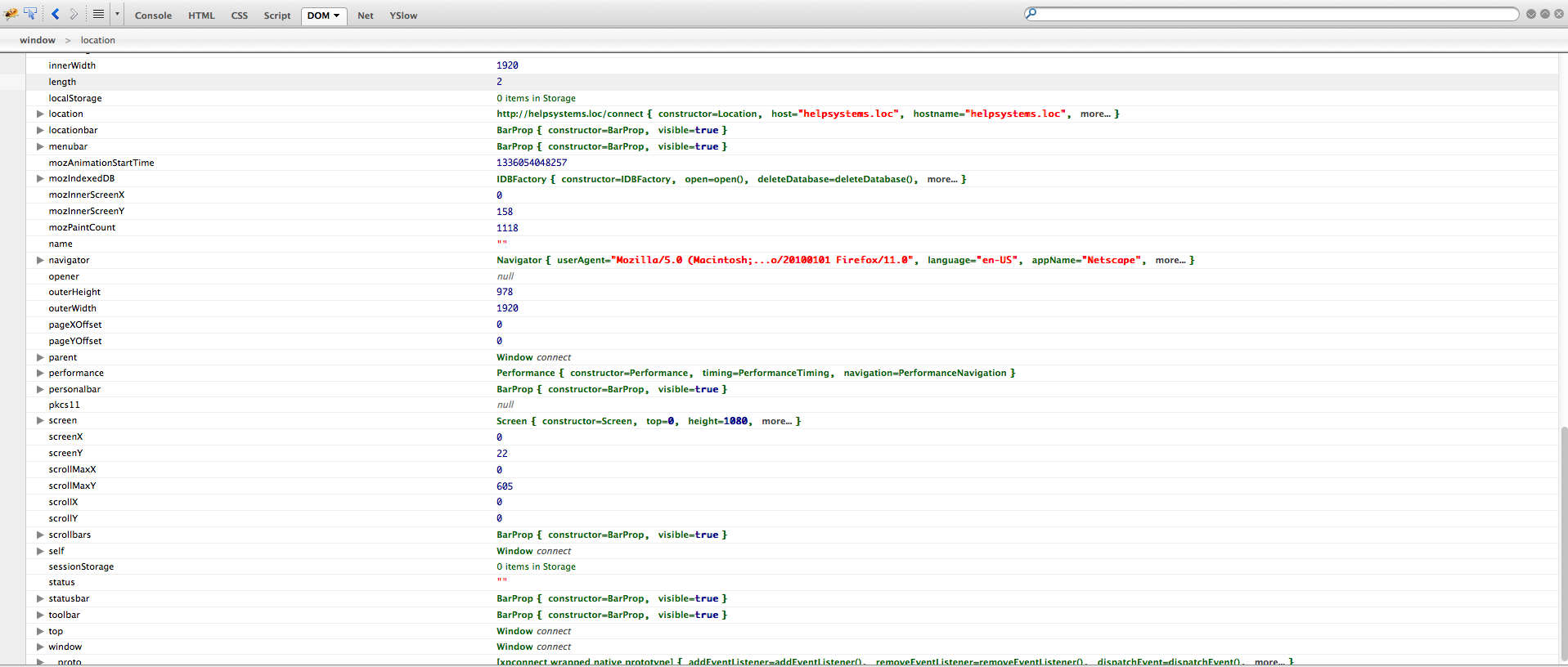
I've looked around with Firebug and I'm not seeing any errors in Console. The Dom and Net tabs aren't displaying any errors or reporting of any network blocks.
I have compared this local site's files (page.tpl.php, node.tpl.php, template.php) to another similar local site and I didn't see any differences. I did spot check some folder permissions and I didn't see anything unusual (my user can read and write, admin can read, and everyone can read).
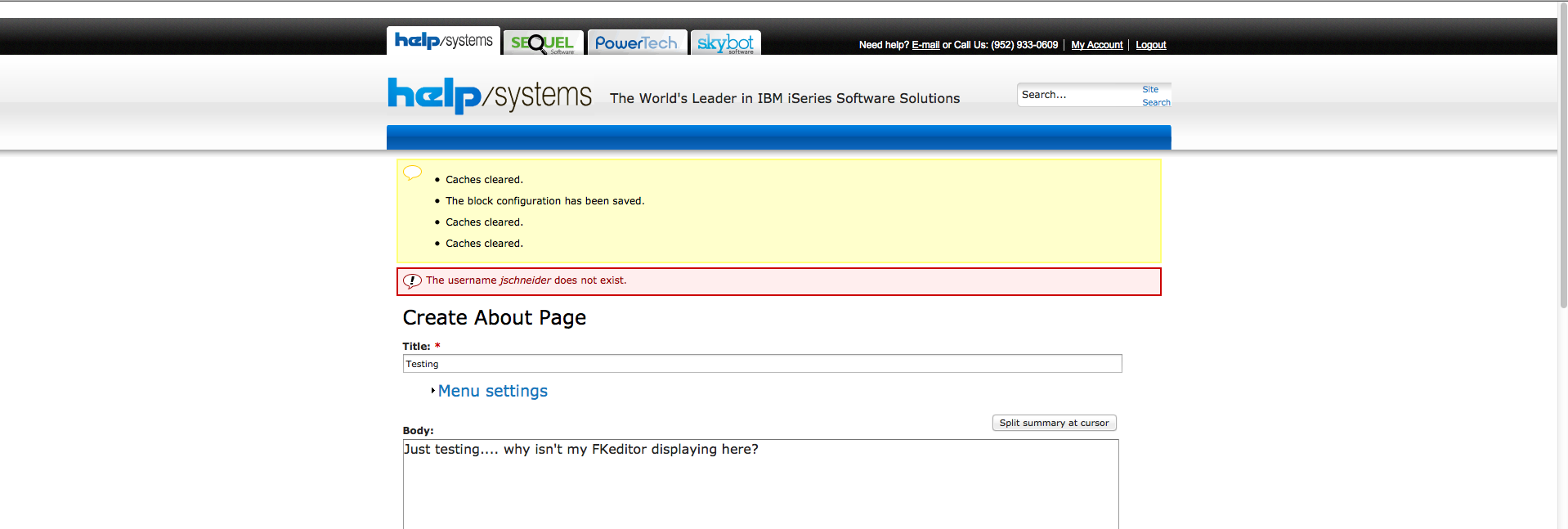
I did try to create a page on this local website and when I clicked saved - I was informed that my "username did not exist". This create a page view is also missing the Admin navigation bar. So it's acting like, I'm logged out while still rendering the "create a page" view.
What in drupal renders the Admin navigation bar? What setting/file/location can I check to see my login credentials are being passed from page to page?
I've added a few more pictures of this issue...
Fixed!
Okay, so after much thought and digging; the issue is resolved.
I had to uninstall my version of MAMP 2.x and I had to install MAMP 1.9.4. MAMP 1.9.4 has MySQL version 5.1, where as all the newer versions of MAMP are 5.5.
There is some module specific to my local website that was bombing out on a query.