模仿Google Inbox邮箱的上下拉返回效果
让你的app加入真正方便的手势操作
使用InboxLayout前最好来这里看看有没有更新~~~
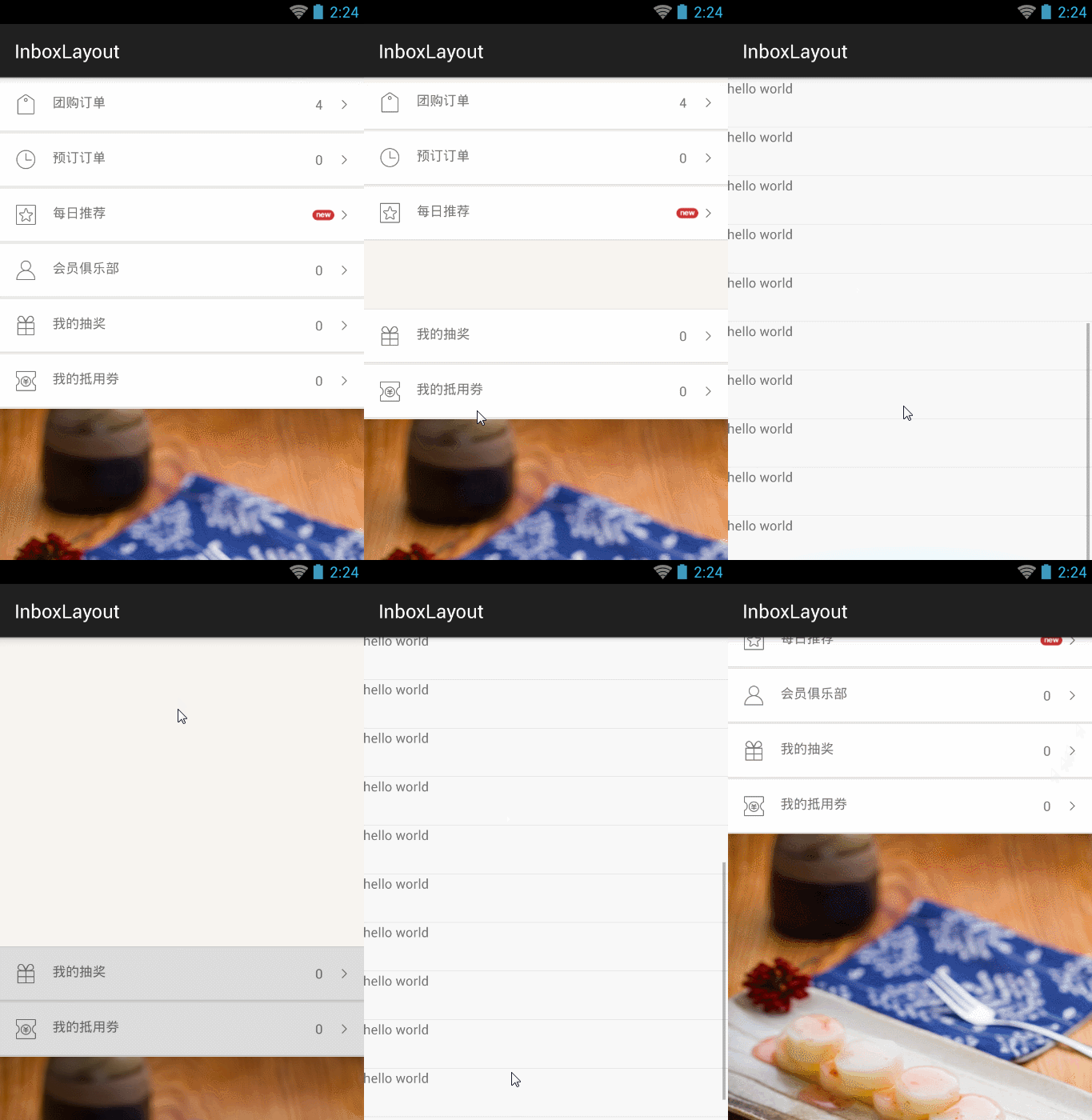

###step 1 实现类似的布局, 具体可参考demo
<FrameLayout
 android:layout_width="match_parent"
 android:layout_height="match_parent">

 <com.zzt.inbox.widget.InboxScrollView
 android:scrollbars="none"
 android:id="@+id/scroll"
 android:layout_width="match_parent"
 android:layout_height="match_parent">
 <LinearLayout
 android:orientation="vertical"
 android:layout_width="match_parent"
 android:layout_height="wrap_content">
 <!--在这里布局主界面要显示的内容-->
 </LinearLayout>
 </com.zzt.inbox.widget.InboxScrollView>

 <com.zzt.inbox.widget.InboxLayoutListView
 android:id="@+id/inboxlayout"
 android:visibility="invisible"
 android:layout_width="match_parent"
 android:layout_height="match_parent">
 </com.zzt.inbox.widget.InboxLayoutListView>
</FrameLayout>
###step 2
final InboxScrollView inboxScrollView = (InboxScrollView)findViewById(R.id.scroll);
inboxLayout = (InboxLayout)findViewById(R.id.inboxlayout);
inboxLayout.seBackgroundScrollView(inboxScrollView); //将inboxScrollView 与 inboxlayout绑定,由inboxlayout带动inboxScrollView滚动
###step 3
final LinearLayout dingdan = (LinearLayout)findViewById(R.id.ding_dan);
dingdan.setOnClickListener(new View.OnClickListener() {
 @Override
 public void onClick(View v) {
 inboxLayout.openWithAnim(dingdan);//给inboxLayout传入open时需要隐藏的view
 }
});
InboxLayout目前支持底部为scrollview 顶部为listview和scrollview的情况,适用于大部分场景