- 1000 Hz =
options usbhid mousepoll=1 - 500 Hz =
options usbhid mousepoll=2 - 250 Hz =
options usbhid mousepoll=4 - 125 Hz =
options usbhid mousepoll=8
Open a terminal and type:
cd /sudo pluma etc/modprobe.d/usbhid.conf
In that file, add the following:
options usbhid mousepoll=1
Save and exit.
sudo modprobe -r usbhid && sudo modprobe usbhid
You can check mouse polling rate, opening a terminal and typing:
cd /cat sys/module/usbhid/parameters/mousepoll
If you see "1", then mouse polling rate (1000 Hz) is enabled.
Open a terminal and type:
cd /sudo pluma /etc/default/grub
In that file, look for the line that says "GRUB_CMDLINE_LINUX_DEFAULT="quiet" and add the following:
usbhid.mousepoll=1
The line should look like this:
"GRUB_CMDLINE_LINUX_DEFAULT="quiet usbhid.mousepoll=1"
Save and exit.
sudo update-grubsudo update-grub2sudo modprobe -r usbhid && sudo modprobe usbhid
You can check mouse polling rate, opening a terminal and typing:
cd /cat sys/module/usbhid/parameters/mousepoll
If you see "1", then mouse polling rate (1000 Hz) is enabled.
Open a terminal and type:
cd /sudo pluma /etc/default/grub
In that file, look for the line that says "GRUB_CMDLINE_LINUX_DEFAULT ="quiet" and add the following:
usbhid.quirks=0x1D57:0xFA0A:0x20000000
The line should look like this:
"GRUB_CMDLINE_LINUX_DEFAULT="quiet usbhid.quirks=0x1D57:0xFA0A:0x20000000"
Save and exit.
sudo update-grubsudo update-grub2sudo reboot
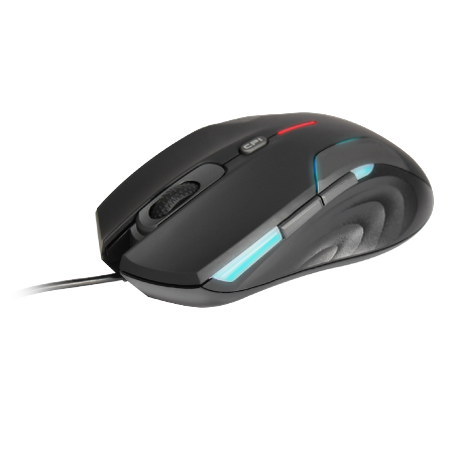
Tools for Vorago 404 "gaming mouse" under GNU/Linux. Coming soon... ;-) ́