A simple Python 3 CLI to read your Things app data using the things.py API.
Build Status Coverage Status GitHub Issues License GitHub Release PyPI - Downloads GitHub Download Count
$ pip3 install things-cli
# or
$ git clone https://github.com/thingsapi/things-cli && cd things-cli && make install
% things-cli inbox
 - To-Do in Inbox with Checklist Items ( Inbox )
 - To-Do in Inbox ( Inbox )
% things-cli --recursive areas
- Area 3 ()
 - Todo in Area 3 (Area 3)
- Area 2 ()
- Area 1 ()
 - Project in Area 1 (Area 1)
 - Todo in Area 1 (Project in Area 1)
 - Heading (Project in Area 1)
 - To-Do in Heading (Heading)
 - To-Do in Area 1 (Area 1)
% things-cli --json today|jq
[
 {
 "uuid": "5pUx6PESj3ctFYbgth1PXY",
 "type": "to-do",
 "title": "To-Do in Today",
 "status": "incomplete",
 "notes": "With\nNotes",
 "start": "Anytime",
 "start_date": "2021年03月28日",
 "deadline": null,
 "stop_date": null,
 "created": "2021年03月28日 21:11:22",
 "modified": "2021年03月28日 21:11:30"
 }
]
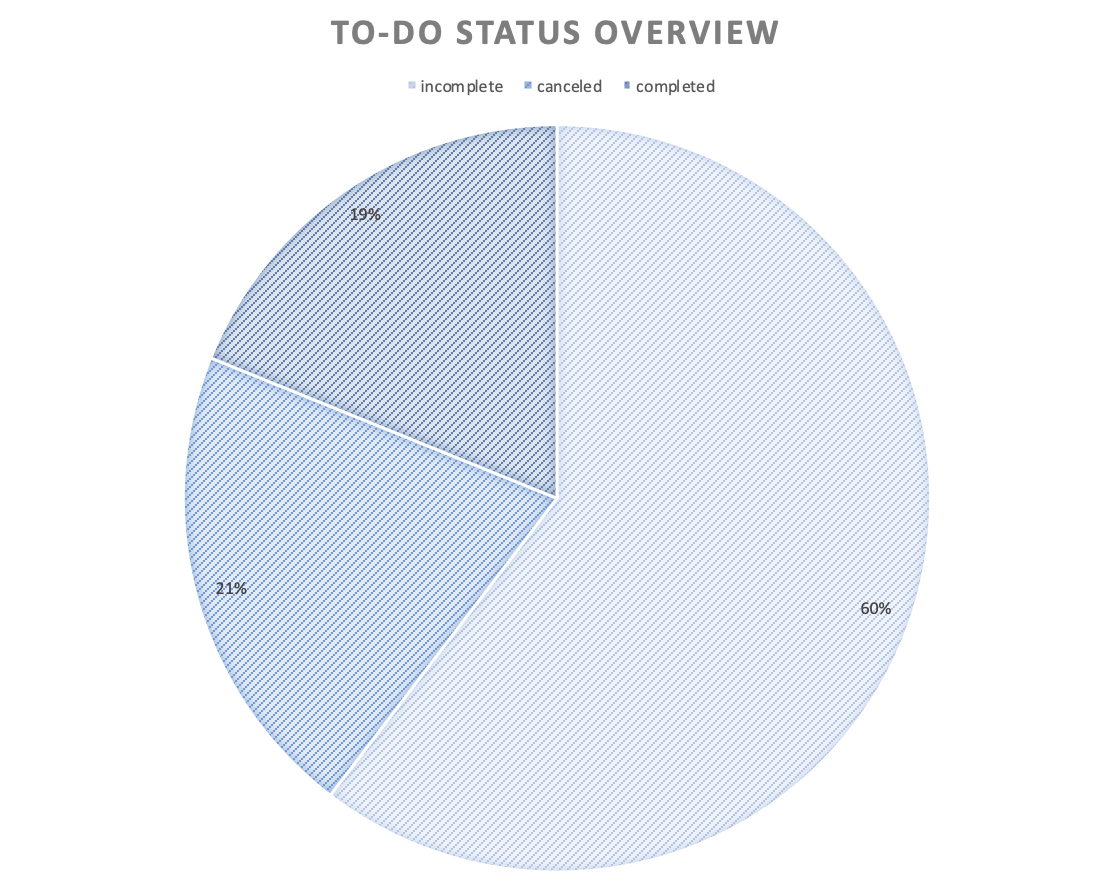
% things-cli --csv --recursive all > all.csv && open all.csv
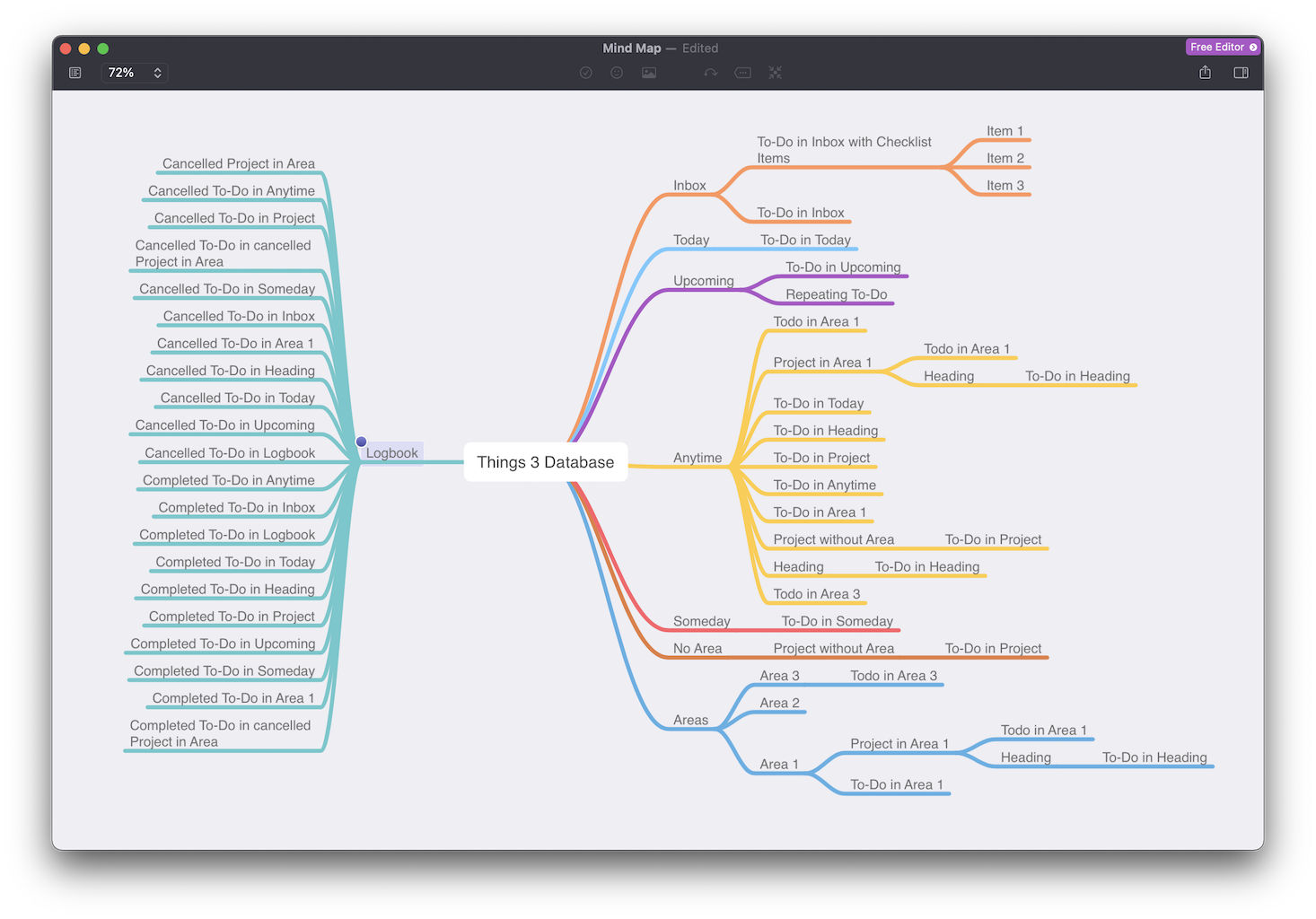
% things-cli --opml --recursive all > all.opml && open all.opml
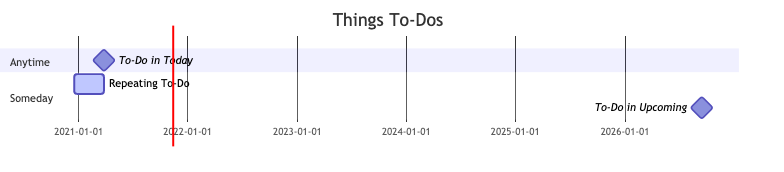
% things-cli --gantt --recursive all > all.mmd && mmdc -i all.mmd -o all.png && open all.png
% things-cli -h
usage: cli.py [-h] [-p FILTER_PROJECT] [-a FILTER_AREA] [-t FILTER_TAG] [-e] [-o] [-j] [-c] [-g] [-r] [-d DATABASE] [--version] command ...
Simple read-only Thing 3 CLI.
positional arguments:
 command
 inbox Shows inbox tasks
 today Shows todays tasks
 upcoming Shows upcoming tasks
 anytime Shows anytime tasks
 completed Shows completed tasks
 someday Shows someday tasks
 canceled Shows canceled tasks
 trash Shows trashed tasks
 todos Shows all todos
 all Shows all tasks
 areas Shows all areas
 projects Shows all projects
 logbook Shows completed tasks
 logtoday Shows tasks completed today
 tags Shows all tags ordered by their usage
 deadlines Shows tasks with due dates
 feedback Give feedback
 search Searches for a specific task
optional arguments:
 -h, --help show this help message and exit
 -p FILTER_PROJECT, --filter-project FILTER_PROJECT
 filter by project
 -a FILTER_AREA, --filter-area FILTER_AREA
 filter by area
 -t FILTER_TAG, --filtertag FILTER_TAG
 filter by tag
 -e, --only-projects export only projects
 -o, --opml output as OPML
 -j, --json output as JSON
 -c, --csv output as CSV
 -g, --gantt output as mermaid-js GANTT
 -r, --recursive in-depth output
 -d DATABASE, --database DATABASE
 set path to database
 --version, -v show program's version number and exit