- React
- Module Cascading Style Sheet
- Material UI design
- Google Fonts
- Vercel
- Material UI React
- Material UI Material Icons
- React Router DOM
- React Icons
The app was deployed using Vercel. You can find the live project demo here
Create a reate app using the command:
npx create-react-app <project-name>
cd into the project directory:
cd <project-name>
Install some other packages as listed below:
@emotion/react
@mui/material
react-icons
react-router-dom
Installation can be done as shown below:
npm install <package-name>
Create the app based on the Adobe design template
Deployment was done using vercel
-
The GitHub API used to get the most starred user repositories in the last 30days is https://api.github.com/search/repositories?q=created:%3E2021-08-13&sort=stars&order=desc
-
The /github route design is based on the below image
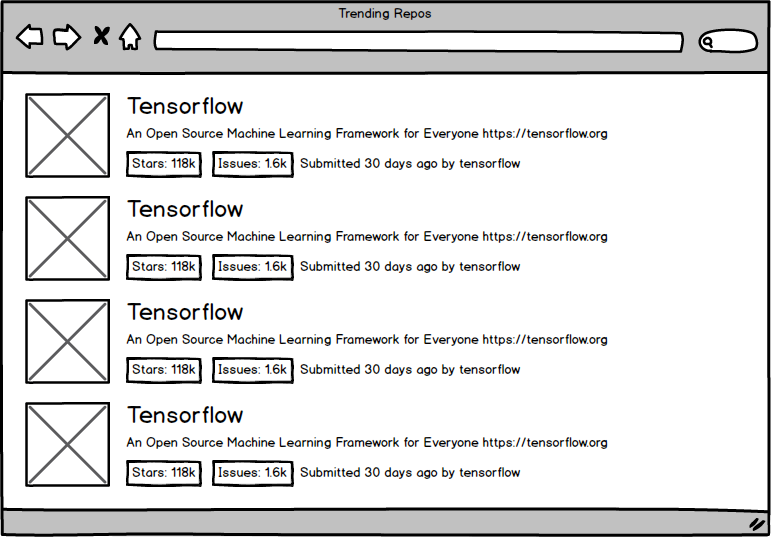
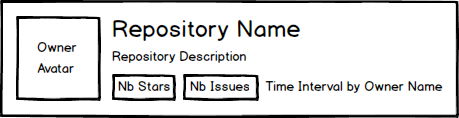
- Here's what each element represents
Happy Coding!!! 😊