Android quantity view with add and remove button to simply use as a complex widget with handful of quick customizations.
QuantityView QuantityView QuantityView
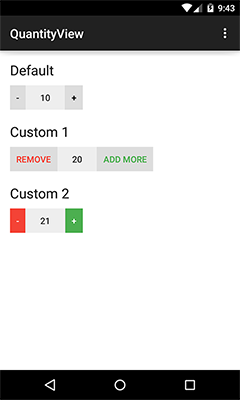
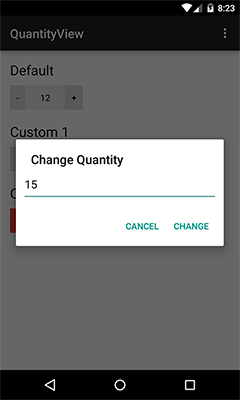
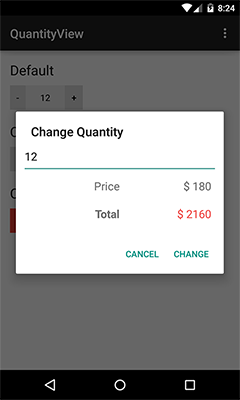
add gradle dependency to your dependency list:
dependencies {
	compile 'me.himanshusoni.quantityview:quantity-view:1.1.1'
}- Include
QuantityViewin your xml.
<me.himanshusoni.quantityview.QuantityView
	xmlns:app="http://schemas.android.com/apk/res-auto"
 android:id="@+id/quantityView_default"
 android:layout_width="wrap_content"
 android:layout_height="wrap_content"
 android:layout_marginTop="10dp"
 app:qv_quantity="10" />
Attributes:
app:qv_addButtonBackground="color|drawable"
app:qv_addButtonText="string"
app:qv_addButtonTextColor="color"
app:qv_removeButtonBackground="color|drawable"
app:qv_removeButtonText="string"
app:qv_removeButtonTextColor="color"
app:qv_quantityBackground="color|drawable"
app:qv_quantityTextColor="color"
app:qv_quantity="integer"
app:qv_quantityPadding="dimension"
app:qv_maxQuantity="integer"
app:qv_minQuantity="integer"
- added option to use custom click listener on quantity for custom view.
================== developed to make programming easy.
by Himanshu Soni (himanshusoni.me@gmail.com)