Skip to content

Navigation Menu

Sign in
Appearance settings

Search code, repositories, users, issues, pull requests...

Provide feedback

We read every piece of feedback, and take your input very seriously.

Saved searches

Use saved searches to filter your results more quickly

Sign up
Appearance settings

socoolby/CoolClock

Repository files navigation

CoolClock

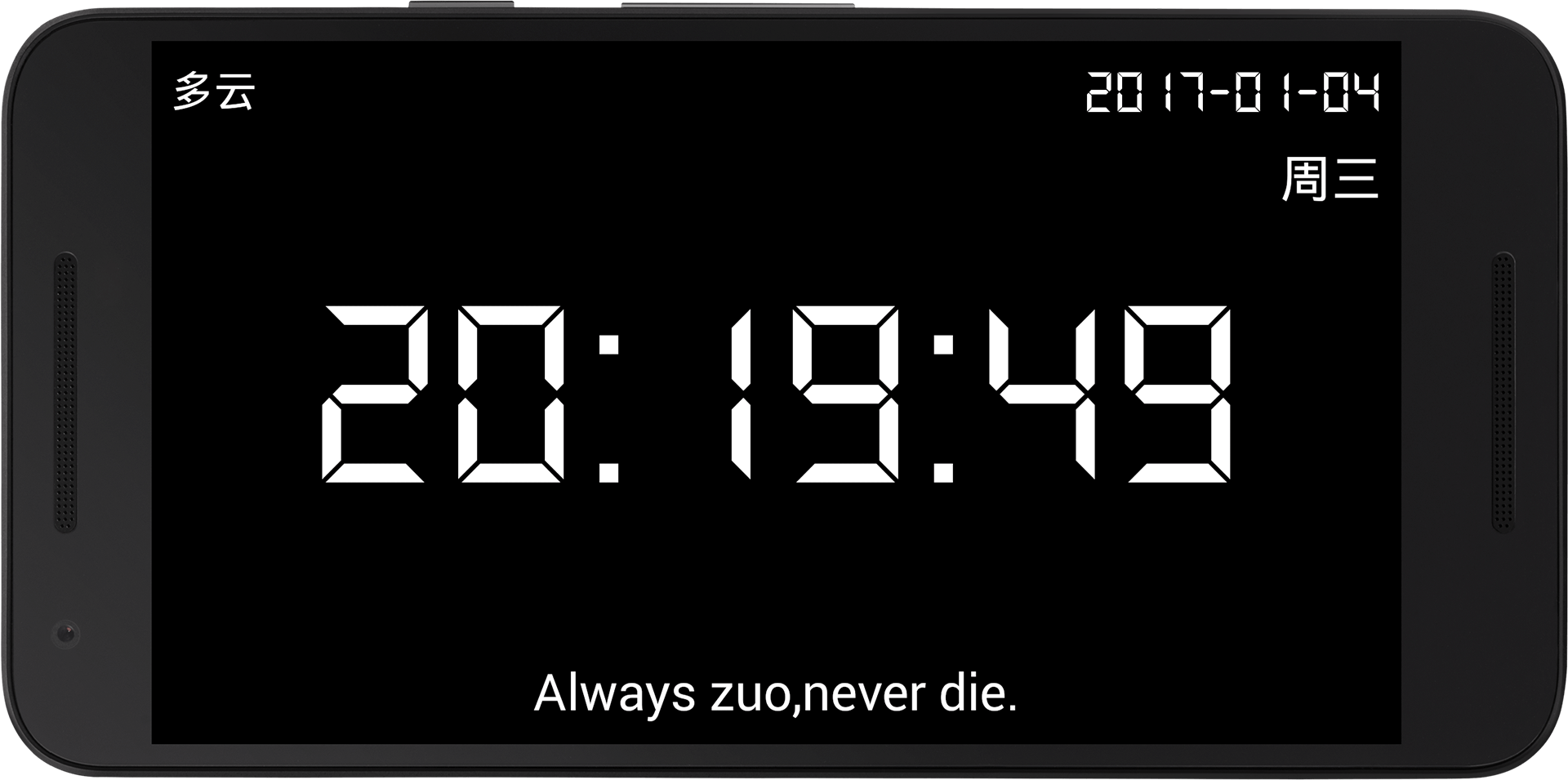
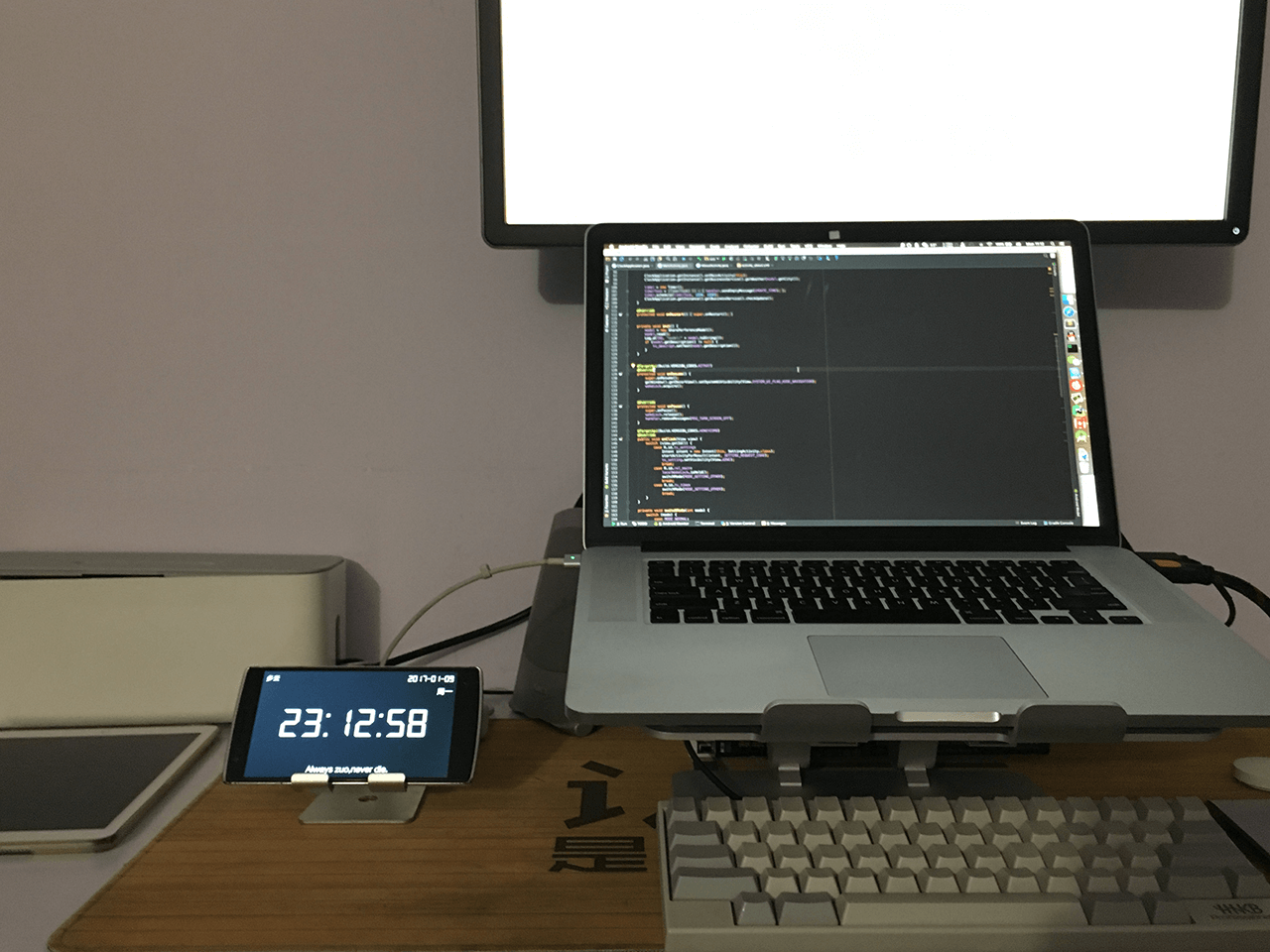
An Android clock

Setting

CoolClock->Touch in screen(Or click menu)->Setting

Trigger Screen

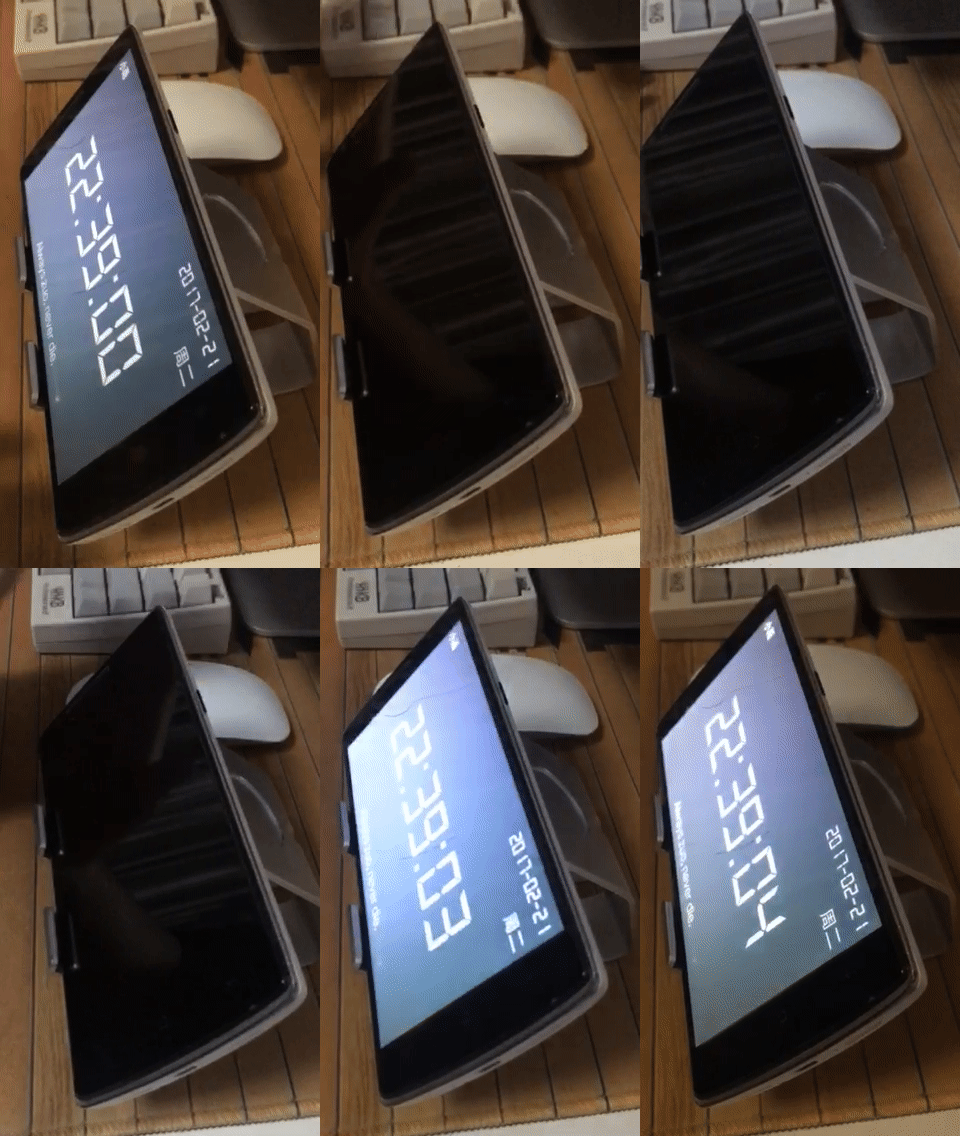
Slide over to turn screen on and off is via proximity sensor(It's near by earpiece), but you need activate device administrator authorization and set screen lock to no LockScreen before use.Of course you can turn off this feature in CoolClock->Setting->Trigger Screen ON/OFF.

Uninstall Application:

CoolClock->Setting->Uninstall

Download APK
Install from Google Play Store
SourceCode:CoolClock

Email:socoolby@gmail.com

About

An Android clock

Resources

License

Stars

Watchers

Forks

Releases

No releases published

Packages

No packages published

Languages

AltStyle によって変換されたページ (->オリジナル) /