# Void
xbps-install libXft-devel libX11-devel harfbuzz-devel libXext-devel libXrender-devel libXinerama-devel gd-devel
# Debian (and ubuntu probably)
apt install build-essential libxft-dev libharfbuzz-dev libgd-dev
# Nix
nix develop github:siduck/st
# Arch
pacman -S gd
# Fedora (or Red-Hat based)
dnf install gd-devel libXft-devel
# SUSE (or openSUSE)
zypper in -t pattern devel_basis
zypper in gd-devel libXft-devel harfbuzz-devel
# Install font-symbola and libXft-bgra
Before you install st on your system, you might want to try it out first.
To do so, simply run (requires Nix)
nix run github:siduck/st
git clone https://github.com/siduck/st.git
cd st
(change the compiler if you cant use c99 to compile: sed -i 's/^#\ CC\ =\ c99/CC=gcc/' config.mk)
sudo make install
xrdb merge pathToXresourcesFile
(note : put the xrdb merge command in your wm's autostart or similar)
Add st.url = "github:siduck/st"; to your inputs and install inputs.st.packages."${system}".st-snazzy package
- Install JetbrainsMono Mono Nerd Font or any nerd font from here
- Ligatures
- sixel (check sixel branch)
- scrollback
- Clipboard
- Alpha(Transparency)
- Boxdraw
- patch_column ( doesnt cut text while resizing)
- font2
- right click paste
- st desktop entry
- newterm
- anygeometry
- xresources
- sync patch ( Better draw timing to reduce flicker/tearing and improve animation smoothness )
- live reload ( change colors/fonts on the fly )
- st-swapmouse
# make an alias for this command
alias rel="xrdb merge pathToXresourcesFile && kill -USR1 $(pidof st)"
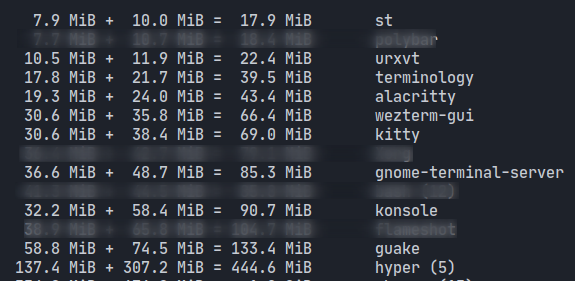
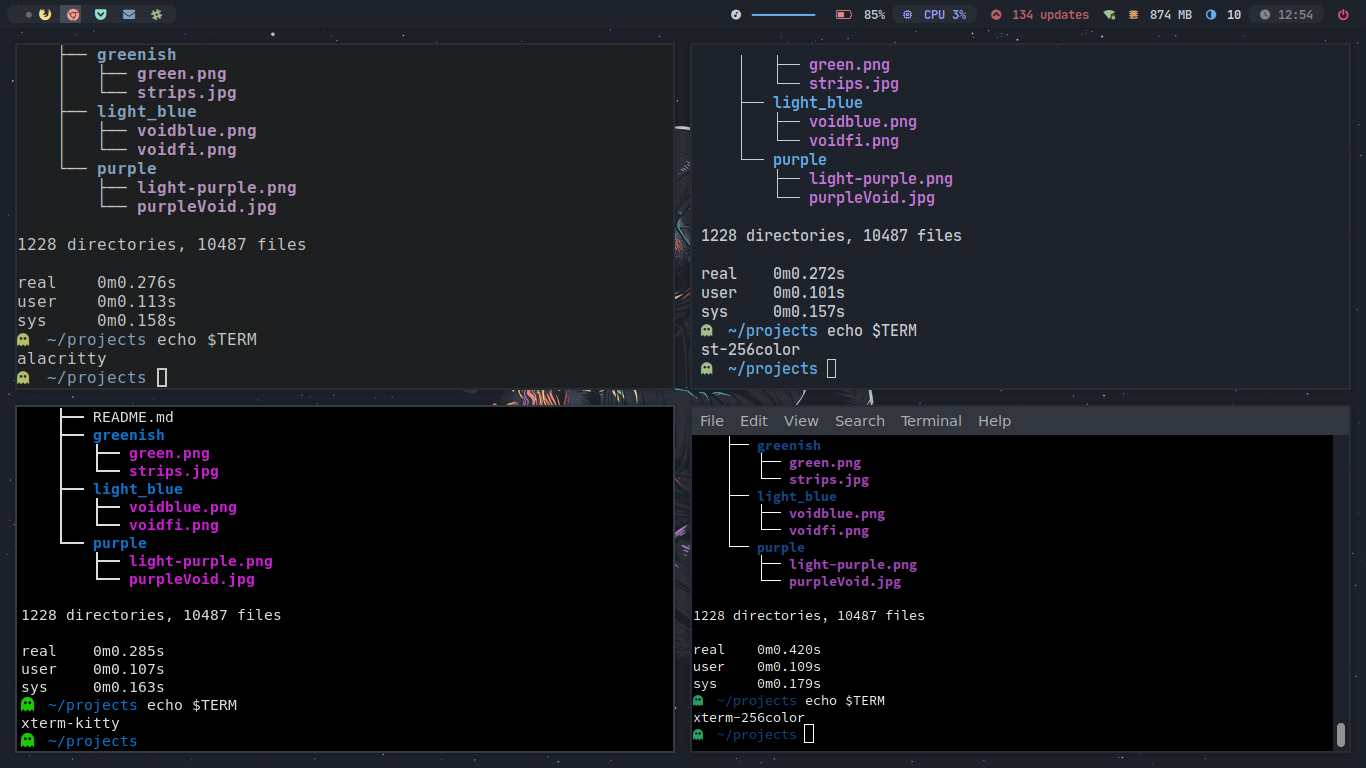
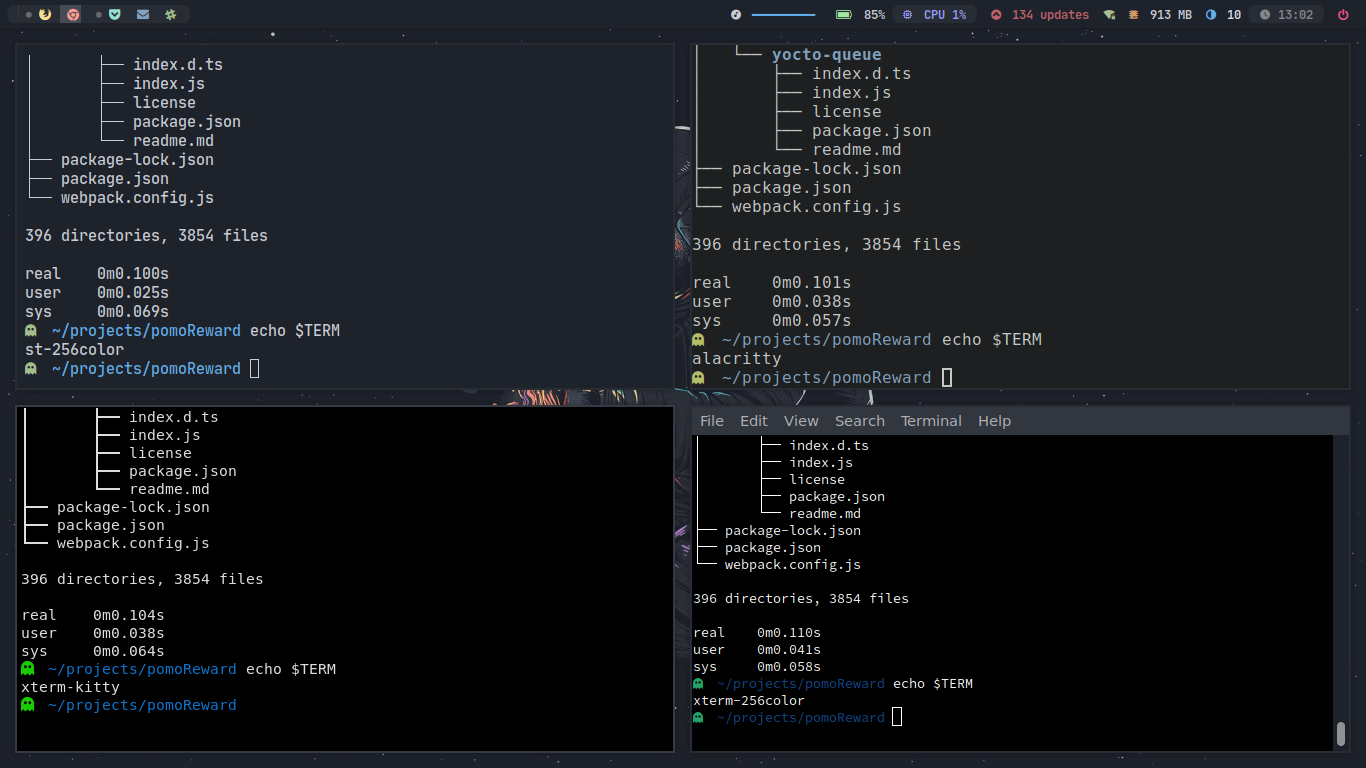
( note : This benchmark was done on my low-end machine which has a pentium cpu so the speed results might vary )
ctrl + shift + c Copy

ctrl + shift + v Paste

right click on the terminal ( will paste the copied thing )
(Zoom)
alt + comma Zoom in

alt + . Zoom out

alt + g Reset Zoom

(Transparency)
alt + s Increase Transparency

alt + a Decrease Transparency

alt + m Reset Transparency

alt + k scroll down
alt + j scroll up
mod + shift + enter open a new terminal with same cwd ( current working directory )
you can change all of these in config.h
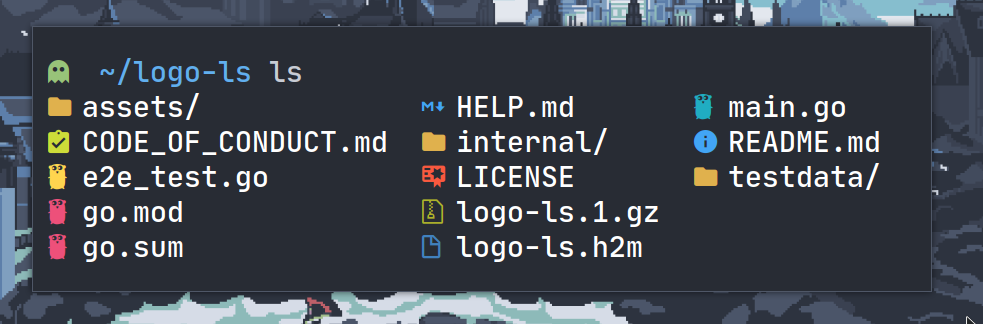
- ls-icons: https://github.com/Yash-Handa/logo-ls
- Xresources: onedark (just
xrdb merge xresourcesfile, do this everytime you make any change to xresources file) from this repo itself. - Font: JetbrainsMono Nerd Font + material design icon fonts