npm create astro@latest -- --template basics
Open in StackBlitz Open with CodeSandbox Open in GitHub Codespaces
🧑🚀 Seasoned astronaut? Delete this file. Have fun!
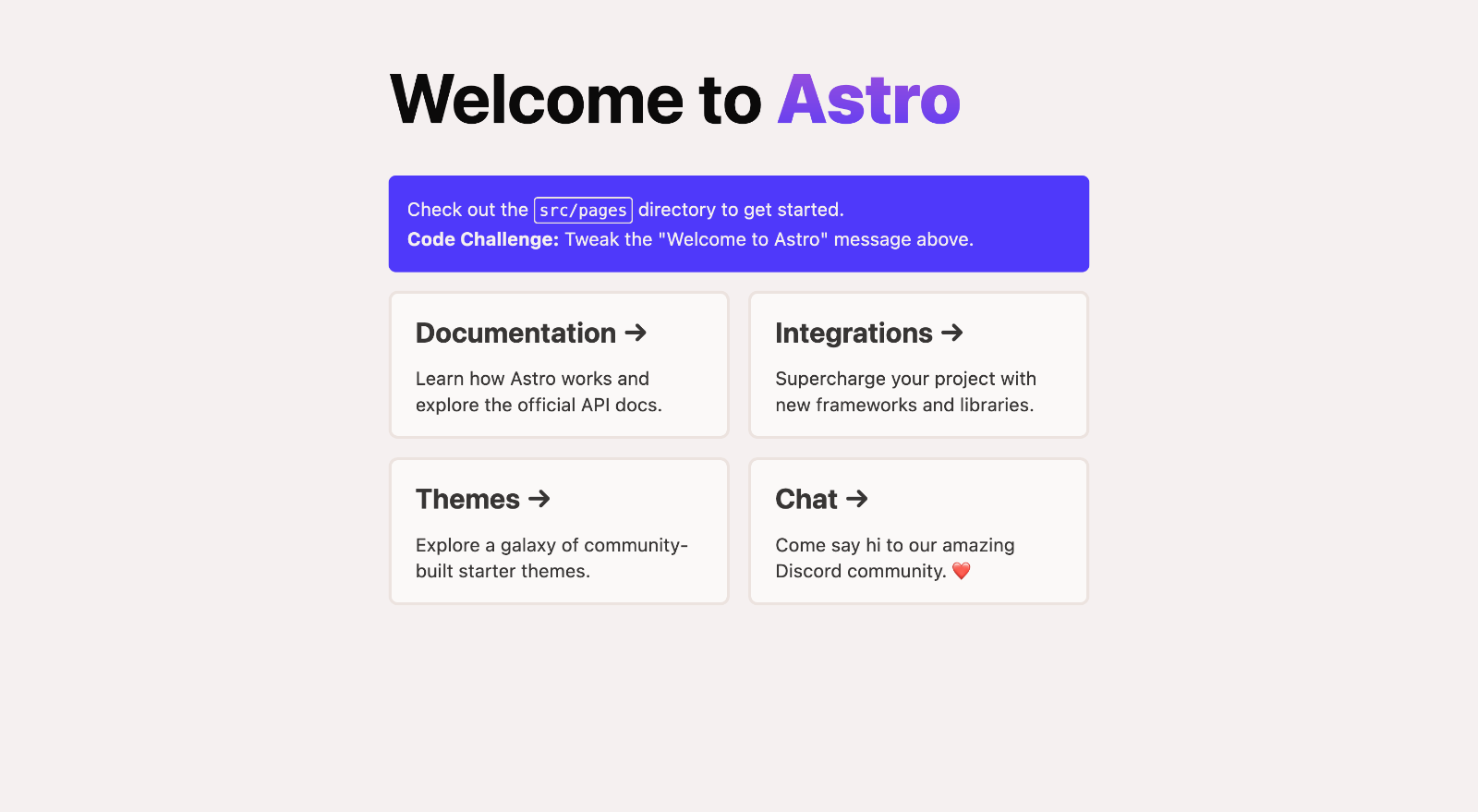
Inside of your Astro project, you'll see the following folders and files:
/
├── public/
│ └── tap.wav
│ └── win.mp3
├── src/
│ ├── components/
│ │ └── App.jsx
 └── Card.astro
 └── Dashboard.jsx
 └── Game.jsx
 └── GamerInput.jsx
 └── Header.astro
 └── Image.jsx
 └── ImageContainer.jsx
 └── Key.jsx
 └── Keyboard.jsx
 └── Loader.jsx
 └── NextChallenge.jsx
 └── Presentational.jsx
 └── Square.jsx
 └── TapSound.jsx
 └── WinnerAnimation.jsx
 └── WinnerInterface.jsx
 └── WinnerMessage.jsx
│ ├── functions/
│ │ └── checkWin.js
│ └── layouts/
│ └── Layout.astro
 └── pages/
 └── about.astro
 └── game.astro
 └── index.astro
 └── launch.astro
 └── reducers/
 └── Dashboard.js
 └── ImageReducer.js
 └── Puzzle.js
 └── store.js
 └── services/
 └── firebase.js
└── package.json
This app is based on the Static Site Generator called ASTRO. The same uses extensions like .astro or .md files in the src/pages/ directory. Each page is exposed as a route based on its file name.
This route: src/components/ contains React components from which the game runs.
Any static assets, like sounds, have been placed in the public/ directory.
Other important assets like challenges and the respective images come from a Firebase Database.
All these commands are run from the root of the project, from a terminal:
| Command | Action |
|---|---|
npm install |
Installs dependencies |
npm run dev |
Starts local dev server at localhost:3000 |
npm run build |
Build your production site to ./dist/ |
npm run preview |
Preview your build locally, before deploying |
npm run astro ... |
Run CLI commands like astro add, astro check |
npm run astro --help |
Get help using the Astro CLI |
All of the above where used in development. Apart from these, others were required, like the following:
Firebase offers a Command Line Interface (CLI) for initializing Firebase projects, and so avoiding to go directly to their page for doing it. This offers more productivity since you will not be waiting for loading Firebase page graphic interfaces and you can take avantage of your typing/coding skills in the terminal.
| Command | Action |
|---|---|
firebase projects:list |
If you have not installed Firebase in your local machine yet, run this |
npm run dev |
Starts local dev server at localhost:3000 |
npm run build |
Build your production site to ./dist/ |
npm run preview |
Preview your build locally, before deploying |
npm run astro ... |
Run CLI commands like astro add, astro check |
npm run astro --help |
Get help using the Astro CLI |
Feel free to check our documentation or jump into our Discord server.