Downloads Downloads Downloads License Hugging Face Spaces

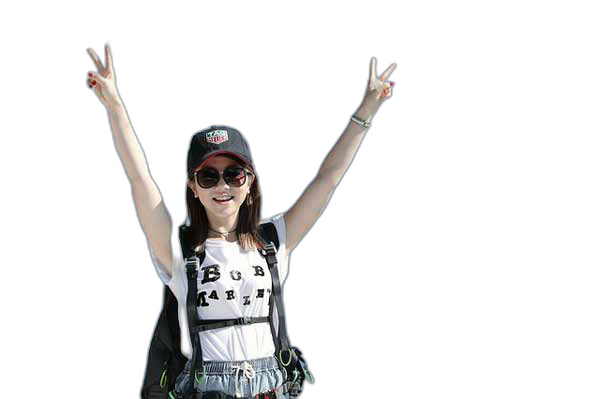
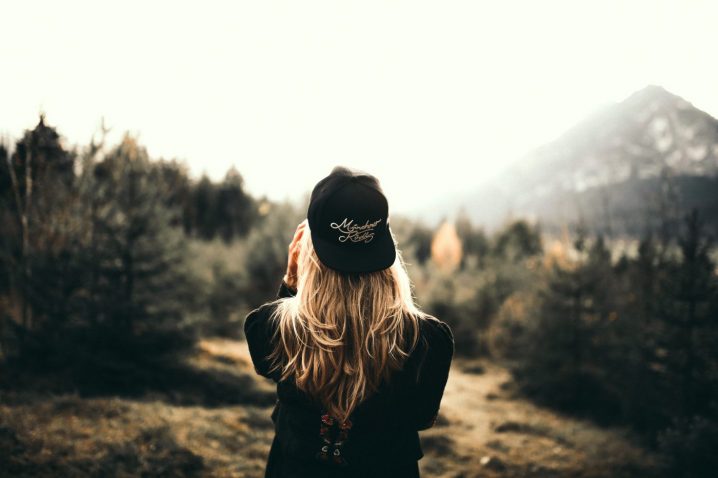
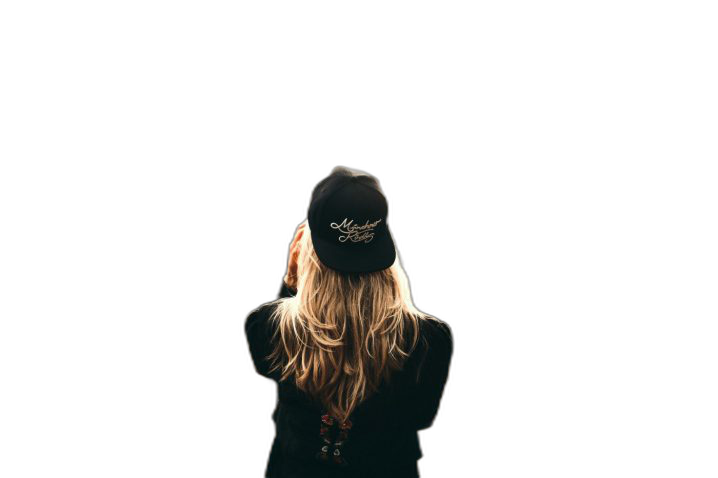
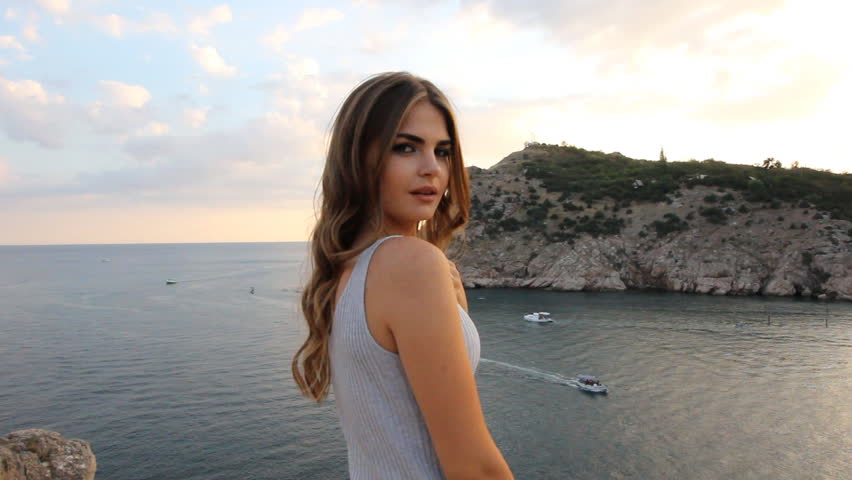
Rembg is a tool to remove images background. That is it.

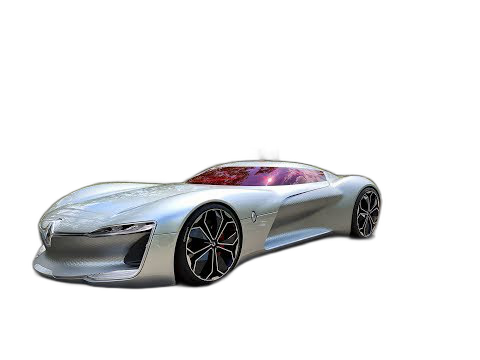
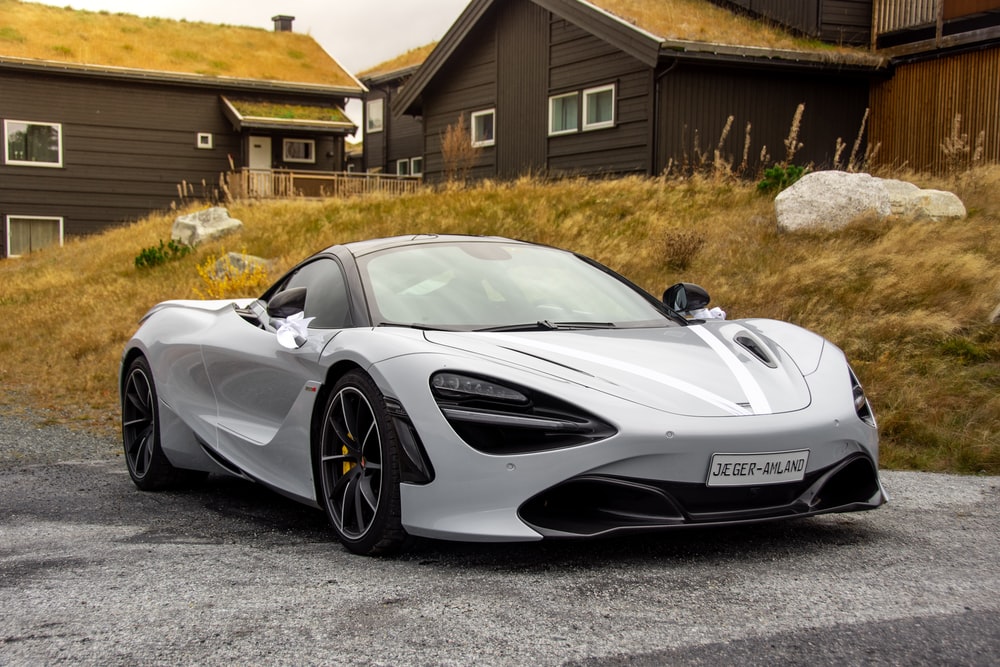
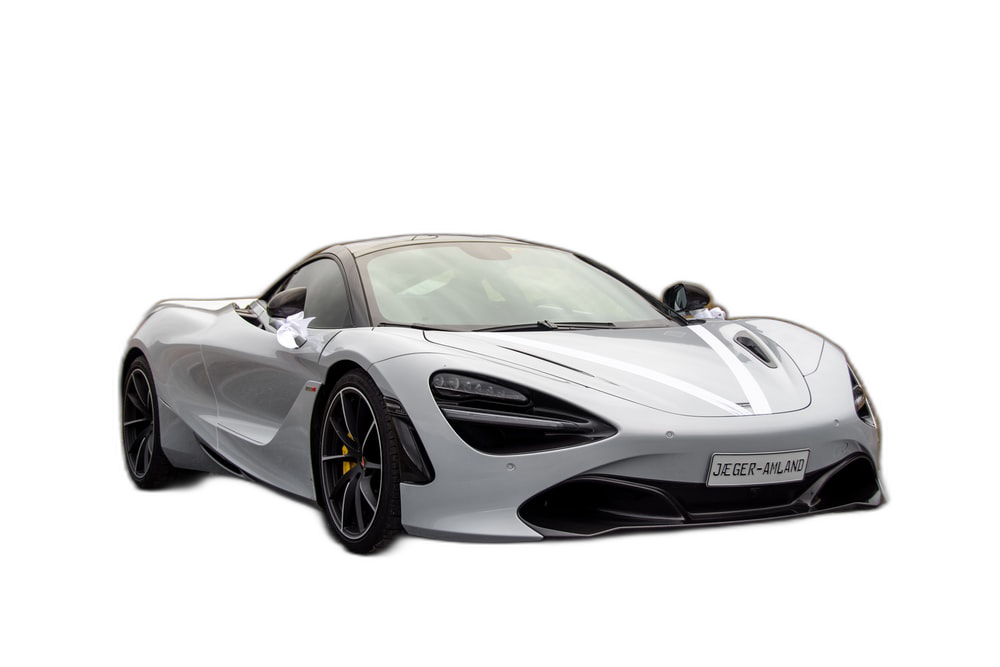
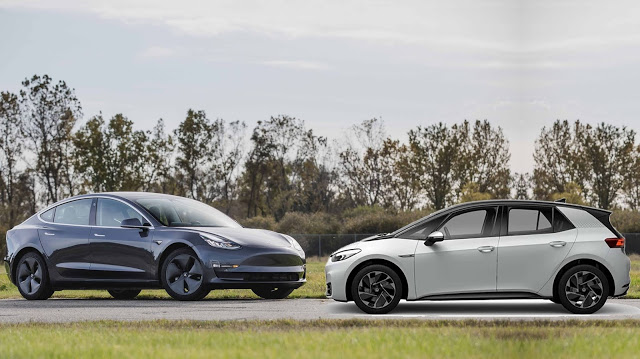
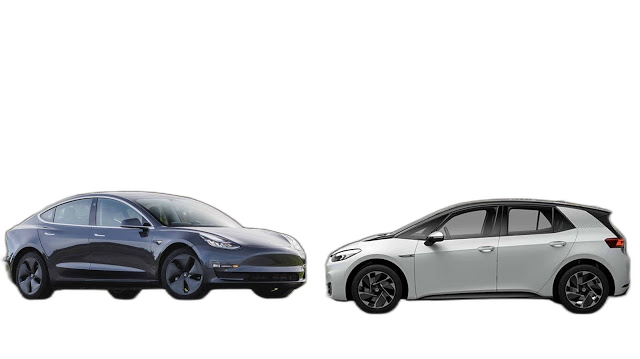
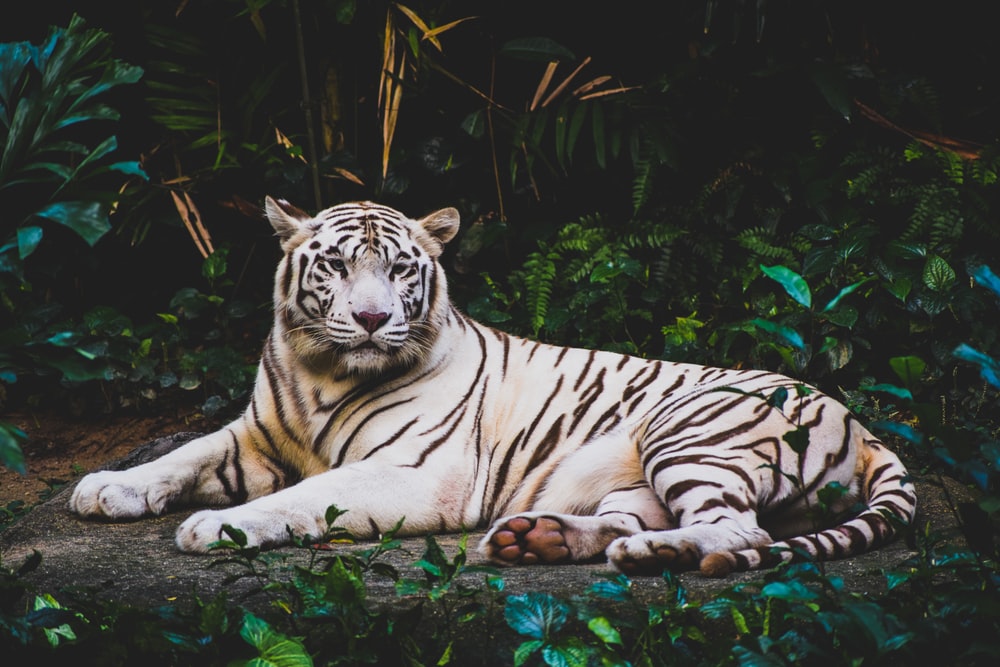
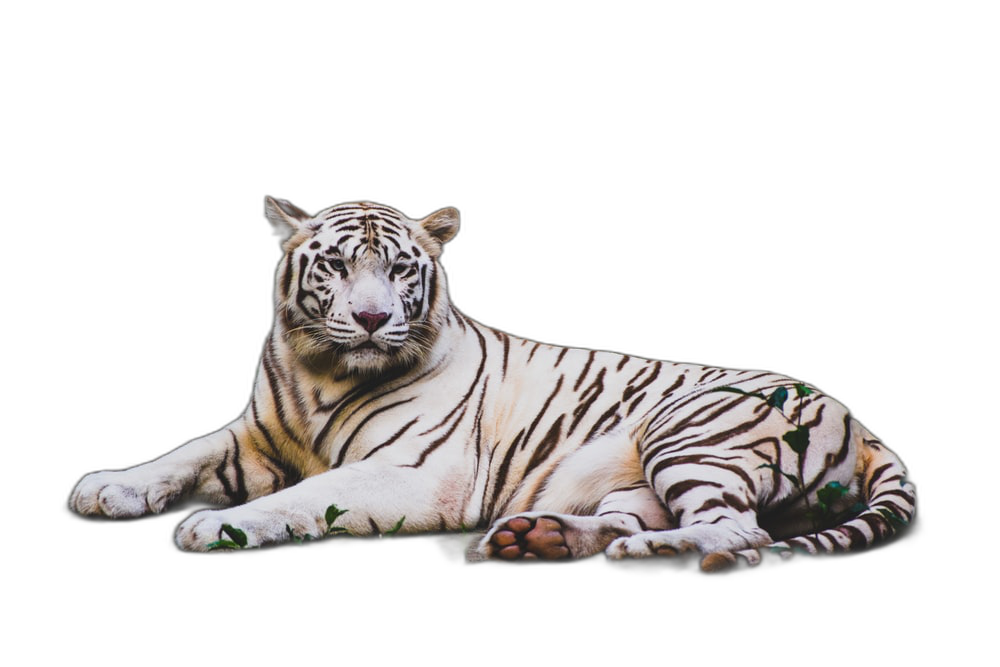
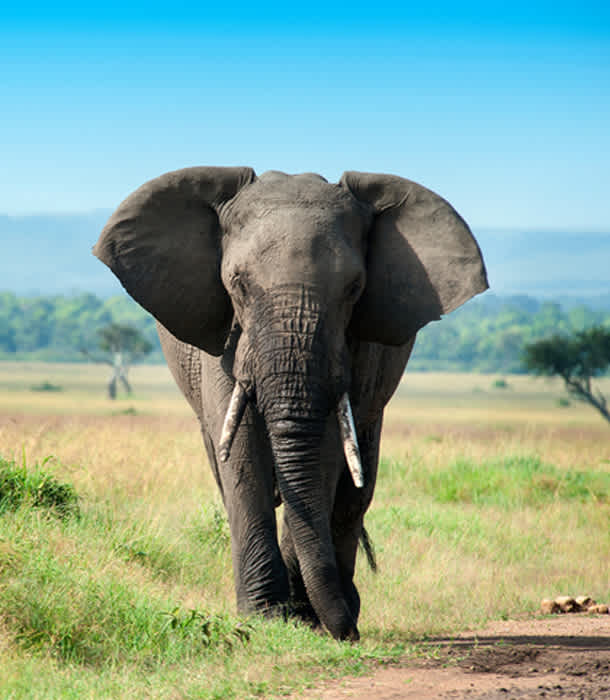
If this project has helped you, please consider making a donation.
CPU support:
pip install rembg
GPU support:
pip install rembg[gpu]
Remove the background from a remote image
curl -s http://input.png | rembg i > output.png
Remove the background from a local file
rembg i path/to/input.png path/to/output.png
Remove the background from all images in a folder
rembg p path/to/input path/to/output
Start the server
rembg s
And go to:
http://localhost:5000/docs
Image with background:
https://upload.wikimedia.org/wikipedia/commons/thumb/9/9a/Gull_portrait_ca_usa.jpg/1280px-Gull_portrait_ca_usa.jpg
Image without background:
http://localhost:5000/?url=https://upload.wikimedia.org/wikipedia/commons/thumb/9/9a/Gull_portrait_ca_usa.jpg/1280px-Gull_portrait_ca_usa.jpg
Also you can send the file as a FormData (multipart/form-data):
<form
 action="http://localhost:5000"
 method="post"
 enctype="multipart/form-data"
>
 <input type="file" name="file" />
 <input type="submit" value="upload" />
</form>
Input and output as bytes
from rembg import remove
input_path = 'input.png'
output_path = 'output.png'
with open(input_path, 'rb') as i:
 with open(output_path, 'wb') as o:
 input = i.read()
 output = remove(input)
 o.write(output)
Input and output as a PIL image
from rembg import remove
from PIL import Image
input_path = 'input.png'
output_path = 'output.png'
input = Image.open(input_path)
output = remove(input)
output.save(output_path)
Input and output as a numpy array
from rembg import remove
import cv2
input_path = 'input.png'
output_path = 'output.png'
input = cv2.imread(input_path)
output = remove(input)
cv2.imwrite(output_path, output)
Try this:
docker run -p 5000:5000 danielgatis/rembg s
Image with background:
https://upload.wikimedia.org/wikipedia/commons/thumb/9/9a/Gull_portrait_ca_usa.jpg/1280px-Gull_portrait_ca_usa.jpg
Image without background:
http://localhost:5000/?url=https://upload.wikimedia.org/wikipedia/commons/thumb/9/9a/Gull_portrait_ca_usa.jpg/1280px-Gull_portrait_ca_usa.jpg
All models are downloaded and saved in the user home folder in the .u2net directory.
The available models are:
- u2net (download - alternative, source): A pre-trained model for general use cases.
- u2netp (download - alternative, source): A lightweight version of u2net model.
- u2net_human_seg (download - alternative, source): A pre-trained model for human segmentation.
- u2net_cloth_seg (download - alternative, source): A pre-trained model for Cloths Parsing from human portrait. Here clothes are parsed into 3 category: Upper body, Lower body and Full body.
If You need more fine tunned models try this: danielgatis#193 (comment)
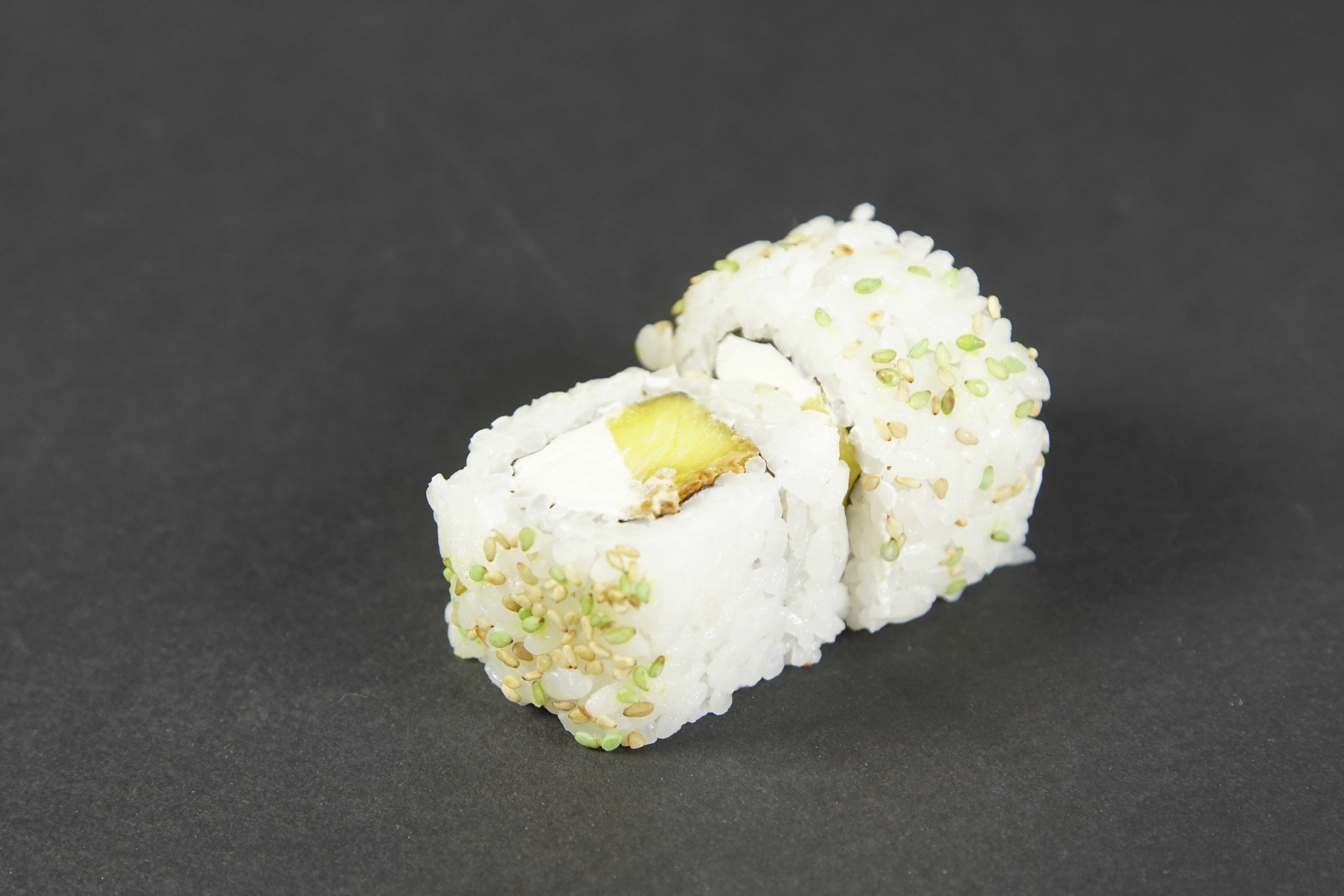
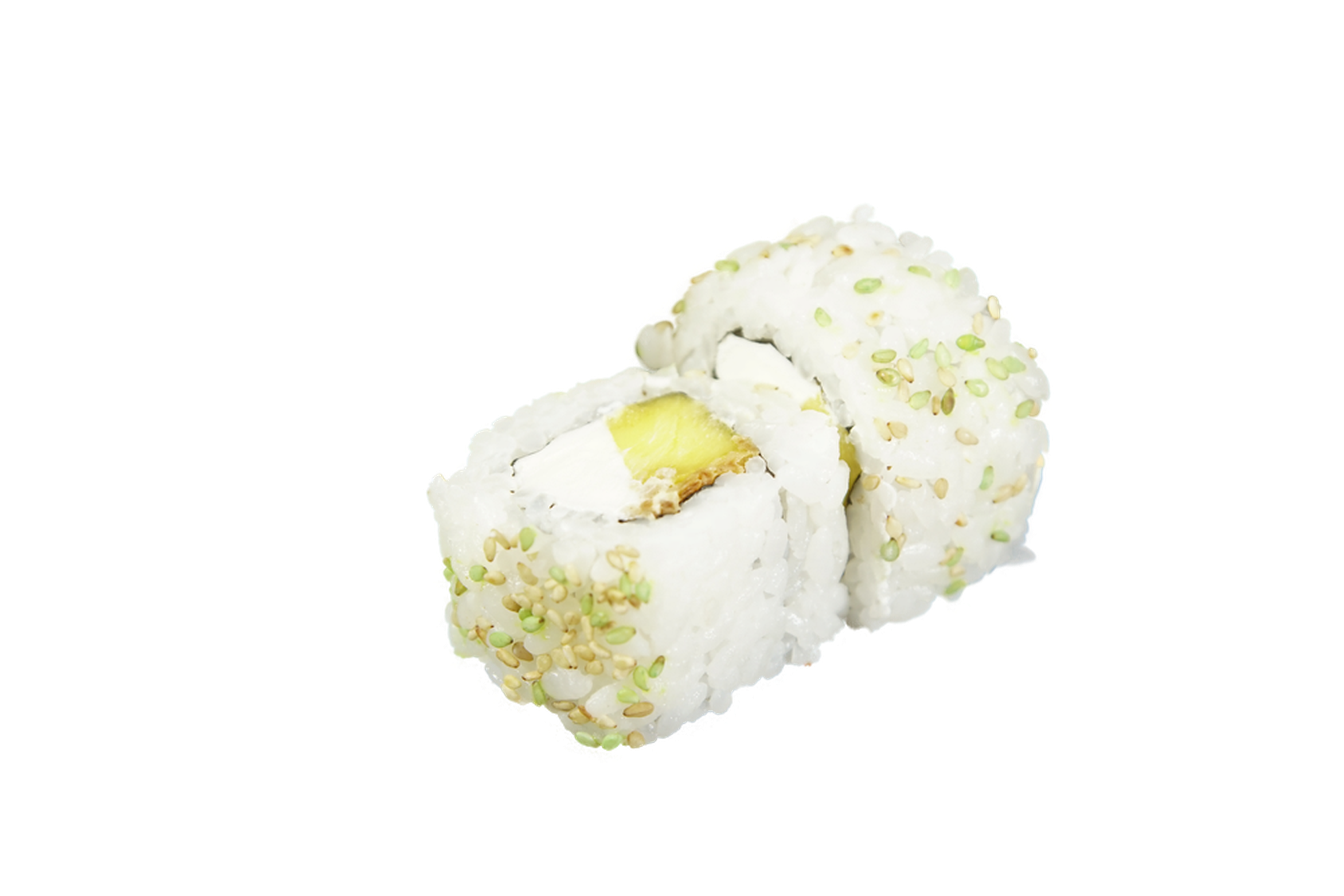
Sometimes it is possible to achieve better results by turning on alpha matting. Example:
curl -s http://input.png | rembg i -a -ae 15 > output.png
| Original | Without alpha matting | With alpha matting (-a -ae 15) |

Please contact me at danielgatis@gmail.com if you need help to put it on the cloud.
- https://arxiv.org/pdf/2005.09007.pdf
- https://github.com/NathanUA/U-2-Net
- https://github.com/pymatting/pymatting
Liked some of my work? Buy me a coffee (or more likely a beer)
Copyright (c) 2020-present Daniel Gatis
Licensed under MIT License