Platforms Build Status Swift Package Manager CocoaPods Compatible Carthage compatible Code Coverage code size license Swift Forums
A simple toolkit for displaying and manipulating SVGs on iOS and macOS in a performant manner.
The goal of this project is not to be a fully compliant SVG parser/renderer. But rather to use SVG as a format for serializing CG/UIPaths, meaning it only supports SVG features that can be represented by CG/UIPaths.
Thoroughly documented.
- Support for SVG elements:
path,line,polyline,polygon,rect,circle,ellipse - Support for SVG named colors.
- Fully working iOS and macOS demos.
- Straightforward API for typical SVG rendering as a
UIImageView/NSImageVieworCALayersubclass. - Access every shape within your SVG as a
CGPathfor more fine-grained manipulation.
dependencies: [
 .package(url: "https://github.com/pocketsvg/PocketSVG.git", .upToNextMajor(from: "2.6.0"))
]
Add this to your Podfile:
pod 'PocketSVG', '~> 2.6'
Then run pod install
Add this to your Cartfile:
github "pocketsvg/PocketSVG" >= 2.7.2
Then run carthage update --use-xcframeworks
let url = Bundle.main.url(forResource: "tiger", withExtension: "svg")!
let svgImageView = SVGImageView.init(contentsOf: url)
svgImageView.frame = view.bounds
svgImageView.contentMode = .scaleAspectFit
view.addSubview(svgImageView)
Output image
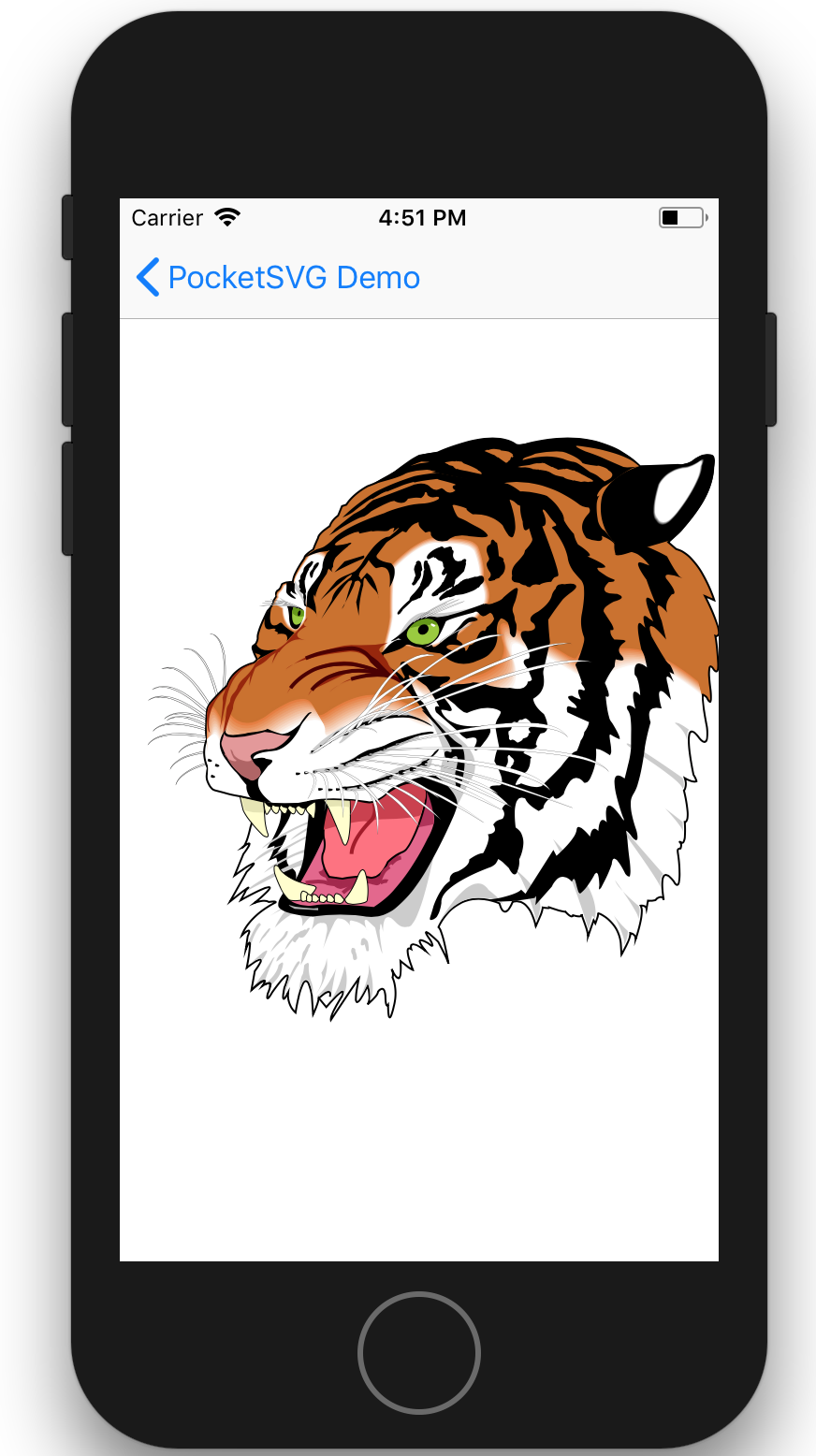
Note: By default, SVGLayer has shouldRasterize set to YES when running on iOS. If you need to animate changes to the layer's transform you might want to reset that to NO.
view.backgroundColor = .white
let svgURL = Bundle.main.url(forResource: "tiger", withExtension: "svg")!
let paths = SVGBezierPath.pathsFromSVG(at: svgURL)
let tigerLayer = CALayer()
for (index, path) in paths.enumerated() {
 let shapeLayer = CAShapeLayer()
 shapeLayer.path = path.cgPath
 if index%2 == 0 {
 shapeLayer.fillColor = UIColor.black.cgColor
 }
 else if index%3 == 0 {
 shapeLayer.fillColor = UIColor.darkGray.cgColor
 }
 else {
 shapeLayer.fillColor = UIColor.gray.cgColor
 }
 tigerLayer.addSublayer(shapeLayer)
}
var transform = CATransform3DMakeScale(0.4, 0.4, 1.0)
transform = CATransform3DTranslate(transform, 200, 400, 0)
tigerLayer.transform = transform
view.layer.addSublayer(tigerLayer)
Output image
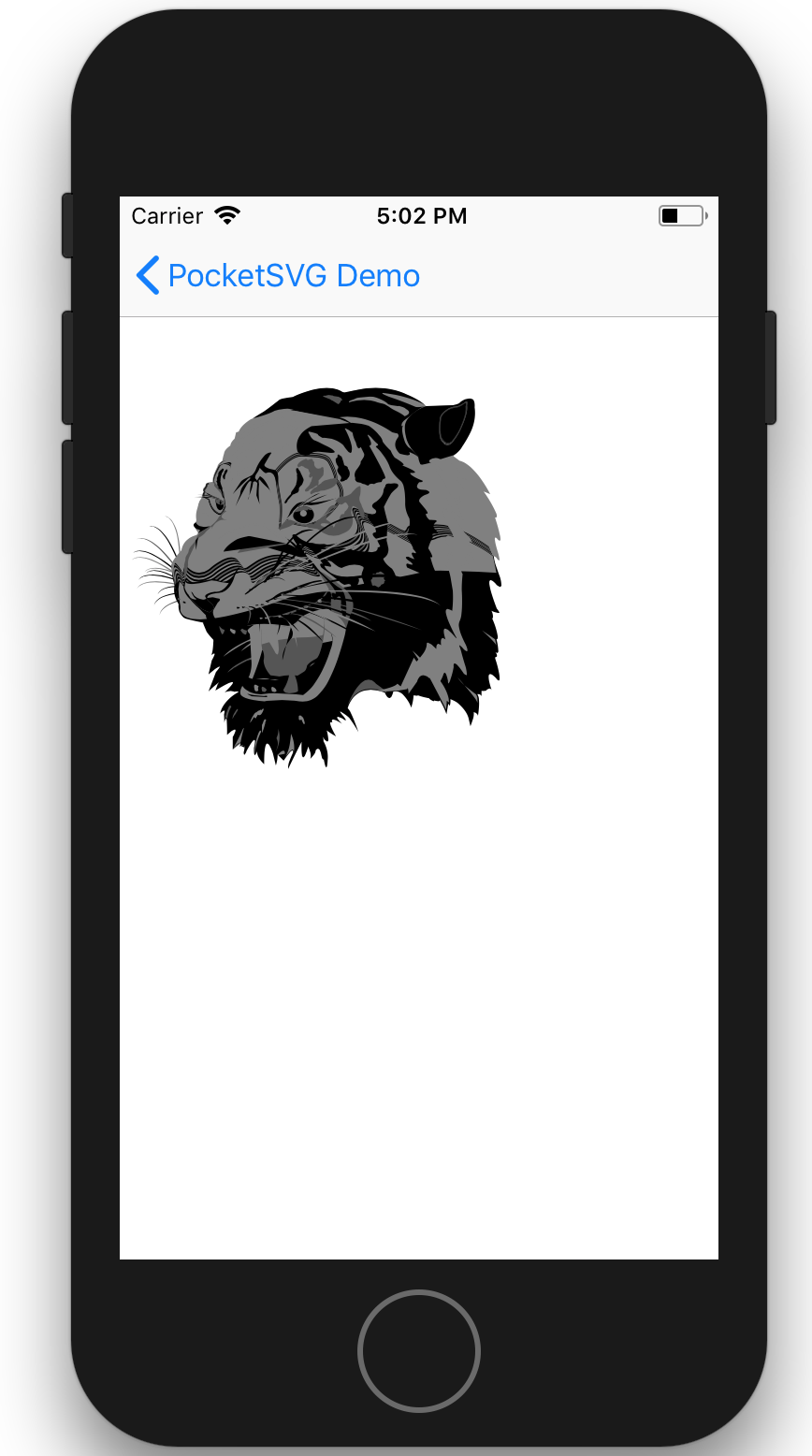
Please use the issue tracker to report any bugs or file feature requests.
PRs are welcome.