This plugin adds support for logging in to a Discourse site via Eauth.
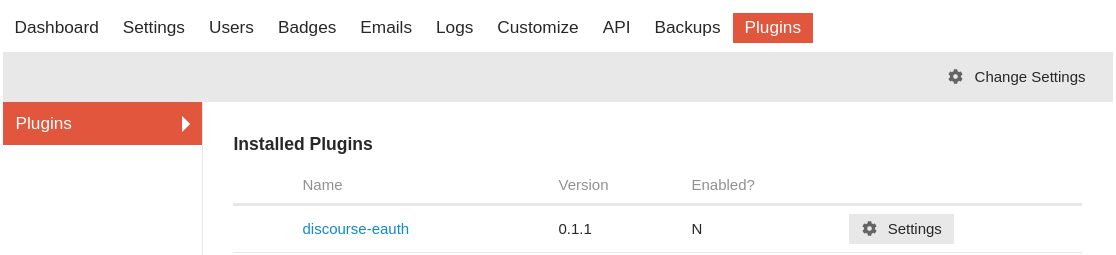
- Follow the directions at Install a Plugin using https://github.com/pelith/discourse-eauth as the repository URL. (use
git clone https://github.com/pelith/discourse-eauth.git --branch ENSforapp.ymlif you want to use ENS as username) - Rebuild the app using
./launcher rebuild app - In your Discourse instance, go to Site Settings, filter by "Eauth".
- Check the "eauth enabled" checkbox, and you're done!
-
Install discourse-eauth plugin by following this guide.
-
Enable the plugin at
/admin/site_settings/category/plugins. Setup Plugin Configs -
Set max username length up to 42. Remember to setup username change period if you're allowing users to edit their username instead of using the address they registered. username length edit username
-
Setup OAuth client, insert
client_idandclient_secretset in step 2 tooauth_clientstable of node-eauth-server and usehttp://your_discourse.domain/auth/eauthoauth2/callbackas your OAuthredirect_uri -
Enable local logins
-
Enable local username and password login based accounts. WARNING: if disabled, you may be unable to log in if you have not previously configured at least one alternate login method.
-
Enable local logins via email
-
Allow users to request a one-click login link to be sent to them via email.
-
Enable signup cta
-
Show a notice to returning anonymous users prompting them to sign up for an account.
-
Finally, enjoy!



For issues and requests: https://github.com/pelith/discourse-eauth