PyRay is a ray casting engine (http://en.wikipedia.org/wiki/Ray_casting ) written in Python using the PyGame library (http://www.pygame.org/wiki/about). This is the technology used in for example in Wolfenstien (http://en.wikipedia.org/wiki/Wolfenstein_3-D).
###Screenshots from the game: In game screenshot
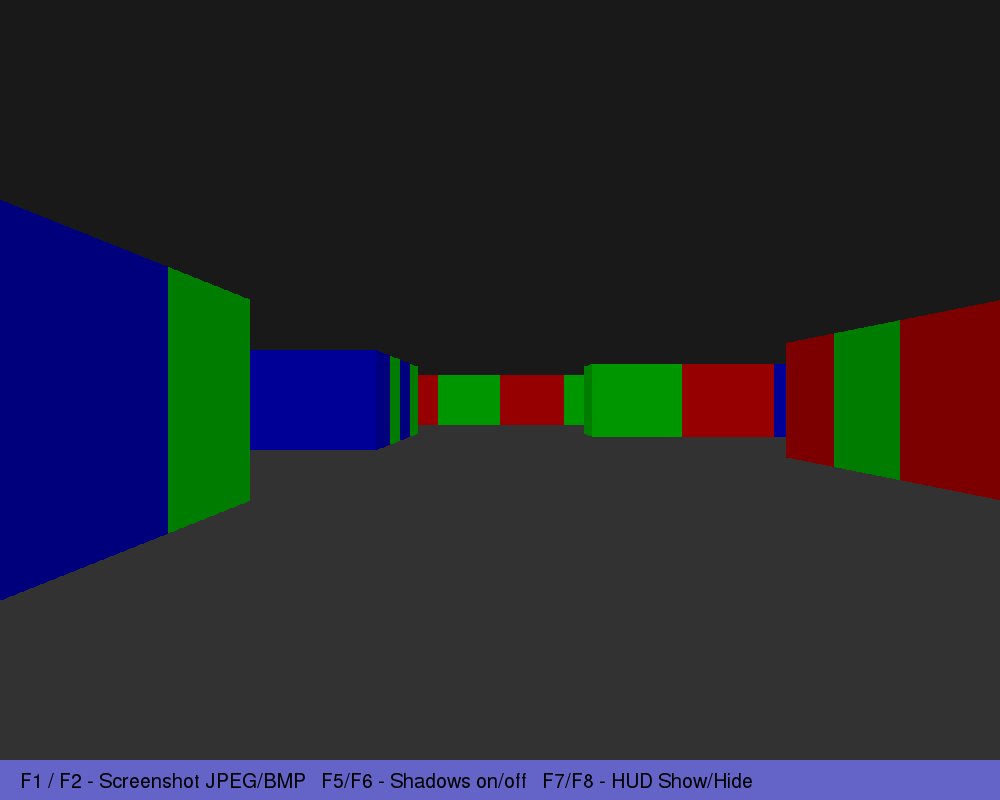
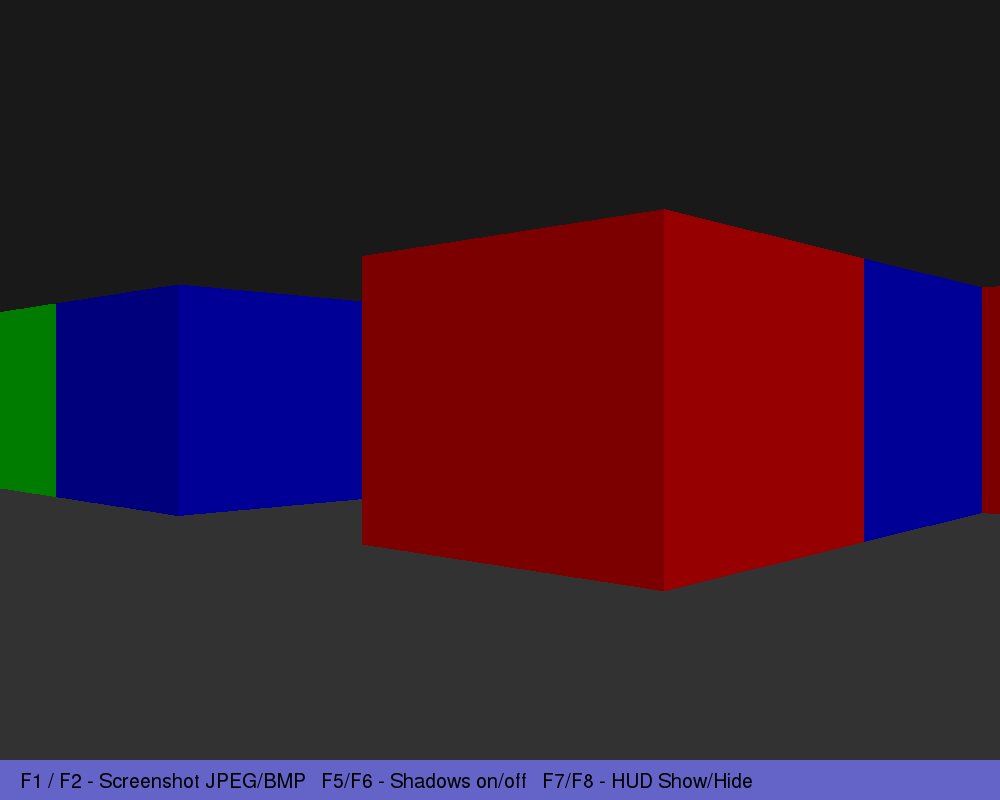
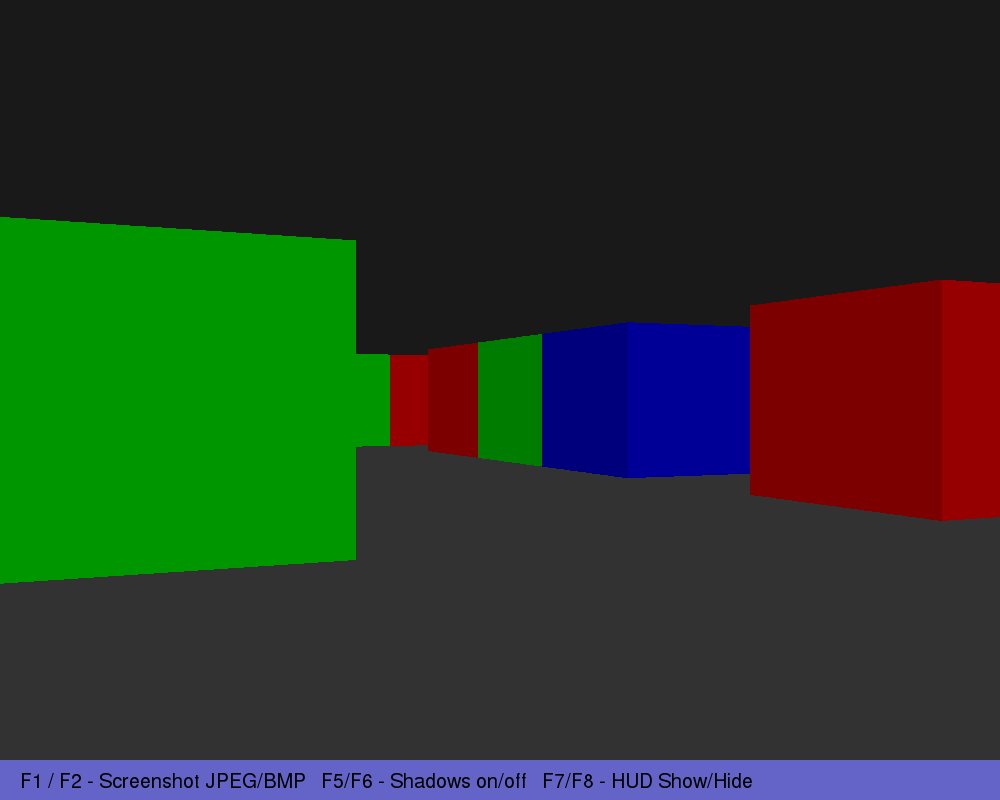
I wrote this a few years ago as a school project when I was just learning Python. Therefor not all code might be considered best practice. I don't have the time or interest to continue developing it right now, however I hope that someone will find the code useful!
Unfortunately I seemed to have lost my final report and thereby also lost some of my references. I would therefor like to acknowledge that there are some unnamed contributers and apologize for lack of credit to their work. I would like to thank: http://www.permadi.com/tutorial/raycast/ for providing useful information about ray casting.
ESC – Exit program
F1 – Take screen shot jpg
F2 – Take screen shot bmp
F5 – Turn on shadows
F6 – Turn of shadows
F7 – Show HUD
F8 – Remove HUD
Use arrow keys to move around.