UR3e & Robotiq Hand-e UR3 & Robotiq 85

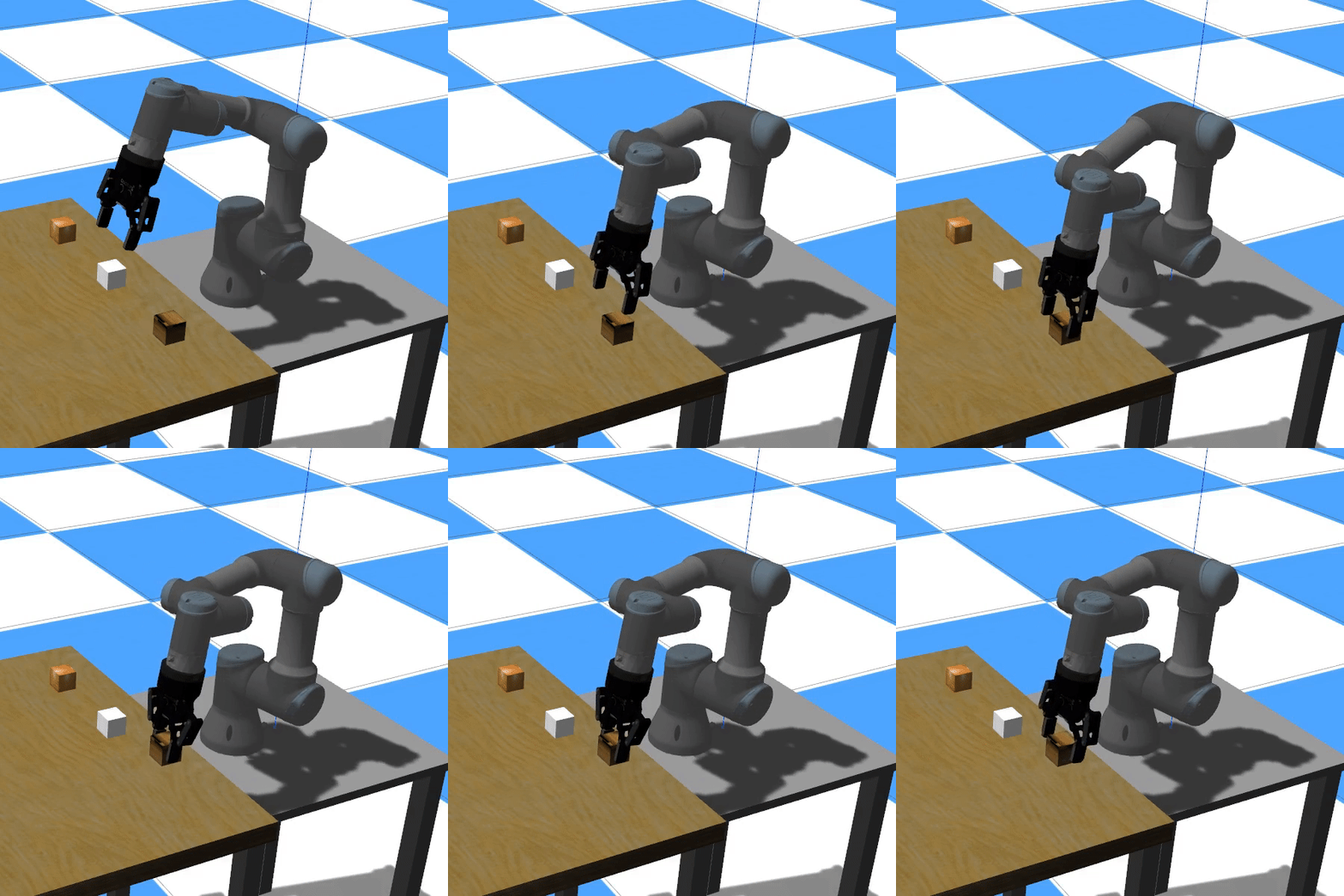
Custom ROS packages for the UR3 Robot with a gripper Robotiq 85 and the UR3e robot with a gripper Robotiq Hand-e. Tested on ROS Noetic Ubuntu 20.04 with Python 3.8.
For ROS Melodic see the melodic-devel branch.
To visualize the model of the robot with a gripper, launch the following:
roslaunch ur3_description display_with_gripper_hande.launch ur_robot:=ur5e
You can then use the sliders to change the joint values and the gripper values. Change the value of ur_robot to any other valid robot (ur3e, ur5e, ...)
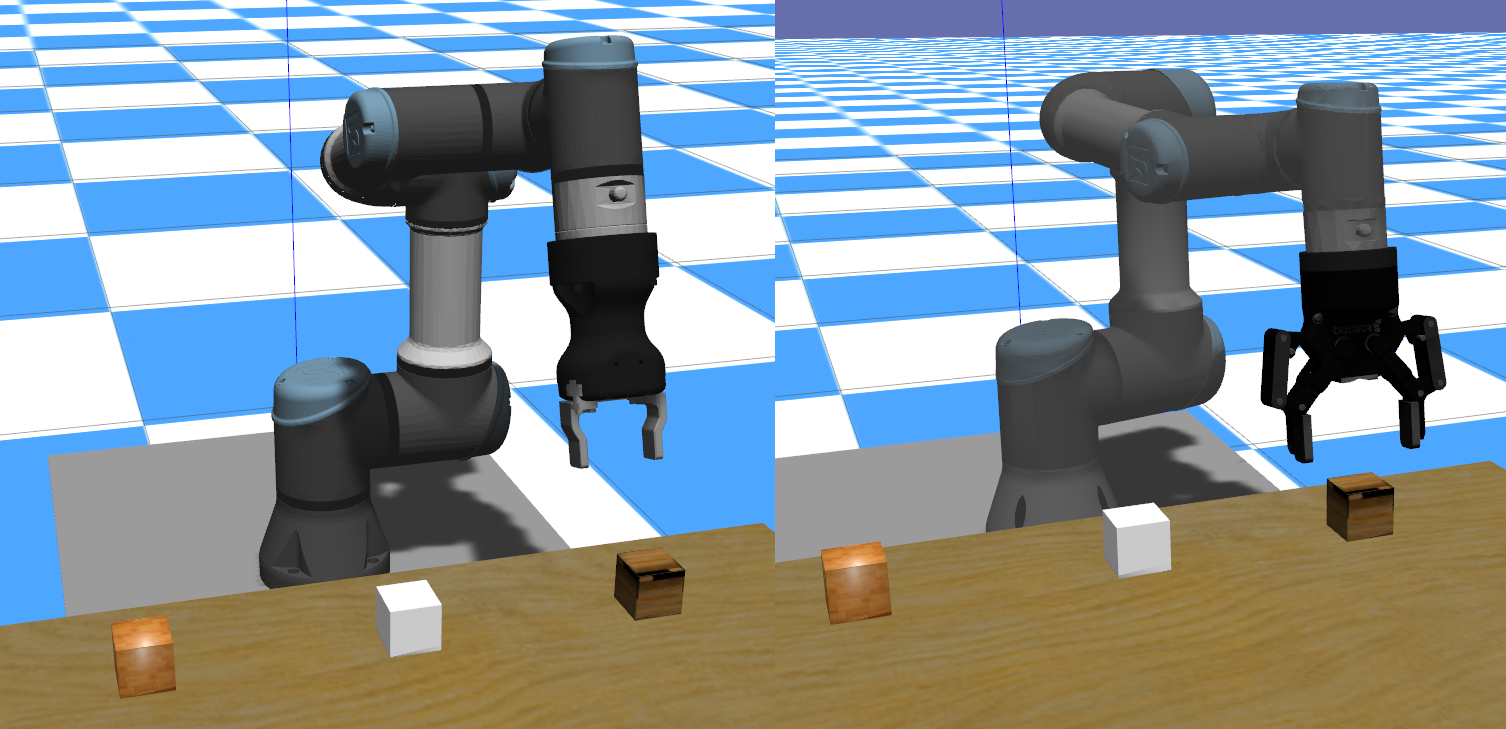
To simulate the robot launch the following:
roslaunch ur3_gazebo ur_gripper_85_cubes.launch ur_robot:=ur3 grasp_plugin:=1
or using ur3e:
roslaunch ur3_gazebo ur_gripper_hande_cubes.launch ur_robot:=ur3e grasp_plugin:=1
You can then send commands to the joints or to the gripper.
An example of sending joints values to the robot can be executed as follows:
rosrun ur_control sim_controller_examples.py -m
To change the values of the joints, the file sim_controller_examples.py must be modified.
Similarly, the script include examples to control the robot's end-effector position, gripper and an example of performing grasping. Execute the following command to see the available examples.
rosrun ur_control sim_controller_examples.py --help
For testing the grasping examples you need to explicitly specify that the gripper is going to be loaded, e.g.,
rosrun ur_control sim_controller_examples.py --gripper --grasp_naive
The grasp_plugin example uses this plugin, and requires gazebo to be launched with the grasp_plugin parameter as True.
An easy way to control the robot using the keyboard can be found in the script:
rosrun ur_control joint_position_keyboard.py
Press SPACE to get a list of all valid commands to control either each independent joint or the end effector position x,y,z and rotations.
To have access to the gripper controller include the option --gripper
Another option of easy control is using rqt
To test the MoveIt configuration with any UR/URe robot, start one of the gazebo environments, such as:
roslaunch ur3_gazebo ur_gripper_hande_cubes.launch ur_robot:=ur3e grasp_plugin:=1
Then load the MoveIt configuration
roslaunch ur_hande_moveit_config start_moveit.launch
Then execute the tutorial
rosrun ur_control moveit_tutorial.py --tutorial