
Powerful tool for seaching in DEVONthink. 中文说明
There are two editions:
- DEVONthink Search, for DEVONthink Personal
- Download
- Search results aren't perfect, as the workflow searches with
Spotlight Indexgenerated by DEVONthink. - It's necessary to enable
Create Spotlight Indexin Database Property. (Enabled by default) - It only support the following
dntkeyword and single database.
- DEVONthink Pro Search, for DEVONthink Pro/Pro Office
- Download
- Search results are the same as in DEVONthink, sorted by keywords matching score.
- It's not necessary to enable
Create Spotlight Index. - The information displayed in the search results is more abundant.
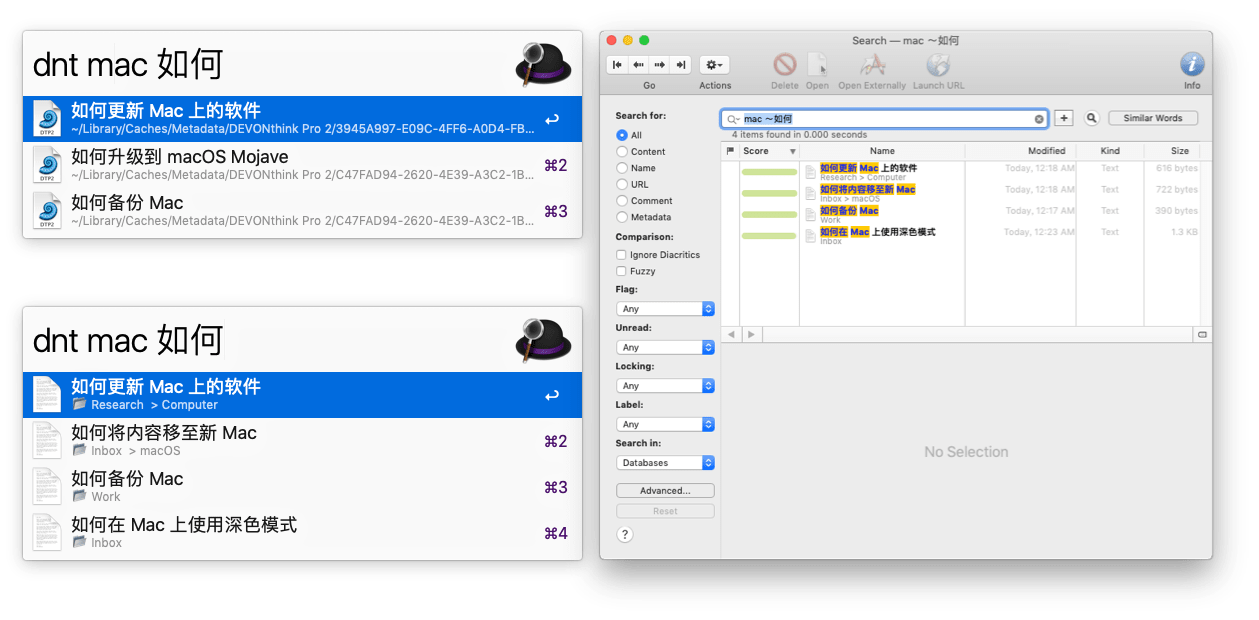
- The subtext of result in
DEVONthink Searchis the download url or the path of Spotlight Index. - The subtext of result in
DEVONthink Pro Searchconsists of the database name and group name which contained the file. It will show tags when you press⌘Command.
- Type
dnt + keywordsto search in all opened databases. - Type
dndto choose which datebase to search- Press
Enter, then type inkeywordsto search in the chosen database. - Press
⌘Command + Enterto list all tags in the database, then choose a tag and pressEnterto list all documents which have the tag.
- Press
- Type
dnm + tag1, tag2, ...to list all documents which have these tags in all database. Tags inputed must be exact. For example, TagaBcDcan't be inputed asaBcorabcd
After documents were listed,
- Press
Enterto open the selected result with DEVONthink. - Press
⌘Command + Enterto open with external editor. - Press
⌥Option + Enterto reveal result in DEVONthink.
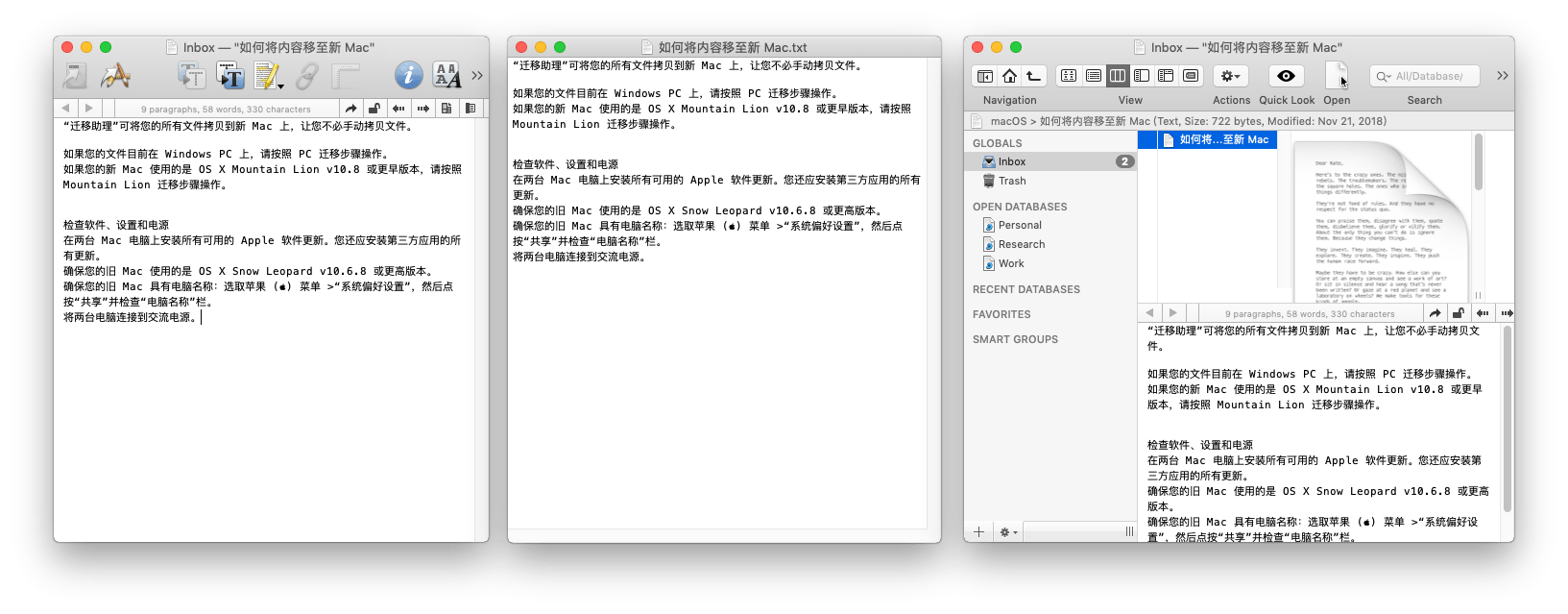
ONLY for DEVONthink Pro Search
dnt and dnm search in all opened databases in DEVONthink Pro Search. You can ignore some databases by setting ignoredDbUuidList environment variable in Alfred workflow.
- Copy database link in DEVONthink, which is similar to
x-devonthink-item://1FC1A542-D8CA-4807-B806-8617966870B5. - The part
1FC1A542-D8CA-4807-B806-8617966870B5is the database's UUID. - Fill in workflow configuration with UUIDs. You should separate multiple UUIDs with comma(,).

You can set environment variable filterOutGroup to yes if you want to filter out group and tag.
CJK (Chinese, Japanese, and Korean) characters should be added ~ in the front when seaching in DEVONthink. For example, searching keywords 你abc我他 should be converted to ~你abc~我他. It's added automatically in DEVONthink Pro Search by using regular expression /(\p{Unified_Ideograph}+)/ug to matching Chinese characters.
The regular expression /(\p{Unified_Ideograph}+)/ug can't match Japanese or Korean characters. You can research more perfect regular expressions which match CJK and tell me.
- get unread records.