Android CI GitHub issues GitHub stars License: GPL v3 CHANGELOG.md PayPal this git repo
An Android client for Nextcloud News App.
Latest Release F-Droid Release Beta channel
Get it on Play Store Get it on F-Droid Donate with PayPal
| 1 | 2 | 3 |
|---|---|---|
| Feed list | Articles | Details |
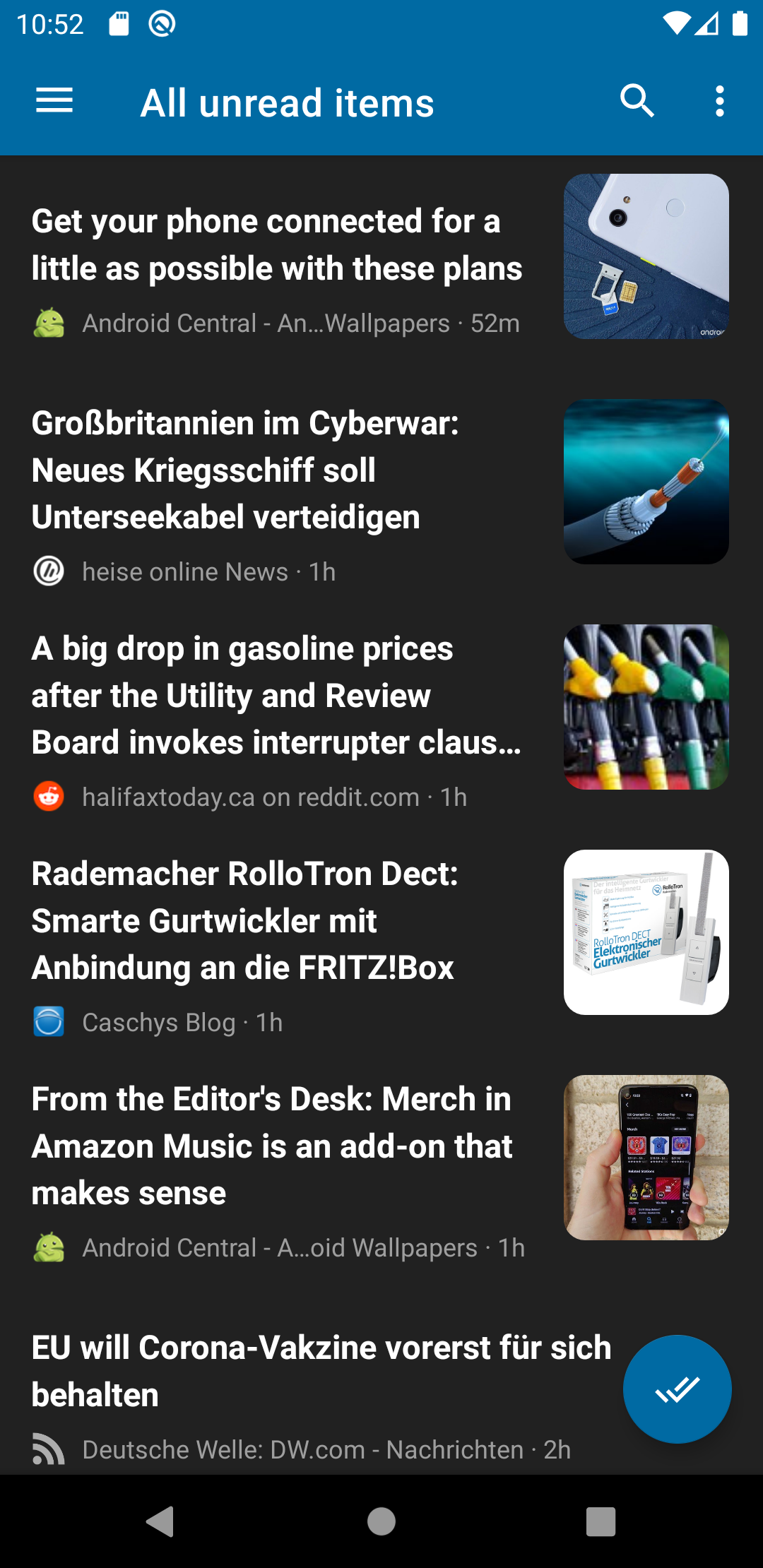
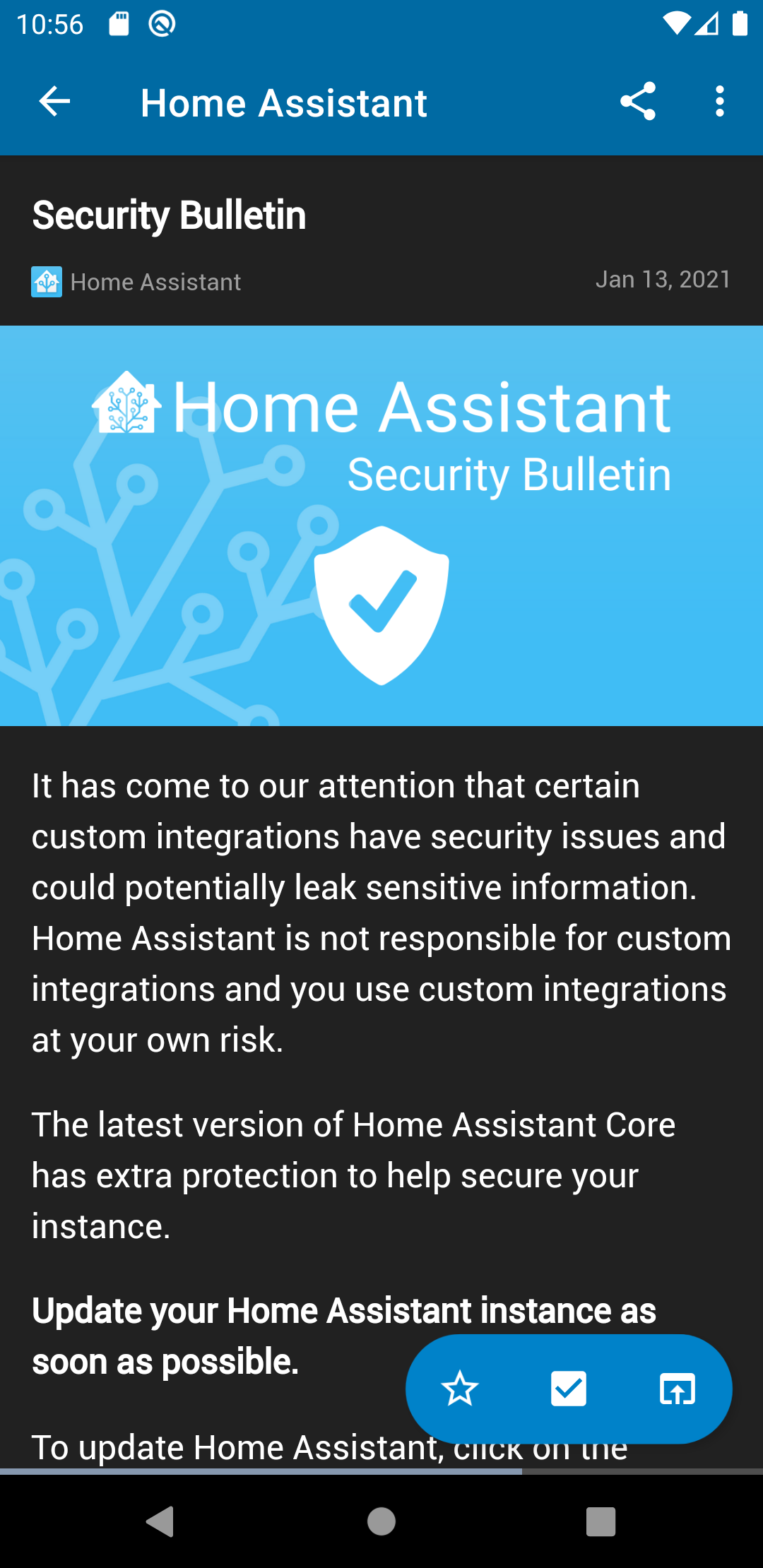
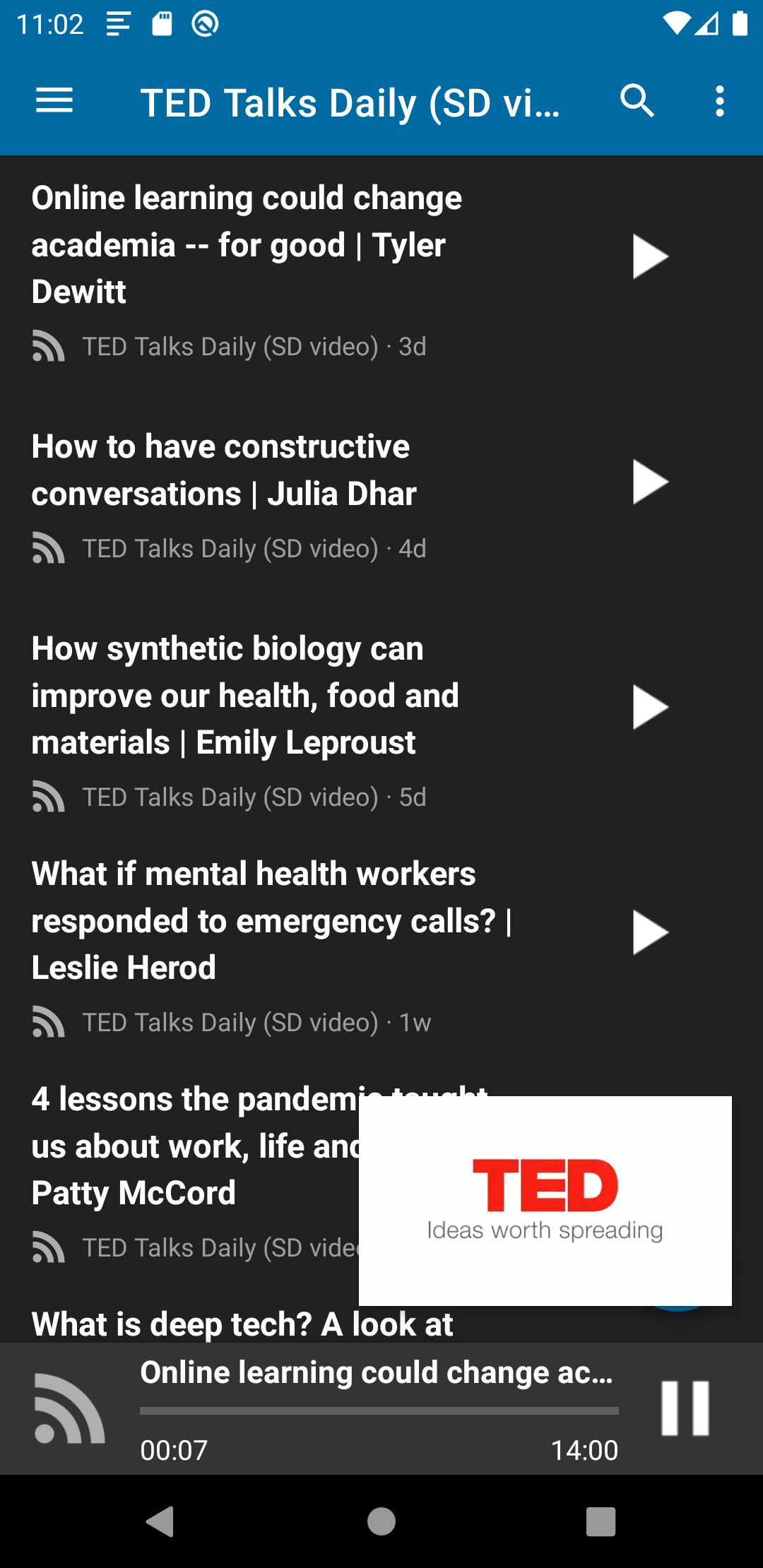
- Test the app with different devices
- Report issues in the issue tracker
- Pick a good first issue 📓
- Create a Pull Request
- Help increasing the test coverage by contributing unit tests
- Translate the app on Transifex
- Send me a bottle of your favorite beer 🍻 😉
- Open cmd/terminal
- Navigate to your workspace
- Then type in:
git clone https://github.com/nextcloud/news-android.git - Import the Project in Android Studio and start coding!
- Open Android Studio, click on "Tools" -> "SDK Manager"
- Select and install "Android Auto API Simulators"
- Open terminal, go to /extras/google/simulators (e.g.
cd ~/Library/Android/sdk/extras/google/simulators) - Install apk using adb (
../../../platform-tools/adb install media-browser-simulator.apk) - Install apk using adb (
../../../platform-tools/adb install messaging-simulator.apk)
Advanced Testing Android Auto (e.g. Voice Features) Link
- Install Android 9 in an Emulator (Android 10 didn't work with the Android Auto App)
- Install Android Auto from PlayStore
- Follow instructions on training website (see link above)
- `~/Library/Android/sdk/platform-tools/adb forward tcp:5277 tcp:5277
cd ~/Library/Android/sdk/extras/google/auto./desktop-head-unit- From inside the terminal type:
mic play ./voice/pause.wav
That's all. I hope it works for you! If something is not working, please send me an email to david-dev@live.de
- Edit Database Schema in
LastestVersion.java- Make sure to increase version number insidegetVersionNumberfunction - Open build.gradle and uncomment imports annotated with
// Required for DAO generation - In Android Studio - choose "DatabaseOrmGenerator" configuration
- Hit the "Run" Button