It is a gem that will continue to run the command that was written to a file interactively
Gemfileに以下を追加
gem 'command_butler'
gemのインストール
$ bundle install
もしくは直接インストールする。
$ gem install command_butler
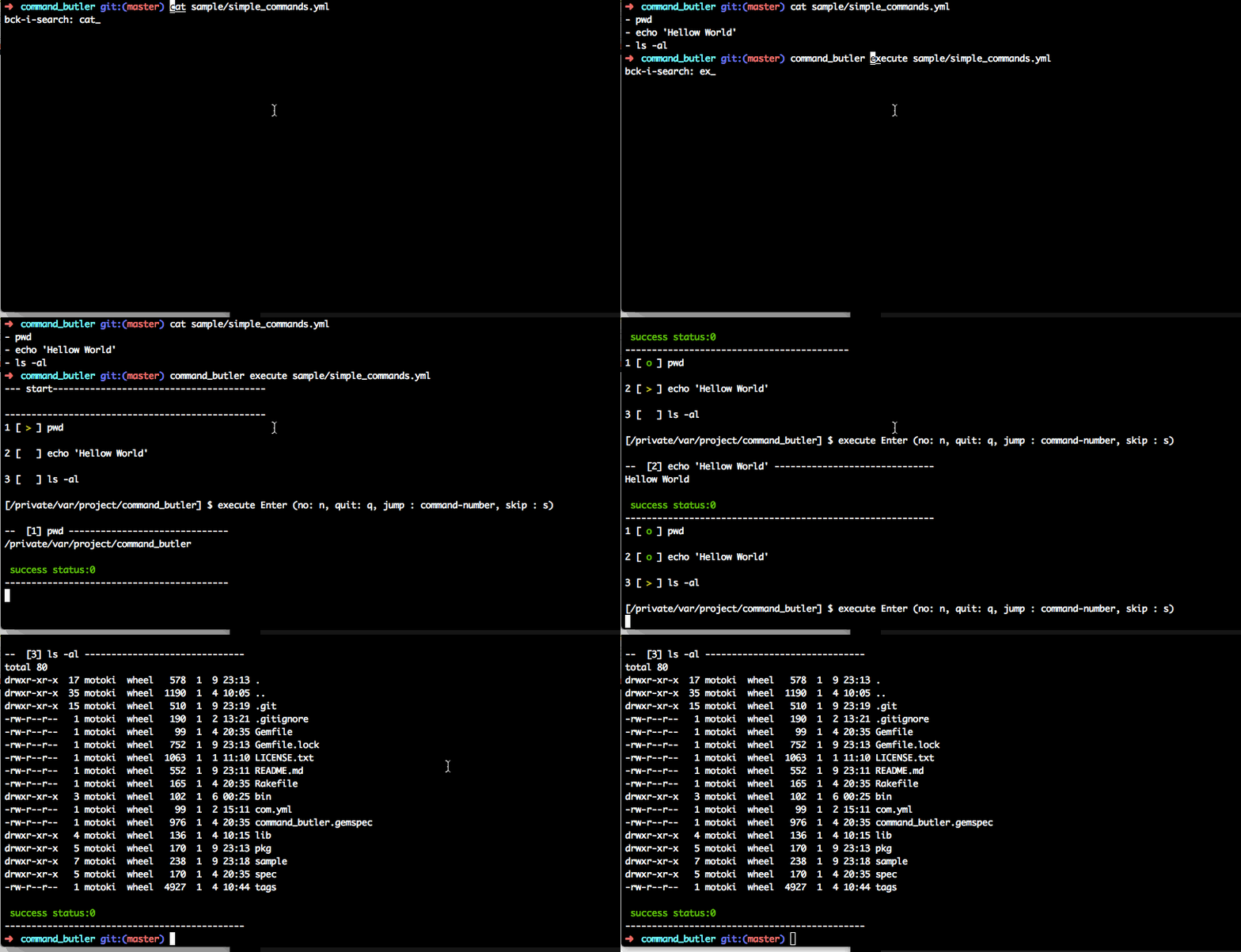
コマンドを記述したymlファイルを、executeの引数として渡し実行します。
$ command_butler execute sample/simple_commands.yml
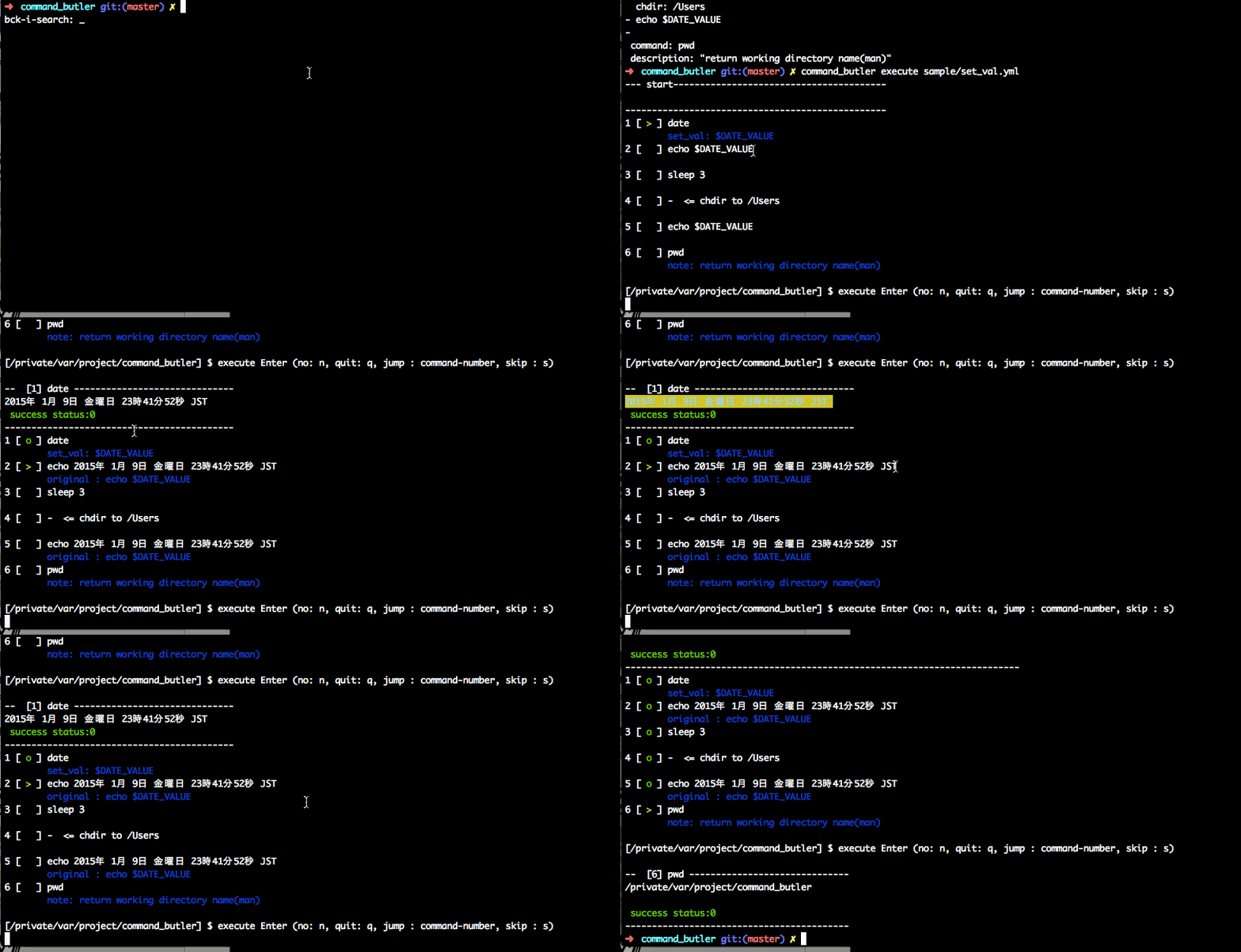
$ command_butler execute sample/set_val.yml
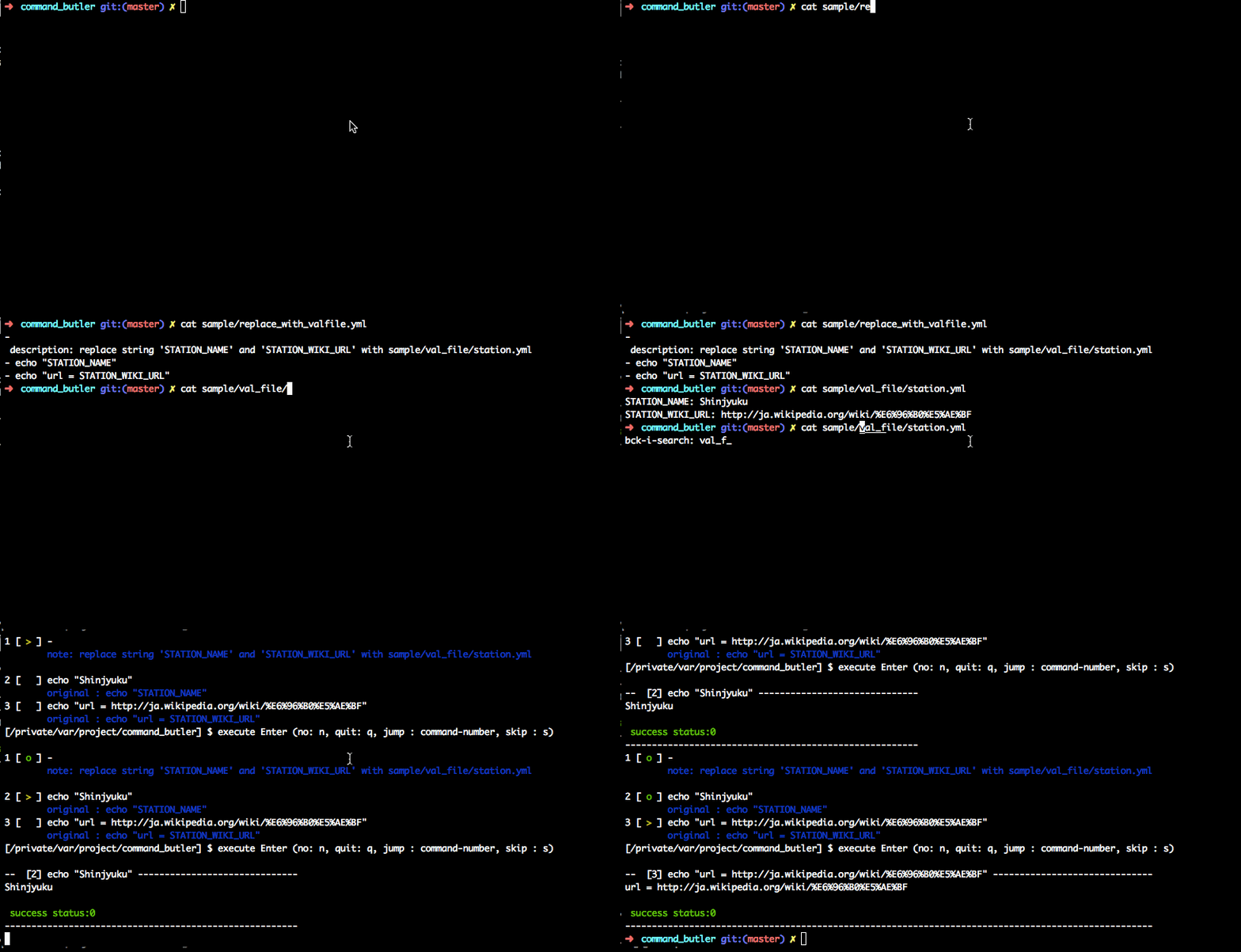
$ command_butler execute sample/replace_with_valfile.yml
$ --val_file=sample/val_file/station.yml
format : yaml
YAMLファイルに、下記のように配列形式で記述します。
[yml]
 - pwd
 - echo 'Hellow World'
 - ls -al
注)cdコマンドについては下記の方法で記述します。
[yml]
 - pwd
 -
 chdir: /Users
 - pwd
コマンドの出力結果で後のコマンドで置換するには、set_valコマンドを使います。 [yml]
 -
 command: date
 set_val: $DATE_VALUE
 - echo $DATE_VALUE
- Fork it ( https://github.com/motsat/command_butler/fork )
- Create your feature branch (
git checkout -b my-new-feature) - Commit your changes (
git commit -am 'Add some feature') - Push to the branch (
git push origin my-new-feature) - Create a new Pull Request