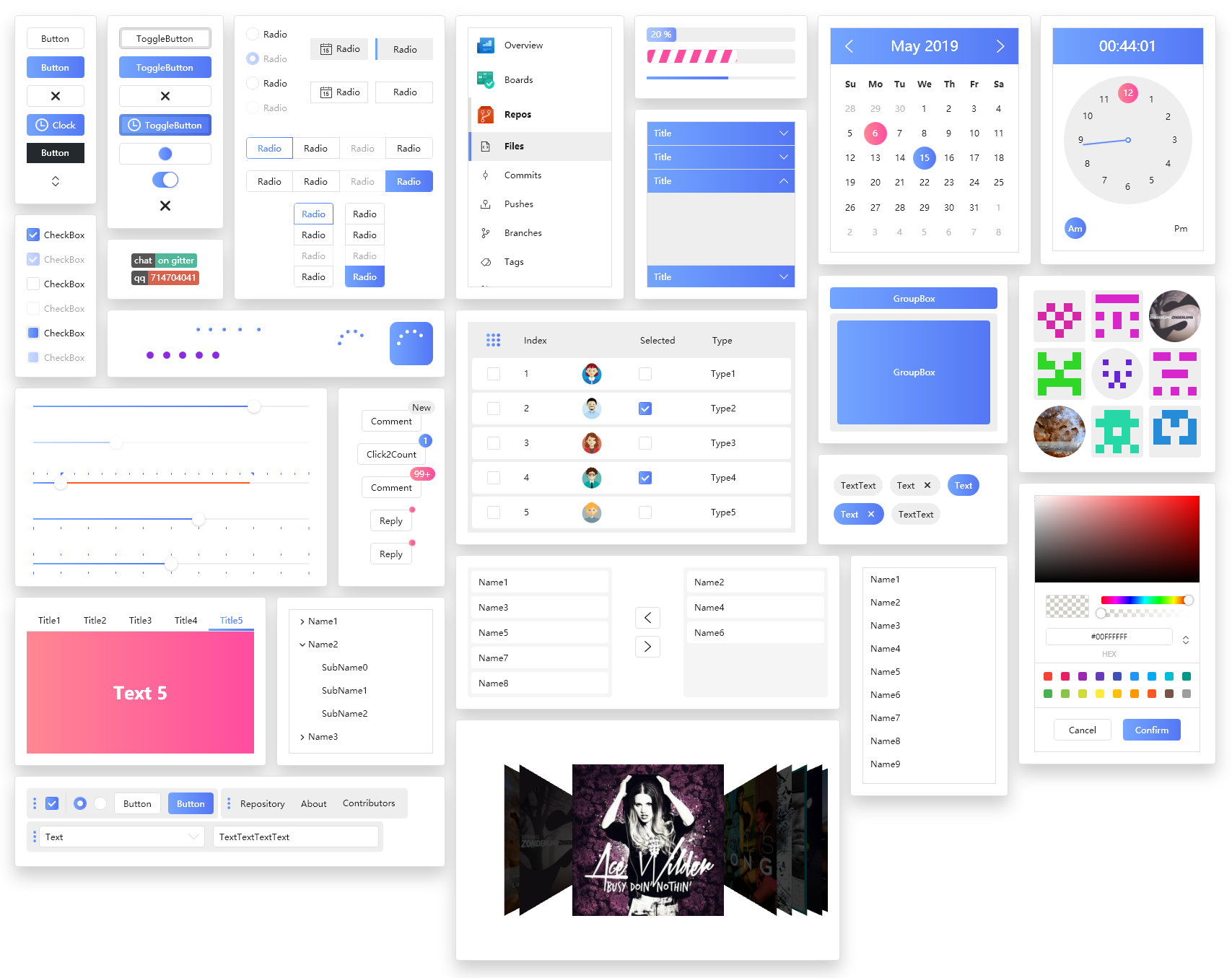
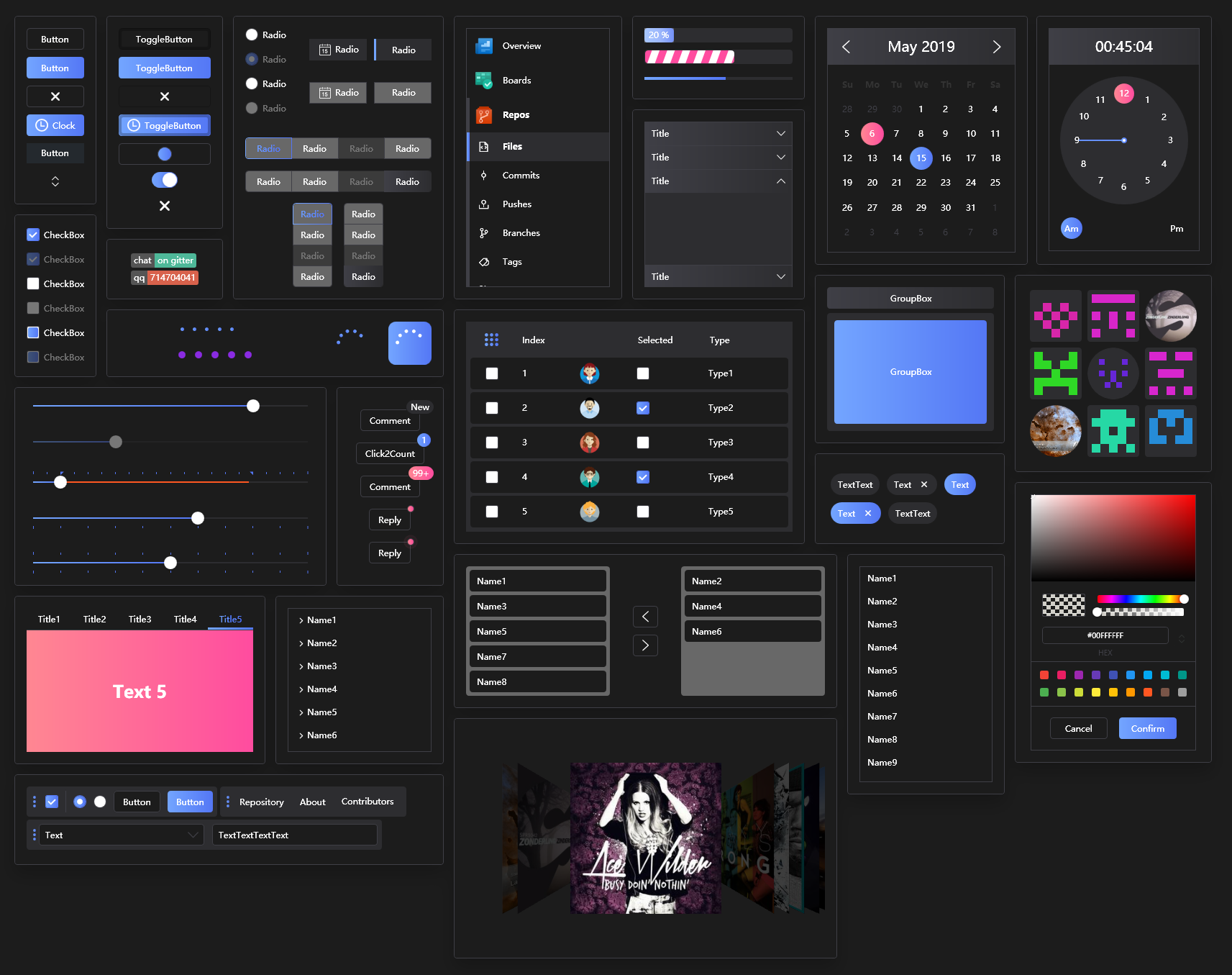
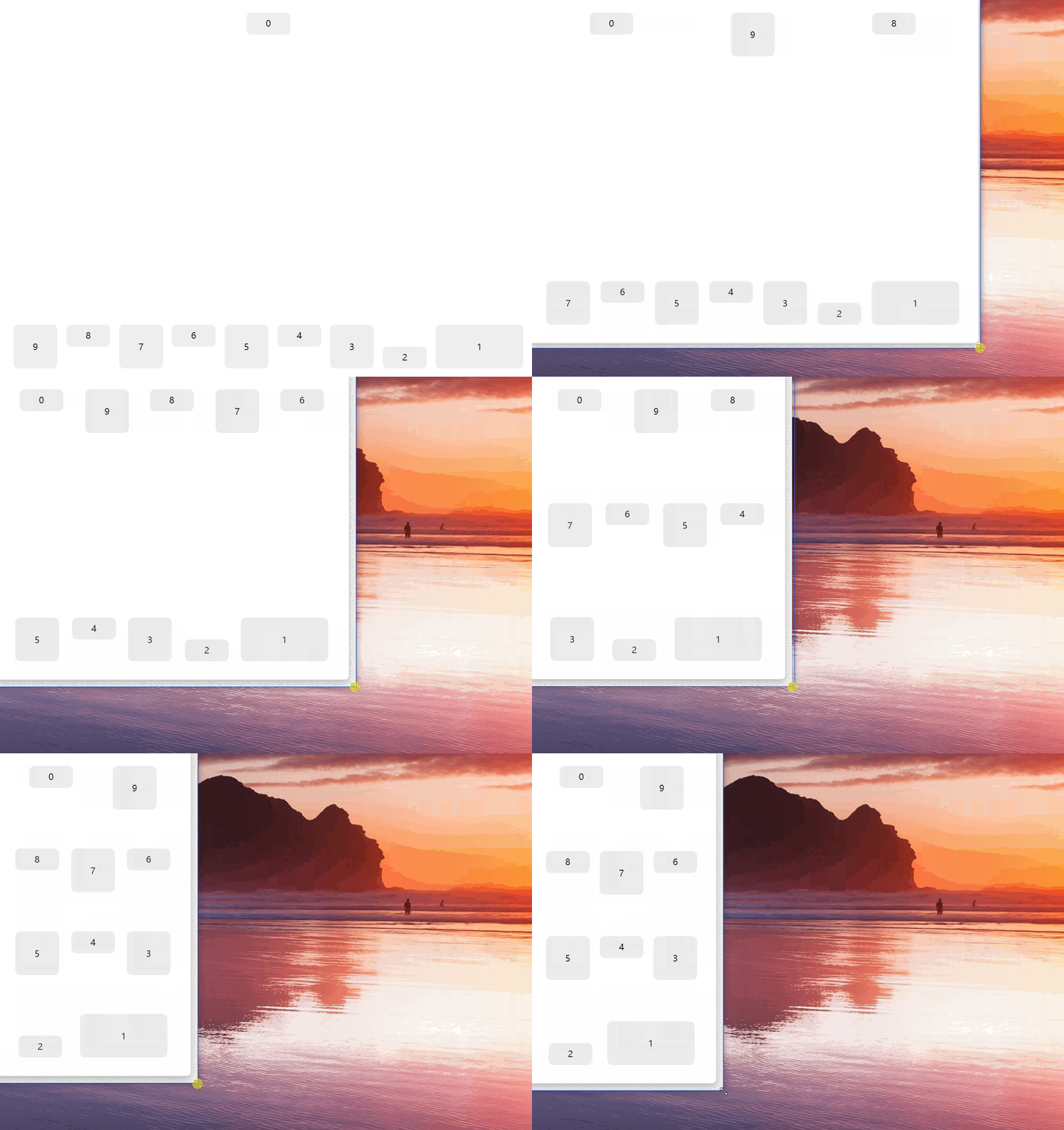
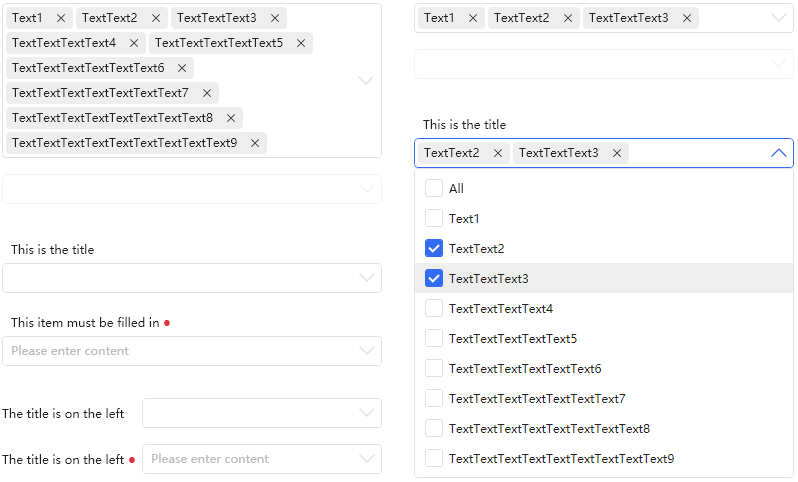
dotnet-version csharp-version IDE-version nuget-version Github-build-status Join the chat at https://gitter.im/HandyControl/Lobby wiki Nuget

| 西江月群 | 定风波群 | 广寒秋群 | |
|---|---|---|---|
| 群号码 | qq-group | qq-group | 微信群 |
| 二维码 | qq-group | qq-group | wechat-group |



https://gitee.com/handyorg/HandyControl/
https://handyorg.github.io/handycontrol/
如果您觉得HandyControl还不错,并且刚好有些闲钱,那么可以选择以下两种方式来赞助(记得入群联系我们呀~~):
-
为我们购买防脱洗发水
qrcode

ghost1372 DingpingZhang M0n7y5 guanguanchuangyu yanchao891012 noctwolf xianyun666 afunc233 DinoChan MrZhangYuan JinhuaChen-OMEC seedtyx KleinPan yxhq AiHaibara walterlv Luoyingliang lindexi danwalmsley varKeytrap xsnakes mmasdivins
bigorange1900 14632791 IUpdatable maplewei sunshang-hl yangkang326 zmrbak AFei19911012 wayne2006 towerDLH BluceBosen MrZhangYuan YC946586 wihalo startewho 5653325 LostAsk sanshiliuxiao QJJMSK dspcjy yaronzz
Visual Studio Community 2019 JetBrains Cake Gitter
Step 1: Add a reference to HandyControl or search for HandyControl on the nuget;
Install-Package HandyControl
Step 2: Add code in App.xaml as follows:
<Application.Resources>
 <ResourceDictionary>
 <ResourceDictionary.MergedDictionaries>
 <ResourceDictionary Source="pack://application:,,,/HandyControl;component/Themes/SkinDefault.xaml"/>
 <ResourceDictionary Source="pack://application:,,,/HandyControl;component/Themes/Theme.xaml"/>
 </ResourceDictionary.MergedDictionaries>
 </ResourceDictionary>
</Application.Resources>
Step 3: Add NameSpace:
xmlns:hc="https://handyorg.github.io/handycontrol"
Step 4: Enjoy coding
| VS2019 |
|---|