Buka - EBook Management
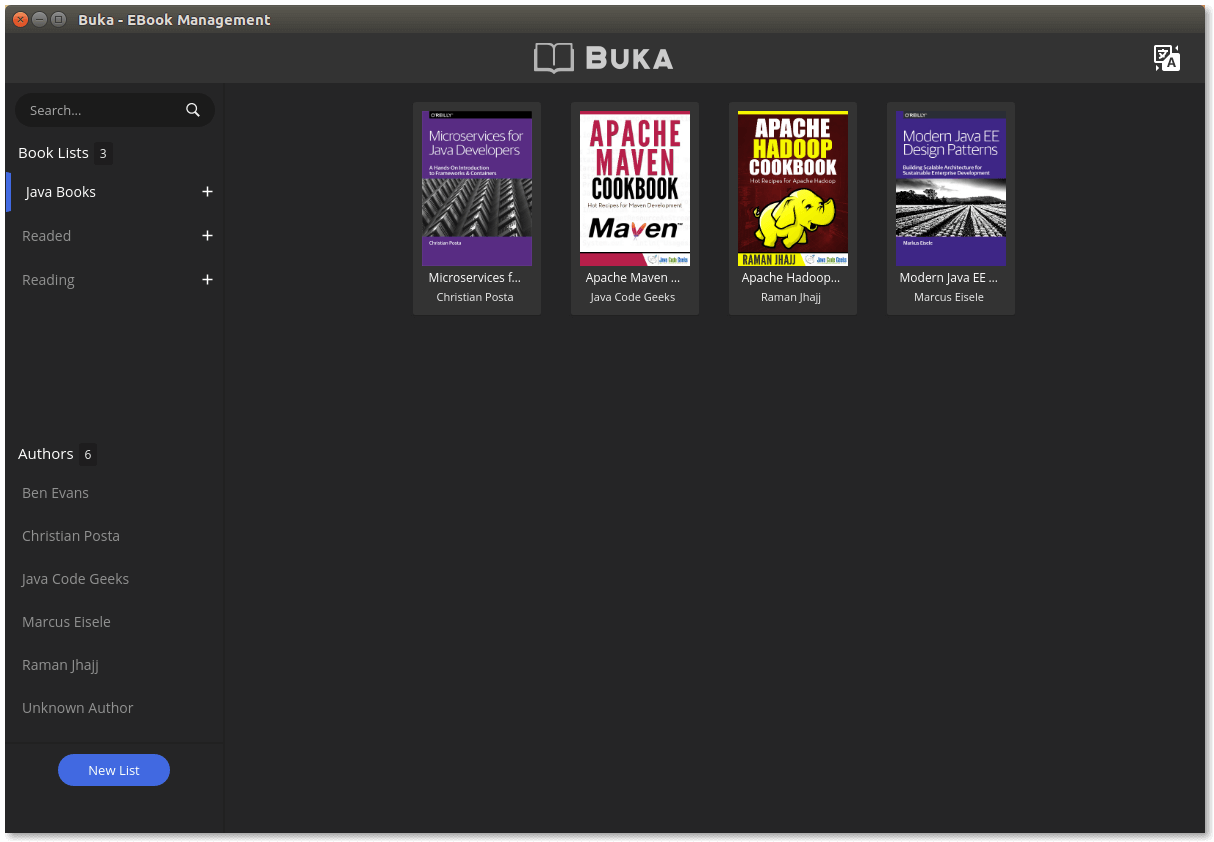
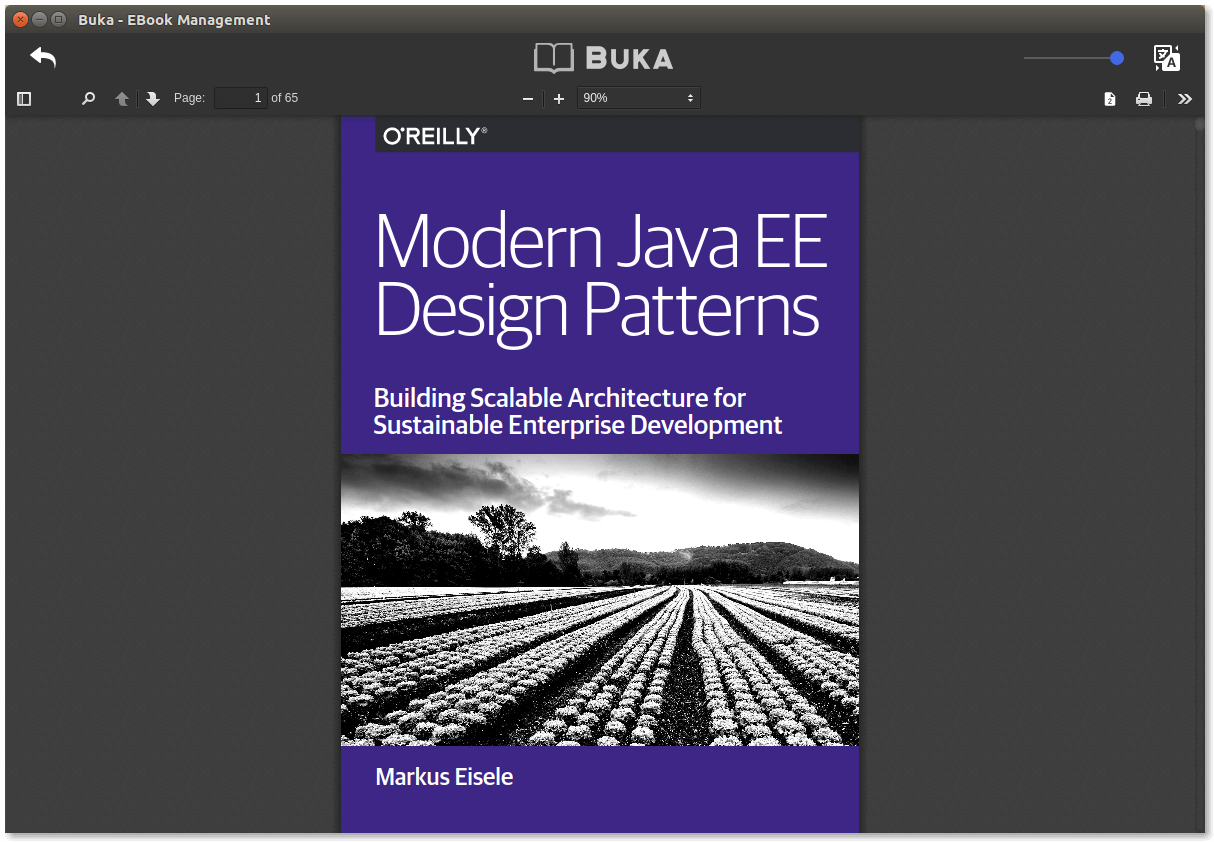
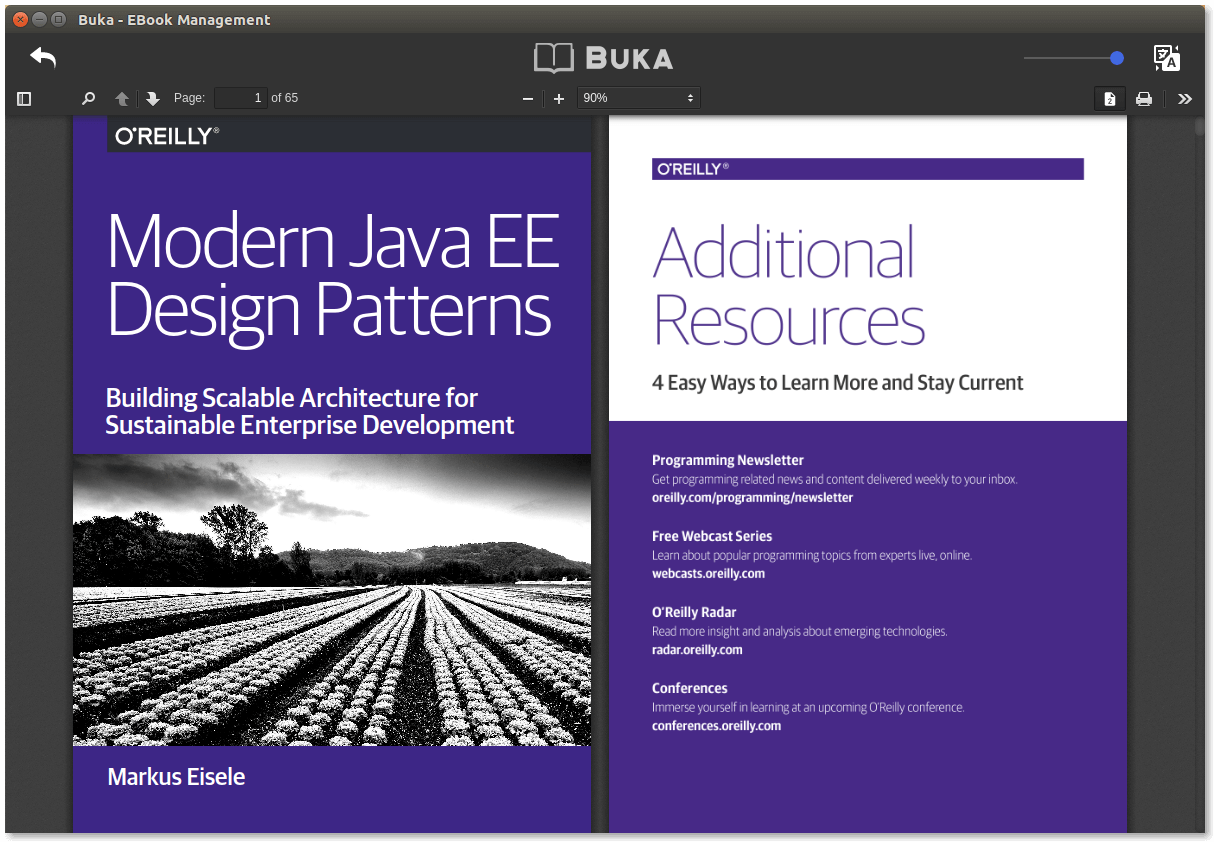
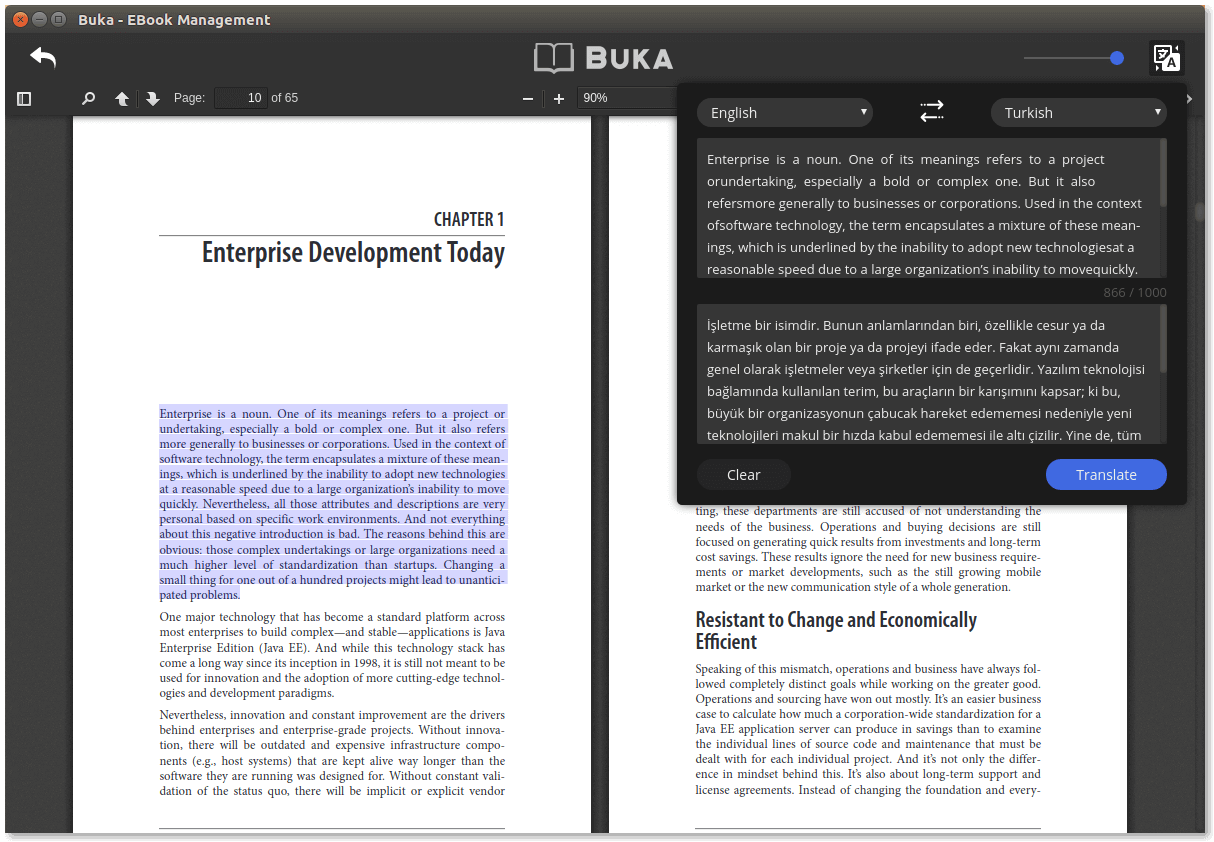
Buka is a modern software that helps you manage your ebook at ease. With a simple, clean and straight-forward user interface, Buka aims to gather your ebooks for a reading experience without hassles. Buka currently support .PDF format with configurations that helps user focus more on the content.
- Download
Buka_1.0.0_i386.debfrom the Buka releases page. - Run
sudo dpkg --install Buka_1.0.0_i386.debon the downloaded package. - Launch Buka using the installed
Bukacommand.
- Download
Buka_1.0.0_amd64.debfrom the Buka releases page. - Run
sudo dpkg --install Buka_1.0.0_amd64.debon the downloaded package. - Launch Buka using the installed
Bukacommand.
Of course you can always open .deb package with a package manager like Synaptic, Gnome Software or Gdebi then start the app instead of using command line options.
git clone https://github.com/oguzhaninan/Buka.gitcd Bukanpm install && npm run build && npm start
- Run
sudo dpkg -r Bukaorsudo apt remove --purge buka