戴定康
博客:个人博客
Csdn:戴定康的博客
抢购倒计时,样式可调,大小可调,Gradle引用更方便。countDown
compile 'com.daidingkang:snapupcountdowntimerview:1.0.0'
<com.daidingkang.SnapUpCountDownTimerView
android:id="@+id/RushBuyCountDownTimerView"
android:layout_width="wrap_content"
android:layout_height="wrap_content"
android:layout_marginLeft="20dp"
app:viewSize="12">
</com.daidingkang.SnapUpCountDownTimerView>
		SnapUpCountDownTimerView rushBuyCountDownTimerView = (SnapUpCountDownTimerView) findViewById(R.id.RushBuyCountDownTimerView);
 rushBuyCountDownTimerView.setTime(1,55,3);//设置小时,分钟,秒。注意不能大于正常值,否则会抛出异常
 rushBuyCountDownTimerView.start();//开始倒计时
rushBuyCountDownTimerView.stop();//停止倒计时
So easy 是不是很简单,赶紧试试吧 喜欢的童鞋欢迎Star and Fork

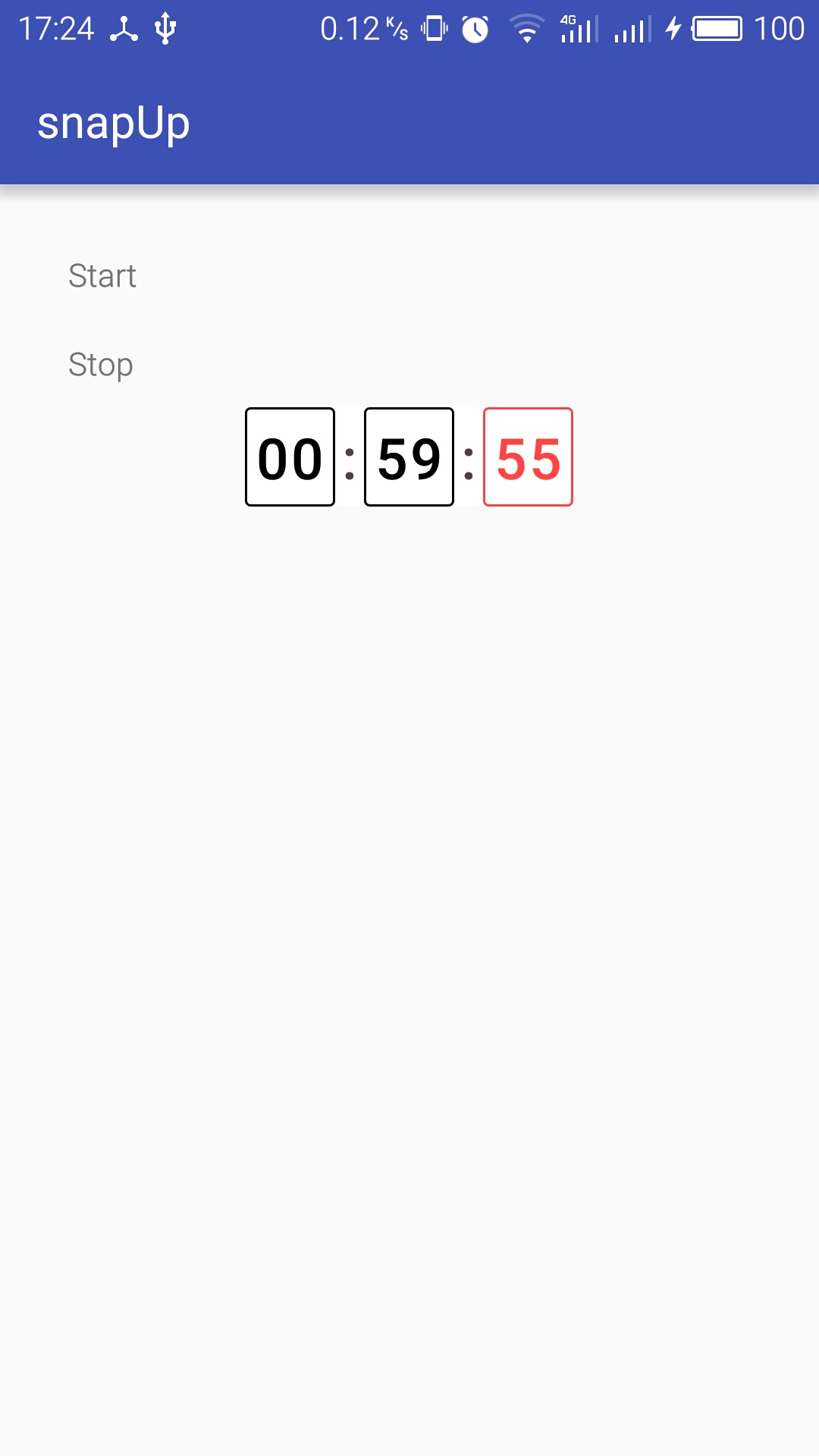
当然,我们安卓自带了一个CountDownTimer类,大家可以看一看
	private TextView vertifyView;
	 private CountDownTimer timer = new CountDownTimer(10000, 1000) {

	 @Override
	 public void onTick(long millisUntilFinished) {
	 vertifyView.setText((millisUntilFinished / 1000) + "秒后可重发");
	 }

	 @Override
	 public void onFinish() {
	 vertifyView.setEnabled(true);
	 vertifyView.setText("获取验证码");
	 }
	 };