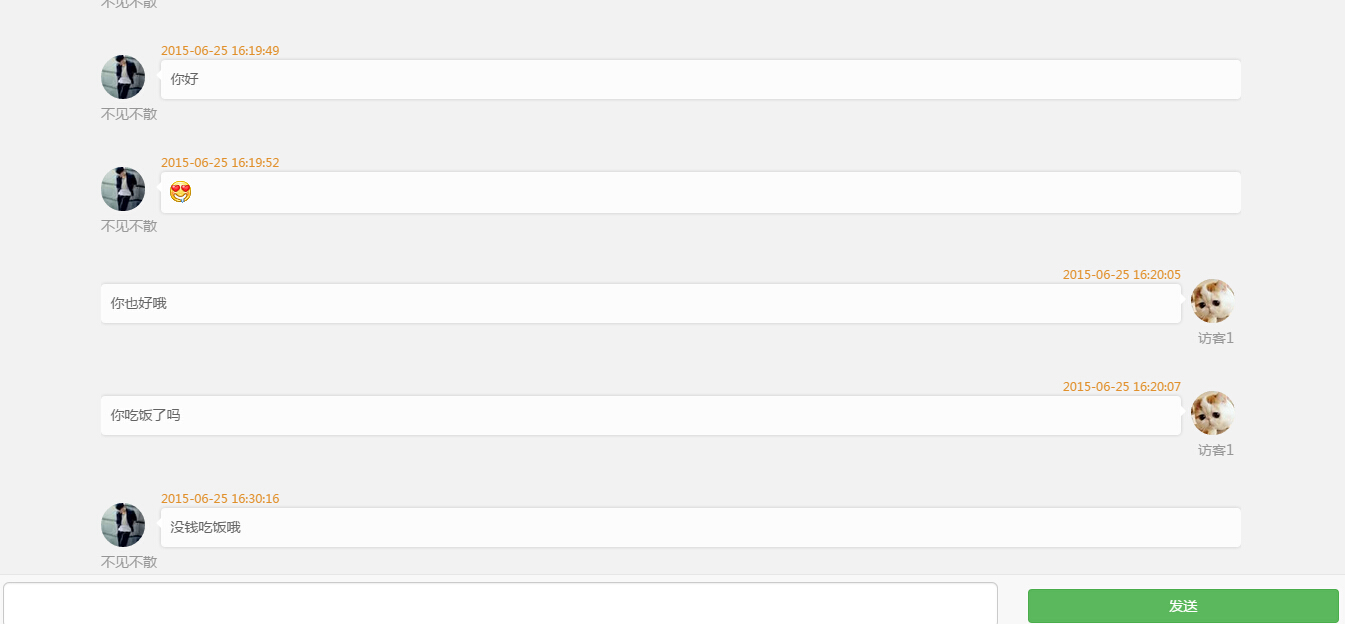
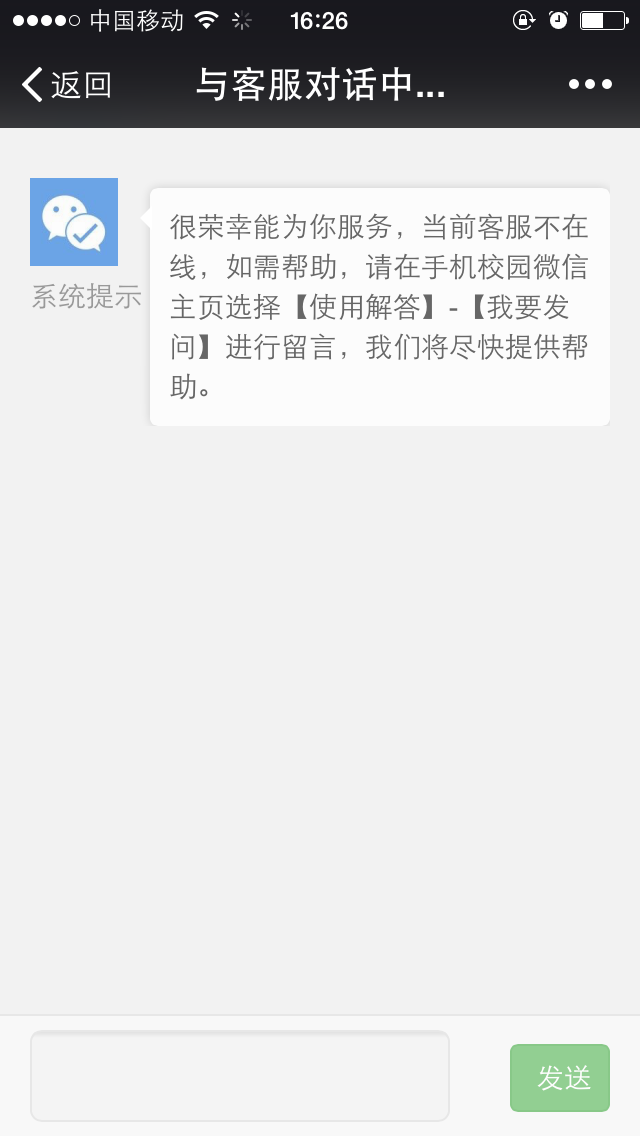
基于tomcat 7. 0.56 websocket的在线客服系统
##WebSocket 介绍
WebSocket协议是一种双向通信协议,它建立在TCP之上,同http一样通过TCP来传输数据,但是它和http最大的不同有两点:1.WebSocket是一种双向通信协议,在建立连接后,WebSocket服务器和Browser/UA都能主动的向对方发送或接收数据,就像Socket一样,不同的是WebSocket是一种建立在Web基础上的一种简单模拟Socket的协议;2.WebSocket需要通过握手连接,类似于TCP它也需要客户端和服务器端进行握手连接,连接成功后才能相互通信。
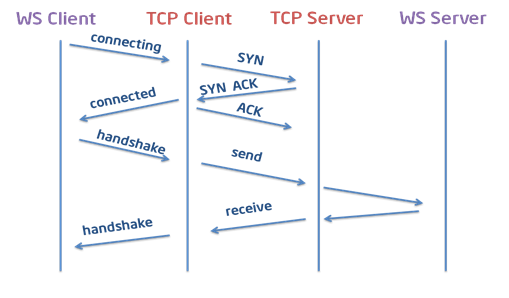
下面是一个简单的建立握手的时序图:
javascript代码,该代码调用了WebSockets的API:
- var ws = new WebSocket("ws://echo.websocket.org");
- ws.onopen = function(){ws.send("Test!"); };
- ws.onmessage = function(evt){console.log(evt.data);ws.close();};
- ws.onclose = function(evt){console.log("WebSocketClosed!");};
- ws.onerror = function(evt){console.log("WebSocketError!");};
第一行代码是在申请一个WebSocket对象,参数是需要连接的服务器端的地址,同http协议使用http://开头一样,WebSocket协议的URL使用ws://开头,另外安全的WebSocket协议使用wss://开头。
第二行到第五行为WebSocket对象注册消息的处理函数,WebSocket对象一共支持四个消息 onopen, onmessage, onclose和onerror,当Browser和WebSocketServer连接成功后,会触发onopen消息;如果连接失败,发送、接收数据失败或者处理数据出现错误,browser会触发onerror消息;当Browser接收到WebSocketServer发送过来的数据时,就会触发onmessage消息,参数evt中包含server传输过来的数据;当Browser接收到WebSocketServer端发送的关闭连接请求时,就会触发onclose消息。我们可以看出所有的操作都是采用消息的方式触发的,这样就不会阻塞UI,使得UI有更快的响应时间,得到更好的用户体验。
##系统实现
-
架构:springmvc+mybatis+shiro+mysql+websocket
-
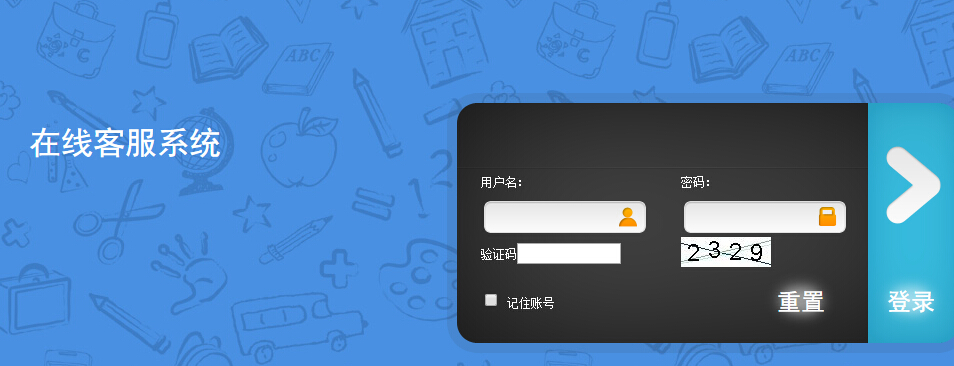
客服人员登录地址:http://localhost:8080/chat/customer admin/admin
-
备注:
-
js发起ws请求时,没有加web context,所以在访问系统的时候,也不要加context,如果需要加context,则修改guest.js文件把context加上
 Chat.initialize = function() {
 if (window.location.protocol == 'http:') {
 Chat.connect('ws://' + window.location.host + '/message'+window.location.search);
 } else {
 Chat.connect('wss://' + window.location.host + '/message'+window.location.search);
 }
};
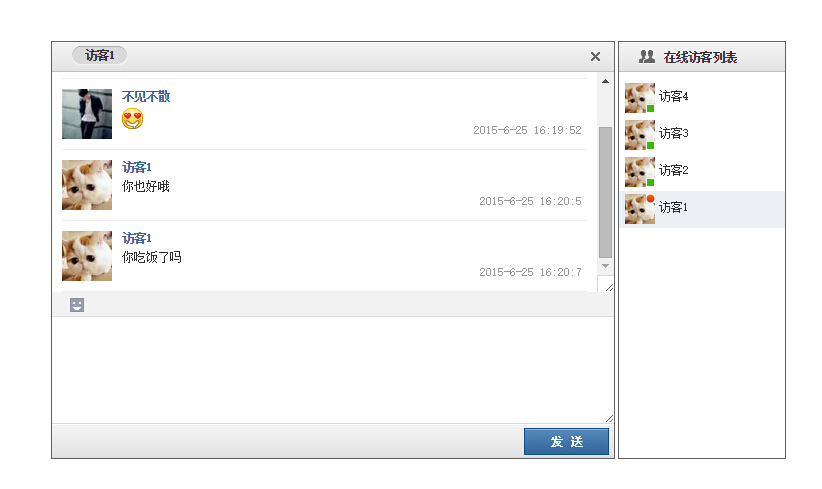
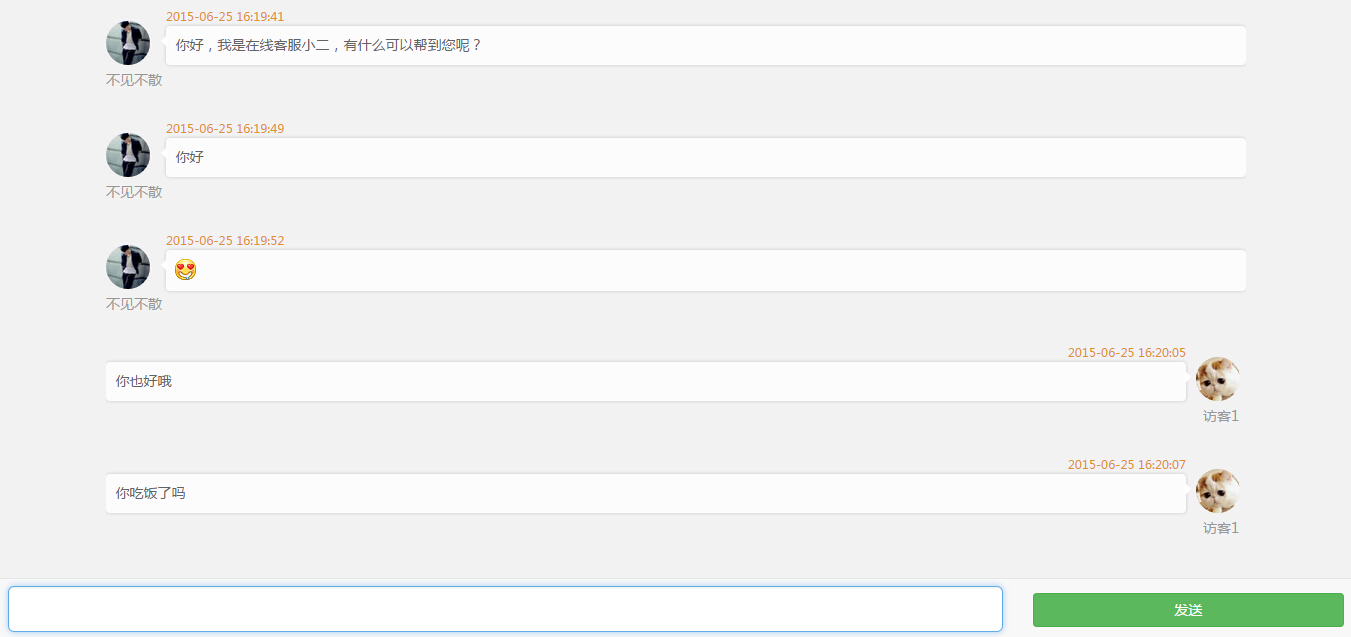
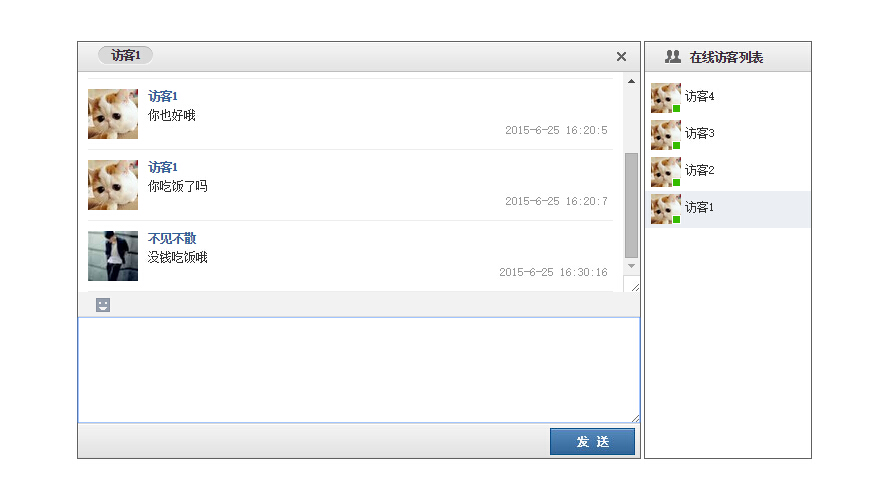
###系统实现截图 image