Skip to content

Navigation Menu

Sign in
Appearance settings

Search code, repositories, users, issues, pull requests...

Provide feedback

We read every piece of feedback, and take your input very seriously.

Saved searches

Use saved searches to filter your results more quickly

Sign up
Appearance settings

k754a/Custom-Compact-Keyboard

Repository files navigation

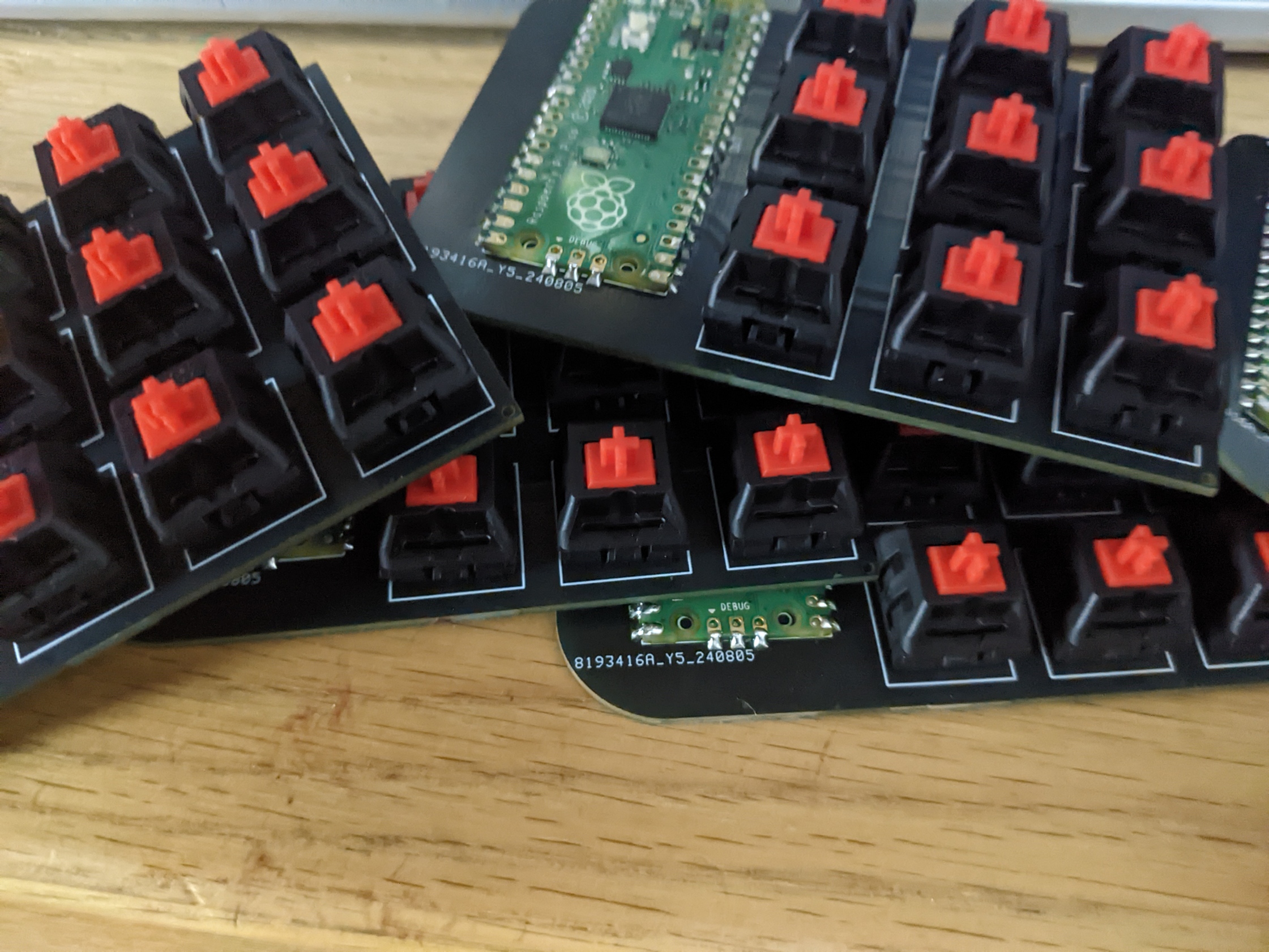
Hi! This is my custom compact keyboard code!

ScreenShot ScreenShot ScreenShot
How to Install:

  1. Connect the Pico to your computer, holding down the BOOT button as you connect.
  2. When a folder opens with the Pico directory, download and drag and drop this file: CircuitPython for Raspberry Pi Pico.
  3. After it reconnects, drag and drop the lib and code.py files into the Pico directory.

You're done! 😊

About

No description, website, or topics provided.

Resources

Stars

Watchers

Forks

Releases

No releases published

Packages

Contributors

Languages

AltStyle γ«γ‚ˆγ£γ¦ε€‰ζ›γ•γ‚ŒγŸγƒšγƒΌγ‚Έ (->γ‚ͺγƒͺγ‚ΈγƒŠγƒ«) /