A simple, modern logo that represents number parsing/conversion

A Python package for parsing human-friendly number formats into floats. Handles various number formats including comma separators, percentages, and magnitude suffixes (k, M, B).
- Parse basic numbers with decimal points
- Support for comma-separated numbers (e.g., "1,234.56")
- Percentage conversion (e.g., "50%" → 0.5)
- Magnitude suffixes:
- k/K for thousands (e.g., "1.5k" → 1500)
- m/M for millions (e.g., "2.5M" → 2,500,000)
- b/B for billions (e.g., "1.5B" → 1,500,000,000)
- Whitespace handling
- Combined format support (e.g., "1,234.56k")
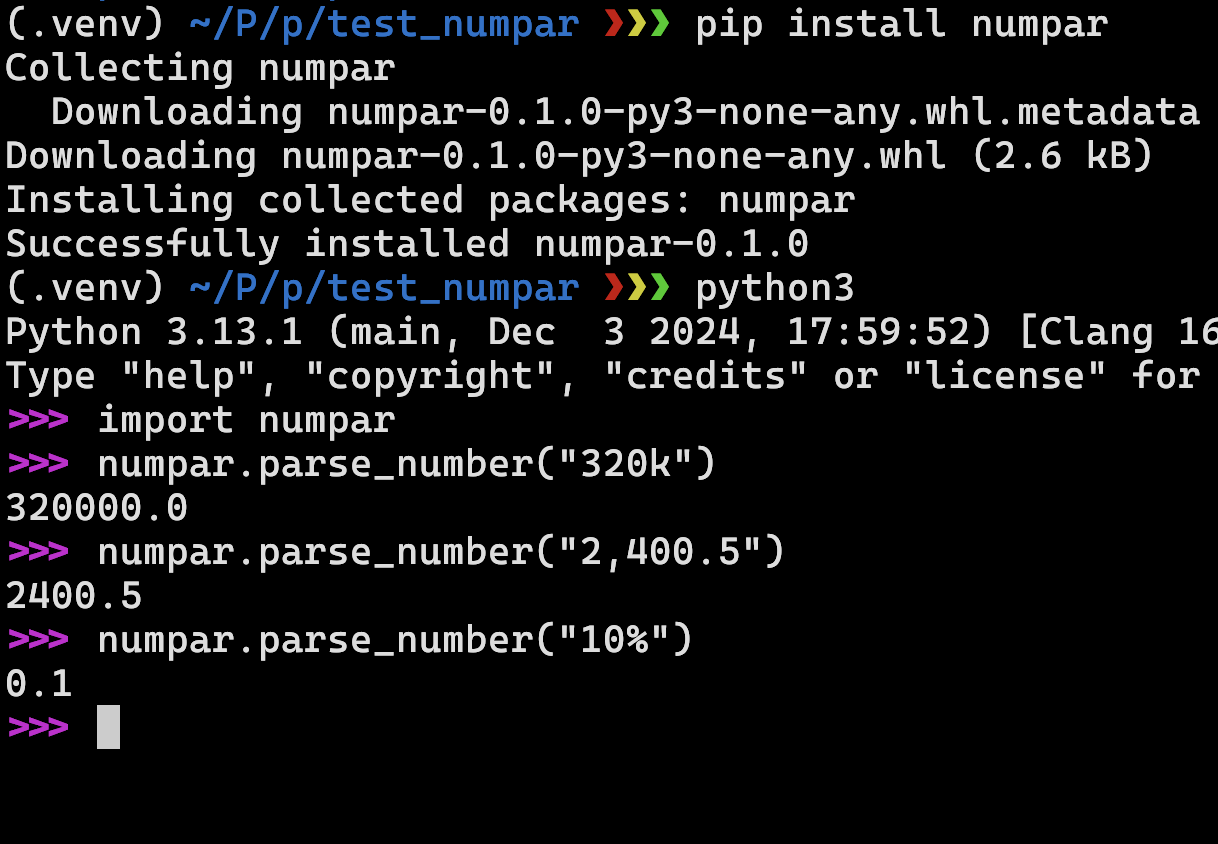
pip install numpar
from numpar import parse_number
# Basic numbers
parse_number('123.45') # 123.45
parse_number('-123.45') # -123.45
# Comma separators
parse_number('1,234.56') # 1234.56
parse_number('1,234,567') # 1234567.0
# Percentages
parse_number('50%') # 0.5
parse_number('12.34%') # 0.1234
# Magnitude suffixes
parse_number('1.5k') # 1500.0
parse_number('2.5M') # 2500000.0
parse_number('1.5B') # 1500000000.0
# Combined formats
parse_number('1,234.56k') # 1234560.0
Contributions are welcome! Here's how you can help improve numpar:
- Fork the repository
- Create your feature branch (
git checkout -b feature/amazing-feature) - Make your changes
- Run the tests locally:
# Install development dependencies
pip install -e .
# Run tests
python -m unittest discover tests
- Commit your changes (
git commit -m 'Add amazing feature') - Push to the branch (
git push origin feature/amazing-feature) - Open a Pull Request
-
Clone the repository:
git clone https://github.com/yourusername/numpar.git cd numpar -
Create a virtual environment (optional but recommended):
python -m venv venv
source venv/bin/activate # On Windows: .\venv\Scripts\activate
-
Install in development mode:
pip install -e .
To publish a new version to PyPI:
-
Update version in
setup.py -
Build the distribution:
python -m pip install --upgrade build
python -m build
-
Upload to PyPI:
python -m pip install --upgrade twine
python -m twine upload dist/*
This project is licensed under the MIT License - see the LICENSE file for details.