Industry leading face manipulation platform.
Build Status Coverage Status License
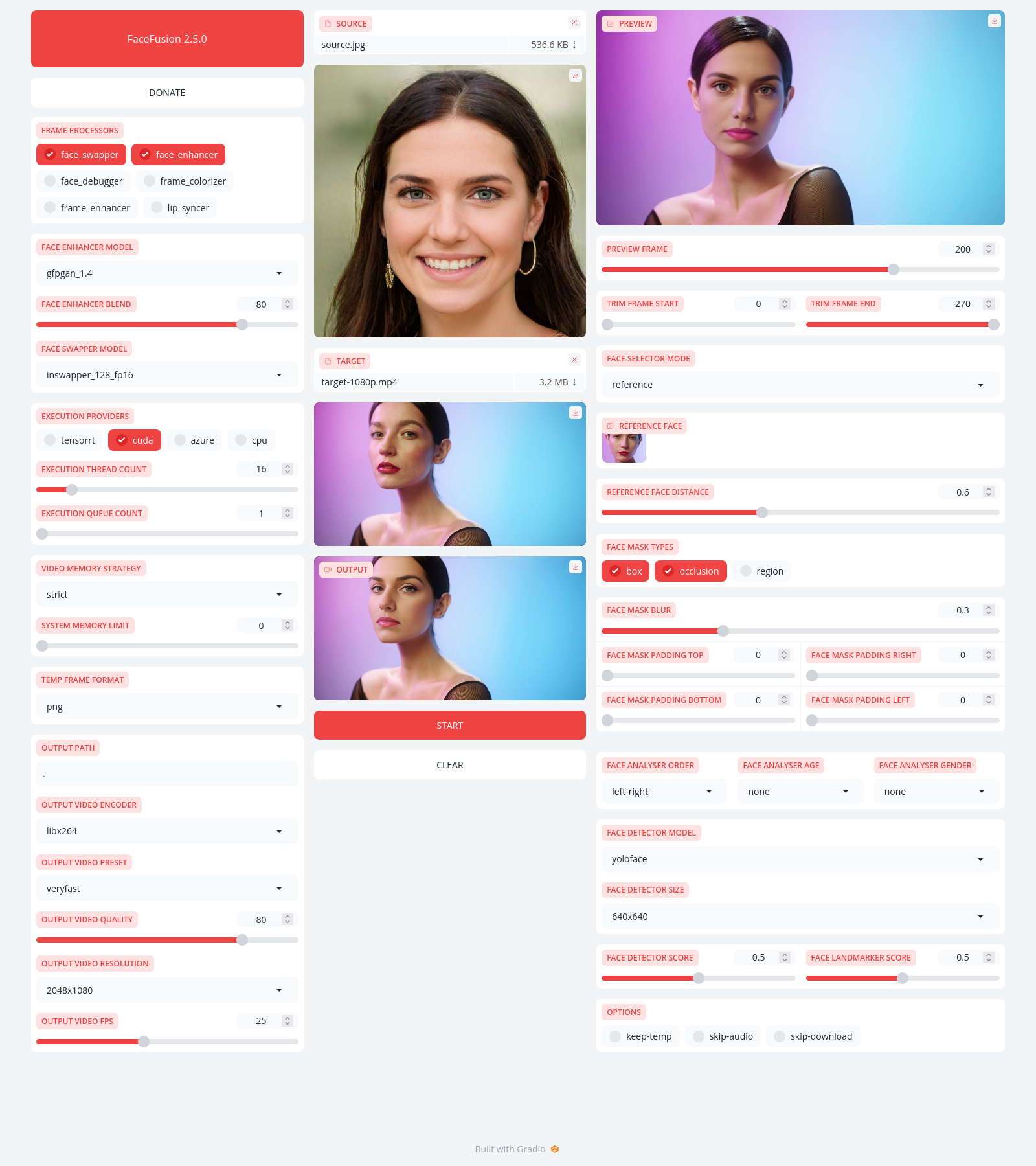
Be aware, the installation needs technical skills and is not recommended for beginners. In case you are not comfortable using a terminal, our Windows Installer and macOS Installer get you started.
Run the command:
python facefusion.py [commands] [options]
options:
 -h, --help show this help message and exit
 -v, --version show program's version number and exit
commands:
 run run the program
 headless-run run the program in headless mode
 batch-run run the program in batch mode
 force-download force automate downloads and exit
 benchmark benchmark the program
 job-list list jobs by status
 job-create create a drafted job
 job-submit submit a drafted job to become a queued job
 job-submit-all submit all drafted jobs to become a queued jobs
 job-delete delete a drafted, queued, failed or completed job
 job-delete-all delete all drafted, queued, failed and completed jobs
 job-add-step add a step to a drafted job
 job-remix-step remix a previous step from a drafted job
 job-insert-step insert a step to a drafted job
 job-remove-step remove a step from a drafted job
 job-run run a queued job
 job-run-all run all queued jobs
 job-retry retry a failed job
 job-retry-all retry all failed jobs
Read the documentation for a deep dive.