Custom ListView with easily animated insertions, deletions and permutations.
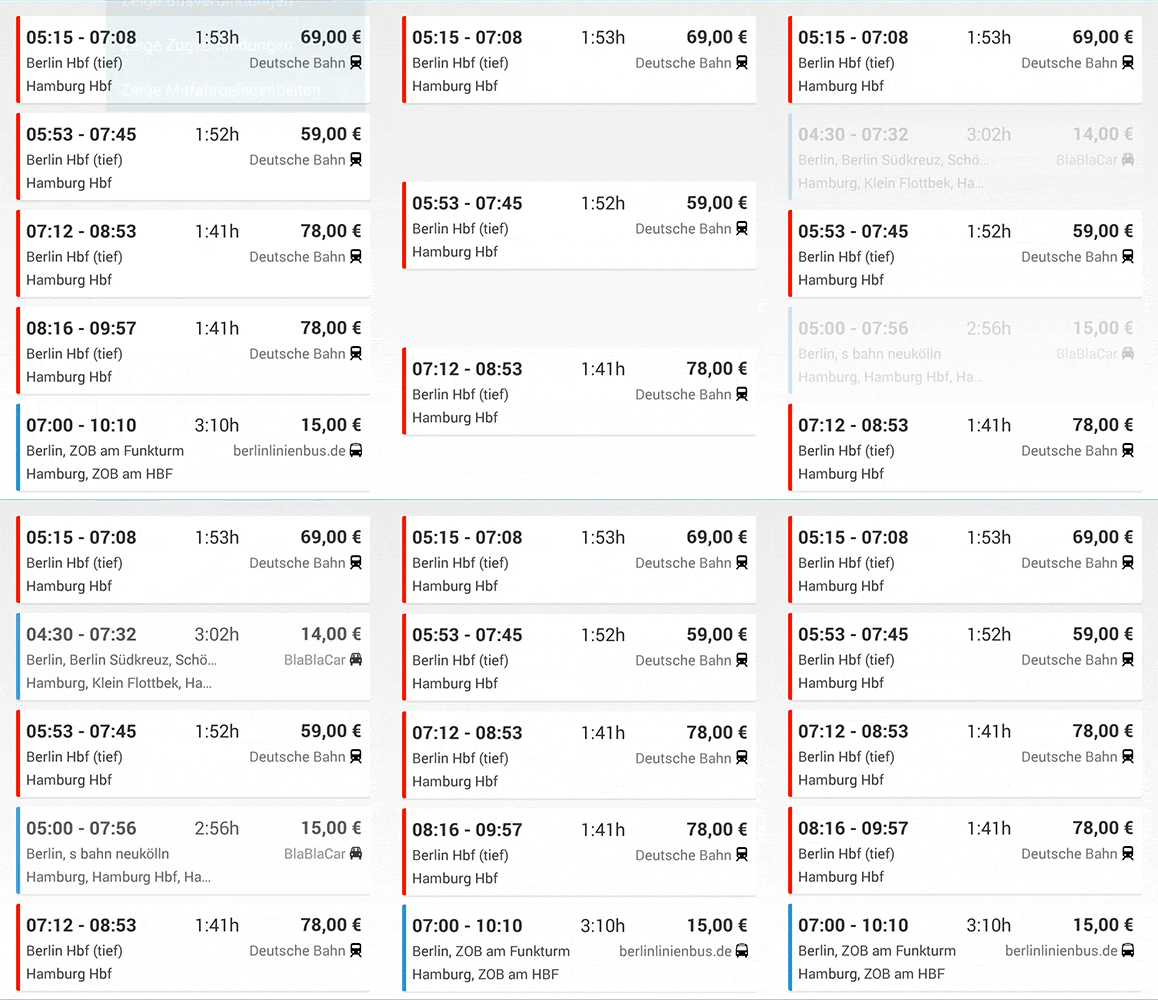
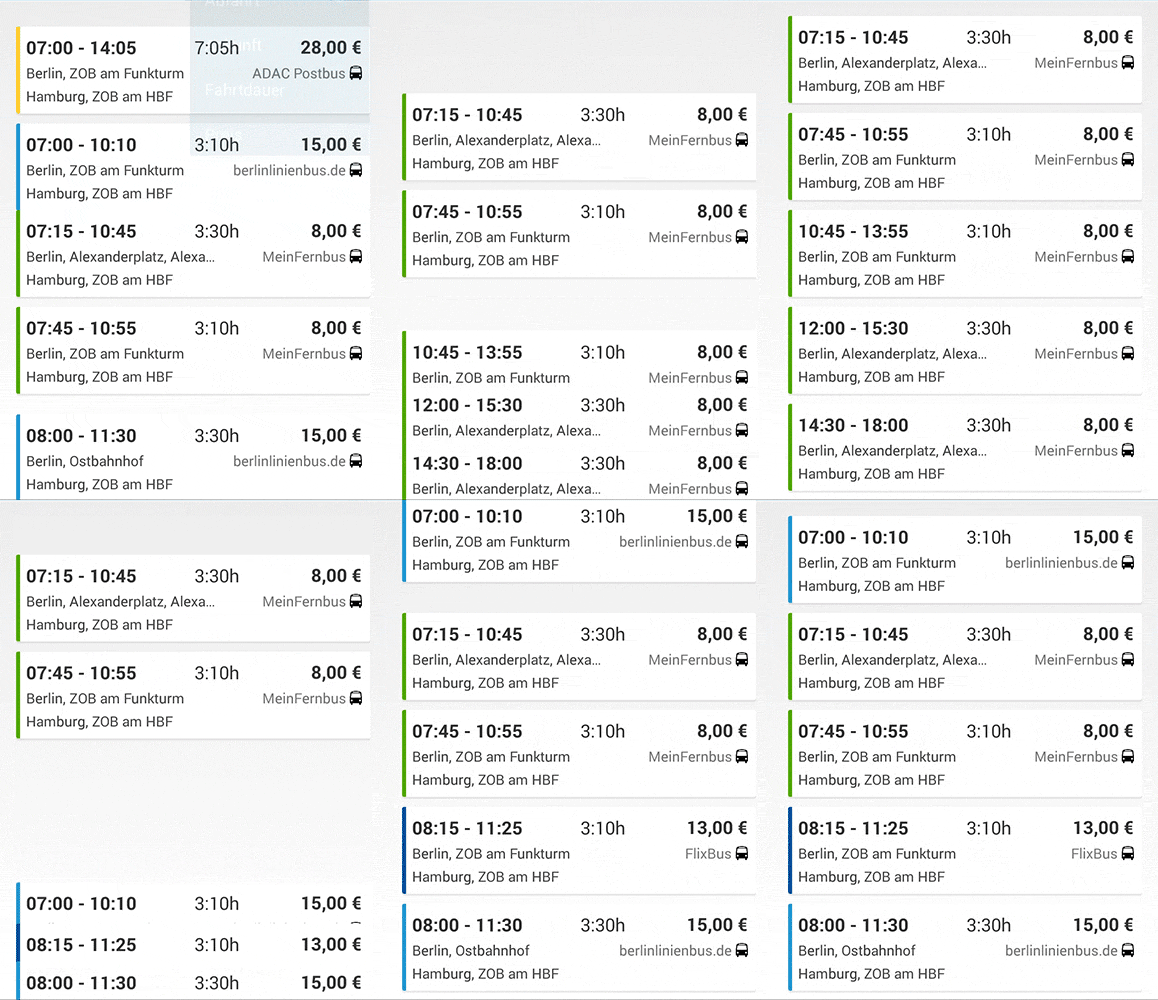
The screenshots are from the app "Busliniensuche" (https://play.google.com/store/apps/details?id=de.raumobil.android.busliniensuche) made by me.
AnimationListView is using NineOldAndroid and is compatible with Android 2.2+.
Add the project as android library and add this to your xml layout:
<de.busliniensuche.android.view.AnimationListView
 android:id="@+id/listView"
 android:layout_width="match_parent"
 android:layout_height="match_parent">
</de.busliniensuche.android.view.AnimationListView>
You adapter must have stable ids. Otherwise the animations won't work.
Make modifications only (!) by calling manipulate() on the list like this:
animationListView.manipulate(new Manipulator<ArrayAdapter<String>>() {
 @Override
 public void manipulate(final ArrayAdapter<String> adapter) {
 adapter.add("Foo");
 }
});
The passed adapter will be the same adapter you previously set on the listview. Make sure to use the correct generic parameter. If no animation is running, the manipulation will be done immediately. Otherwise the manipulation is delayed and will be invoked after the running animation (together with all other delayed manipulations).
Important: If you change the adapter's content without calling manipulate while an animation is running, your app will likely crash.
If you need to change the adapter's content without animation, call manipulateWithoutAnimation().
The listview will automatically calculate the duration of the animations. You can change the overall speed of the animations by calling setAnimationDurationFactor(). This example will make the animations twice as fast.
animationListView.setAnimationDurationFactor(0.5f);
If you don't like the bouncy interpolater, you can change it by calling setInterpolater().