
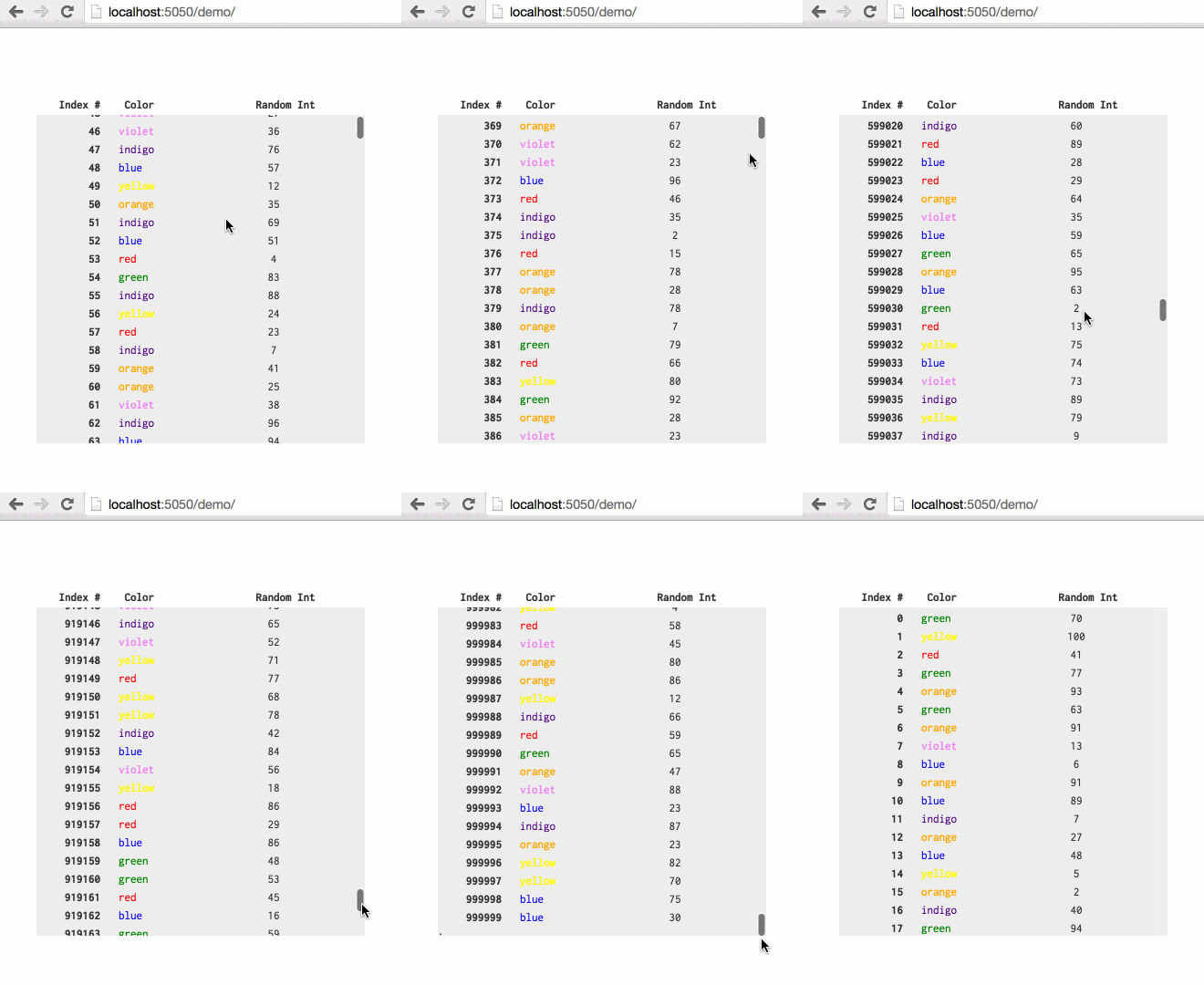
Build 1MM row tables with native scroll bars by reusing and yielding nodes.
Created by @ChrisPolis, originally as a component of Datacomb
For related projects, see: Clusterize.js and fixed-data-table
var table = new SmartTableScroll({
 // DOM element to render to
 el: document.querySelector('#some-table'),

 // Array of objects that will be used to build and update each row
 data: [ { row1Data }, { row2Data } ... ],

 // Function used to calculate the height of each row
 heightFn: function(rowData) { return rowData.hasPicture ? 20 : 10; },

 // Used when first creating dom nodes for each row
 buildRow: function(rowData) {
 var node = document.createElement('div');
 node.classList.add('test-row');
 node.innerHTML =
 "<div class='test-col index'>"+rowData.index+"</div>"+
 "<div class='test-col color'>"+rowData.color+"</div>"+
 "<div class='test-col random'>"+rowData.random+"</div>";
 return node;
 },

 // Used to yield an existing row to a new element in `data`
 updateRow: function(rowData, rowEl) {
 rowEl.childNodes[0].textContent = rowData.index;
 rowEl.childNodes[1].textContent = rowData.color;
 rowEl.childNodes[2].textContent = rowData.random;
 },

 // (Optional) How many rows to create nodes for
 // this needs to be > than the max number of rows that can fit on screen (2x this value seems right)
 // play around, this will have performance implications
 availableNodes: 200,
});
// To update the table, pass in new data to `updateData`
table.updateData([ { updatedRow1Data }, { updatedRow2Data } ... ]);
Include smart-table-scroll.css or add the following to your CSS:
.sts-container {
 overflow-y: scroll;
 position: relative;
 /* scroll container also needs a fixed/defined height */
}
.sts-container .sts-row {
 position: absolute;
}
.sts-container .sts-bottom-anchor {
 position: absolute;
 height: 1px;
 width: 1px;
}
Firefox has an issue with top css property greater than ~18,000,000px(more info); the 1,000,000 row demo works with Firefox, but larger tables may not.
$ npm install
$ npm run build
$ npm run serve
$ open localhost:5050