Dword License NPM version
Web editor based on CodeMirror. Fork of edward.
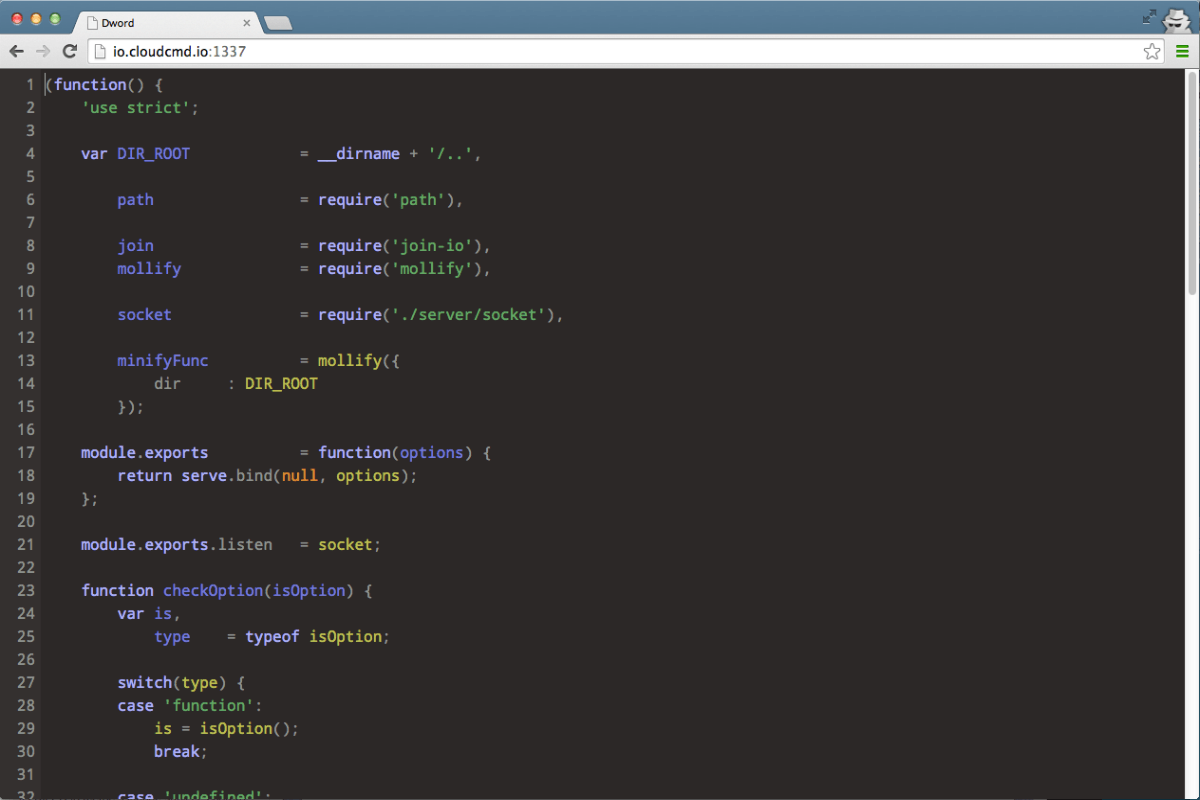
- Syntax highlighting based on extension of file for over 90 languages.
- Built-in
emmet(for html files) - Drag n drop (drag file from desktop to editor).
- Configurable options (json/edit.json could be overriden by
~/.dword.json)
npm i dword -g
Usage: dword [filename]
| Parameter | Operation |
|---|---|
-h, --help |
display help and exit |
-v, --version |
output version information and exit |
| Key | Operation |
|---|---|
Ctrl + s |
save |
Ctrl + f |
find |
Ctrl + h |
replace |
Ctrl + g |
go to line |
Ctrl + e |
evaluate (JavaScript only supported) |
dword could be used as middleware for express. For this purpuse API could be used.
Middleware of dword. Options could be omitted.
import {dword} from 'dword';
import express from 'express';
const app = express();
app.use(dword({
 root: '/', // default
 online: true, // default
 diff: true, // default
 zip: true, // default
 dropbox: false, // optional
 dropboxToken: 'token', // optional
}));
app.listen(31_337);
Could be used with socket.io to handle editor events with.
import {Server} from 'socket.io';
const socket = new Server(server);
dword.listen(socket, {
 // optional
 prefixSocket: '/dword',
 // optional
 auth: (accept, reject) => (username, password) => {
 accept();
 },
});
Dword uses codemirror on client side, so API is similar.
All you need is put minimal html, css, and js into your page.
Minimal html:
<div class="edit" data-name="js-edit"></div>
<script src="/dword/dword.js"></script>
Minimal css:
html, body, .edit {
 height: 100%;
 margin: 0;
}
Minimal js:
dword('[data-name="js-edit"]', (editor) => {
 editor.setValue('hello dword');
 console.log('dword is ready');
});
selector: stringcallback: EditorCallback
Initialize new instance
value: string
Set value to editor.
returns: string
Get value from editor.
interface Editor {
 setValue: (value: string) => void;
 getValue: () => string;
}
type EditorCallback = (editor: Editor) => void;
type Dword = (selector: string, callback: EditorCallback) => void;
For more information you could always look around client/dword.js directory.
MIT