codebeat badge
Swift Version
GitHub license
A MacDown plugin that formats your headings and offers shorthand syntax for callouts, images, and links.
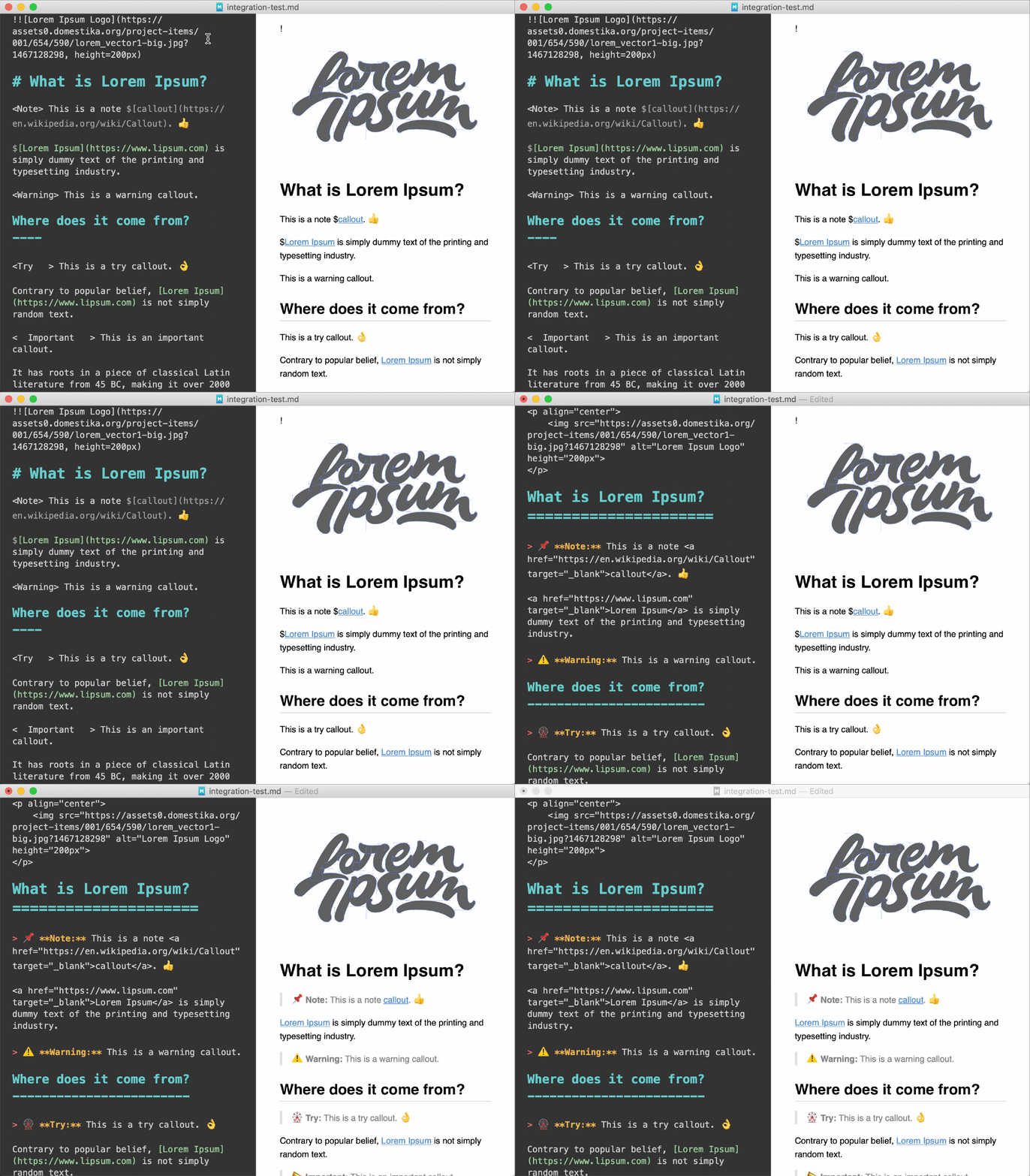
- A guide/template to build your own Swift MacDown plug-in? Check out MacDown-Swift-Plug-In.
- A Floating Action Button for macOS? Check out Fab. 🛍️.
- An Expanding Bubble Text Field for macOS? Check out BubbleTextField 💬.
- An integrated spotlight-based onboarding and help library for macOS? Check out Enlighten 💡.
- Add callouts to your Markdown with a tag.
- Beautifies H1 & H2 headings.
- Make Markdown links open in new tabs.
- Easily specify dimensions and center alignment of images.
- Supports MacDown undo/redo.
- GitHub-flavored Markdown friendly (except where noted).
There are a few ways to install the plug-in:
cdinto the project directory and runmake.- Build the 'Thesi' scheme in Xcode.
- Download the latest release and put it inside
~/Library/Application Support/MacDown/PlugIns
Thesi will convert any # and ## headings to their respective underline headings, and ensure any existing underline headings are pretty (contain the perfect number of = or -). Nothing fancy.
Callouts are a short piece of text stylized with the intent of attracting attention.
The syntax of a 'callout-name' callout is:
<callout-name> message
For example, a syntactic 'note' callout would look like so:
<Note> This is a note callout.
And after invoking Thesi, will render as so:
📌 Note: This is a note callout.
The currently available callouts are:
📌 Note: This is a note callout.
⚠️ Warning: This is a warning callout.
🎡 Try: This is a try callout.
📣 Important: This is an important callout.
🔥 This is a fire callout.
🐞 Bug: This is a bug callout.
📣 Important: Your flavor of Markdown must support raw HTML.
⚠️ Warning: Not supported by GitHub-flavored Markdown.
Want your Markdown links to open in a new tab? No problem, just prepend your normal Markdown links with a $ and Thesi will do the rest.
$[Text](URL)
After Thesi:
📣 Important: Your flavor of Markdown must support raw HTML.
Thesi also simplifies formatting images by providing syntax for specifying image dimensions and center alignment.
To set the image height and/or width, just add the appropriate attributes after the image URL.

Thesi will replace the Markdown image syntax with its equivalent <img> element.
Centering an image is as simple as prepending an extra !.
!
Thesi will nest the image in a center-aligned <p> element.
Before Thesi:
!
After Thesi:
<p align="center">
	<img src="https://media2.giphy.com/media/12bSyZ2lLVvZ4s/giphy.gif" alt="Wow Gif" height="300px">
</p>