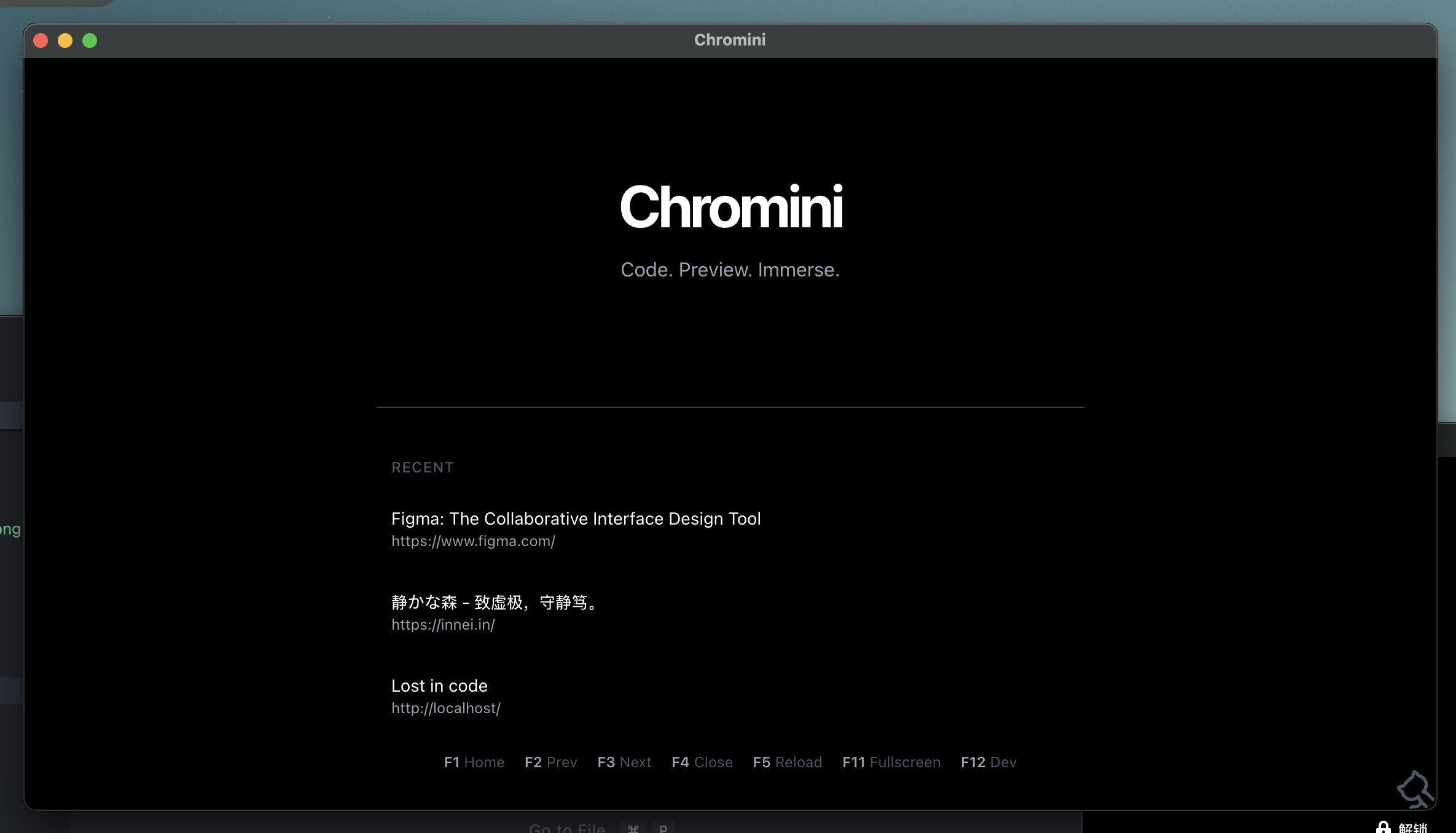
Chromini is a minimalist, developer-focused browser built with Electron and React. It's designed from the ground up for an immersive, keyboard-driven workflow, eliminating the distractions of a traditional browser to keep you focused on what matters: your local development.
Build & Release License: MIT GitHub stars GitHub forks GitHub issues GitHub last commit GitHub repo size
Chromini is built around a unique set of features tailored for developers who need to iterate quickly and stay in the zone.
Navigate through all your open tabs and windows using simple function keys. No mouse required.
The interface is designed to disappear, providing an immersive, content-first experience perfect for previewing front-end applications.
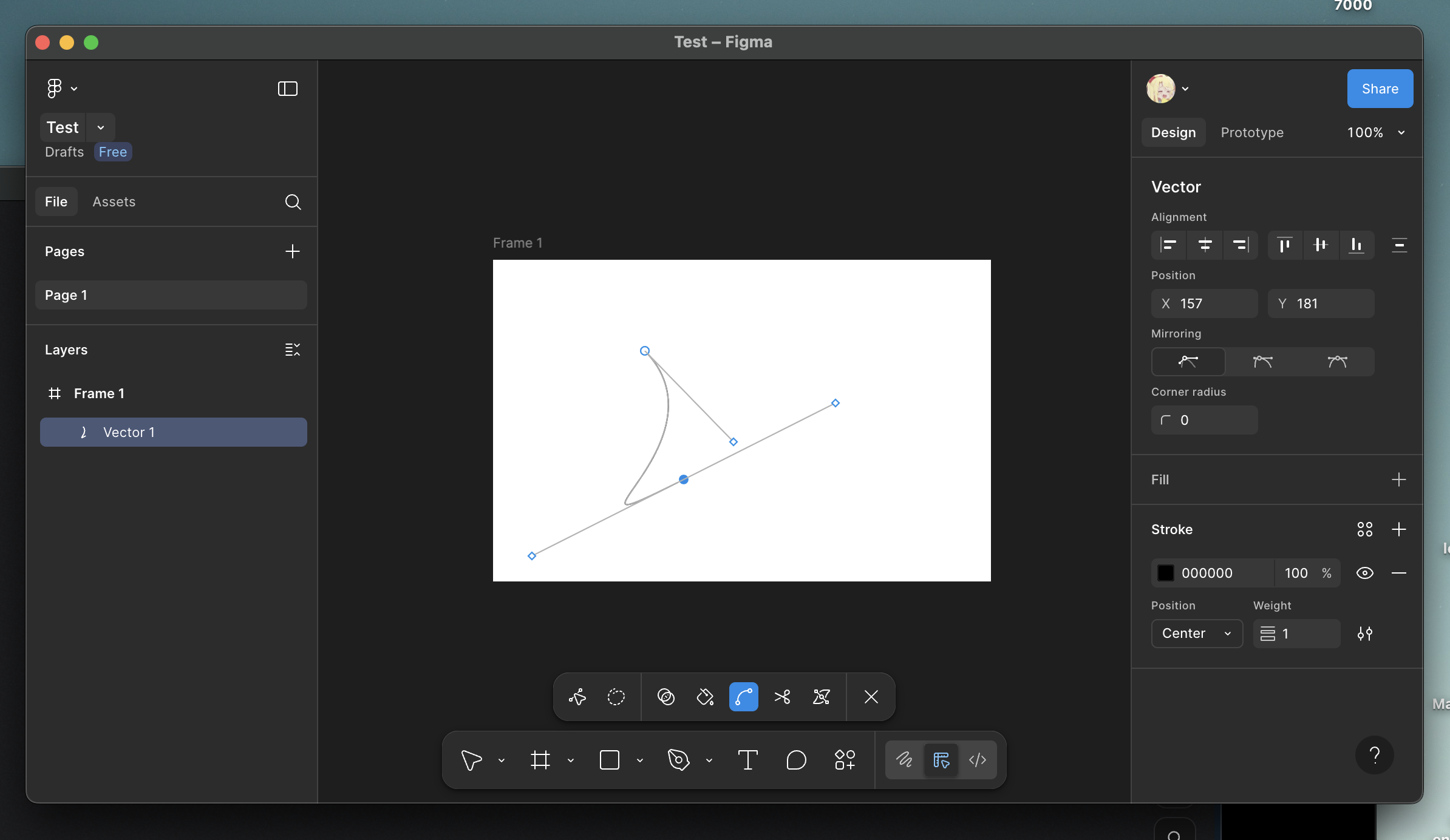
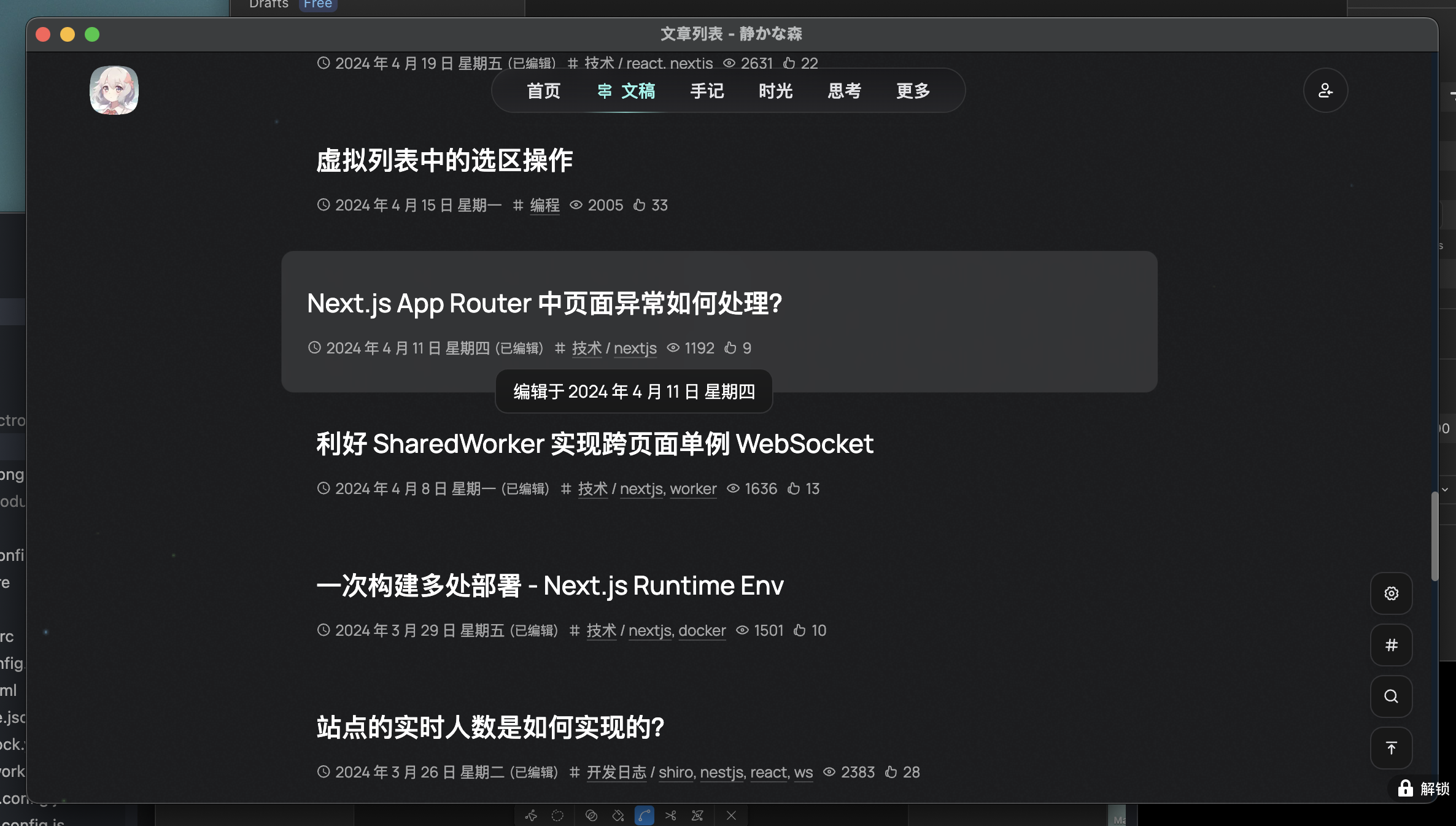
Open multiple windows, but manage your tabs from a single, global timeline. F2/F3 will cycle through all open tabs, automatically focusing the correct window.
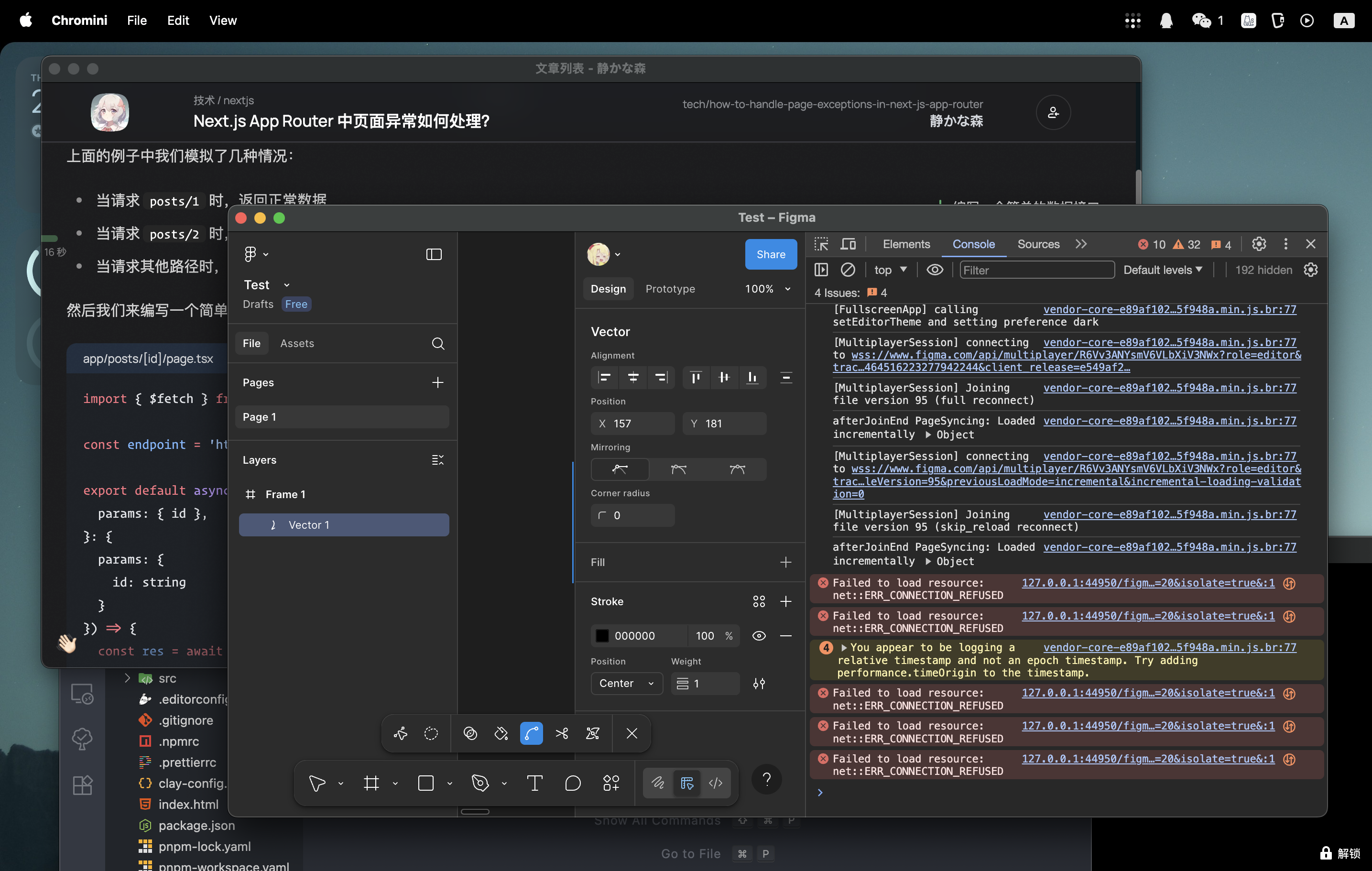
Chromini remembers your last-used window size and your 50 most recent tabs, making it easy to pick up right where you left off. All configuration is stored locally in ~/.chromini/.
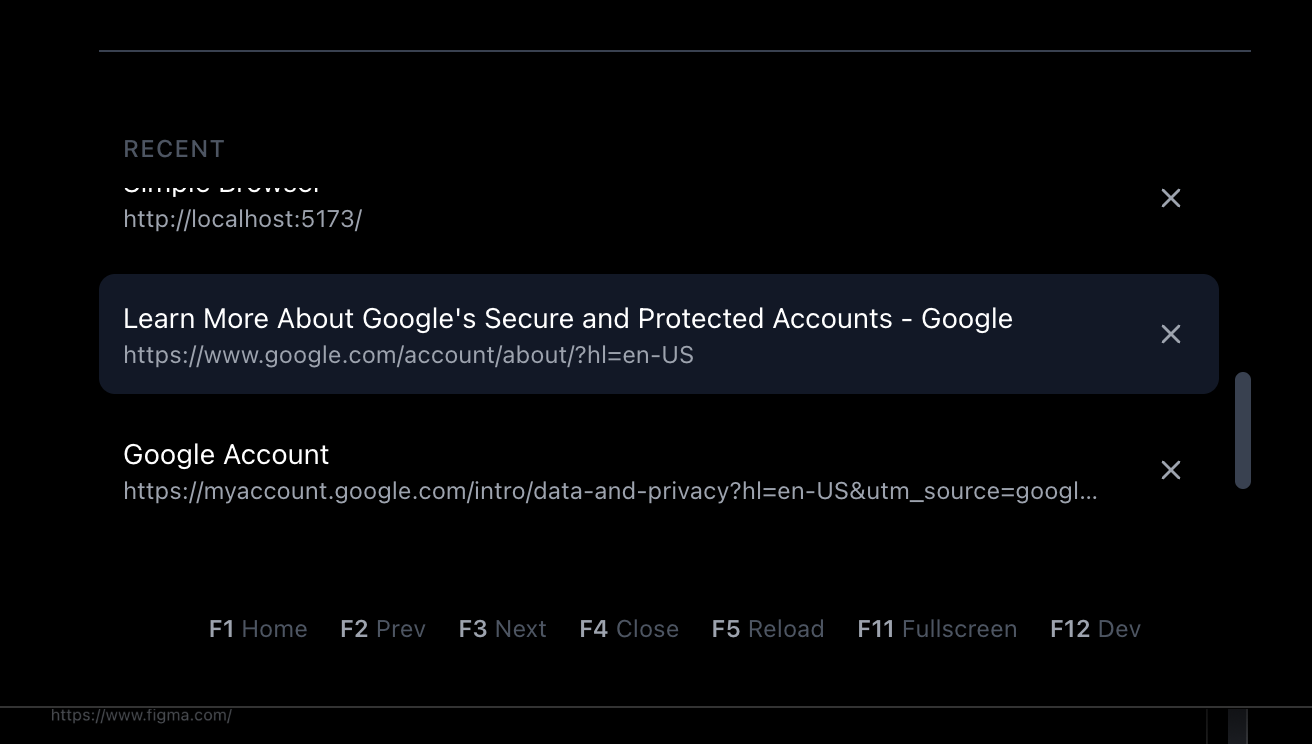
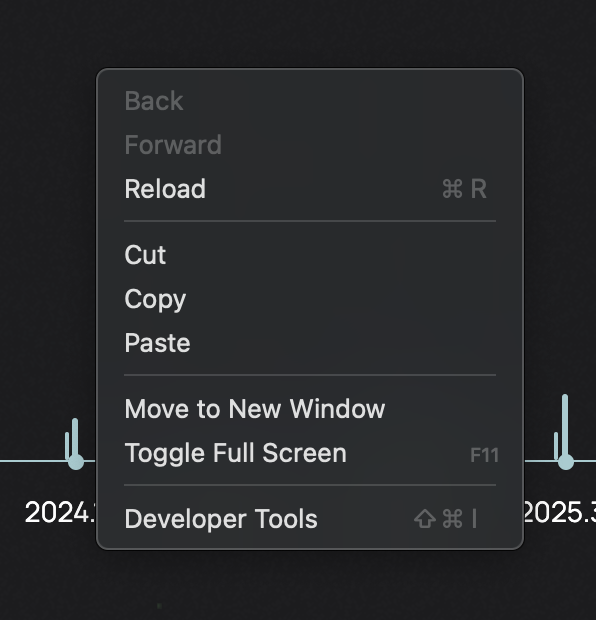
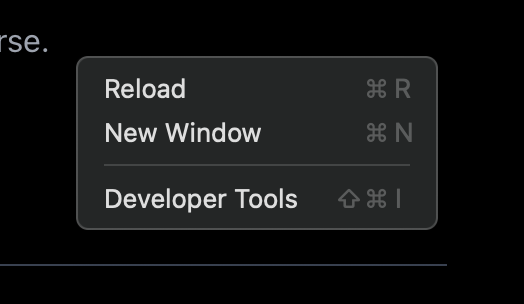
The native right-click menu is packed with developer essentials, allowing you to move a tab to a new window, open links, and access developer tools instantly.
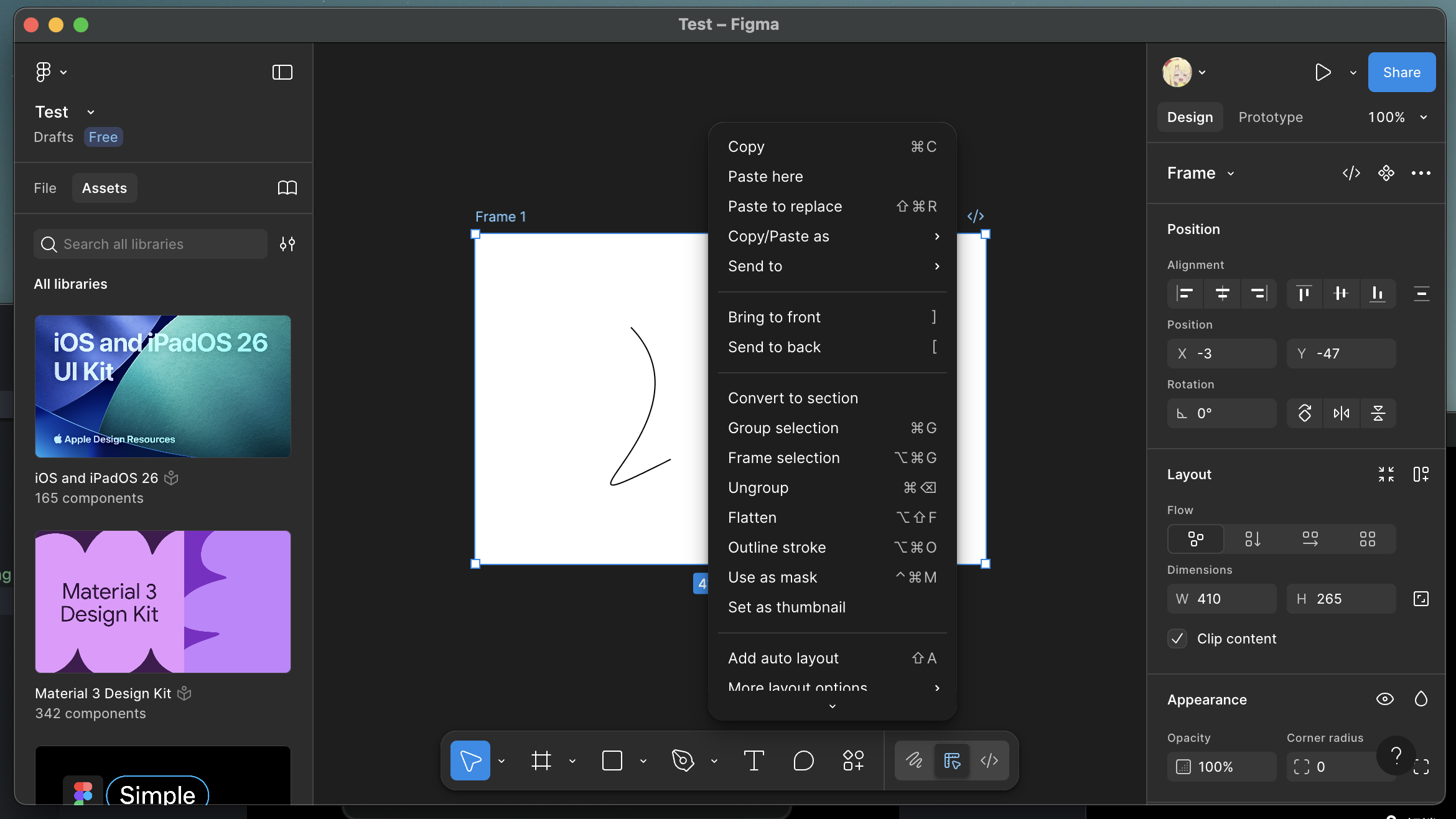
With webSecurity disabled, Chromini allows unrestricted fetch requests between different local ports (e.g., from your React app at localhost:3000 to your API at localhost:8000), eliminating CORS headaches during development.
Chromini is designed to be controlled primarily by the keyboard.
| Key | Action |
|---|---|
F1 |
Open a New Empty Window |
F2 |
Switch to Previous Tab (Global) |
F3 |
Switch to Next Tab (Global) |
F4 |
Close Current Tab |
F5 / Cmd+R |
Reload Current Page |
F11 |
Toggle Fullscreen |
F12 / Cmd+Shift+I |
Toggle Developer Tools |
Cmd+[ / Alt+Left |
Navigate Back |
Cmd+] / Alt+Right |
Navigate Forward |
Cmd+N |
Open a New Empty Window (Menu) |
To run Chromini locally for development:
-
Clone the repository:
git clone https://github.com/canmi21/chromini.git cd chromini -
Install dependencies:
pnpm install
-
Run the development server:
pnpm electron:dev
To build a distributable package for your current platform:
pnpm electron:build
The recommended way to build for all platforms (macOS, Windows, Linux) is to use the included GitHub Actions workflow by creating a new release on GitHub.
Chromini is built with modern, efficient technologies:
- Electron: For creating the cross-platform desktop application shell.
- React: For building the user interface.
- TypeScript: For robust, type-safe code.
- Vite: For lightning-fast front-end tooling and development.
- Tailwind CSS: For a utility-first CSS framework.
This project is licensed under the MIT License. See the LICENSE file for details.