Android Equalizer View that can also manage the audio track frequencies
Add Equalizer in your Android app


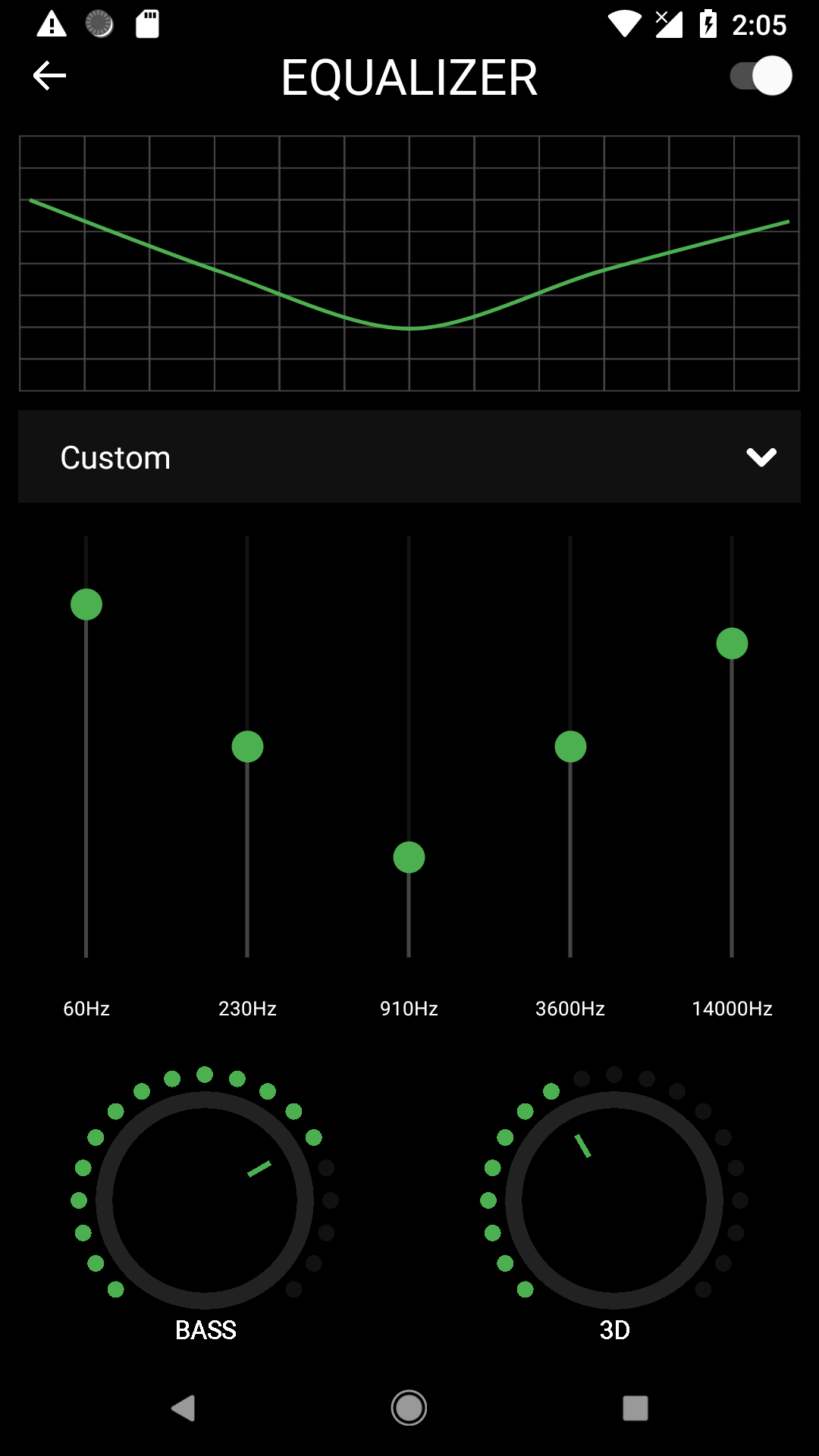
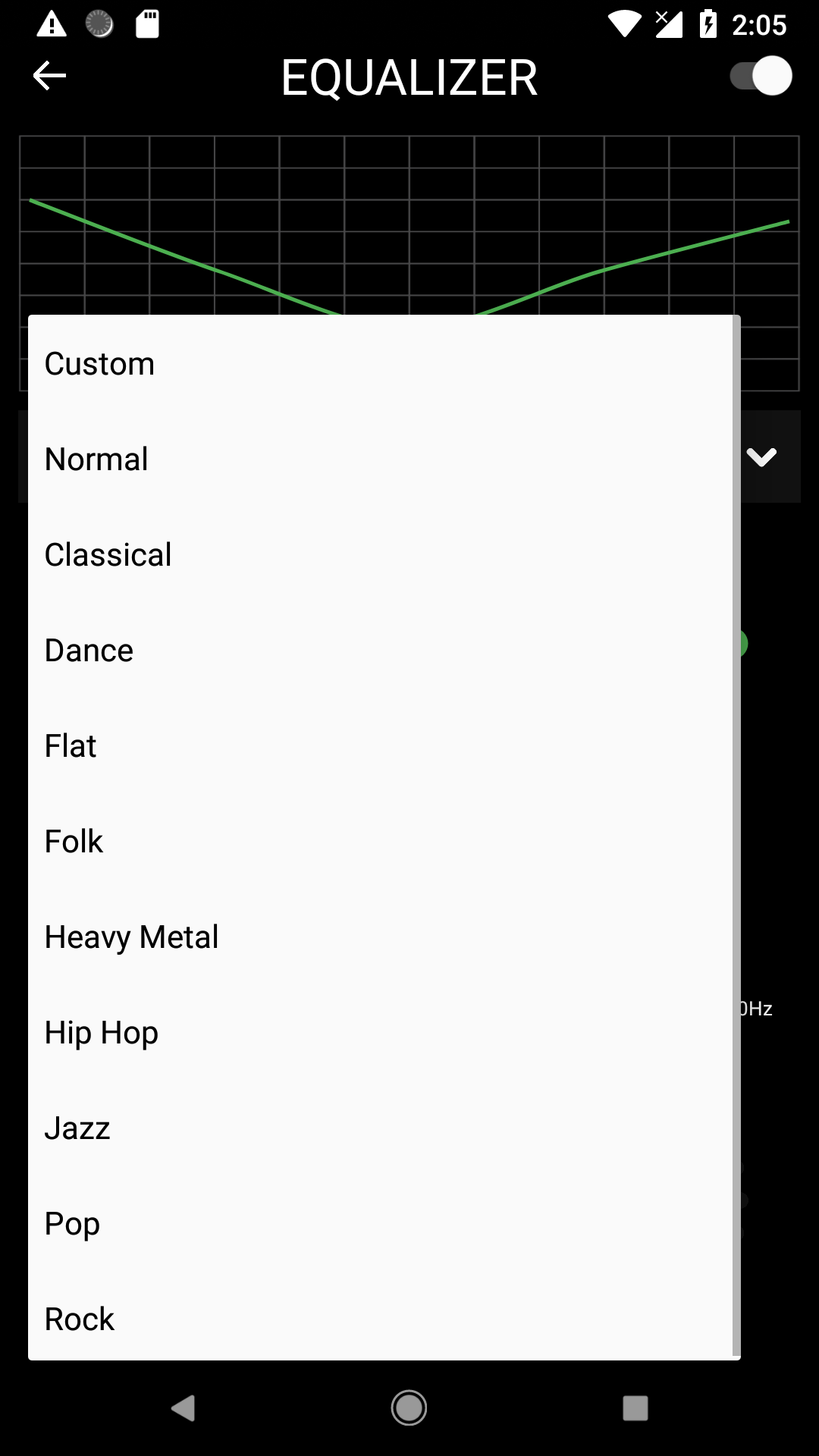
In settings.gradle you can add the repositories you want to add to the project:
repositories {
 google()
 jcenter() // Warning: this repository is going to shut down soon
 mavenCentral()
 maven { url 'https://www.jitpack.io' } // this is the line to be added
 }
and:
dependencies {
 implementation 'com.github.bullheadandplato:AndroidEqualizer:2.2'
}
if not using AndroidX.
it will not have DialogEqualizerFragment or any other improvements
dependencies {
 implementation 'com.github.bullheadandplato:AndroidEqualizer:1.0'
}
 DialogEqualizerFragment fragment = DialogEqualizerFragment.newBuilder()
 .setAudioSessionId(sessionId)
 .themeColor(ContextCompat.getColor(this, R.color.primaryColor))
 .textColor(ContextCompat.getColor(this, R.color.textColor))
 .accentAlpha(ContextCompat.getColor(this, R.color.playingCardColor))
 .darkColor(ContextCompat.getColor(this, R.color.primaryDarkColor))
 .setAccentColor(ContextCompat.getColor(this, R.color.secondaryColor))
 .build();
 fragment.show(getSupportFragmentManager(), "eq");
Create a frame in your layout file.
<FrameLayout
 android:layout_width="match_parent"
 android:layout_height="match_parent"
 app:layout_constraintBottom_toBottomOf="parent"
 app:layout_constraintLeft_toLeftOf="parent"
 android:id="@+id/eqFrame"
 app:layout_constraintRight_toRightOf="parent"
 app:layout_constraintTop_toTopOf="parent" />
In your Activity class
 int sessionId = mediaPlayer.getAudioSessionId();
 mediaPlayer.setLooping(true);
 EqualizerFragment equalizerFragment = EqualizerFragment.newBuilder()
 .setAccentColor(Color.parseColor("#4caf50"))
 .setAudioSessionId(sessionId)
 .build();
 getSupportFragmentManager().beginTransaction()
 .replace(R.id.eqFrame, equalizerFragment)
 .commit();
This work is mostly borrowed from https://github.com/harjot-oberai/MusicDNA