- OS: Arch Linux
- Window Manager: Sway, Hyprland
- Bar: waybar
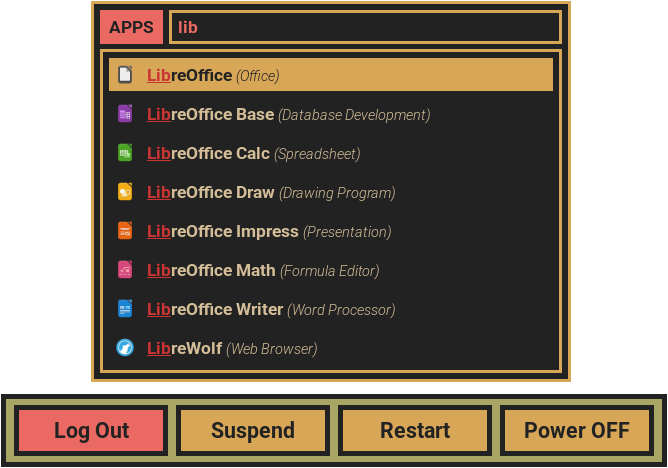
- Launcher: rofi
- Terminal: Foot
- File Manager: Pcmanfm
- Primary Browser: firefox-developer-edition
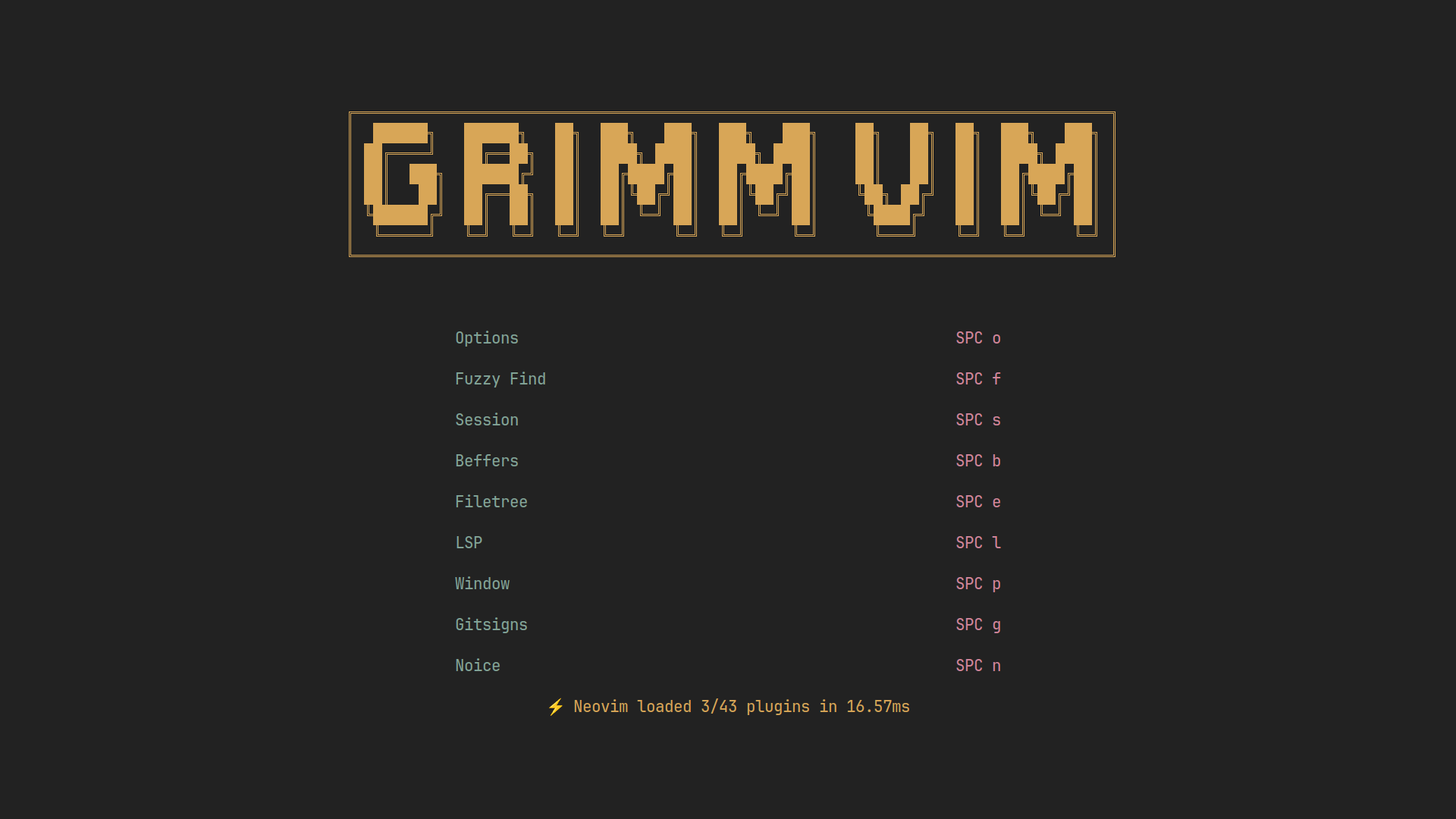
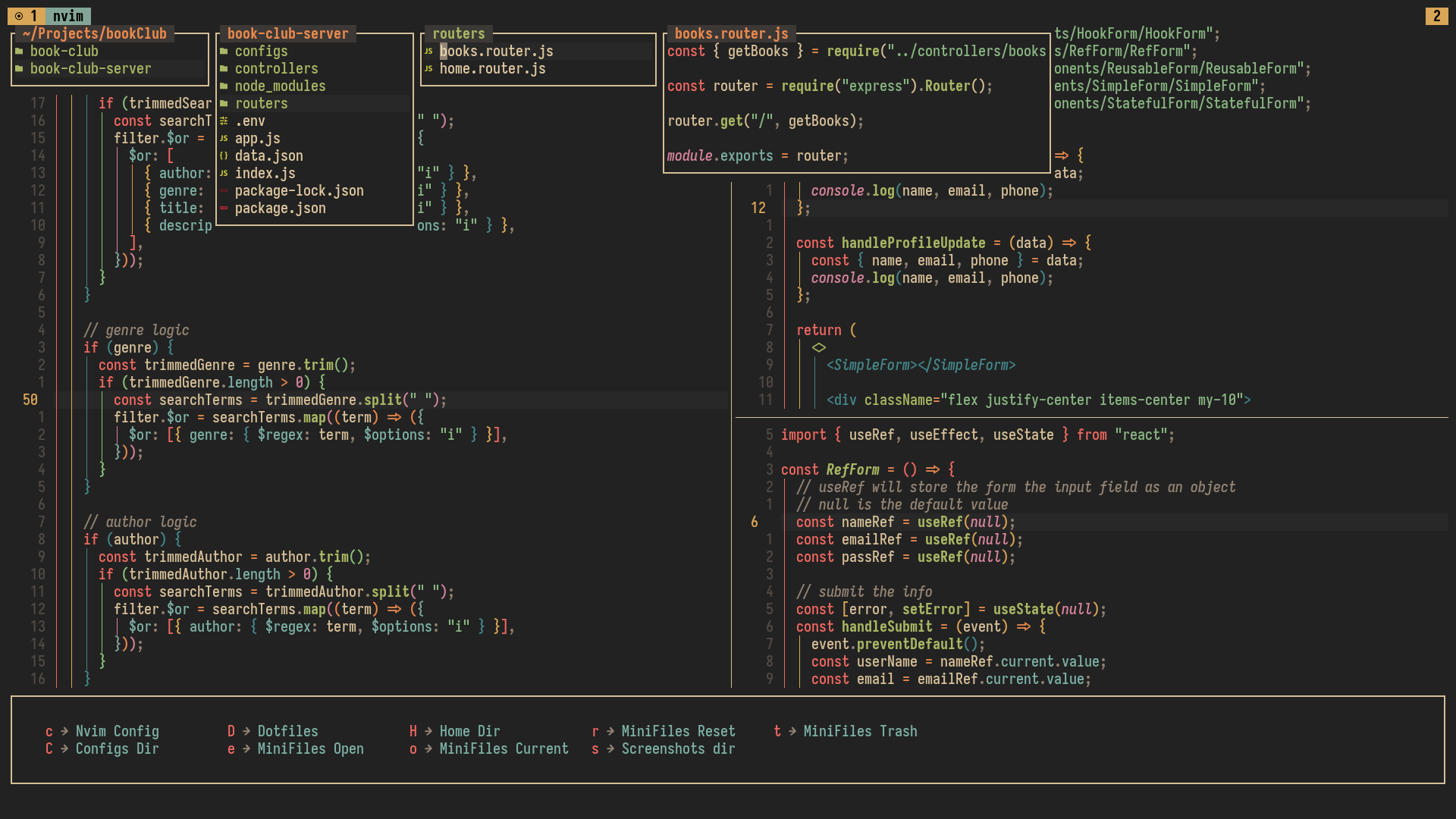
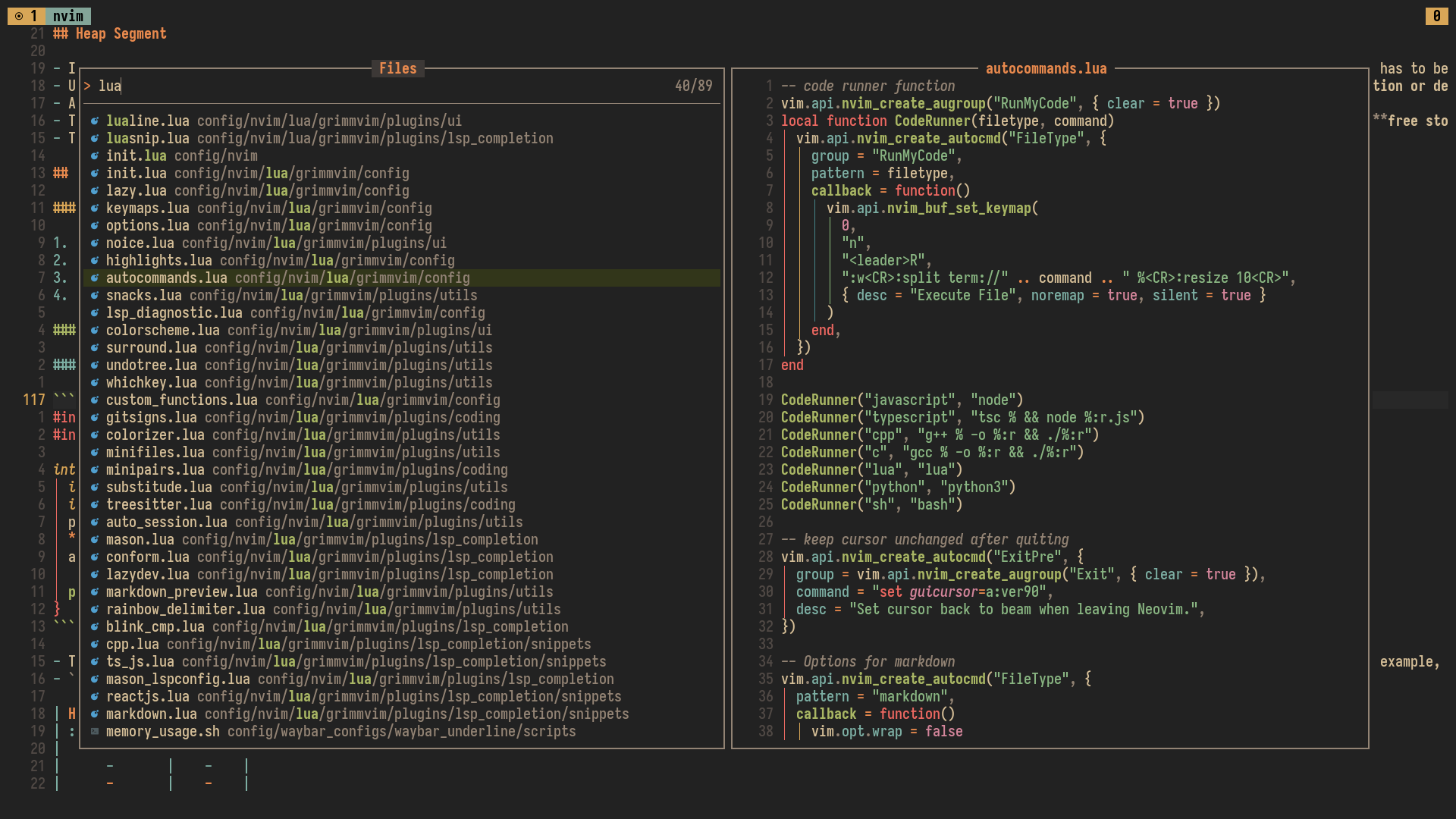
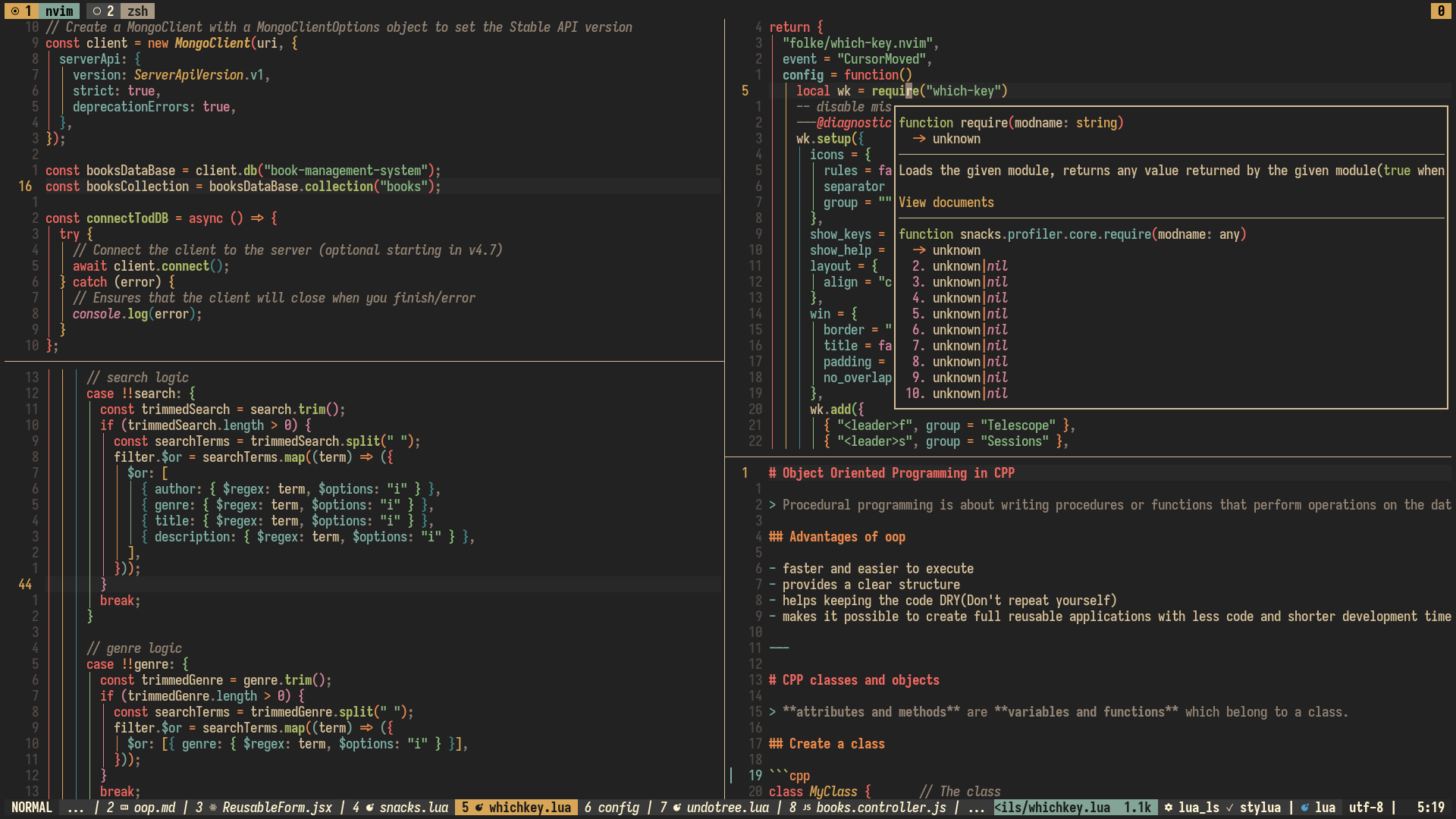
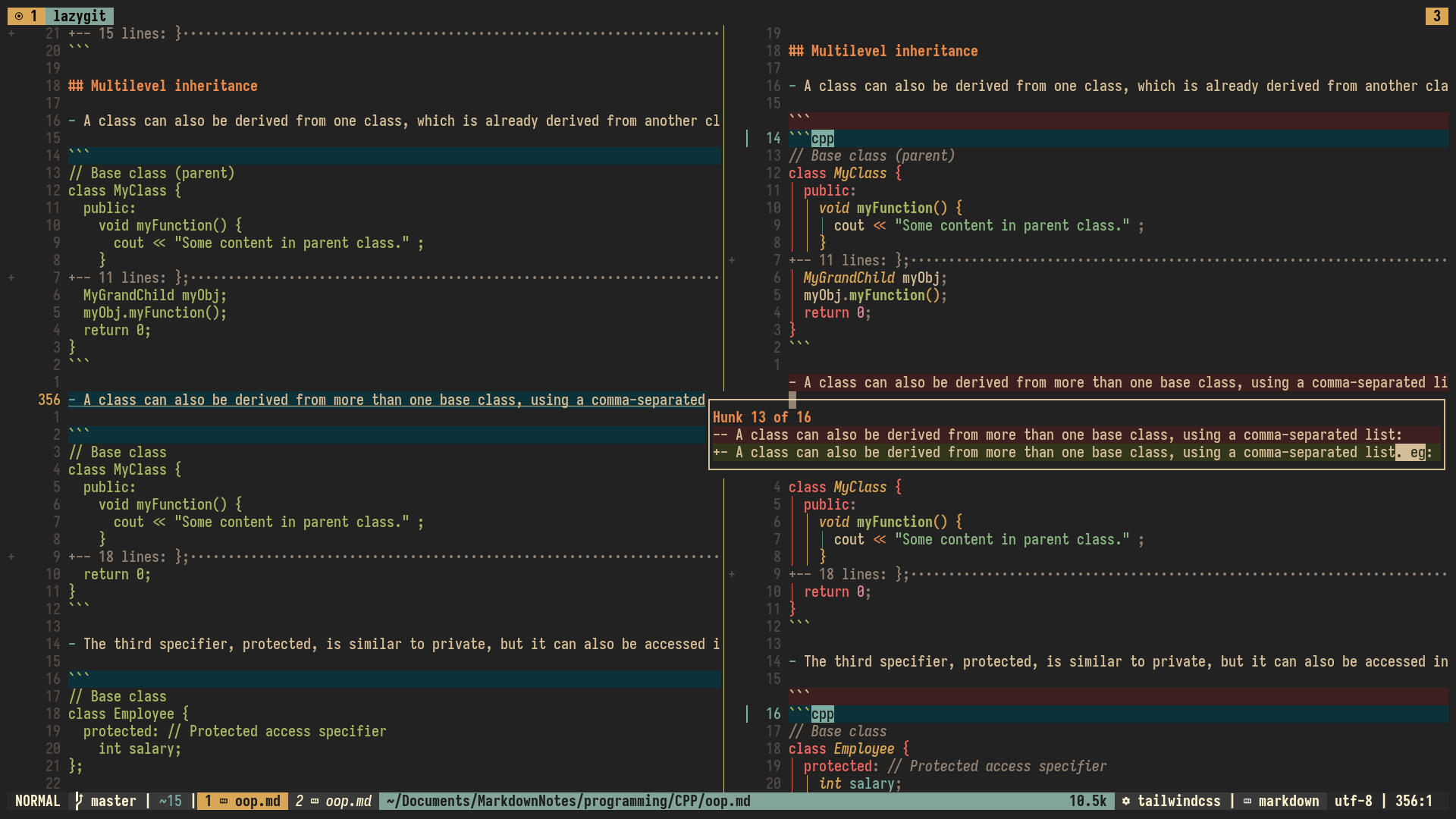
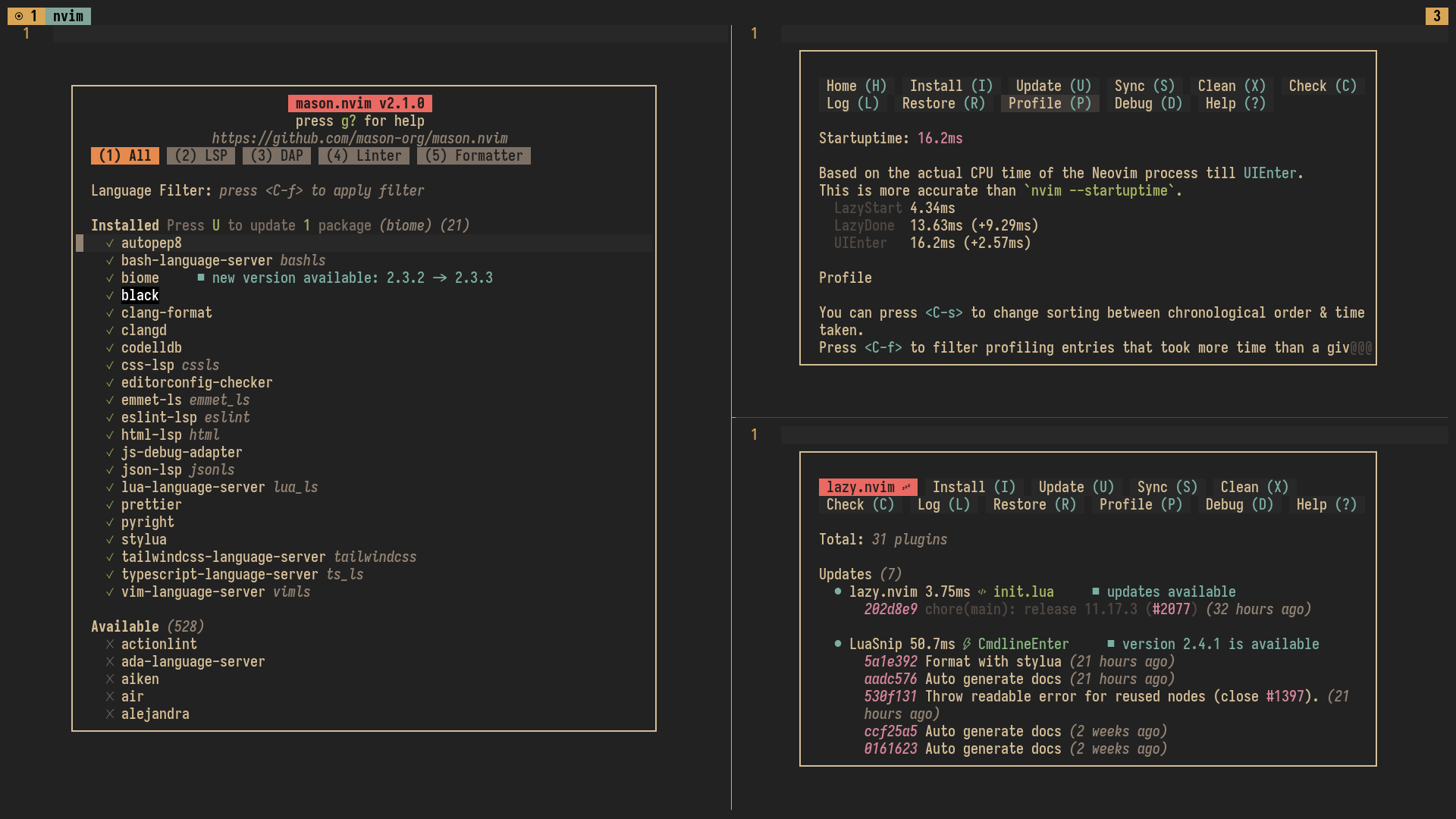
- Code Editor : Neovim
- Lockscreen: swaylock
- Screenshot Tool: Grim & Satty
- Fonts: iosevkaterm nerd font, roboto-condensed, jetbrainsmono nerd font
- Policykit: mate-polkit
- Shell: bash, zsh
⚠️ do not forget to change the settings related to your hardwares in~/.local/share/config_dotfiles/config/sway/devices.confor~/.local/share/config_dotfiles/config/hypr/devices.conf
please check the
varibles.conffile of each window manager config directory at the beginning
store your bookmarks in "$HOME/.local/share/config_dotfiles/bookmarks/" directory in
.txtfiles to make the bookmark scripts work. Some examples are already provided
QT_QPA_PLATFORMTHEME=gtk3
BROWSER=firefox-developer-edition
EDITOR=nvim
TERMINAL=footclient
mkdir -p "$HOME/workstationdots"
[ -d "$HOME/workstationdots/workstation" ] || git clone --depth 1 https://github.com/bibjaw99/workstation "$HOME/workstationdots/workstation"
bash "$HOME/workstationdots/workstation/install_scripts/install.sh"
- Or, clone the repo and run the
install.shscript
- all the dotfiles will be stored in a folder called
config_dotfilesin your$HOME/.local/sharedirectory - then if the config already exists in the
$HOME/.configdirectory then it will be backed up in the$HOME/.config.backupdirectory - then a symlink will be created from
$HOME/.local/share/config_dotfilesdirectory to the$HOME/.configdirectory- why this approach instead of using/creating actual directories ? : it's easy to dump them all togather in the project folder after making huge changes in multiple app configs
- names of the config directories and config files that needs to be symlinked, must be listed in the respected files in
workstation/install_scripts/config_lists.- check
symlink_configs.shandsymlink_files.shto understand it better
- check
- if you already finished the base arch installation just clone the repo
- run the
$HOME/workstationdots/workstation/install_scripts/install.shscript - before installing you can check the list of the Packages in the install_scripts directory and modify it according to your likings
- just go to
/workstation/install_scripts/package_listsdirectory to find all the list of packages
- just go to
.
├── package_lists
│ ├── common_pkg_list.txt
│ ├── dev_pkg_list.txt
│ ├── flatpak_pkg_list.txt
│ ├── gui_pkg_list.txt
│ └── wayland_pkg_list.txt
├── config_lists
│ ├── config_dirs.txt
│ └── config_files.txt
├── install.sh
├── package_install.sh
├── symlink_configs.sh
├── symlink_files.sh
├── enable_services.sh
flatpak install script is optional, so you have to run it manually

- to launch the rofi theme selector, press
mod+shift+sthenb

| Workspace Number | Assigned Apps |
|---|---|
| 1 | Terminal |
| 2 | Browser |
| 3 | Development/Coding |
| 4 | File Manager |
| 5 | Chat |
| 6 | Design tools |
| 7 | Office tools |
| 8 | System tools and Misc |
- swaywm : swaywm keymaps
- hyprland : hyprland keymaps
-
remove or backup the
nvimfolder from the following directory :~/.config/nvim~/.cache/nvim~/.local/share/nvim~/.local/state/nvim
-
Now copy my
nvimconfig folder in the~/.configdirectory