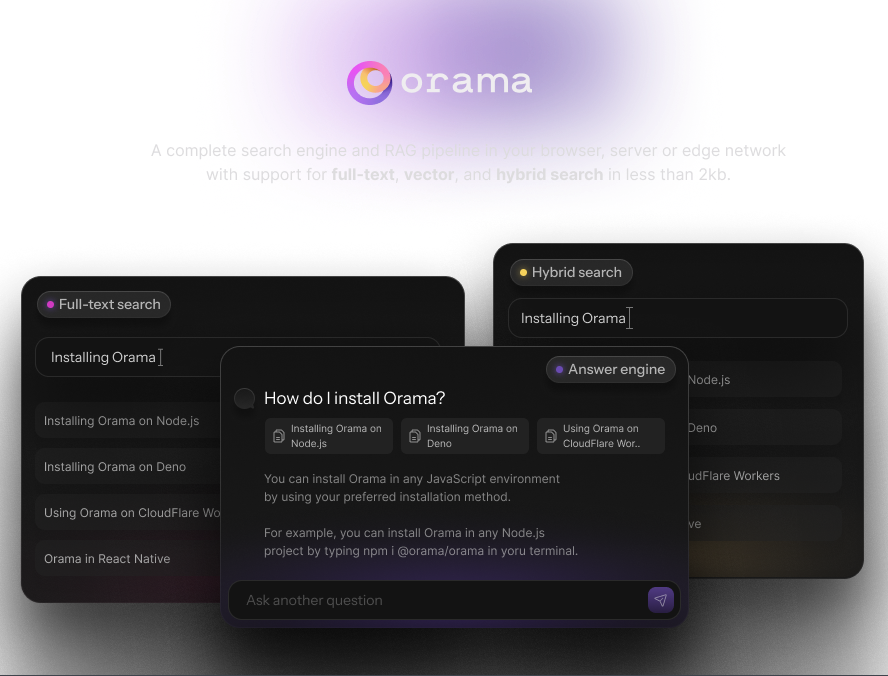
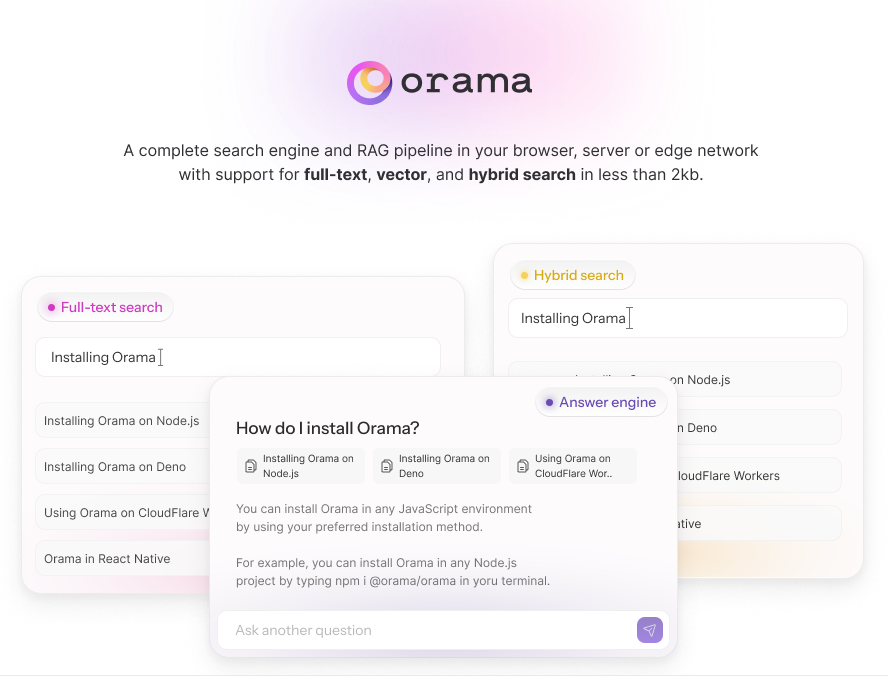
If you need more info, help, or want to provide general feedback on Orama, join the Orama Slack channel
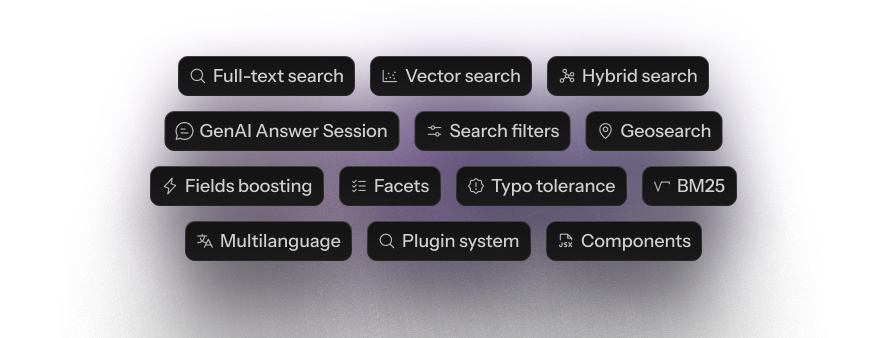
- Full-Text search
- Vector Search
- Hybrid Search
- GenAI Chat Sessions
- Search Filters
- Geosearch
- Pinning Rules (Merchandising)
- Facets
- Fields Boosting
- Typo Tolerance
- Exact Match
- BM25
- Stemming and tokenization in 30 languages
- Plugin System
You can install Orama using npm, yarn, pnpm, bun:
npm i @orama/orama
Or import it directly in a browser module:
<html>
 <body>
 <script type="module">
 import { create, insert, search } from 'https://cdn.jsdelivr.net/npm/@orama/orama@latest/+esm'
 </script>
 </body>
</html>
With Deno, you can just use the same CDN URL or use npm specifiers:
import { create, search, insert } from 'npm:@orama/orama'
Read the complete documentation at https://docs.orama.com.
Orama is quite simple to use. The first thing to do is to create a new database instance and set an indexing schema:
import { create, insert, remove, search, searchVector } from '@orama/orama'
const db = create({
 schema: {
 name: 'string',
 description: 'string',
 price: 'number',
 embedding: 'vector[1536]', // Vector size must be expressed during schema initialization
 meta: {
 rating: 'number',
 },
 },
})
insert(db, {
 name: 'Noise cancelling headphones',
 description: 'Best noise cancelling headphones on the market',
 price: 99.99,
 embedding: [0.2432, 0.9431, 0.5322, 0.4234, ...],
 meta: {
 rating: 4.5
 }
})
const results = search(db, {
 term: 'Best headphones'
})
// {
// elapsed: {
// raw: 21492,
// formatted: '21μs',
// },
// hits: [
// {
// id: '41013877-56',
// score: 0.925085832971998432,
// document: {
// name: 'Noise cancelling headphones',
// description: 'Best noise cancelling headphones on the market',
// price: 99.99,
// embedding: [0.2432, 0.9431, 0.5322, 0.4234, ...],
// meta: {
// rating: 4.5
// }
// }
// }
// ],
// count: 1
// }
Orama currently supports 10 different data types:
| Type | Description | Example |
|---|---|---|
string |
A string of characters. | 'Hello world' |
number |
A numeric value, either float or integer. | 42 |
boolean |
A boolean value. | true |
enum |
An enum value. | 'drama' |
geopoint |
A geopoint value. | { lat: 40.7128, lon: 74.0060 } |
string[] |
An array of strings. | ['red', 'green', 'blue'] |
number[] |
An array of numbers. | [42, 91, 28.5] |
boolean[] |
An array of booleans. | [true, false, false] |
enum[] |
An array of enums. | ['comedy', 'action', 'romance'] |
vector[<size>] |
A vector of numbers to perform vector search on. | [0.403, 0.192, 0.830] |
Orama supports both vector and hybrid search by just setting mode: 'vector' when performing search.
To perform this kind of search, you'll need to provide text embeddings at search time:
import { create, insertMultiple, search } from '@orama/orama'
const db = create({
 schema: {
 title: 'string',
 embedding: 'vector[5]', // we are using a 5-dimensional vector.
 },
});
insertMultiple(db, [
 { title: 'The Prestige', embedding: [0.938293, 0.284951, 0.348264, 0.948276, 0.56472] },
 { title: 'Barbie', embedding: [0.192839, 0.028471, 0.284738, 0.937463, 0.092827] },
 { title: 'Oppenheimer', embedding: [0.827391, 0.927381, 0.001982, 0.983821, 0.294841] },
])
const results = search(db, {
 // Search mode. Can be 'vector', 'hybrid', or 'fulltext'
 mode: 'vector',
 vector: {
 // The vector (text embedding) to use for search
 value: [0.938292, 0.284961, 0.248264, 0.748276, 0.26472],
 // The schema property where Orama should compare embeddings
 property: 'embedding',
 },
 // Minimum similarity to determine a match. Defaults to `0.8`
 similarity: 0.85,
 // Defaults to `false`. Setting to 'true' will return the embeddings in the response (which can be very large).
 includeVectors: true,
})
Have trouble generating embeddings for vector and hybrid search? Try our @orama/plugin-embeddings plugin!
import { create } from '@orama/orama'
import { pluginEmbeddings } from '@orama/plugin-embeddings'
import '@tensorflow/tfjs-node' // Or any other appropriate TensorflowJS backend, like @tensorflow/tfjs-backend-webgl
const plugin = await pluginEmbeddings({
 embeddings: {
 // Schema property used to store generated embeddings
 defaultProperty: 'embeddings',
 onInsert: {
 // Generate embeddings at insert-time
 generate: true,
 // properties to use for generating embeddings at insert time.
 // Will be concatenated to generate a unique embedding.
 properties: ['description'],
 verbose: true,
 }
 }
})
const db = create({
 schema: {
 description: 'string',
 // Orama generates 512-dimensions vectors.
 // When using @orama/plugin-embeddings, set the property where you want to store embeddings as `vector[512]`.
 embeddings: 'vector[512]'
 },
 plugins: [plugin]
})
// Orama will generate and store embeddings at insert-time!
await insert(db, { description: 'Classroom Headphones Bulk 5 Pack, Student On Ear Color Varieties' })
await insert(db, { description: 'Kids Wired Headphones for School Students K-12' })
await insert(db, { description: 'Kids Headphones Bulk 5-Pack for K-12 School' })
await insert(db, { description: 'Bose QuietComfort Bluetooth Headphones' })
// Orama will also generate and use embeddings at search time when search mode is set to "vector" or "hybrid"!
const searchResults = await search(db, {
 term: 'Headphones for 12th grade students',
 mode: 'vector',
 similarity: 0.75,
})
Want to use OpenAI embedding models? Use our Secure Proxy plugin to call OpenAI from the client-side securely.
Since v3.0.0, Orama allows you to create your own ChatGPT/Perplexity/SearchGPT-like experience. You will need to call the OpenAI APIs, so we strongly recommend using the Secure Proxy Plugin to do that securely from your client side. It's free!
import { create, insert } from '@orama/orama'
import { pluginSecureProxy } from '@orama/plugin-secure-proxy'
const secureProxy = await pluginSecureProxy({
 apiKey: 'my-api-key',
 defaultProperty: 'embeddings',
 models: {
 // The chat model to use to generate the chat answer
 chat: 'openai/gpt-4o-mini'
 }
})
const db = create({
 schema: {
 name: 'string'
 },
 plugins: [secureProxy]
})
insert(db, { name: 'John Doe' })
insert(db, { name: 'Jane Doe' })
const session = new AnswerSession(db, {
 // Customize the prompt for the system
 systemPrompt: 'You will get a name as context, please provide a greeting message',
 events: {
 // Log all state changes. Useful to reactively update a UI on a new message chunk, sources, etc.
 onStateChange: console.log,
 }
})
const response = await session.ask({
 term: 'john'
})
console.log(response) // Hello, John Doe! How are you doing?
Read the complete documentation.
Read the complete documentation at https://docs.orama.com/open-source.
- Plugin Embeddings
- Plugin Secure Proxy
- Plugin Analytics
- Plugin Data Persistence
- Plugin QPS
- Plugin PT15
- Plugin Vitepress
- Plugin Docusaurus
- Plugin Astro
- Plugin Nextra
Write your own plugin: https://docs.orama.com/docs/orama-js/plugins/writing-your-own-plugins
Orama is licensed under the Apache 2.0 license.