- 文档查看器(Word && Excel && PDF && Rft || Network && Local || self && other App)
- 文件共享 && 查看 (Network && Local)
platform:ios, '8.0'
target '*****' do
pod 'JhtDocViewer'

end
JhtLoadDocView内部相关属性的修改可通过修改此model实现
文件保存 && 清理等方法
用于设置提示框中的 文字的大小,颜色,位置,背景图,是否包含警示小图标等参数
用于设置文件ID,文件名,绝对路径(本地文件),文件大小等参数
- 文本类 default值 亦可通过修改 JhtDocViewer_Default.plist 相应键值对进行修改
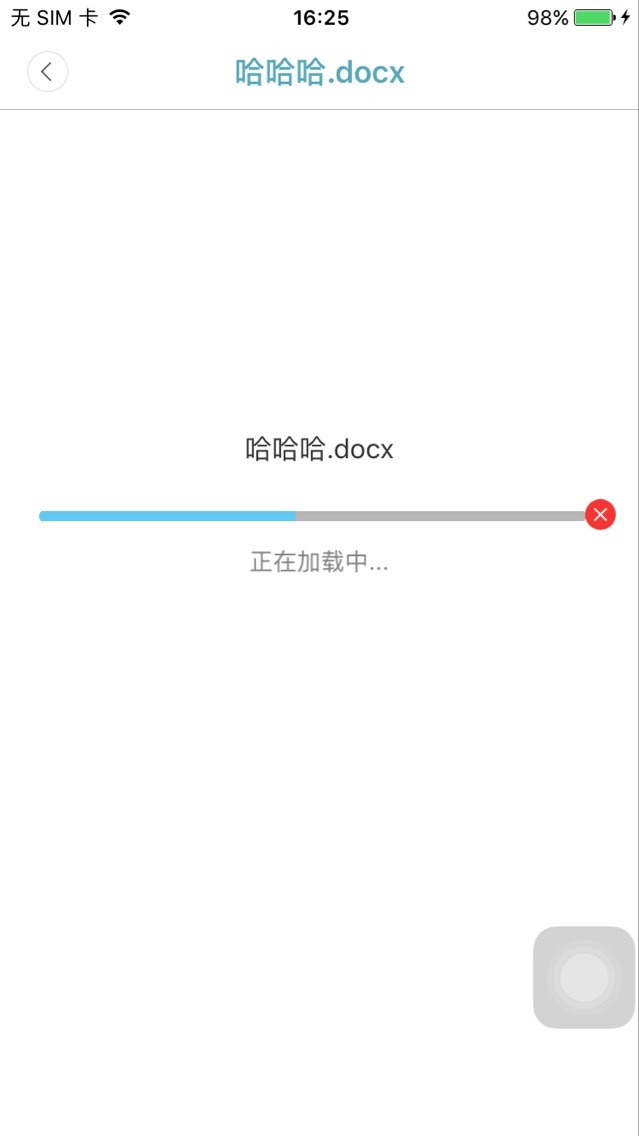
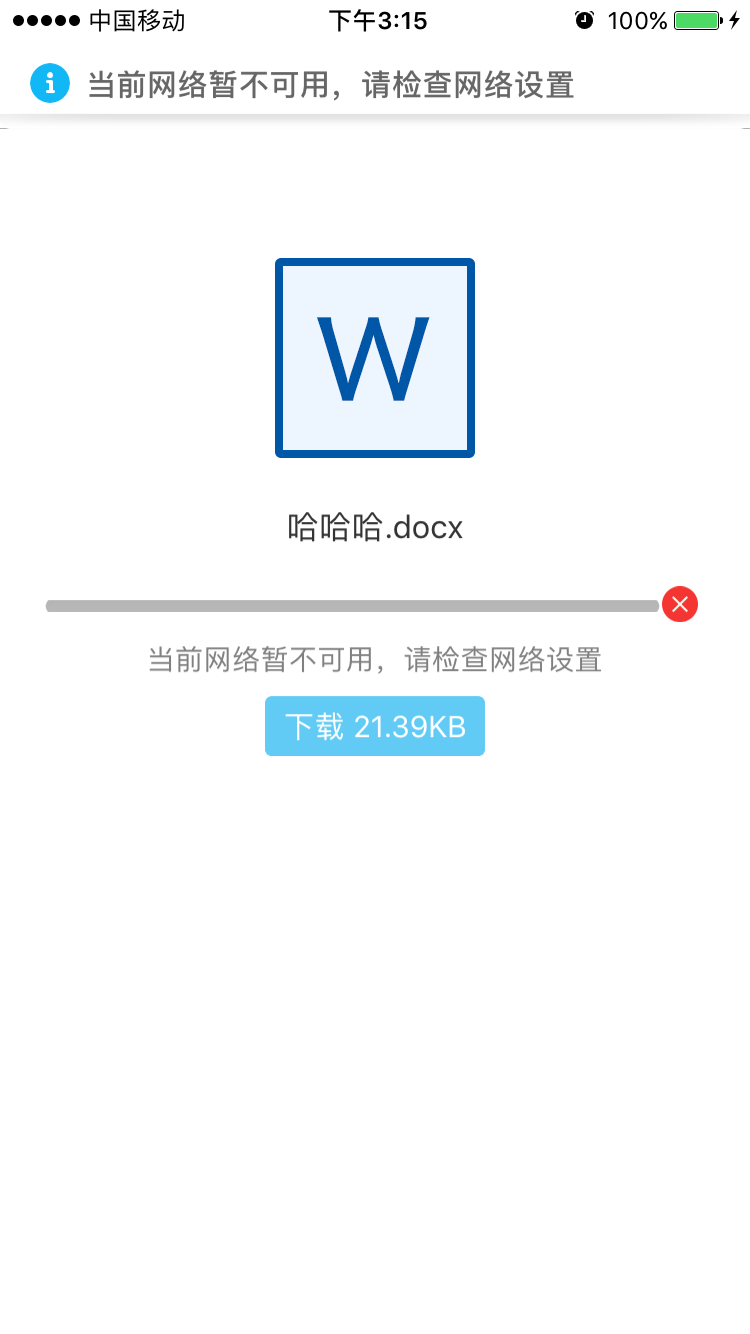
tableView的数据源是一个装有model的数组,model根据属性fileAbsolutePath(本地绝对路径),判断是否需要下载
b. 需要下载,则通过JhtDownloadRequest函数中的类方法进行下载,暂停等操作(注意:JhtFileModel属性:fileSize,应写成这种式"KB,MB,GB,Bytes",为了计算手机剩余内存,关系是否能下载成功
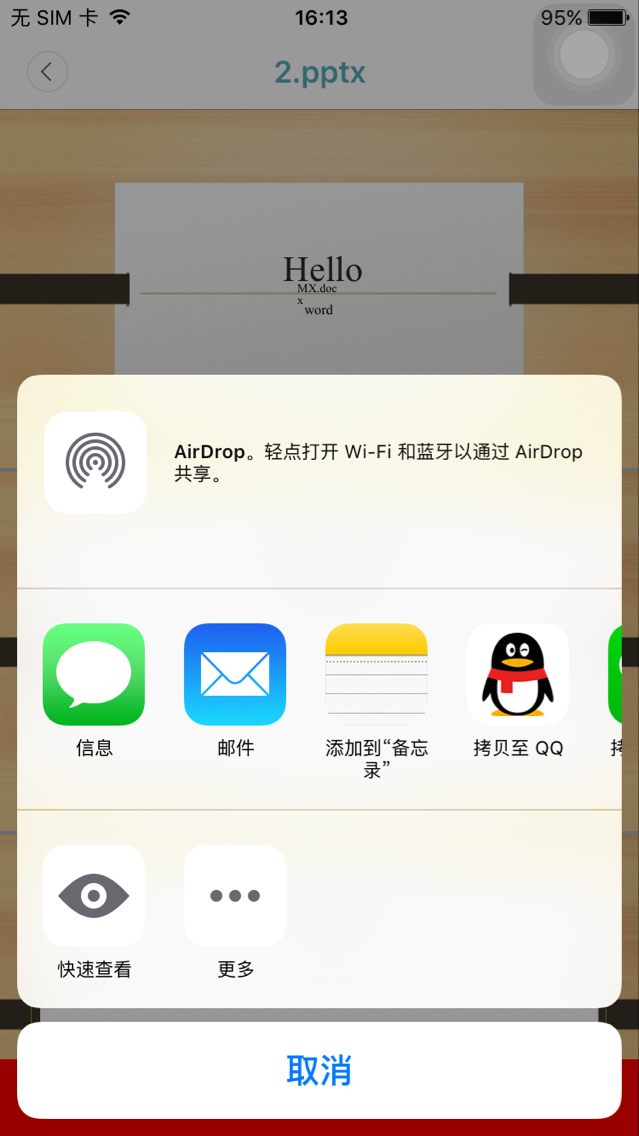
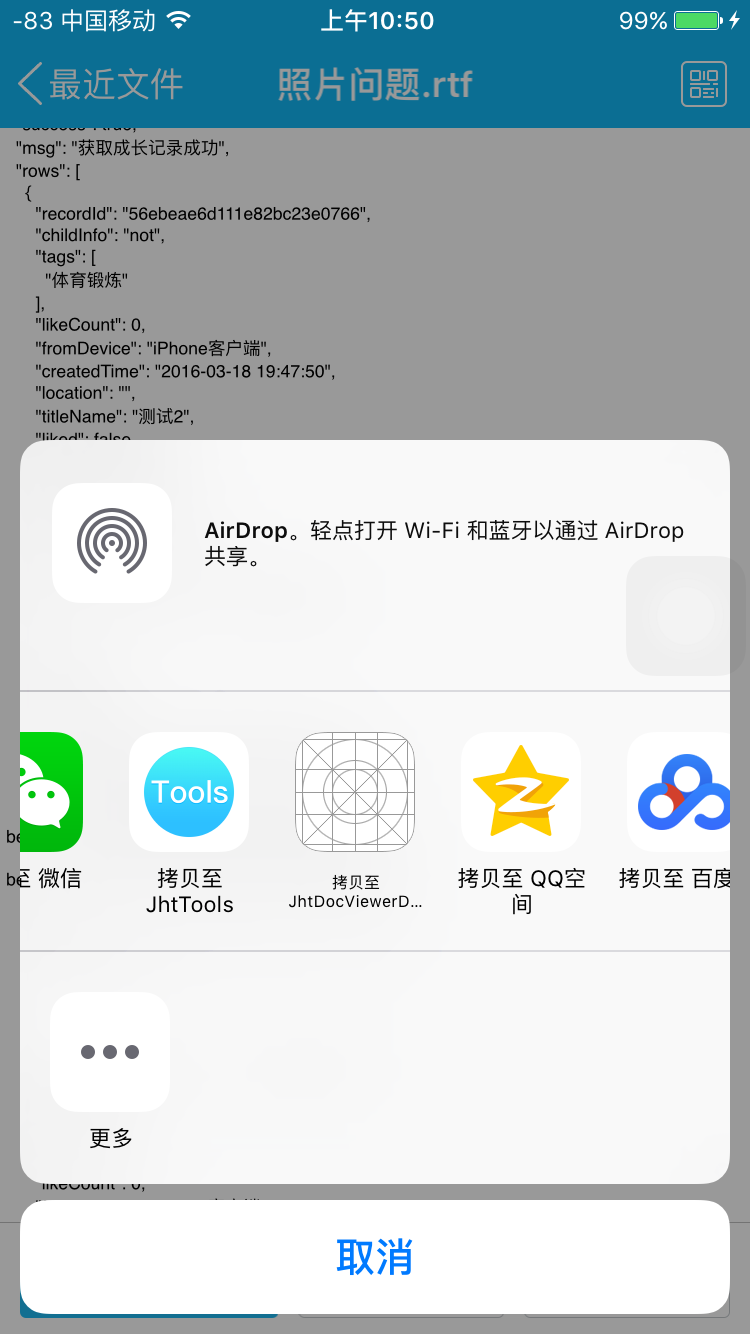
《JhtDocViewer》文件用"其他应用"打开
"其他应用"文件用《JhtDocViewer》打开

- 具体使用详见demo
App Transport Security has blocked a cleartext HTTP (http://) resource load since it is insecure. Temporary exceptions can be configured via your app's Info.plist file.
系统会告诉我们不能直接使用HTTP进行请求,需要在Info.plist新增一段用于控制ATS的配置
<key>NSAppTransportSecurity</key>
<dict>
  <key>NSAllowsArbitraryLoads</key>
  <true/>
</dict>

<key>CFBundleDocumentTypes</key>
	<array>
		<dict>
			<key>CFBundleTypeIconFiles</key>
			<array>
				<string>MySmallIcon.png</string>
				<string>MyLargeIcon.png</string>
			</array>
			<key>CFBundleTypeName</key>
			<string>My File Format</string>
			<key>LSHandlerRank</key>
			<string>Owner</string>
			<key>LSItemContentTypes</key>
			<array>
				<string>com.microsoft.powerpoint.ppt</string>
				<string>public.item</string>
				<string>com.microsoft.word.doc</string>
				<string>com.adobe.pdf</string>
				<string>com.microsoft.excel.xls</string>
				<string>public.image</string>
				<string>public.content</string>
				<string>public.composite-content</string>
				<string>public.archive</string>
				<string>public.audio</string>
				<string>public.movie</string>
				<string>public.text</string>
				<string>public.data</string>
			</array>
		</dict>
	</array>
属性说明:
- CFBundleTypeName:文档的类型名称
- LSHandlerRank:这里指是否拥有子文档

- (BOOL)application:(UIApplication *)application openURL:(nonnull NSURL *)url options:(nonnull NSDictionary<NSString *,id> *)options {
 if (options) {
 NSString *str = [NSString stringWithFormat:@"\n发送请求的应用程序的 Bundle ID:%@\n\n文件的NSURL:%@", options[UIApplicationOpenURLOptionsSourceApplicationKey], url];
 NSLog(@"%@", str);

 if (self.window && url) {
 // 根据"其他应用" 用"本应用"打开,通过url,进入列表页
 [self pushDocListViewControllerWithUrl:url];
 }
 }
 return YES;
}
#pragma mark ApplicationDelegate Method
/** 根据"其他应用" 用"本应用"打开,通过url,进入列表页 */
- (void)pushDocListViewControllerWithUrl:(NSURL *)url {
 // 根据"其他应用" 用"本应用"打开,通过要打开的url,获得本地地址
 NSString *appFilePath = [[JhtDocFileOperations sharedInstance] findLocalPathFromAppLicationOpenUrl:url];
 // 跳转页面
 DocListViewController *doc = [[DocListViewController alloc] init];
 doc.appFilePath = appFilePath;
 [_nav pushViewController:doc animated:YES];
}
系统库:WebKit.framework
三方库:AFNetworking3.x:自行添加
- ARC
- iOS >= 8.0
- iPhone \ iPad
- Xcode version >= 9.0
- If you find bug when used,Hope you can Issues me,Thank you or try to download the latest code of this framework to see the BUG has been fixed or not
- If you find the function is not enough when used,Hope you can Issues me,I very much to add more useful function to this framework ,Thank you !