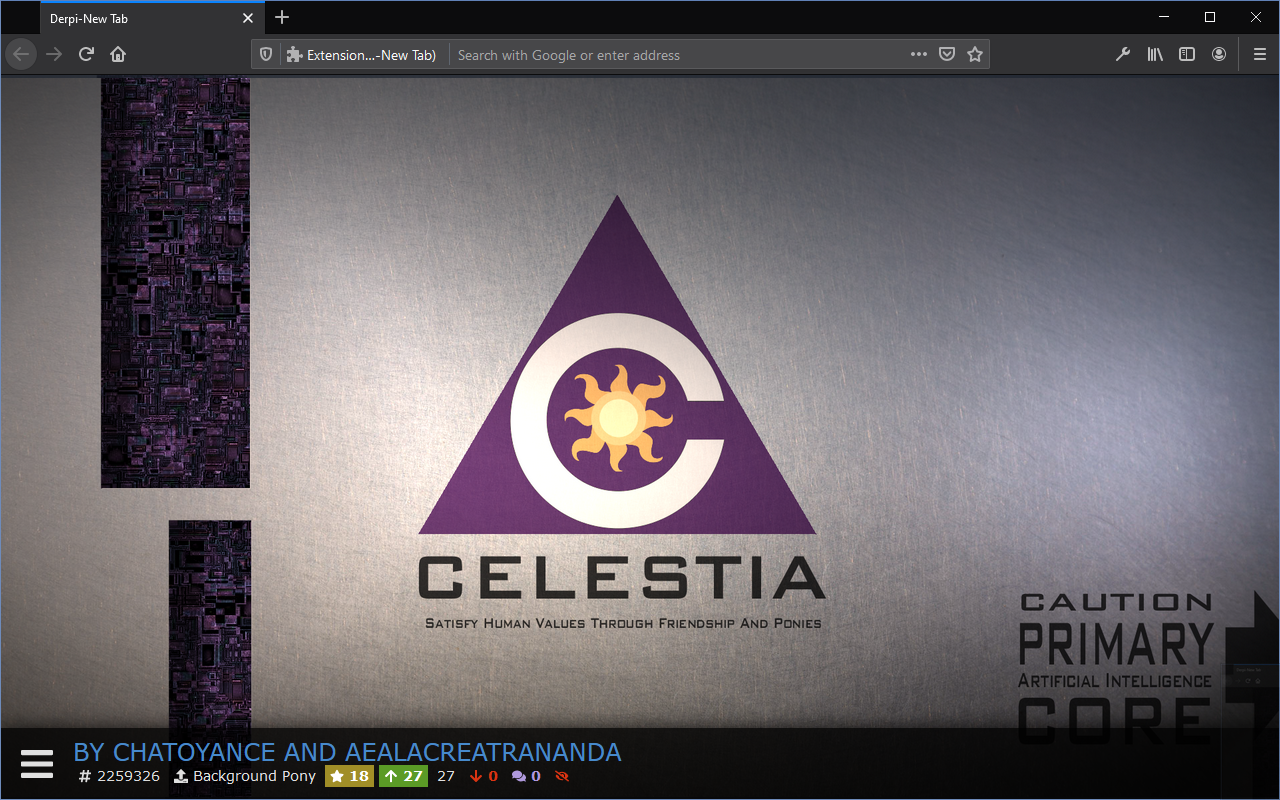
Derpi-New Tab Chrome Screenshot Derpi-New Tab Firefox Screenshot

Derpi-New Tab Extension Logo Derpi-New Tab

A simplistic "New tab" page replacement for Google Chrome and Firefox which features pony wallpapers from Derpibooru.org.
Download Derpi-New Tab from the Chrome Web Store Download Derpi-New Tab from Firefox Add-ons
Download Derpi-New Tab from the Chrome Web Store Download Derpi-New Tab from Firefox Add-ons
- Install the latest version of Node.js and NPM for your platform
- Execute
npm ciin the root directory - Execute
npm run postintallin the root directory - Execute
npm run buildin the root directory
After this, the contents of the derpinewtab folder is the build output. Additionally, a zip file is created in the root folder named derpinewtab.zip, which gets uploaded to the extension hosting sites.
Sometimes node-7z-archive can fail to install binaries, in which case step 2 will fail with an error similar to this:
Error: spawn (...)\node_modules\node-7z-archive\binaries\win327円za.exe ENOENT
In this case the build actually succeeded, and only the final zipping step failed. You can simply use the contents of the derpinewtab folder and/or zip it manually using your favourite tool.
For a one-time build, simply install the dependencies using npm ci then execute npm run postintall which will copy the necessary 3rd-party code to the derpinewtab/js/vendor directory, then finally run npm run build which will create a zip archive containing the extension code.
The files generated by this script are tied to the source files, so they are in the repository's .gitignore to prevent them from being committed.