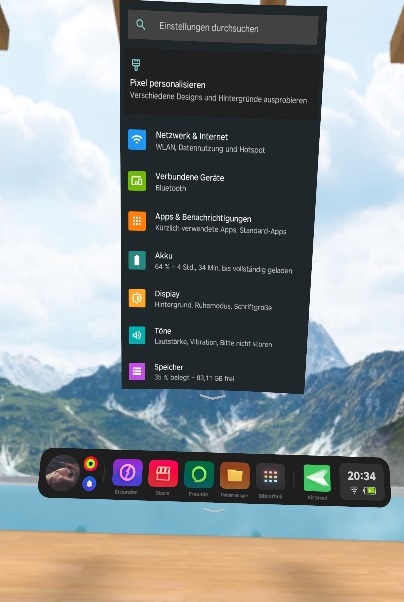
App that allows to access the Android settings of the Pico 4.
Download the latest APK from the Releases-section.
You can download the APK directly from your Pico 4 device (Webbrowser) to install it.
If you download these from your computer, you must connect your Pico 4 device with USB - upload your downloaded APK and start your Pico 4 device for the installation.
You only need to open the APK, the installation will be automatically start.