Skip to content

Navigation Menu

Sign in
Appearance settings

Search code, repositories, users, issues, pull requests...

Provide feedback

We read every piece of feedback, and take your input very seriously.

Saved searches

Use saved searches to filter your results more quickly

Sign up
Appearance settings

Displays an interactive graph based on data from pipe.

License

Notifications You must be signed in to change notification settings

MyGodIsHe/pipeplot

Folders and files

NameName
Last commit message
Last commit date

Latest commit

History

38 Commits

Repository files navigation

Pipe Plot

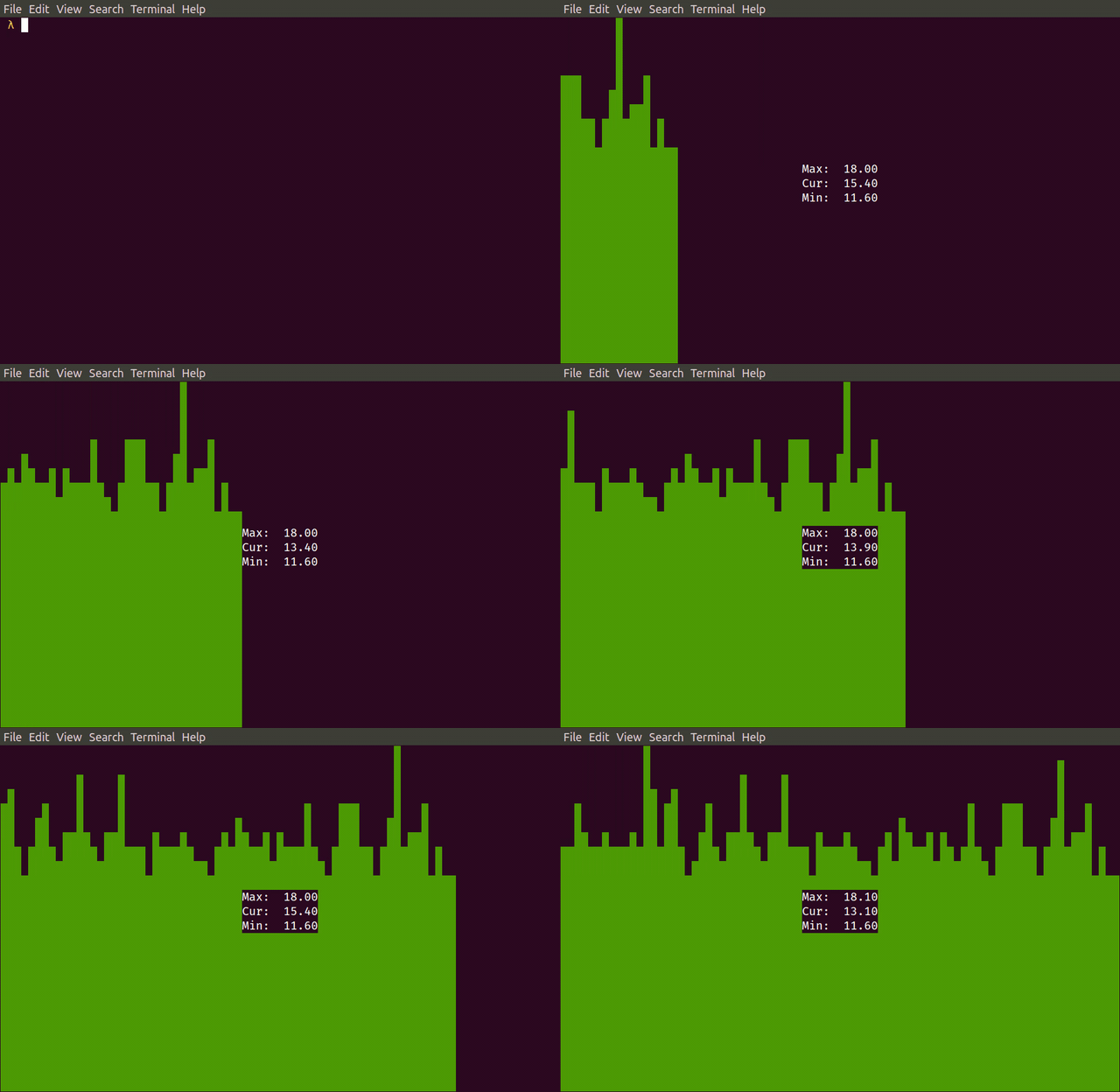
pipeplot draws an interactive graph in a terminal based on data from pipe.

https://raw.githubusercontent.com/MyGodIsHe/pipeplot/master/doc/readme_screencast.gif
Installation

pip install pipeplot

Examples of using

Graphical ping:

ping ya.ru | grep --line-buffered time | sed -u -e 's#.*time=\([^ ]*\).*#1円#' | pipeplot --min 0

Chart of deaths per minute from coronavirus:

while true; \
 do curl -s https://coronavirus-19-api.herokuapp.com/all \
 | jq '.deaths'; \
 sleep 60; \
done \
| pipeplot --color 1 --direction left

API: https://github.com/javieraviles/covidAPI

Render graphite to console:

while true; \
do \
 curl -s 'http://graphite/render?target=my_app_rps_error&format=json&from=-5min&until=now' \
 | jq -c '.[0].datapoints[-1]'; \
 sleep 5; \
done \
| sed -u s/null/0/ \
| stdbuf -oL uniq \
| stdbuf -oL jq '.[0]' \
| pipeplot

About

Displays an interactive graph based on data from pipe.

Topics

Resources

License

Stars

Watchers

Forks

Releases

No releases published

Packages

No packages published

Languages

AltStyle によって変換されたページ (->オリジナル) /