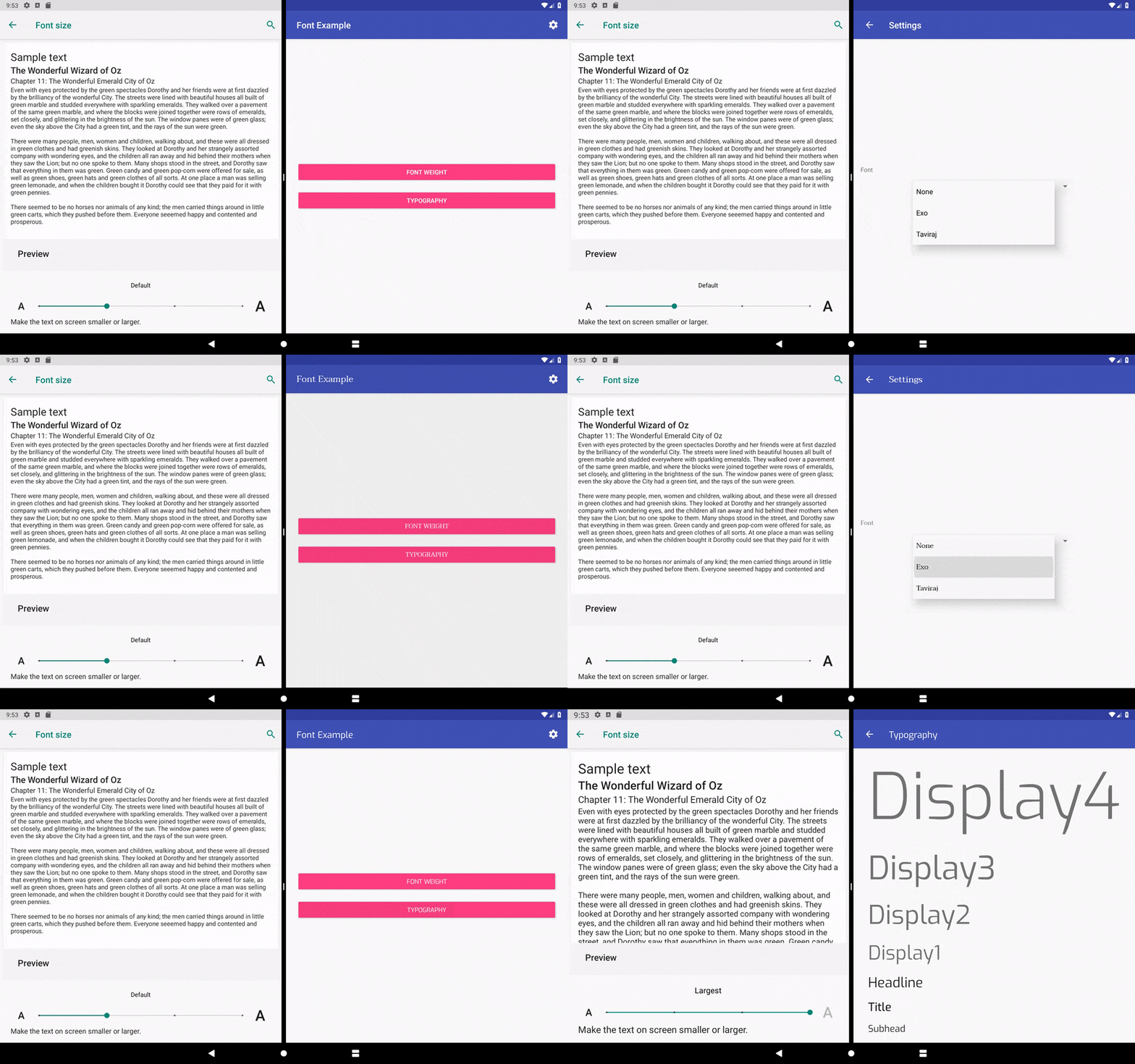
AndroidFontManger is a font manager for Android:
- Support custom fonts
- Apply to entire app
- Support Multiple fonts
- Change font at runtime
- XML compatible
- Code compatible
- Supports various text appearances and font weights
- Api 14+
Add JitPack to repositories in your project's root build.gradle file:
allprojects {
 repositories {
 ...
 maven { url 'https://jitpack.io' }
 }
}
Add the dependency to your module's build.gradle file:
dependencies {
 ...
 implementation 'com.github.MostafaTaghipour:fontmanager:${version}'
}
- Add your custom fonts to your project
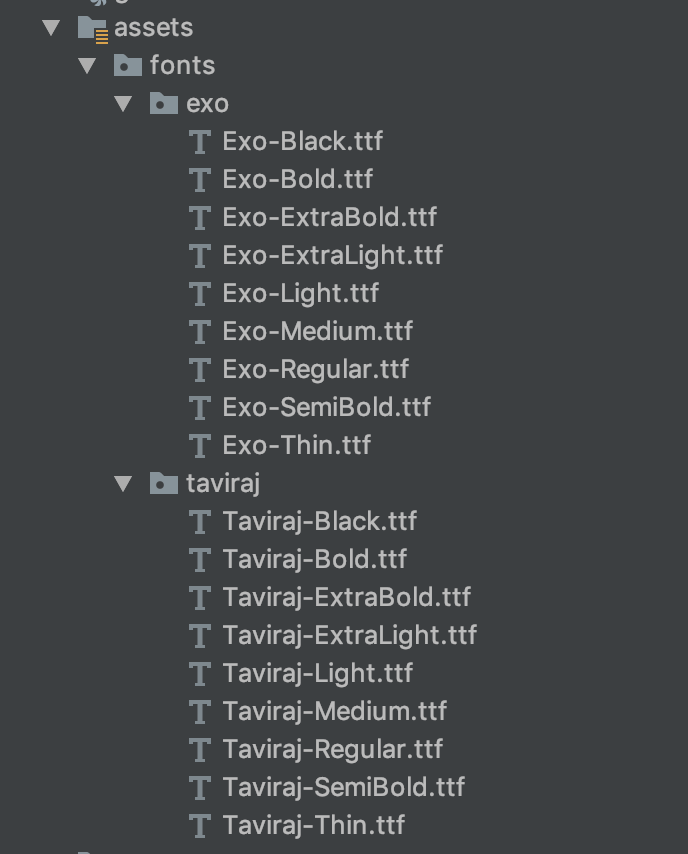
- Declare your fonts
companion object {
 val exo: AppFont
 get() = AppFont.AppFontBuilder(1, "Exo", "fonts/exo/", "Exo-Regular", "ttf")
 .thin("Exo-Thin")
 .extraLight("Exo-ExtraLight")
 .light("Exo-Light")
 .regular("Exo-Regular")
 .medium("Exo-Medium")
 .semiBold("Exo-SemiBold")
 .bold("Exo-Bold")
 .extraBold("Exo-ExtraBold")
 .black("Exo-Black")
 .build()
 val taviraj: AppFont
 get() = AppFont.AppFontBuilder(2, "Taviraj", "fonts/taviraj/", "Taviraj-Regular", "ttf")
 .thin("Taviraj-Thin")
 .extraLight("Taviraj-ExtraLight")
 .light("Taviraj-Light")
 .regular("Taviraj-Regular")
 .medium("Taviraj-Medium")
 .semiBold("Taviraj-SemiBold")
 .bold("Taviraj-Bold")
 .extraBold("Taviraj-ExtraBold")
 .black("Taviraj-Black")
 .build()
}
- Wrap the
ActivityContext:
override fun attachBaseContext(newBase: Context) {
 super.attachBaseContext(FontManager.wrapContext(newBase))
}
- Any time you need to change the font of the application use the following code
FontManager.getInstance().currentFont = taviraj /* your desired font */
- Thats it, enjoy it
If you want use TextAppearances use the following code
<TextView
 android:layout_width="wrap_content"
 android:layout_height="wrap_content"
 android:text="some text"
 android:textAppearance="@style/Text.Subhead" />
FontManager.applyTextAppearanceToTextView(this,textView,R.style.Text_Bold)
Mostafa Taghipour, mostafa@taghipour.me
AndroidFontManager is available under the MIT license. See the LICENSE file for more info.