
GitHub release (latest by date) Downloads
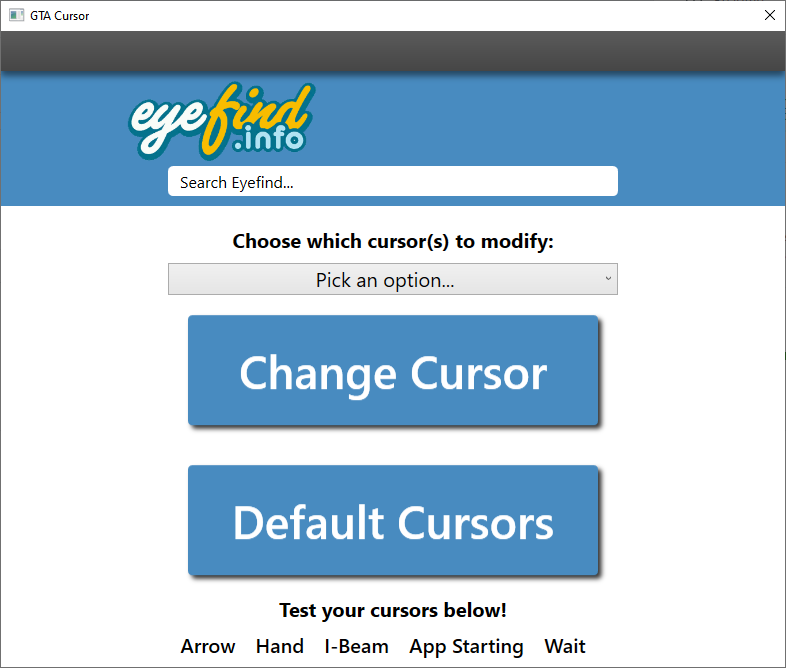
The basic app that lets you change your mouse cursor to the infamous middle finger cursor that we all know and love! Screenshot of app
- Easy!
- Navigate to the release section over on the right hand side
- Download and unzip the included zip file wherever your heart desires
- Double click GTAStyleCursor.exe.
- If prompted to download the .NET 8 runtime (~50MB), go ahead and do so.
- Incase you were not prompted and can not run the app, here's a link to the download page.
- You will most likely be just fine downloading the x64 desktop app runtime.
- Enjoy!
- Uses my library for changing Windows cursors.
- Written with WPF using .NET 8.
- If a window pops up stating "Windows protected your PC" click "More info" and then click "Run Anyway". I promise, this app is not doing anything malicious. You are more than welcome to take a look at the source code :)
- If you attempted to change a cursor or revert back to default and you do not see any changes despite a "Success" message, simply log-out and log back in.
- If you want to change your cursor with any other cursor file, just place it in the cursors/ folder in the application folder and name it, not including the quotes, "_middleFinger.cur".
- 8/16/2025: Upgraded to .NET 8