도메인: https://librarycodesquad.com
프론트 저장소 V1(React + JavaScript): https://github.com/Library-solider/codesquad-library-frontend
프론트 저장소 V2(React + TypeScript): https://github.com/Library-solider/codesquad-library-frontend-v2
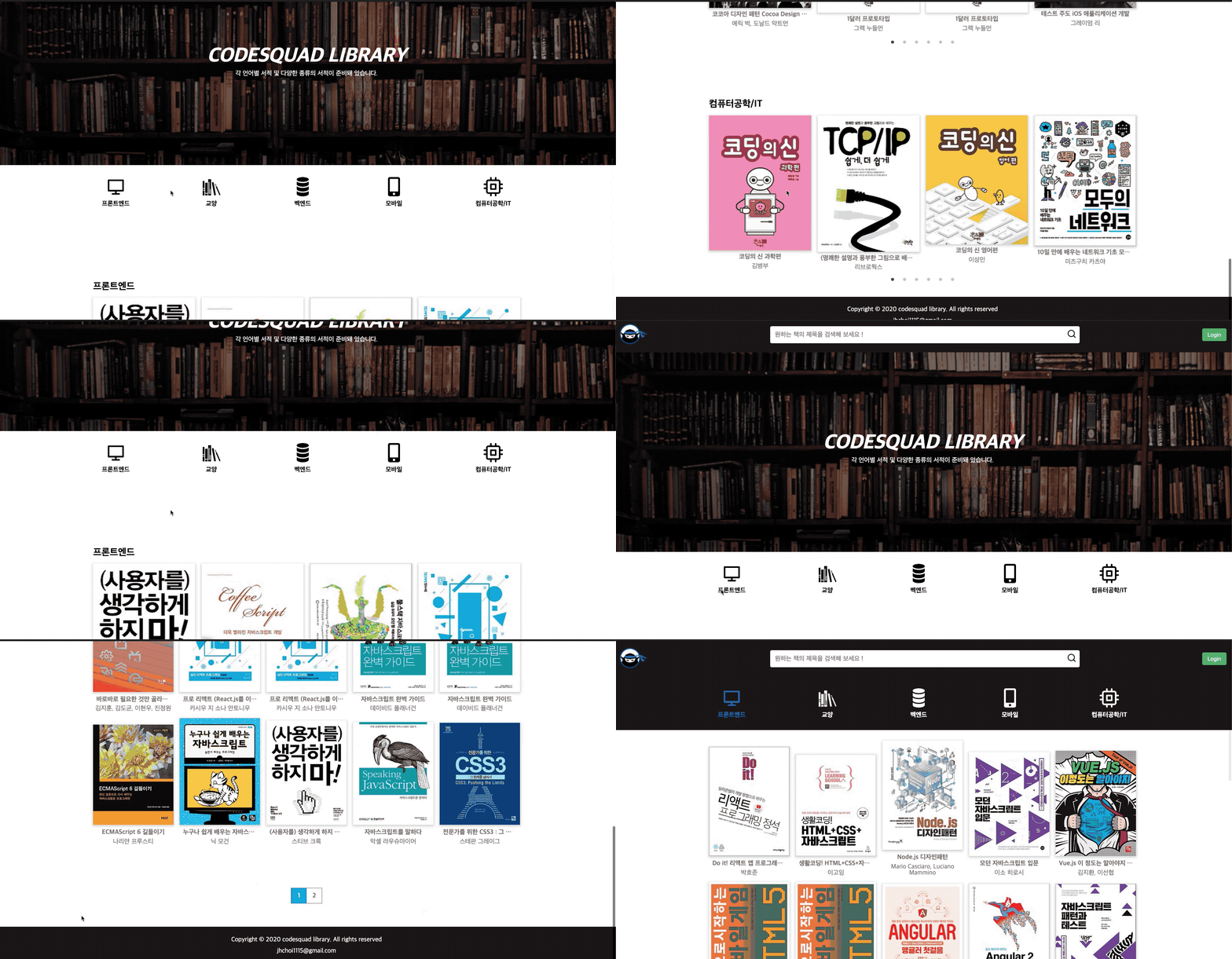
코드스쿼드 내 도서 검색 및 대여 서비스.
코드스쿼드 학생이 주 대상입니다.
- Java 8
- Spring Boot 2.2.8
- Spring Data JPA
- Spring Security
- Spring OAuth2 Client
- Spring thymeleaf
- Spring Swagger 2.9.2
- MySQL 5.7.30
- JUnit 5
- Nginx
- Let's Encrypt (EC2 Nginx 설정)
- Github OAuth2
- Github Action
- React.js
- styled-component
- TypeScript
- Redux
- Redux-thunk
- Webpack
- EC2 t2 micro
- S3
- Route 53
- Amazon Certificate Manager
- CloudFront
- 인터파크 도서 Open API
EC2 환경(env) 설정이 필요합니다. (vi ~/.profile)
# Envirionment DB
export DB_URL={RDS URL}
export DB_NAME={DB username}
export DB_PASSWORD={DB password}
# Environment OAuth
export OAUTH_CLIENTID={OAuth2 client}
export OAUTH_SECRET={OAuth2 secret}
# Environment OpenAPI
export INTERPARK_KEY={Interpark OpenAPI Key}
저장한 뒤 source .profile 입력
환경 확인 env로 제대로 입력됐는지 확인하세요. 확인 결과 입력이 올바르게 됐을 때 서버를 실행하세요.