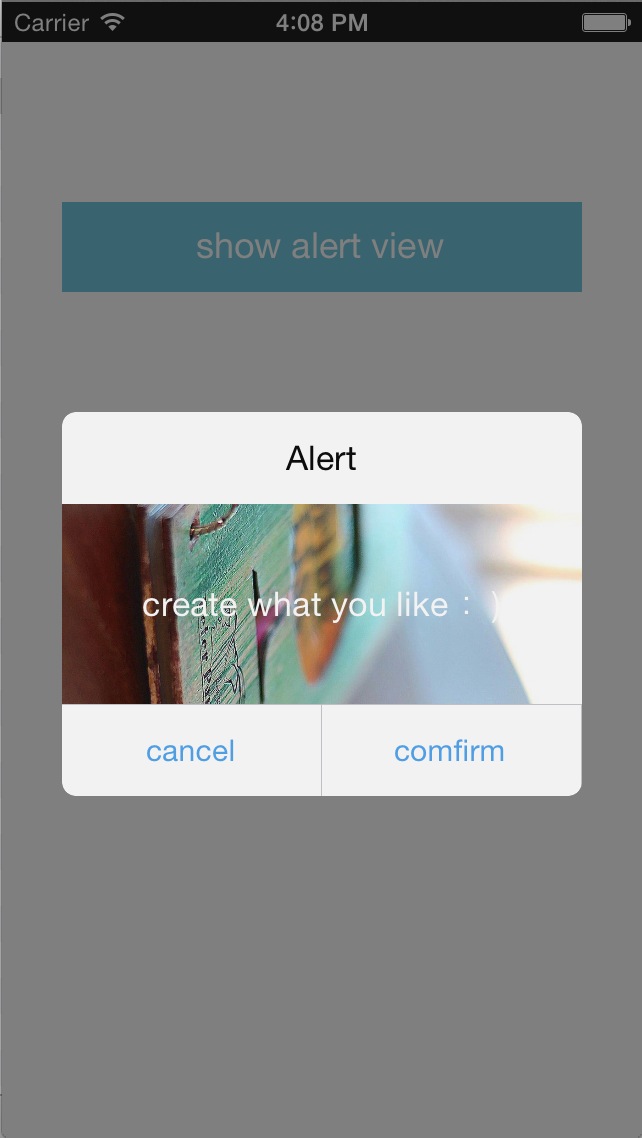
I made this CAlertView,Customized AlertView ( The whole name looks too low and too long,so I use the capital letter of ' Customized ' : p ), for replace the maddening UIAlertView in some cases which we need to customize the content of the AlertView.Because UIAlertView can't be customized ,and the style of UIAlertView in ios 6 and ios 7 is different while we want it to be the same.This customized CAlertView can solve the two problems.
Note: It's only for the portrait direction.If you need it to match the other directions,you can implement it yourself and welcome the contribution to complete the CAlertView :)
###1、Create CAlertView The CAlertView Creation is familiar with UIAlertView,just alloc and then invocate init method:- (id)initWithTitle:(NSString *)title cancelButtonTitle:(NSString *)cancelButtonTitle otherButtonTitles:(NSString *)otherButtonTitles, ....The only difference is that you don't neet to pass content message,because the content view is customized completely by you.
CAlertView *alertView = [[CAlertView alloc] initWithTitle:@"Alert" cancelButtonTitle:@"cancel" otherButtonTitles:@"comfirm", nil];
###2、Set customized content view You should create a contentView yourself,or the contentView will be created default.
	UIView *contentView = [[UIView alloc] initWithFrame:CGRectMake(0, 0, 260, 100)];

	............ // customize your content view

	alertView.contentView = contentView;
###3、Set delegate
If you want to do something after the button of the CAlertView clicked,you should confirm the protocol CAlertViewDelegate,and then implement the method - (void)touchUpInsideButtonAtIndex:(NSInteger)index; and set Delegate.The cancelButton's index is zero, and otherButton's index is one etc.
	alertView.delegate = self;

	........................

- (void)touchUpInsideButtonAtIndex:(NSInteger)index
{
	if (index == 0) {
		// do cancel...
	}
	...............
}
###4、Show alert view The same as UIAlertView.
[alertView show];
###5、The whole code snippet
 CAlertView *alertView = [[CAlertView alloc] initWithTitle:@"Alert" cancelButtonTitle:@"cancel" otherButtonTitles:@"comfirm", nil];

 UIView *contentView = [[UIView alloc] initWithFrame:CGRectMake(0, 0, 260, 100)];

 	// your code.

 alertView.delegate = self;
 alertView.contentView = contentView;
 [alertView show];
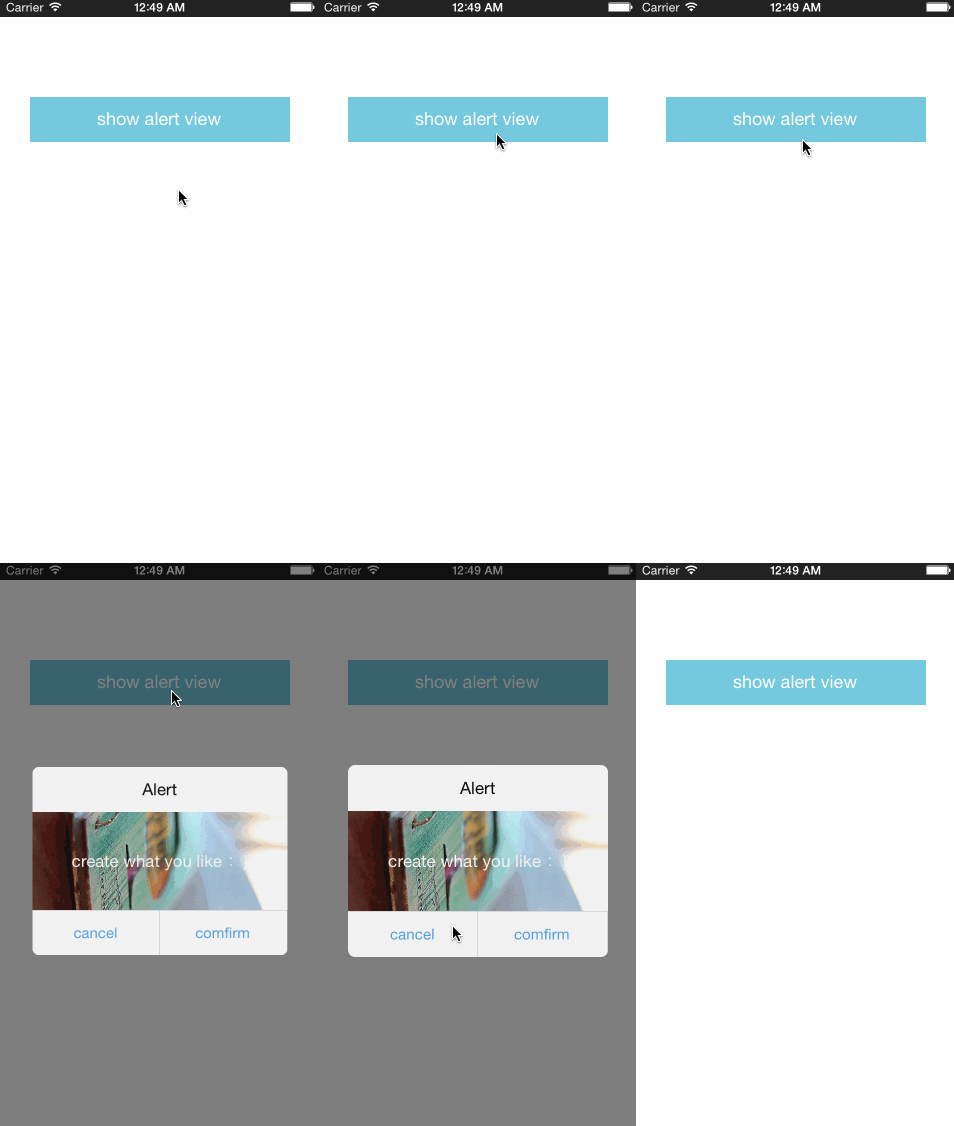
###hd demo1
###hd demo2