


This is a cool custom transition between two or more UICollectionViewControllers with wave-like cell animation. Could be used in e.g. galleries.
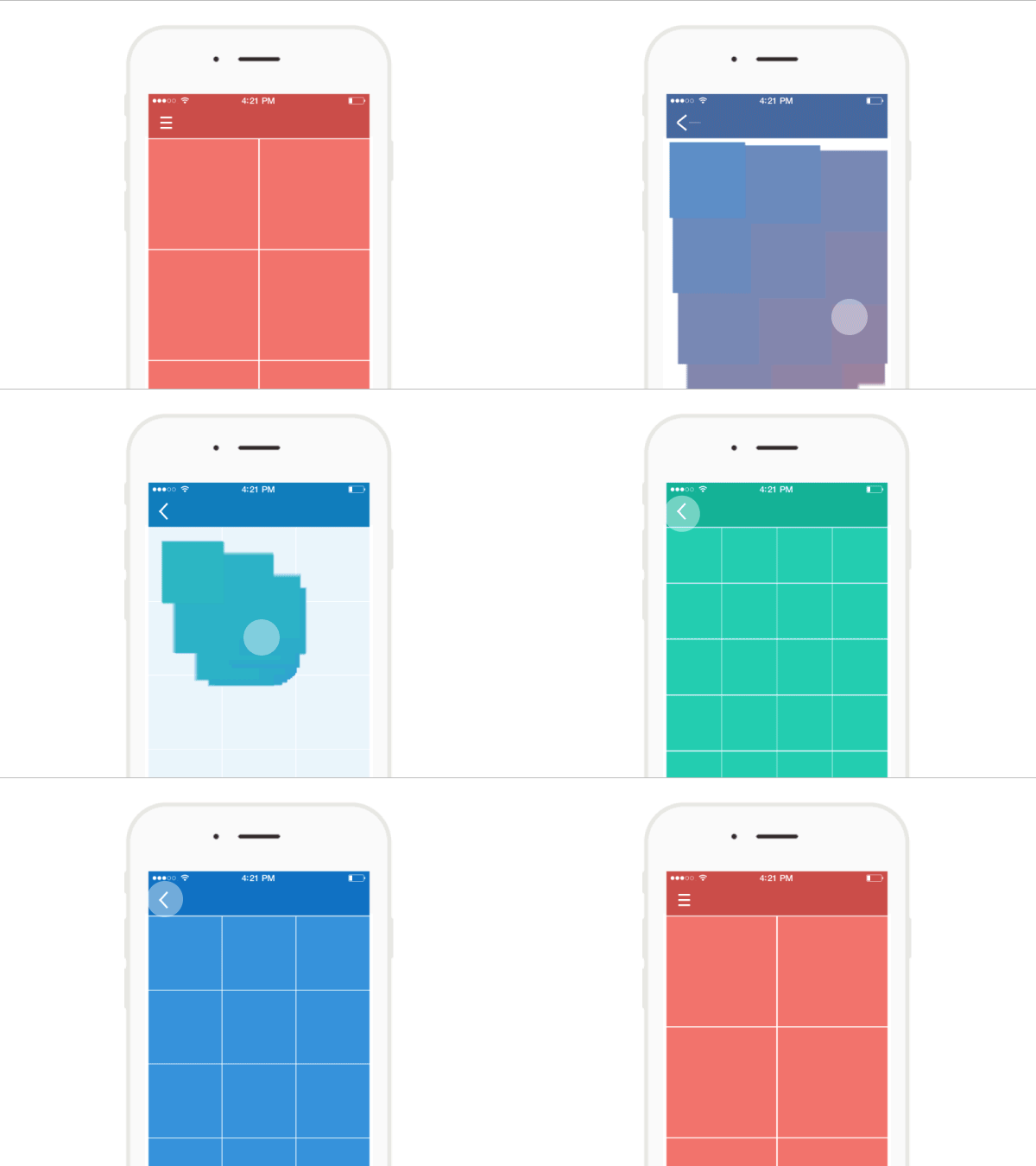
Animation idea was taken from Łukasz Frankiewicz Dribble project
There are two options:
- Via CocoaPods.
- Manually add the files into your Xcode project. Slightly simpler, but updates are also manual.
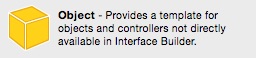
- In storyboard add an object in your NavigationController.
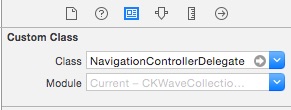
- Set it's class to NavigationControllerDelegate
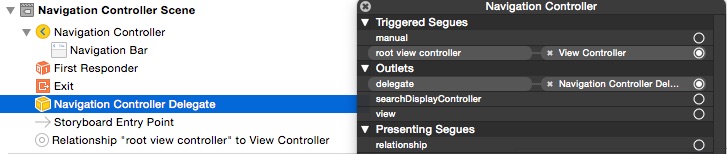
- Set NavigationController delegate to this object.
navigationControllerDelegateObject.jpg
or
Implement UINavigationControllerDelegate in your ViewController:
func navigationController(navigationController: UINavigationController, animationControllerForOperation operation: UINavigationControllerOperation,
 fromViewController fromVC: UIViewController, toViewController toVC: UIViewController) -> UIViewControllerAnimatedTransitioning? {
 let animator = CKWaveCollectionViewAnimator()
 if operation != UINavigationControllerOperation.Push {
 animator.reversed = true
 }
 return animator
 }
- The last thing you have to set is selectedIndexPath property in your didSelectItemAtIndexPath method implementation.
override func collectionView(collectionView: UICollectionView, didSelectItemAtIndexPath indexPath: NSIndexPath) {
 selectedIndexPath = indexPath
}
internal let animationDuration: Double! = 1.0
Total animation duration.
internal let kCellAnimSmallDelta: Double! = 0.01
internal let kCellAnimBigDelta: Double! = 0.03
Properties you can change to adjust animation.
- iOS 7.0+
Released under the MIT license. See the LICENSE file for more info.