English | 中文

Hide the bookmark bar, use Maple Bookmarks to surf smoothly.
The bookmarks bar can occupy the browsing window and affect concentration, so I often hide it. However, this makes accessing bookmarks inconvenient. Therefore, I developed the Maple Bookmarks extension. By just using the shortcut, you can quickly access your bookmarks, even input can be searched instantly, which is practical and convenient.
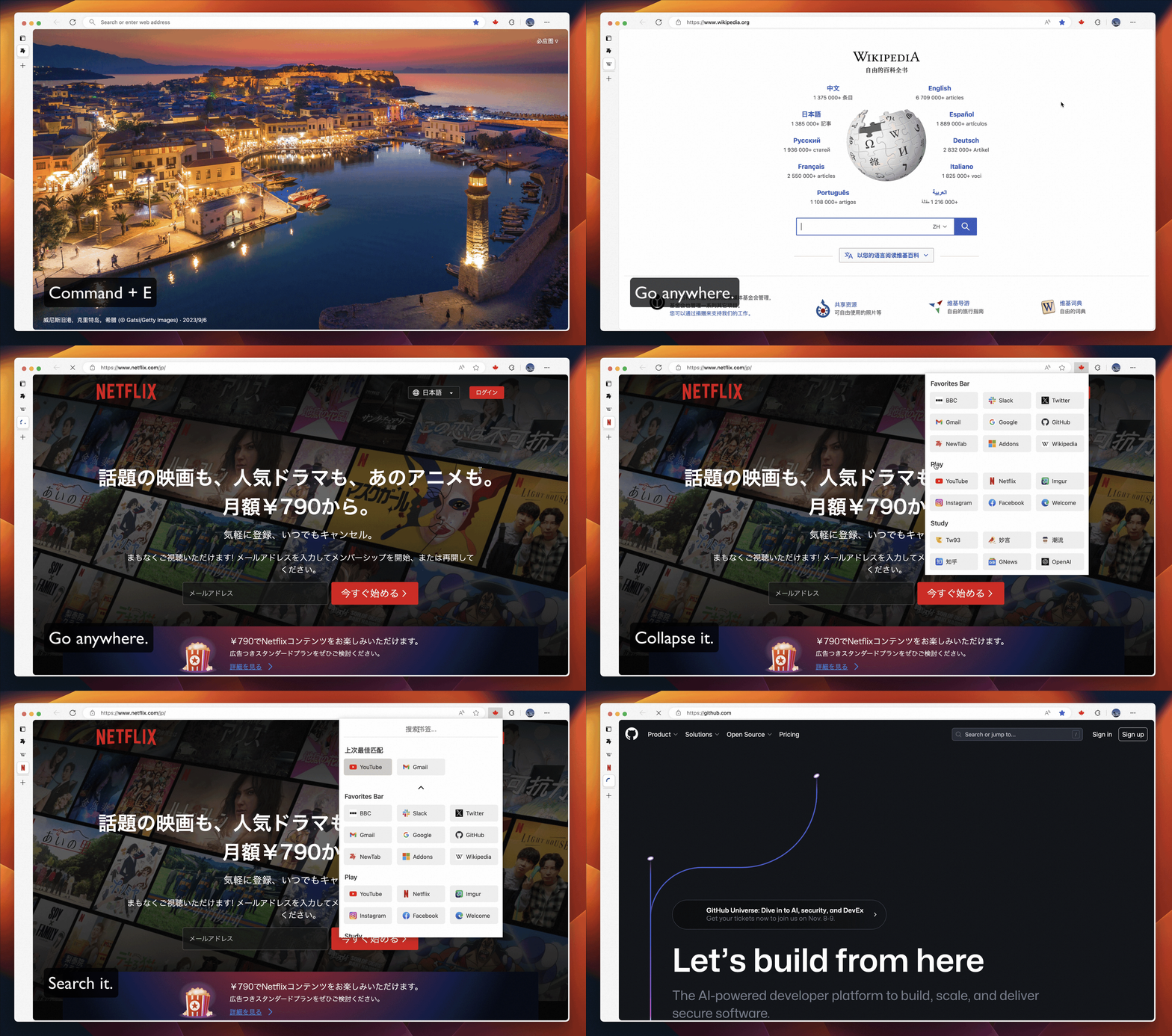
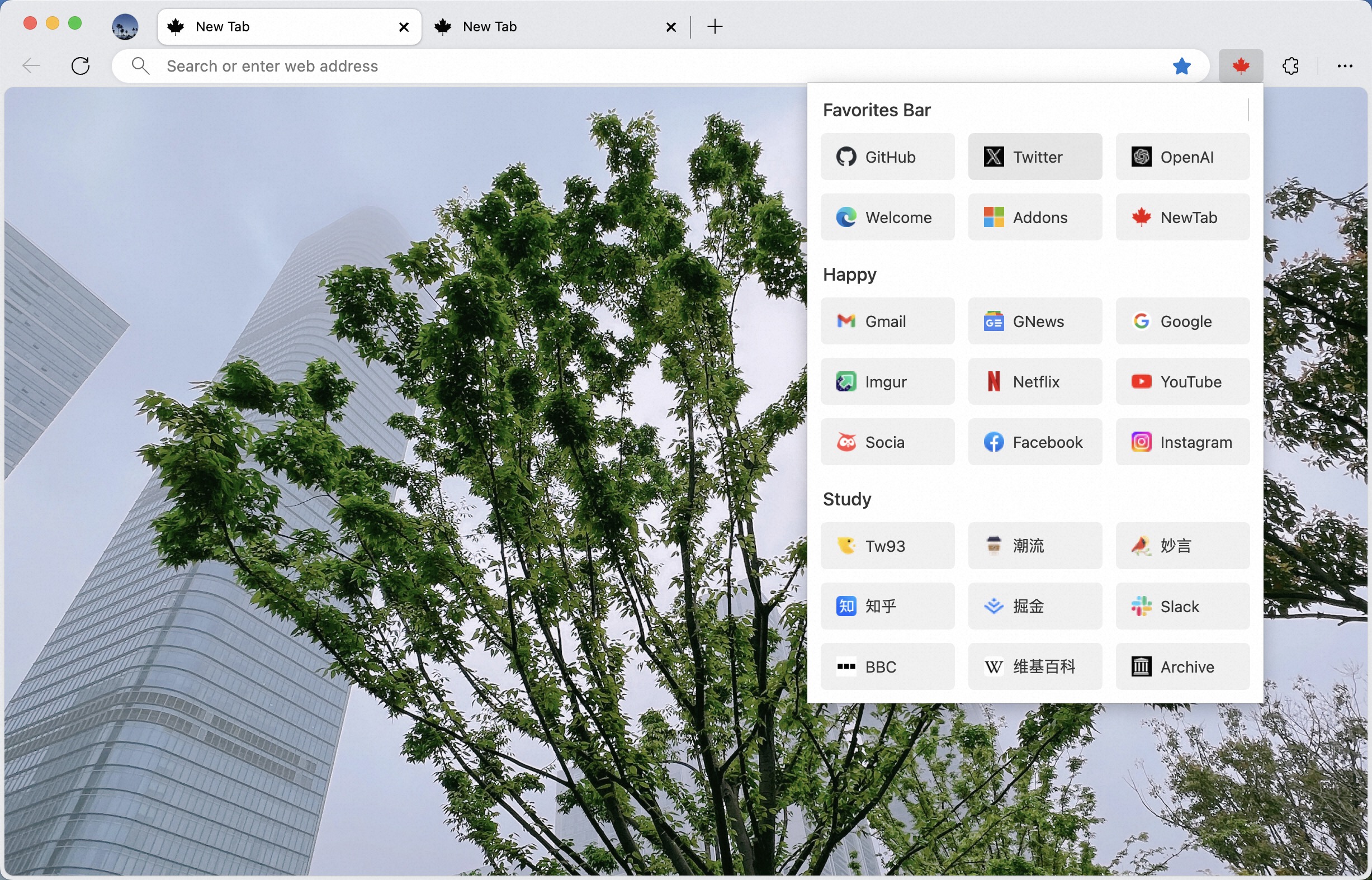
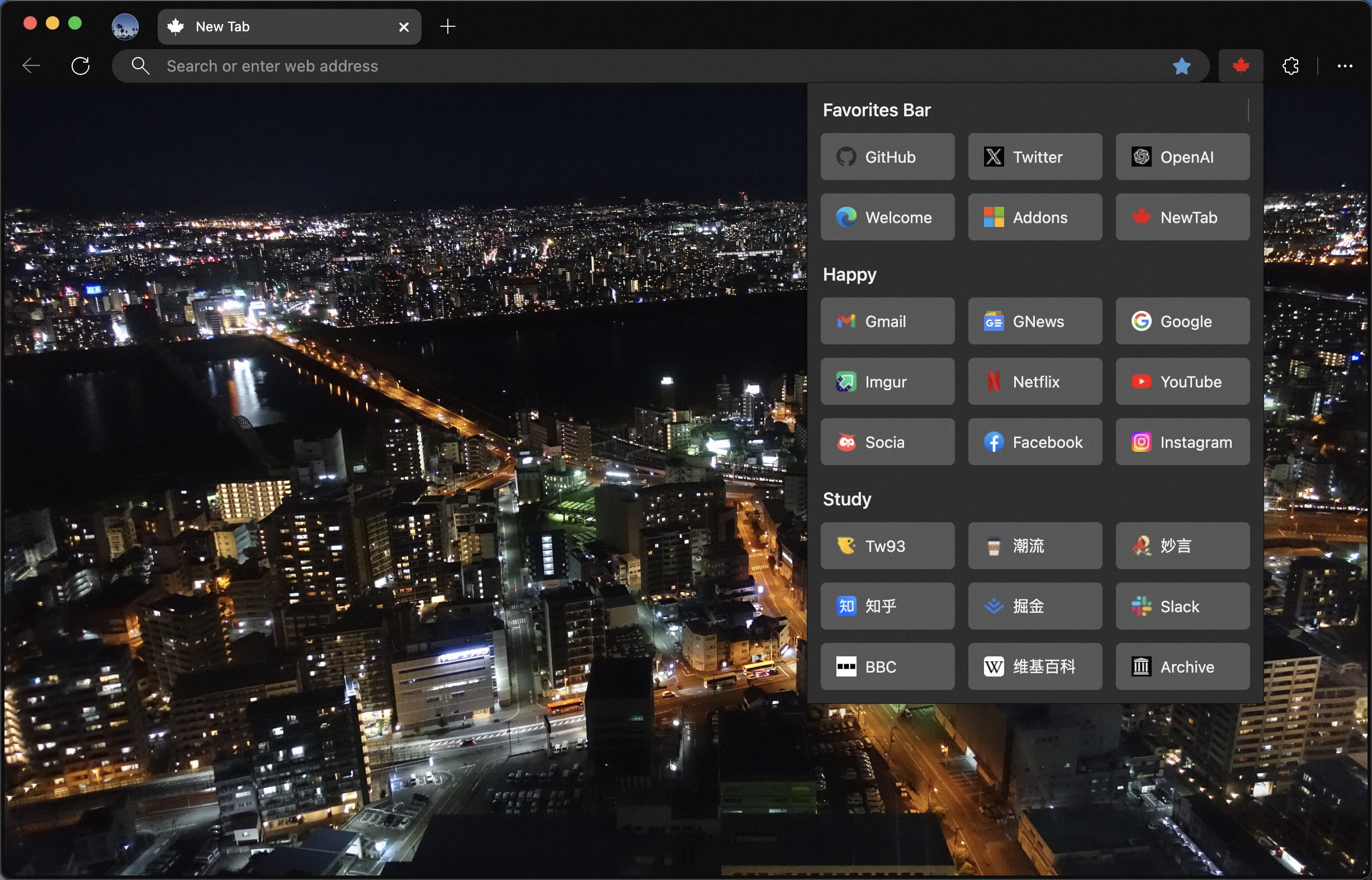
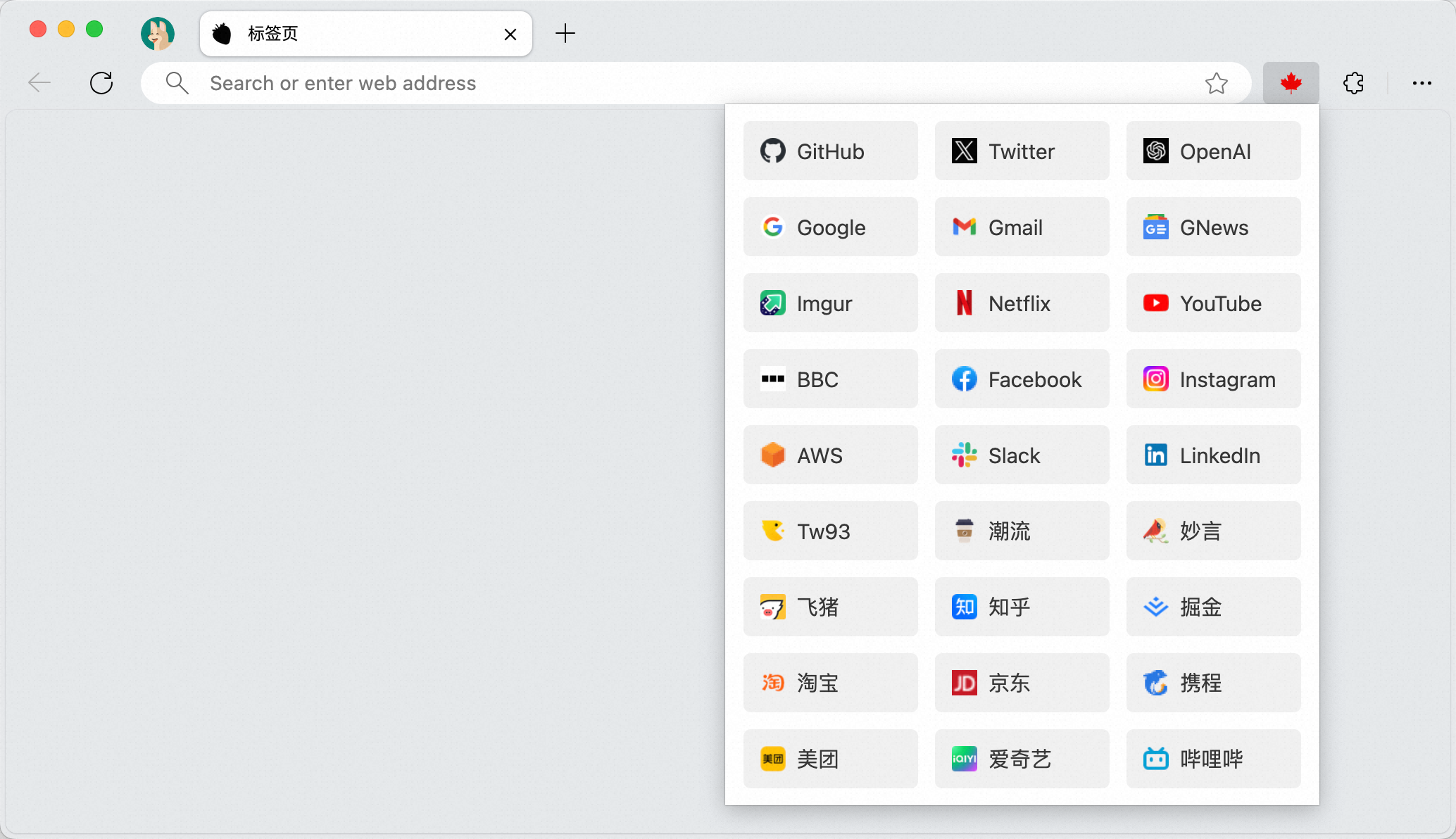
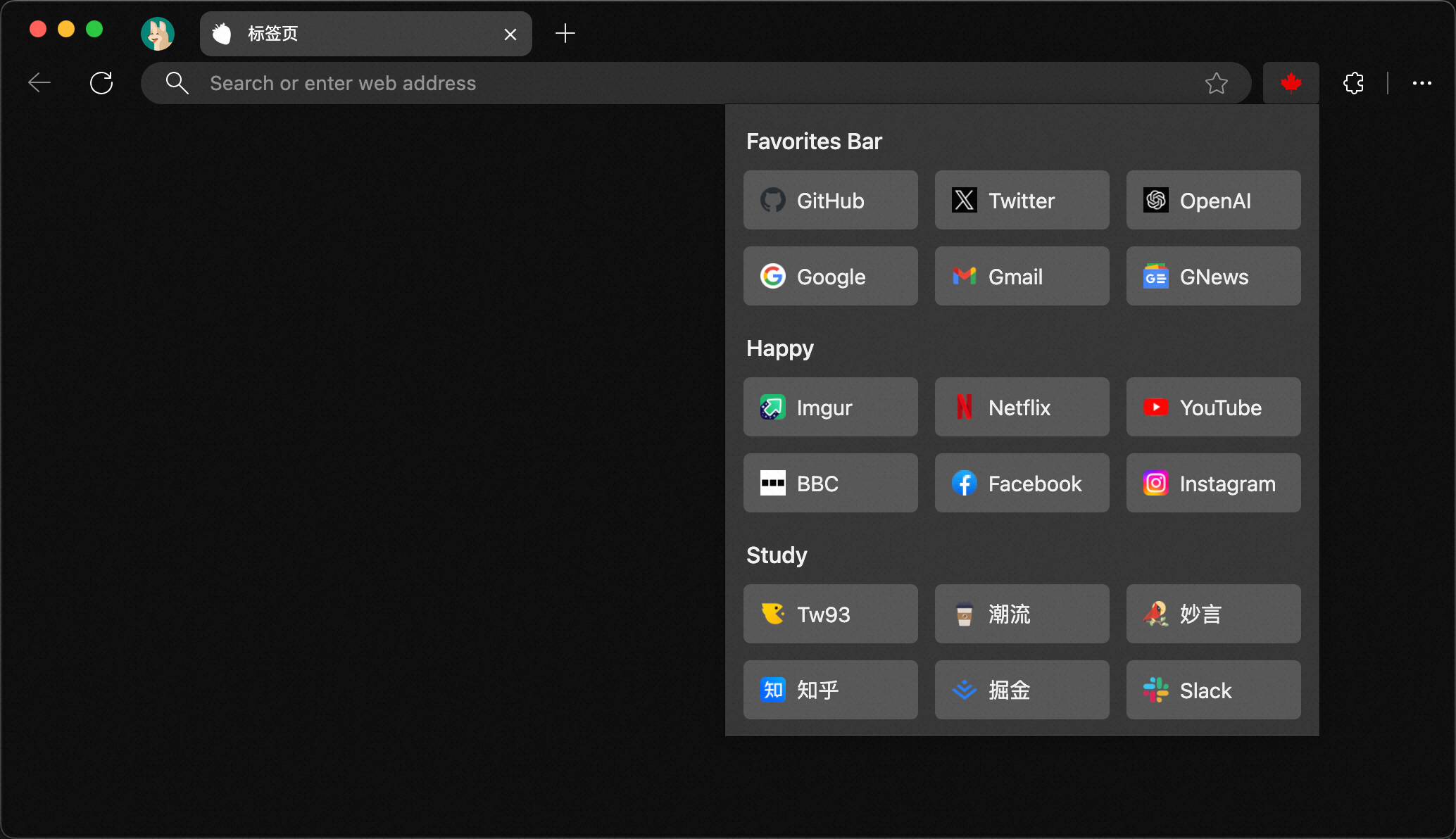
- Install Maple Bookmarks from the Chrome Web Store, If you are a Firefox user, please install and use Firefox Addon. If you find it useful, we'd appreciate your review.
- If you're unable to access the Chrome Web Store, you can download Maple.zip. After unzipping, refer to Loading an unpacked extension to use the local package.
- Due to Chrome's limitations, even if the bookmarks bar is hidden, it will still appear on the default tab page. At this time, you can use Maple NewTab to replace the default tab page, thus completely hiding the bookmarks bar.
Maple NewTabcurrently supports four types of displays:Blank pure page,Unsplash,Trendy weekly picture, andBing image. Place the cursor on the background image, wait for 2 seconds, and a switch box will appear. Click to switch.- If you prefer your current tab page, you can remove the
Maple NewTabextension. This way, you can revert to the default tab page.
- First, organize your bookmarks. You can adjust the order of frequently used ones and delete those not often used to make it tidier.
- Use
Command+Shift+B(Mac)、Ctrl+Shift+B(Windows) or right-click on the bookmarks bar to hide it. - Click on the extension icon and pin
Maple Bookmarksto the toolbar. - Try using
Command + E(Mac)、Ctrl+B(Windows / Firefox) to quickly access your bookmarks. - Clicking on the folder name can collapse and expand it, making it more comfortable for users with many bookmarks to use.
- If you have an extensive collection of bookmarks, you can conveniently search through them using keywords. The search feature supports Chinese, English, and domain names. By default, the search function is not activated. To enable it, use the
Ctrl + Sshortcut or click the small arrow located at the top of the interface to switch to search mode. - Each search will prioritize and display the top three most relevant results. You can easily navigate between these top results using the
←and→keys on your keyboard. To swiftly access the highlighted bookmark, simply press the Enter key.
- I have two cats, if you think Maple delights your life, you can feed them some canned food 🥩.
- If you like Maple, you can star it on GitHub. Also, welcome to recommend Maple to your friends.
- You can follow my Twitter to get the latest news or join our Telegram chat group.