

🙀 Generate your Stats GitHub Profile in SVG
Report Bugs · Request Feature · Ask Question
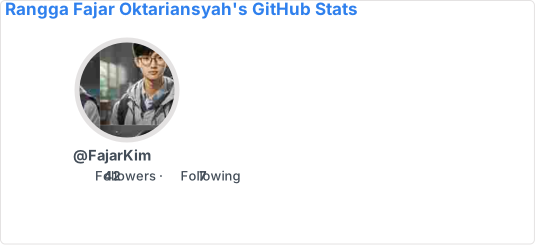
GitHub Readme Profile Version GitHub Readme Profile Code Quality GitHub Readme Profile Issues GitHub Readme Profile PRs Join to CommunityCopy-paste this into your markdown content, and that is it. Simple!
Change the ?username= value to your GitHub username.
[](https://github.com/FajarKim/github-readme-profile)
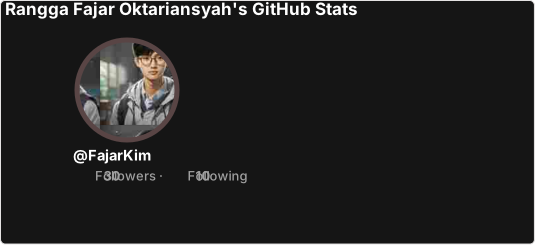
With inbuilt themes, you can customize the look of the card without doing any manual customization.
Use &theme=THEME_NAME parameter like so:
Show Example
GitHub StatsGitHub Readme Profile comes with several built-in themes (e.g. transparent, dark, highcontarst).
| Themes | Preview |
|---|---|
default |
image |
transparent |
image |
dark |
image |
highcontrast |
image |
You can look at a preview for all available themes. You can also contribute new themes if you like, contributing guidelines can be found here.
You can customize the appearance of all your cards however you wish with URL parameters.
Name
Description
Type
Default value
title_color
Card's title color.
string
(hex color)
2f80ed
text_color
Body text color.
string
(hex color)
434d58
icon_color
Icons color.
string
(hex color)
4c71f2
border_color
Card's border color. Does not apply when hide_border is enabled.
string
(hex color)
e4e2e2
bg_color
Card's background color.
string
(hex color or a gradient in the form of angle,start,end)
fffefe
stroke_color
Profile image border color. Does not apply when hide_stroke is enabled.
string
(hex color)
e4e2e2 or border_color query
username_color
Username text color.
string
(hex color)
434d58 or text_color query
title
Custom title text for the card. Before use, encode the text to URL format using a tool like URL Encoder.
string
null
border_width
Sets the border's width manually.
number
1
border_radius
Corner rounding on the card.
number
4.5
format
Output format card option (i.e. svg, png, json, or xml).
enum
svg
disabled_animations
Disables all animations in the card.
boolean
false
hide_border
Hides the card's border.
boolean
false
hide_stroke
Hides the image's profile stroke in the card.
boolean
false
revert
Inverts the display order, positioning stats to the left and the image to the right.
boolean
false
photo_quality
Quality of the profile image, represented as a percentage (1-100).
number
(percentage)
15
photo_resize
Resize the profile image to a specific width, in pixels. Minimum allowed value is 10px.
number
(pixels)
150
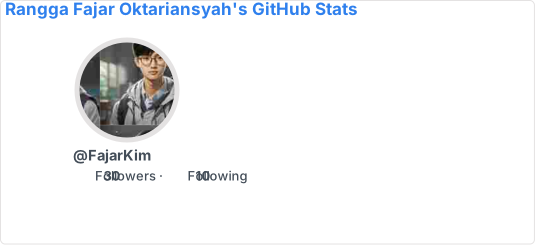
We have included a transparent theme that has a transparent background. This theme is optimized to look good on GitHub's dark and light default themes. You can enable this theme using the &theme=transparent parameter like so:
Show Example
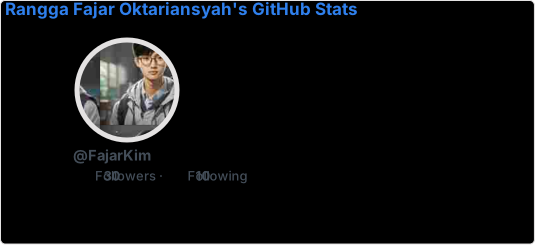
GitHub StatsYou can use the bg_color parameter to make any of the available themes transparent. This is done by setting the bg_color to a color with a transparent alpha channel (i.e. bg_color=00000000):
Show Example
GitHub StatsYou can use GitHub's theme context tags to switch the theme based on the user GitHub theme automatically. This is done by appending #gh-dark-mode-only or #gh-light-mode-only to the end of an image URL. This tag will define whether the image specified in the markdown is only shown to viewers using a light or a dark GitHub theme:
[](https://github.com/FajarKim/github-readme-profile#gh-dark-mode-only) [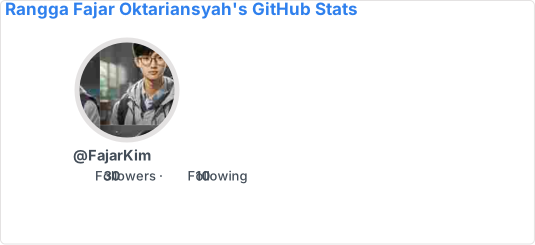](https://github.com/FajarKim/github-readme-profile#gh-light-mode-only)
You can use the bg_color parameter to make gradient color. This is done by setting the bg_color with format angle,start,end (comma-separated value).
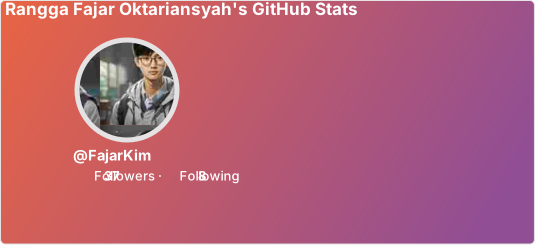
Show Example
GitHub StatsYou can pass a query parameter &hide= to hide any specific stats with comma-separated values.
Options:
&hide=repos,stars,forks,commits,prs,prs_merged,issues, contributed
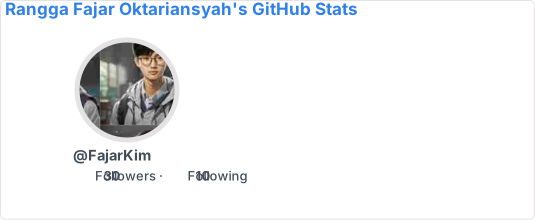
Show Example
GitHub StatsYou can pass a query parameter &show= to show any specific additional stats with comma-separated values
Options:
&show=reviews,issues_closed,discussions_started,discussions_answered
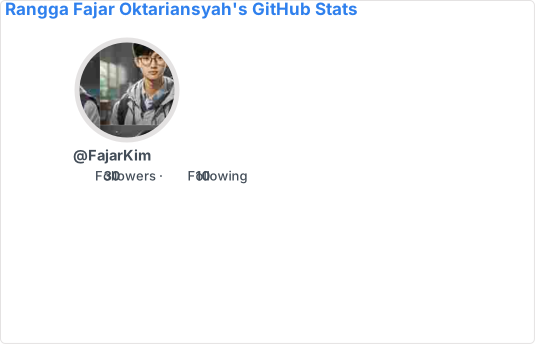
Show Example
GitHub StatsCode
Locale
en
English
ar
Arabic (العربية)
fr
French (Français)
id
Indonesian (Bahasa Indonesia)
ja
Japanese (日本語)
ko
Korean (한국어)
See more available locale. The locale code added to file should be a 2-letter abbreviation from ISO 639-1 or a 4-letter code with a language and country code (eg. id or pt-BR). Anything appearing in the list should be fine. You can also contribute new translations if you like, contributing guidelines can be found here.
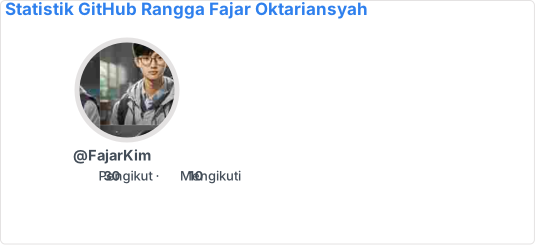
Show Example
GitHub StatsGitHub Readme Profile is released under the MIT license, which grants the following permissions:
- Commercial use
- Modification
- Distribution
- Private use
For more convoluted language, see the LICENSE.
Step-by-step guide on setting up your own Vercel instance.
- Go to vercel.com.
- Click on
Log In. - Sign in with GitHub by pressing
Continue with GitHub. - Sign in to GitHub and allow access to all repositories if prompted.
- Fork this repository.
- Go back to your Vercel dashboard.
- To import a project, click the
Add New...or+button and select theProjectoption. - Click the Continue with GitHub button, search for the required Git Repository and import it by clicking the
Importbutton. Alternatively, you can import a Third-Party Git Repository using theImport Third-Party Git Repositorylink at the bottom of the page. - Create a personal access token (PAT) here and enable the
repoanduserpermissions (this allows access to see private repo and user stats). - Add the PAT as an environment variable named
GH_TOKEN. - In build and output settings, you set install command toggle and add command
npm install typescript. - Click deploy, and you're good to go. See your domains to use the API!
This repository contains forked from tuhinpal/readme-stats-github and inspired from anuraghazra/github-readme-stats.
Love the project? Please consider donating to help it improve!
Are you considering supporting the project by donating to me? Please DO NOT!!
Please visit this link and make a small donation to help the people in need. A small donation goes a long way. ❤️
Contributions are welcome!
Specially thanks ❤️ for contributors bellow:
Want to contribute? Please note our contribution guidelines here.

Made with ❤️ and TypeScript
Copyright © 2023-present Rangga Fajar Oktariansyah